启动Docker 提示WSL update failed
·
表现如下

Docker Desktop - WSL update failed
An error occurred while updating WSL.
You can manually update using wsl --update.
If the issue persists, collect diagnostics and submit an issue .
wsl update failed: update failed: updating wsl: wsl.exe --update --web-download not supported
一:基础环境检查与配置
以管理员身份运行PowerShell,执行以下命令
dism.exe /online /enable-feature /featurename:Microsoft-Hyper-V /all /norestart
dism.exe /online /enable-feature /featurename:VirtualMachinePlatform /all /norestart
重启电脑使配置生效
二:设置WSL 2为默认版本
wsl --set-default-version 2
若仍失败,尝试关闭代理或加速器后重试
三:强制更新WSL
wsl --update --web-download

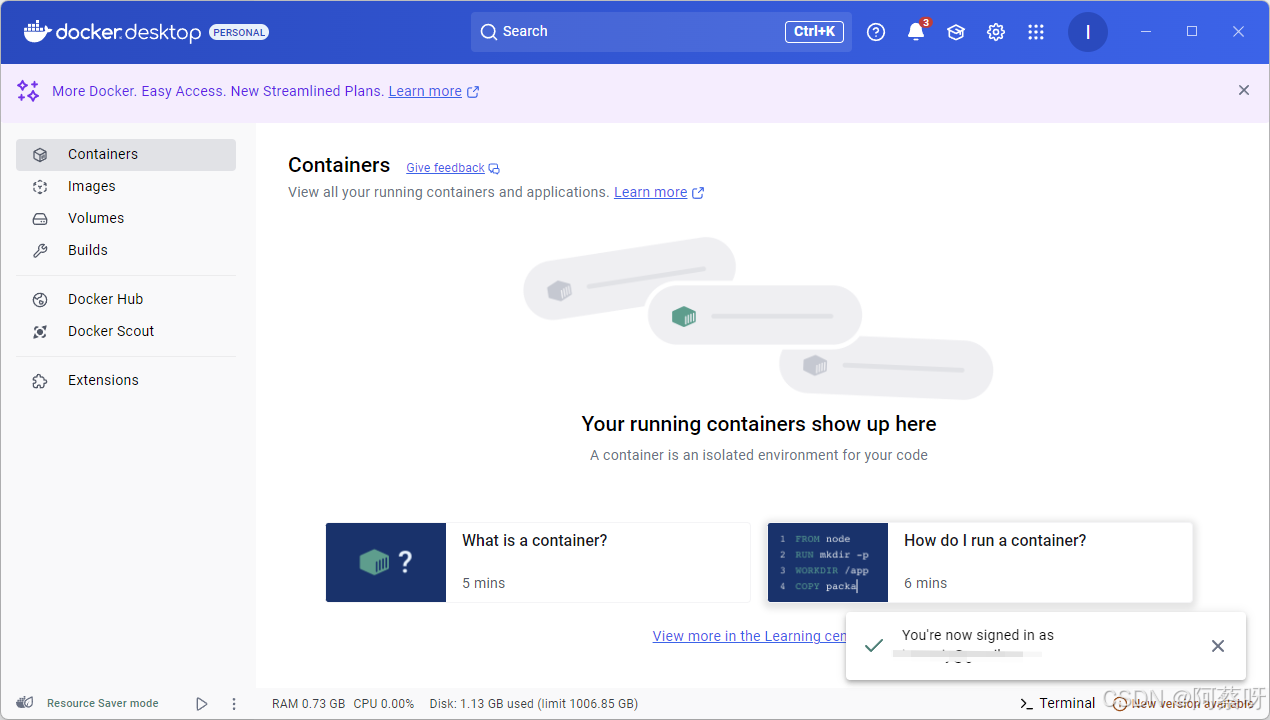
重新启动,无再次提示WSL update failed

腾讯云面向开发者汇聚海量精品云计算使用和开发经验,营造开放的云计算技术生态圈。
更多推荐
 13
13 0
0- 0


 已为社区贡献2条内容

所有评论(0)