【Docker安装使用superset】数据可视化工具
·
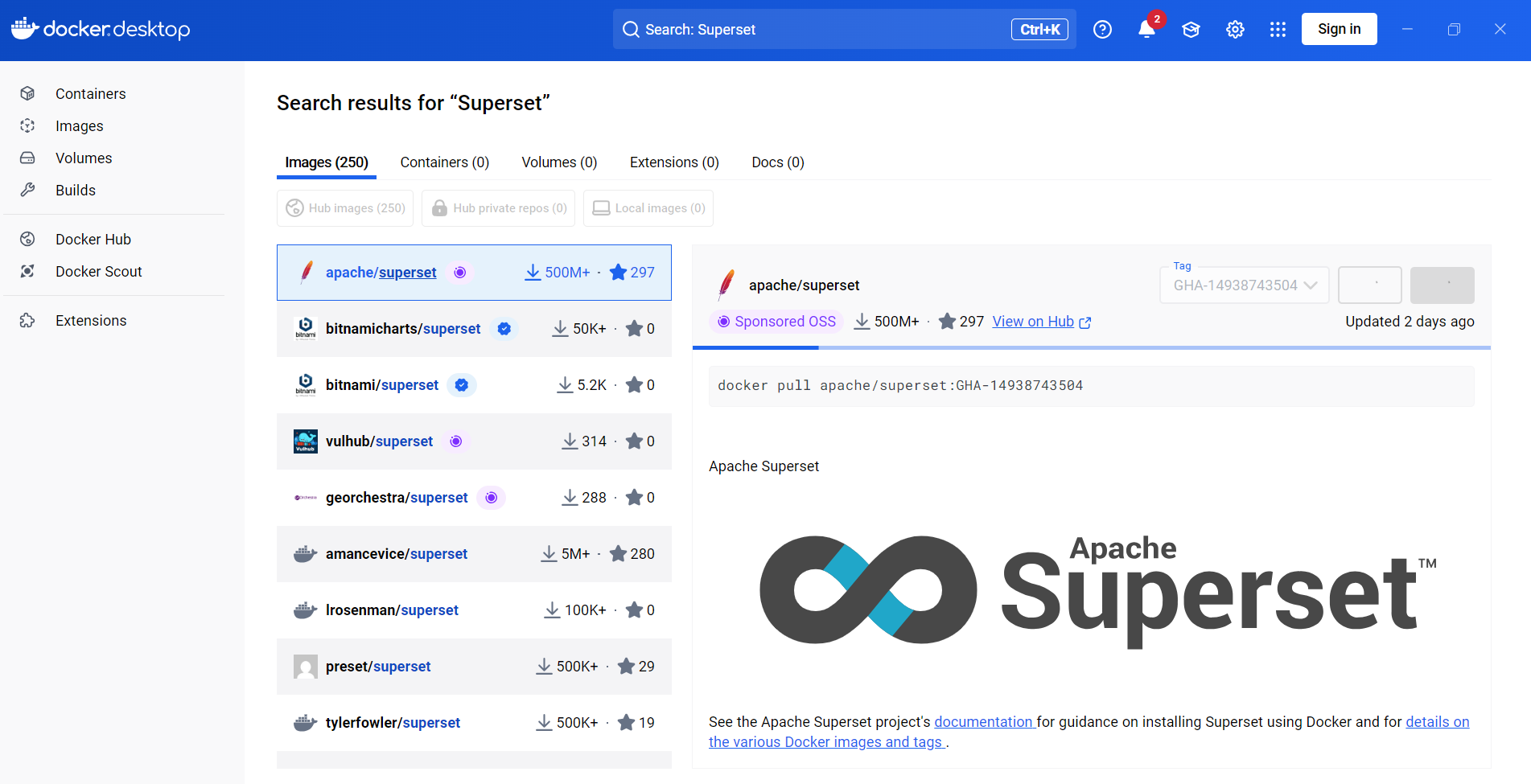
docker pull apache/superset:GHA-14938743504
我下载的是apache/superset:GHA-14938743504
1.配置superset_config.py
新建文件E:/supersetLocalData/pythonpath/superset_config.py
# Superset specific config
ROW_LIMIT = 5000

# Flask App Builder configuration
# Your App secret key will be used for securely signing the session cookie在这里插入图片描述

# and encrypting sensitive information on the database
# Make sure you are changing this key for your deployment with a strong key.
# Alternatively you can set it with `SUPERSET_SECRET_KEY` environment variable.
# You MUST set this for production environments or the server will refuse
# to start and you will see an error in the logs accordingly.
SECRET_KEY = 'iA9v7JkK0gQwPqX3mZtLlF5sVrNpQ2eT8uYd4cRfW0xHnLb7zXjE='  # YOUR_OWN_RANDOM_GENERATED_SECRET_KEY

# The SQLAlchemy connection string to your database backend
# This connection defines the path to the database that stores your
# superset metadata (slices, connections, tables, dashboards, ...).
# Note that the connection information to connect to the datasources
# you want to explore are managed directly in the web UI
# The check_same_thread=false property ensures the sqlite client does not attempt
# to enforce single-threaded access, which may be problematic in some edge cases
SQLALCHEMY_DATABASE_URI = 'sqlite:////app/pythonpath/superset.db'

# Flask-WTF flag for CSRF
WTF_CSRF_ENABLED = True
# Add endpoints that need to be exempt from CSRF protection
WTF_CSRF_EXEMPT_LIST = []
# A CSRF token that expires in 1 year
WTF_CSRF_TIME_LIMIT = 60 * 60 * 24 * 365

# Set this API key to enable Mapbox visualizations
MAPBOX_API_KEY = ''
如果你计划长期使用 Superset,建议使用更持久的数据库(如 PostgreSQL)而不是默认的 SQLite。
SQLALCHEMY_DATABASE_URI = 'postgresql://username:password@localhost:5432/databasename'
2.挂载启动superset的容器
docker run -d -p 8088:8088 --name superset -v E:/supersetLocalData/pythonpath:/app/pythonpath apache/superset:GHA-14938743504
3.初始化 Superset
对于较新的 Apache Superset Docker 镜像(尤其是 1.0+ 版本之后),需要使用如下方式来初始化数据库和创建管理员用户:
1.进入容器的命令行界面
✅ 步骤一:进入容器内部
docker exec -it superset bash
✅ 步骤二:手动升级数据库(替代 superset-init)
进入容器后:
superset db upgrade
这个命令会初始化或升级 Superset 的元数据库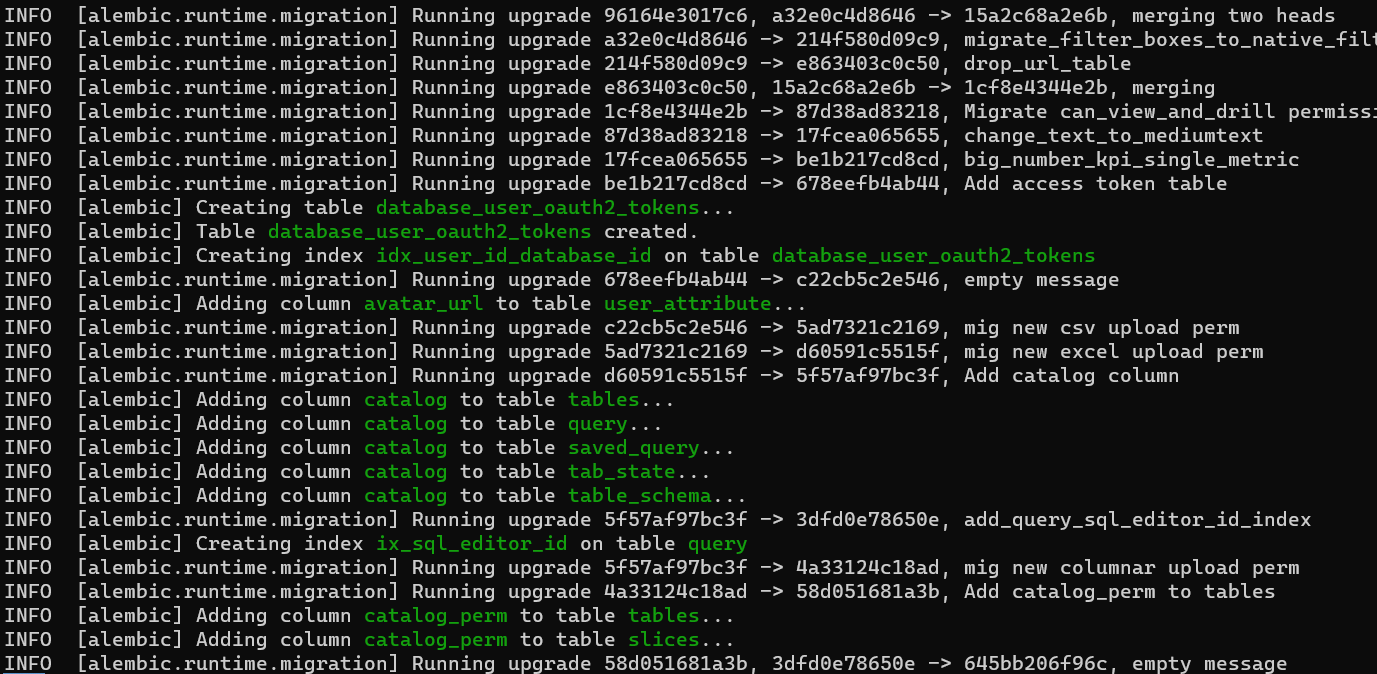
运行成功会有很多INFO
✅ 步骤三:创建管理员用户(如果提示用户已存在可以跳过)
superset fab create-admin
系统会提示你输入用户名、邮箱和密码,用于创建管理员账户。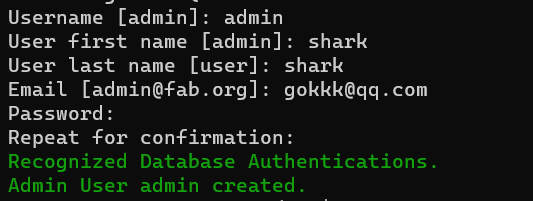
这里用户名密码都是admin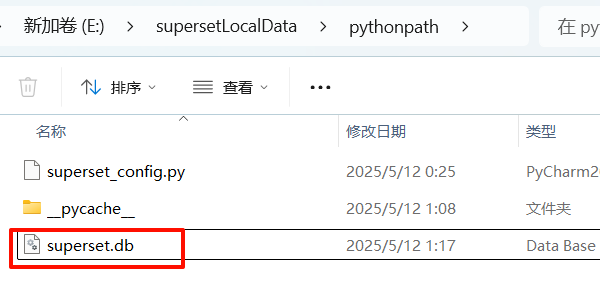
打开superset.db数据库,创建的用户在ab_user表中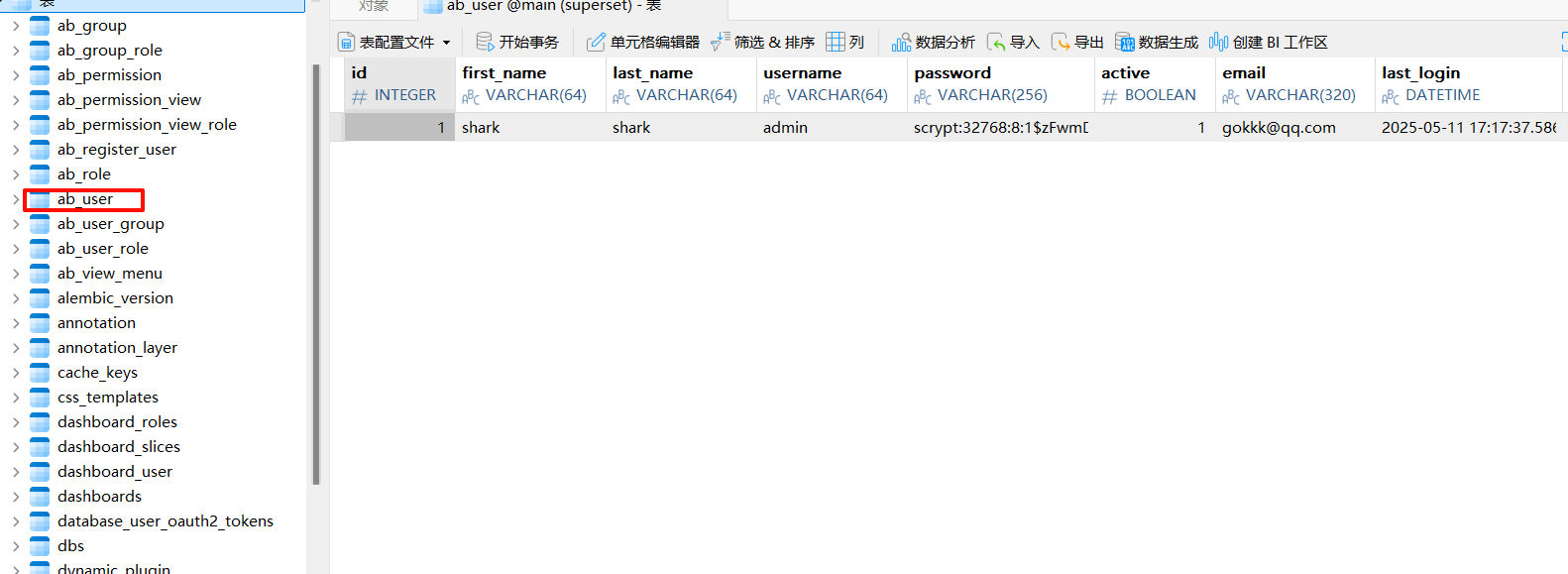
✅ 步骤四:加载示例数据(可选)
如果你想加载一些示例数据来体验 Superset
superset load-examples
✅ 步骤五:初始化权限(可选)
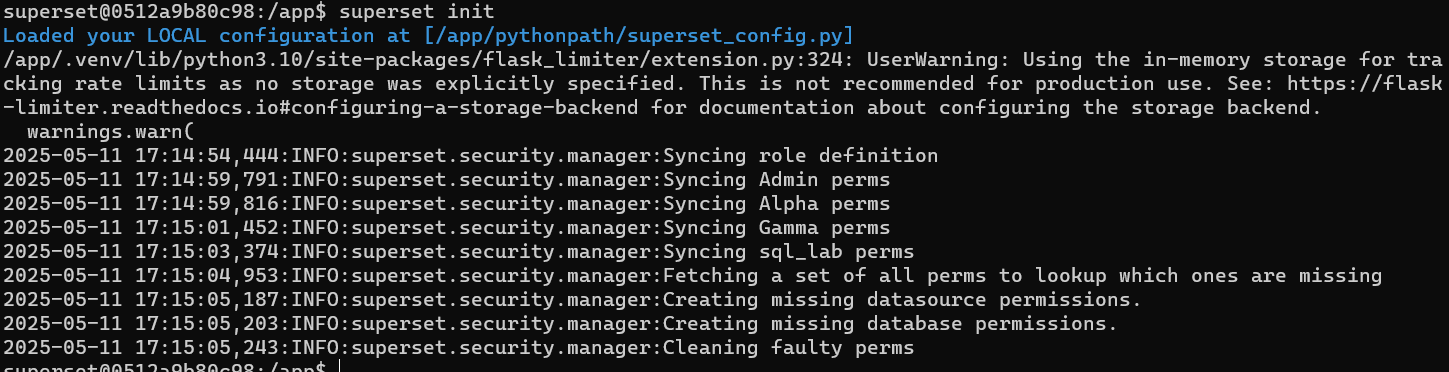
superset init
这个命令会初始化角色权限和菜单等基础设置。
✅ 最后测试访问
打开浏览器访问:http://localhost:8088
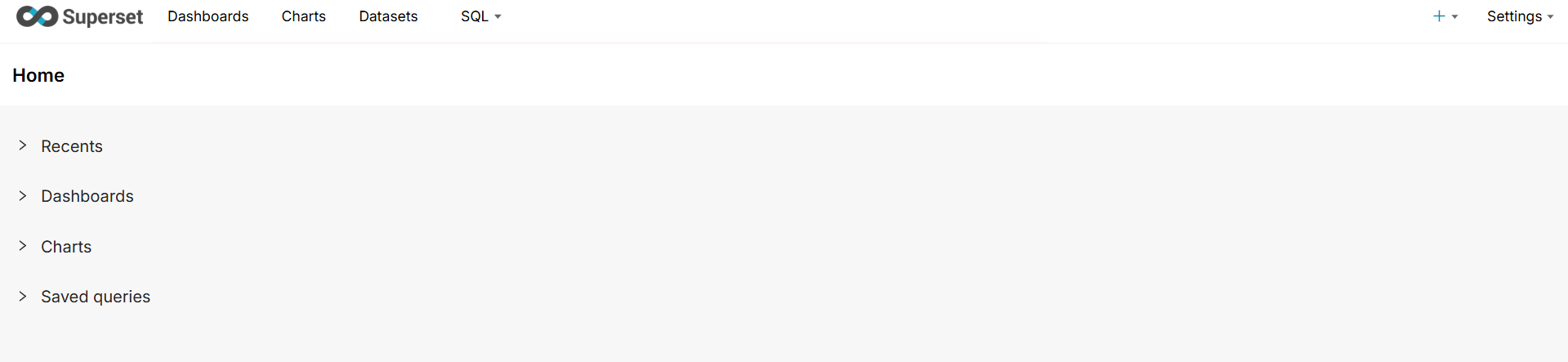
用你创建的管理员账号登录,应该就能正常看到仪表板和数据了!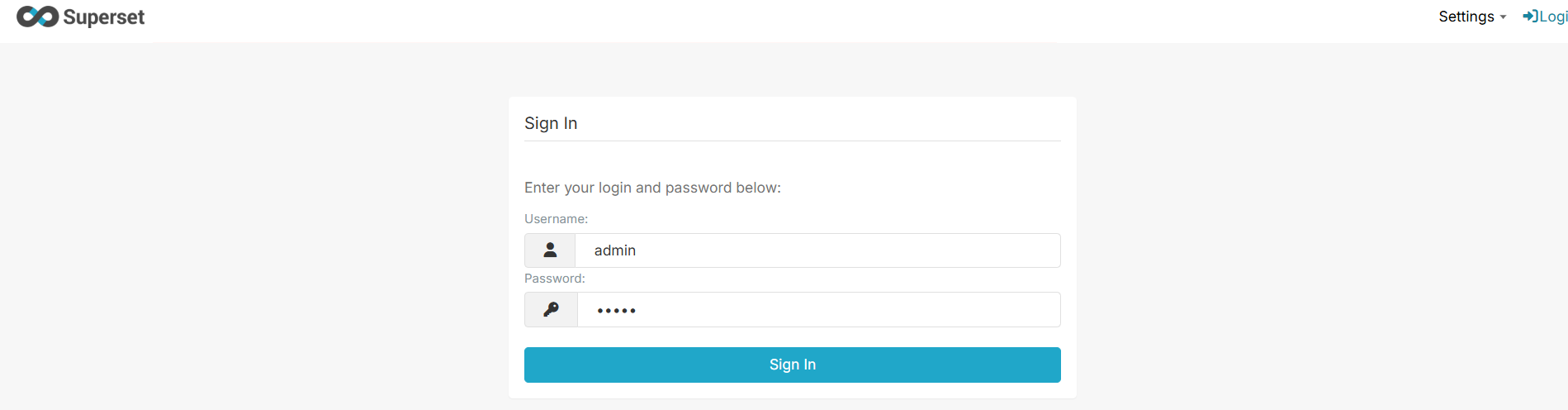

腾讯云面向开发者汇聚海量精品云计算使用和开发经验,营造开放的云计算技术生态圈。
更多推荐
 3
3 0
0- 0


 已为社区贡献2条内容

所有评论(0)