向量数据库Qdrant 安装 不使用docker
Qdrant 安装,不使用docker的方式
一、导读
环境:Ubuntu 24.04、Windows 10、WSL 2、Qdrant 1.13.4
背景:换了新工作,使用qdrant作为向量库,需要不使用docker安装
时间:20250415
说明:初入职,不了解,暂且记下
二、原文参考
参考地址:不使用docker的方式安装qdrant - Stack Overflow
1、原文截图
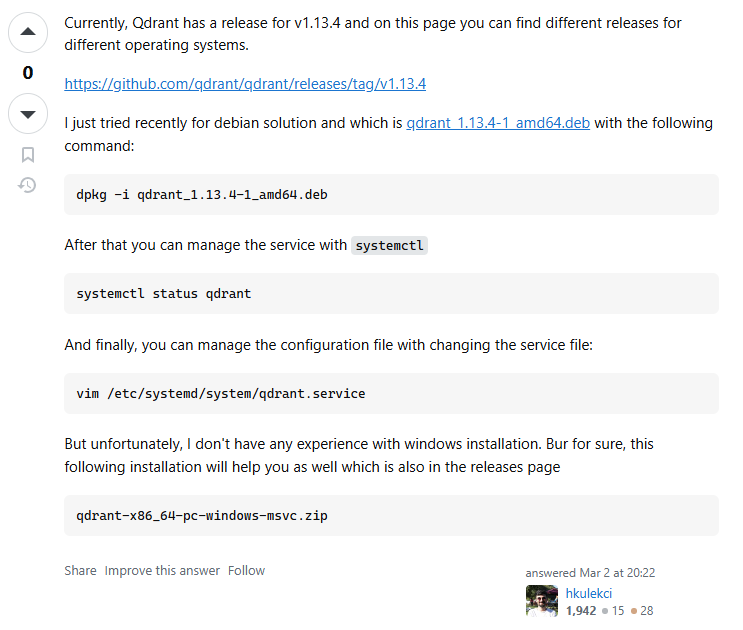
2、译文截图
3、原文内容
Currently, Qdrant has a release for v1.13.4 and on this page you can find different releases for different operating systems.
https://github.com/qdrant/qdrant/releases/tag/v1.13.4
I just tried recently for debian solution and which is qdrant_1.13.4-1_amd64.deb with the following command:
dpkg -i qdrant_1.13.4-1_amd64.deb
After that you can manage the service with systemctl
systemctl status qdrant
And finally, you can manage the configuration file with changing the service file:
vim /etc/systemd/system/qdrant.service
But unfortunately, I don't have any experience with windows installation. Bur for sure, this following installation will help you as well which is also in the releases page
qdrant-x86_64-pc-windows-msvc.zip
三、docker安装方式
1、拉取qdrant
docker pull qdrant/qdrant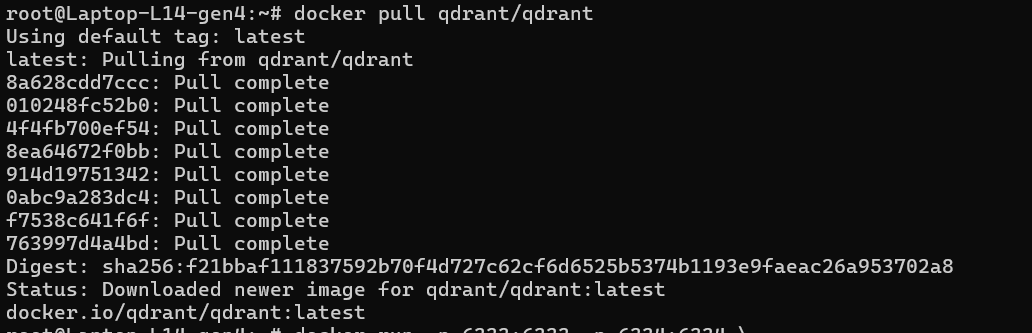
2、运行
docker run -p 6333:6333 -p 6334:6334 \
    -v "$(pwd)/qdrant_storage:/qdrant/storage:z" \
    qdrant/qdrant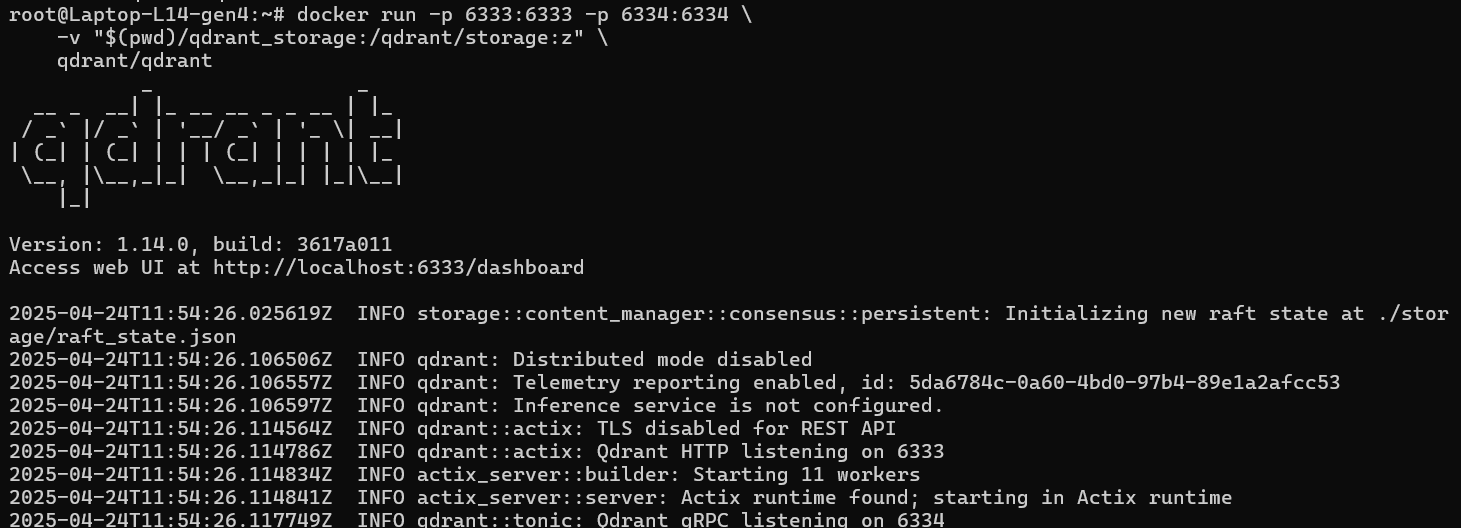
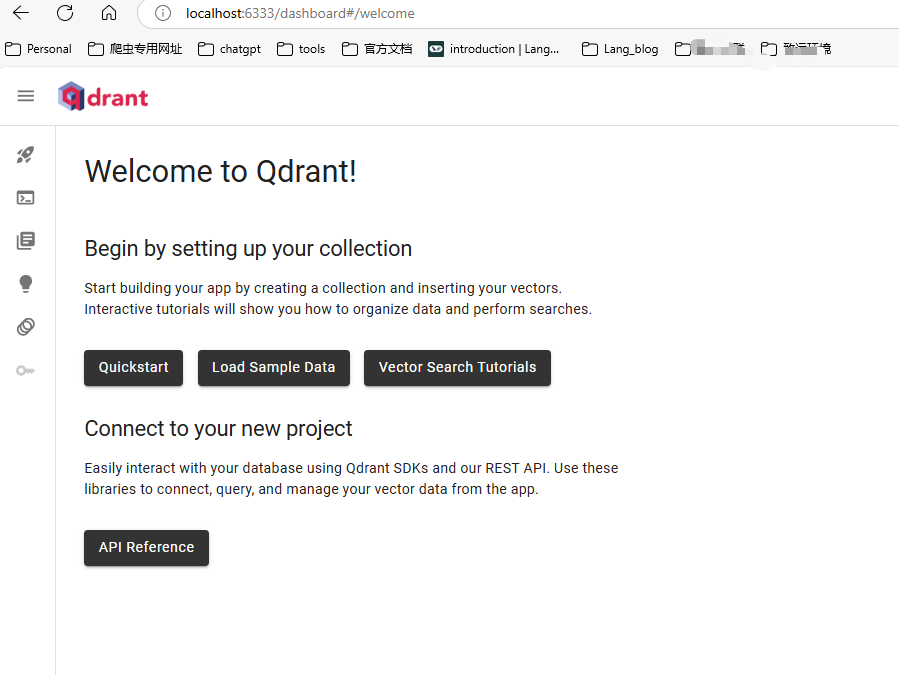
3、页面测试
链接:http://localhost:6333/dashboard
4、自带的链接
- REST API: localhost:6333
- GRPC API: localhost:6334
5、python简单实现
略 (996,太累,有时间再写点吧)

腾讯云面向开发者汇聚海量精品云计算使用和开发经验,营造开放的云计算技术生态圈。
更多推荐
 5
5 0
0- 0


 已为社区贡献12条内容

所有评论(0)