LangChain4j向量化+Qdrant向量数据库存储
文本向量化
向量是用于表示具有大小和方向的量。文本向量化 (Text Vectorization) 是将文本数据 (如单词、句子、段落) 转换为数值向量的过程,使计算机能够理解和处理自然语言。
向量化三件套
- 向量化模型 (Embedding Model): 将文本、图像和视频转换为向量的浮点数数组。其核心目标是捕捉数据的语义、结构或行为特征,使相似数据在向量空间中距离更近,从而支持高效检索、分类、推荐等下游任务。
- 向量化存储 (Embedding Store): 是一种用于存储和检索高维向量数据的数据库或存储解决方案。它执行的是相似性搜索,而不是精确匹配。其核心功能是为高维向量数据提供高效的存储、索引和检索能力,支持基于相似性的快速查询。
- 向量化查询 (Embedding Search Request): 是一种通过向量相似性匹配实现高效检索的技术,其核心在于将数据 (如文本、图像) 转换为低维稠密向量,并通过计算向量间的相似度 (如余弦相似度、欧氏距离) 来召回与查询最相关的结果。
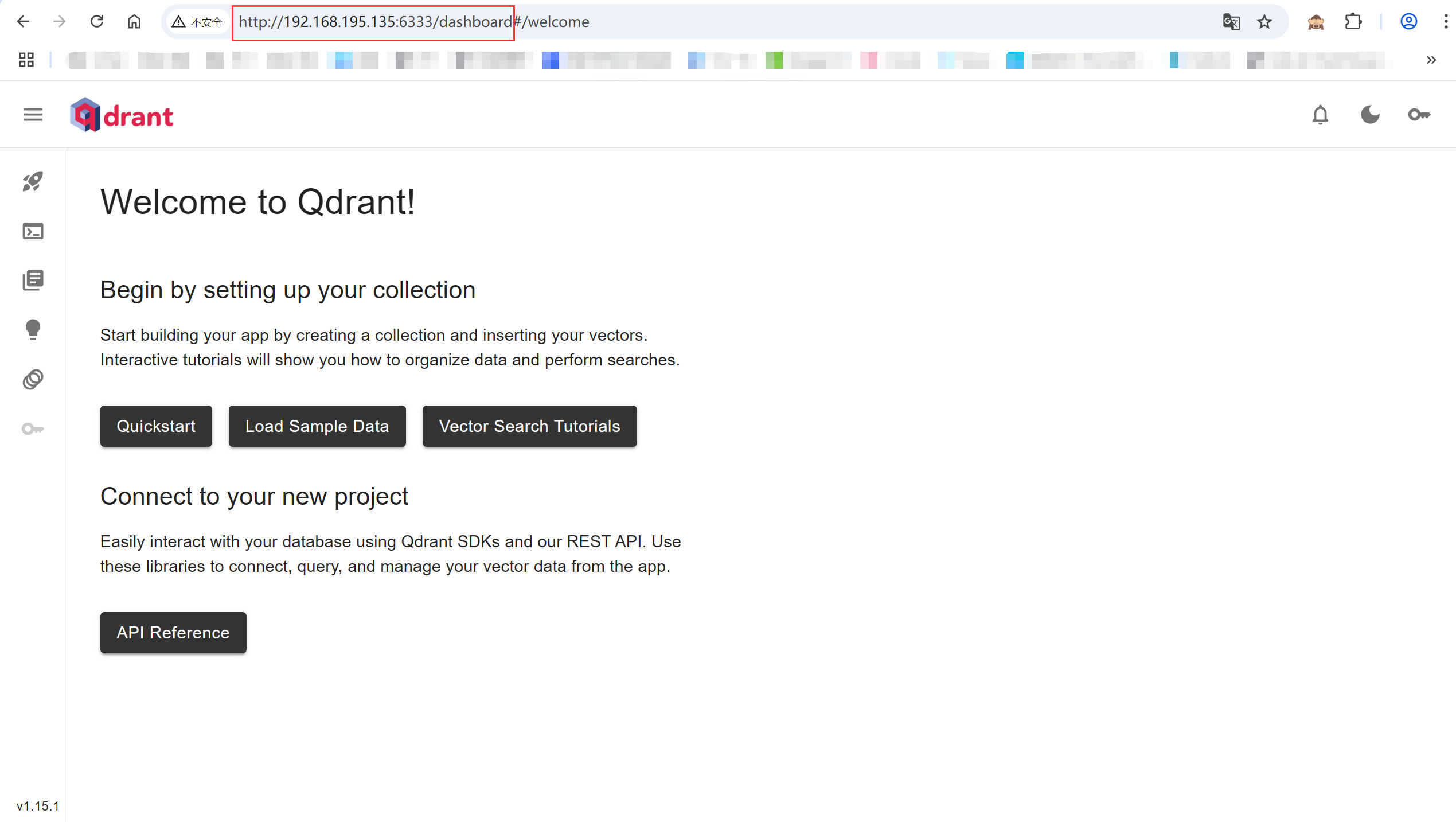
Qdrant安装
docke安装:docker run --name=qdrant -p 6333:6333 -p 6334:6334 qdrant/qdrant
端口6333: 用于HTTP API,浏览器Web界面
端口6334: 用于gRPC API
Qdrant浏览器Web地址: http://192.168.195.135:6333/dashboard
向量化及存储
1. 引入依赖
<dependencies>
    <dependency>
        <groupId>org.springframework.boot</groupId>
        <artifactId>spring-boot-starter-web</artifactId>
    </dependency>
    <!-- LangChain4j原生 基础-->
    <dependency>
        <groupId>dev.langchain4j</groupId>
        <artifactId>langchain4j-open-ai</artifactId>
    </dependency>
    <!-- LangChain4j原生 高阶-->
    <dependency>
        <groupId>dev.langchain4j</groupId>
        <artifactId>langchain4j</artifactId>
    </dependency>
    <!-- qdrant -->
    <dependency>
        <groupId>dev.langchain4j</groupId>
        <artifactId>langchain4j-qdrant</artifactId>
    </dependency>
    <dependency>
        <groupId>org.projectlombok</groupId>
        <artifactId>lombok</artifactId>
        <optional>true</optional>
    </dependency>
</dependencies>
2. yml配置
server:
  port: 9010

spring:
  application:
    name: langchain4j-embedding
3. 主启动类
@SpringBootApplication
public class EmbeddingLangChain4jApp {

    public static void main(String[] args) {
        SpringApplication.run(EmbeddingLangChain4jApp.class, args);
    }
}
4. 配置类 LLMConfig
@Configuration
public class LLMConfig {

    @Bean(name = "qwen")
    public EmbeddingModel chatModelQwen() {
        return OpenAiEmbeddingModel.builder()
                .apiKey(System.getenv("ALIYUN_KEY"))
                .modelName("text-embedding-v3")  // 文本向量模型
                .baseUrl("https://dashscope.aliyuncs.com/compatible-mode/v1")
                .build();
    }

    // 创建Qdrant客户端
    @Bean
    public QdrantClient qdrantClient() {
        QdrantGrpcClient.Builder builder = QdrantGrpcClient.newBuilder("192.168.195.135", 6334, false);
        return new QdrantClient(builder.build());
    }

    @Bean
    public EmbeddingStore<TextSegment> embeddingStore() {
        return QdrantEmbeddingStore.builder()
                .host("192.168.195.135")
                .port(6334)
                .collectionName("test-qdrant")
                .build();
    }
}
5. 控制类 EmbeddingLangChain4jController
@RestController
public class EmbeddingLangChain4jController {

    @Resource
    private EmbeddingModel embeddingModel;

    @Resource
    private QdrantClient qdrantClient;

    @Resource
    private EmbeddingStore<TextSegment> embeddingStore;

    // 文本向量化
    // http://localhost:9010/embedding/embed
    @GetMapping("/embedding/embed")
    public String embed() {
        String msg = """
                  咏鹅
                鹅,鹅,鹅,
                曲项向天歌。
                白毛浮绿水,
                红掌拨清波。
                """;
        Response<Embedding> embeddingResponse = embeddingModel.embed(msg);
        return embeddingResponse.content().toString();
    }

    // 新建向量数据库实例和创建索引:test-qdrant
    // http://localhost:9010/embedding/createCollection
    @GetMapping("/embedding/createCollection")
    public void createCollection() {
        Collections.VectorParams vectorParams = Collections.VectorParams.newBuilder()
                .setDistance(Collections.Distance.Cosine)
                .setSize(1024)
                .build();
        qdrantClient.createCollectionAsync("test-qdrant", vectorParams);
    }

    // 向量数据库新增文本数据
    // http://localhost:9010/embedding/add
    @GetMapping("/embedding/add")
    public String add() {
        String msg = """
                  咏鹅
                鹅,鹅,鹅,
                曲项向天歌。
                白毛浮绿水,
                红掌拨清波。
                """;
        TextSegment textSegment = TextSegment.from(msg);
        textSegment.metadata().put("author", "骆宾王");
        Embedding embedding = embeddingModel.embed(textSegment).content();
        String result = embeddingStore.add(embedding, textSegment);
        return result;
    }

    // 向量数据库查询
    // http://localhost:9010/embedding/query1
    @GetMapping("/embedding/query1")
    public String query1() {
        Embedding embedding = embeddingModel.embed("咏鹅是什么").content();
        EmbeddingSearchRequest embeddingSearchRequest = EmbeddingSearchRequest.builder()
                .queryEmbedding(embedding)
                .maxResults(1)
                .build();
        EmbeddingSearchResult<TextSegment> searchResult = embeddingStore.search(embeddingSearchRequest);
        List<EmbeddingMatch<TextSegment>> matchList = searchResult.matches();
        String result = "";
        if (matchList != null && !matchList.isEmpty()) {
            result = matchList.get(0).embedded().text();
        }
        return result;
    }

    // http://localhost:9010/embedding/query2
    @GetMapping("/embedding/query2")
    public String query2() {
        Embedding embedding = embeddingModel.embed("咏鹅").content();
        EmbeddingSearchRequest embeddingSearchRequest = EmbeddingSearchRequest.builder()
                .queryEmbedding(embedding)
                .filter(metadataKey("author").isEqualTo("zzyy"))
                .maxResults(1)
                .build();
        EmbeddingSearchResult<TextSegment> searchResult = embeddingStore.search(embeddingSearchRequest);
        List<EmbeddingMatch<TextSegment>> matchList = searchResult.matches();
        String result = "";
        if (matchList != null && !matchList.isEmpty()) {
            result = matchList.get(0).embedded().text();
        }
        return result;
    }
}
6. 测试
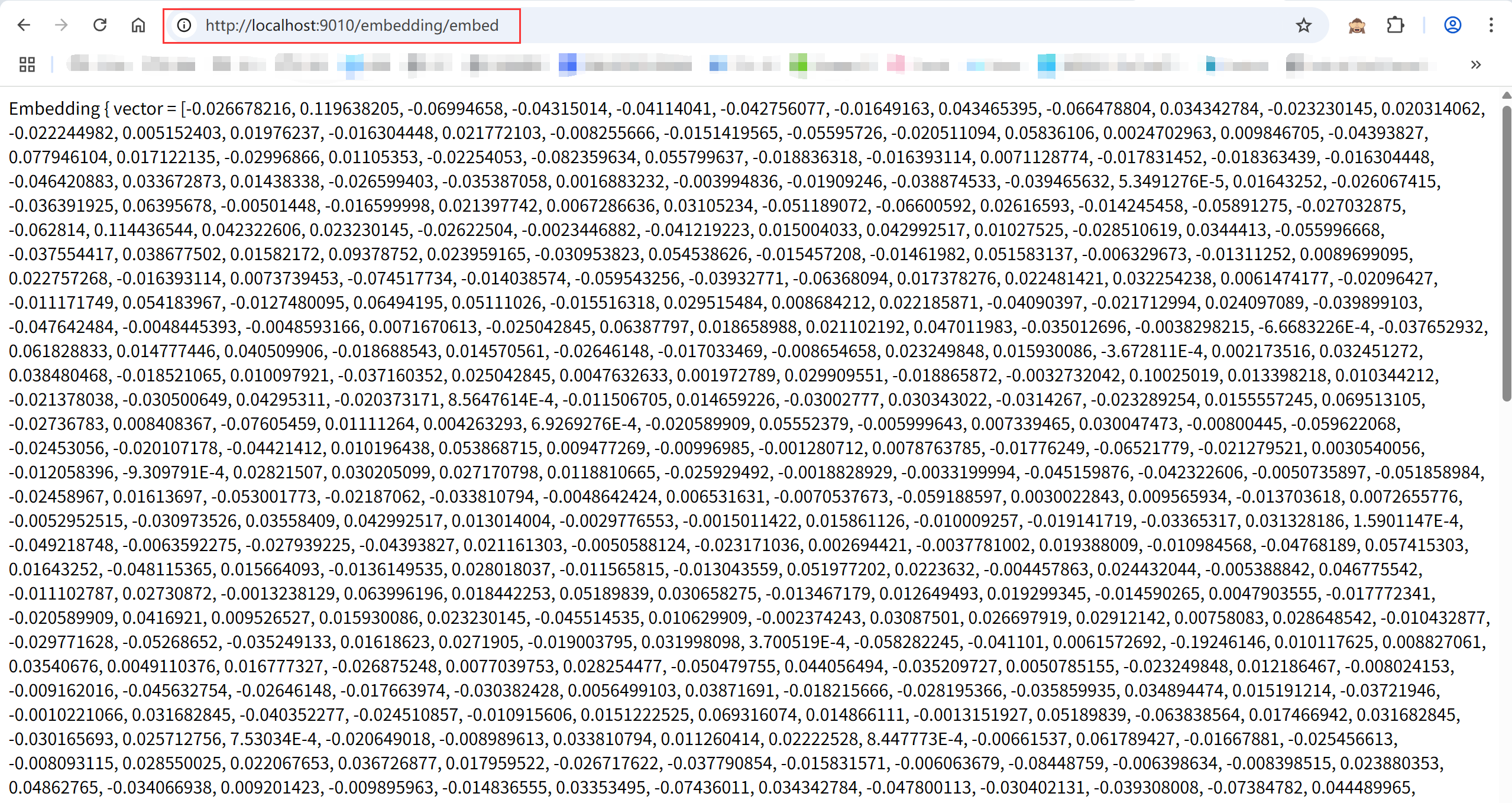
访问 http://localhost:9010/embedding/embed
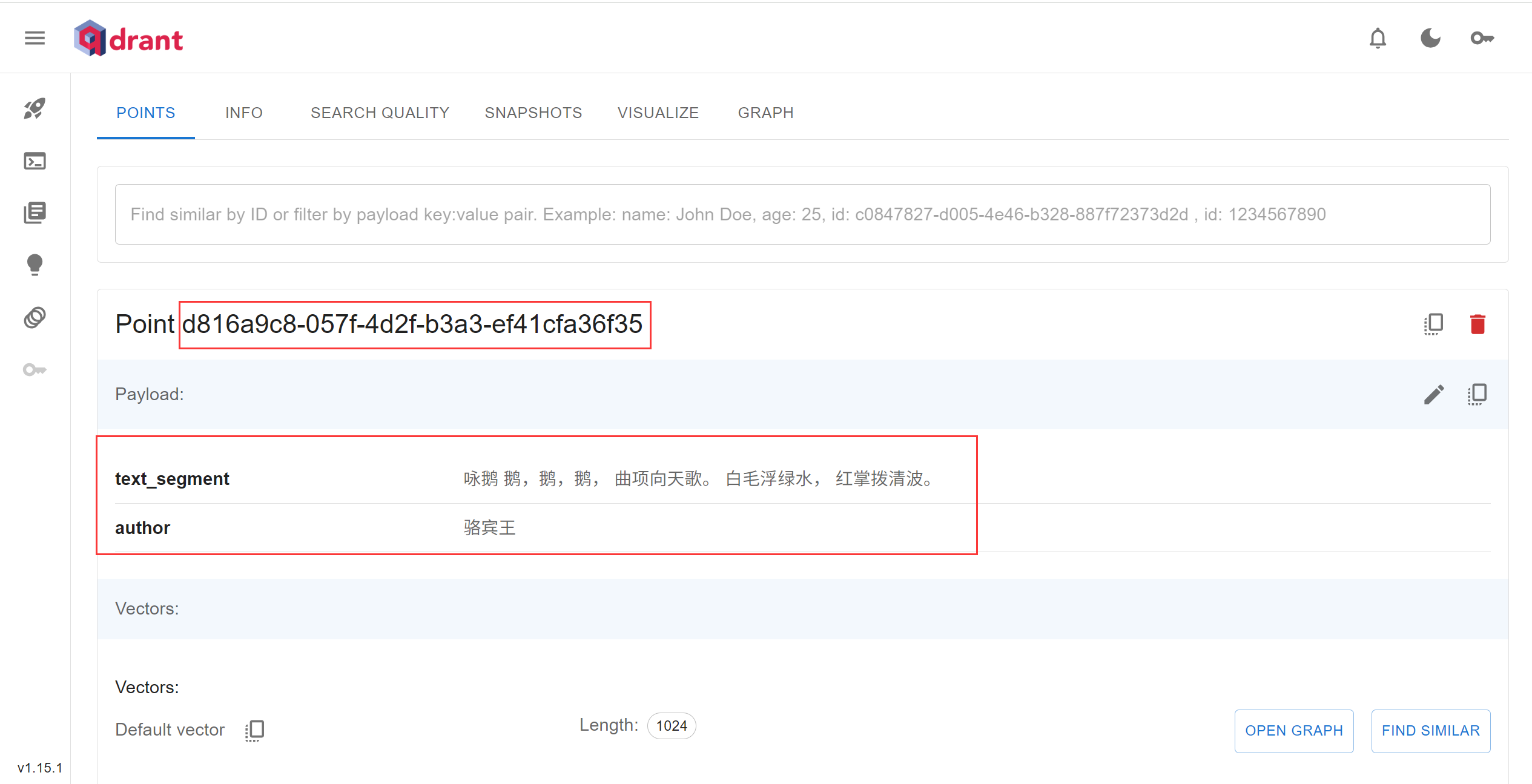
访问 http://localhost:9010/embedding/createCollection,新建向量数据库实例和创建索引:test-qdrant
访问 http://localhost:9010/embedding/add

访问 http://localhost:9010/embedding/query1

访问 http://localhost:9010/embedding/query2,返回为空
总结
以上主要介绍了 LangChain4j 向量化、Qdrant向量数据库存储相关知识,想了解更多 LangChain4j 知识的小伙伴请参考 LangChain4j 官网 进行学习,学习更多 LangChain4j 实战实用技巧的小伙伴,请关注后期发布的文章,认真看完一定能让你有所收获。

腾讯云面向开发者汇聚海量精品云计算使用和开发经验,营造开放的云计算技术生态圈。
更多推荐
 18
18 0
0- 0


 已为社区贡献2条内容

所有评论(0)