Docker学习--CentOS7上的docker安装及container-selinux >= 2:2.74错误
安装
1、首先确定自己的版本,是CentOS7及以上版本
cat /etc/redhat-release
2、卸载之前的旧版本(如果有)
sudo yum remove docker \
    docker-client \
    docker-client-latest \
    docker-common \
    docker-latest \
    docker-latest-logrotate \
    docker-logrotate \
    docker-engine
3、安装必要相关
yum -y install gcc
yum -y install gcc-c++
4、安装工具
sudo yum install -y yum-utils
5、设置镜像仓库,从国内阿里云镜像取,不然后面拉取镜像很容易超时
yum-config-manager --add-repo http://mirrors.aliyun.com/docker-ce/linux/centos/docker-ce.repo
6、更新yum软件包索引
yum makecache fast
7、安装docker引擎
yum install -y docker-ce docker-ce-cli containerd.io
8、启动docker

9、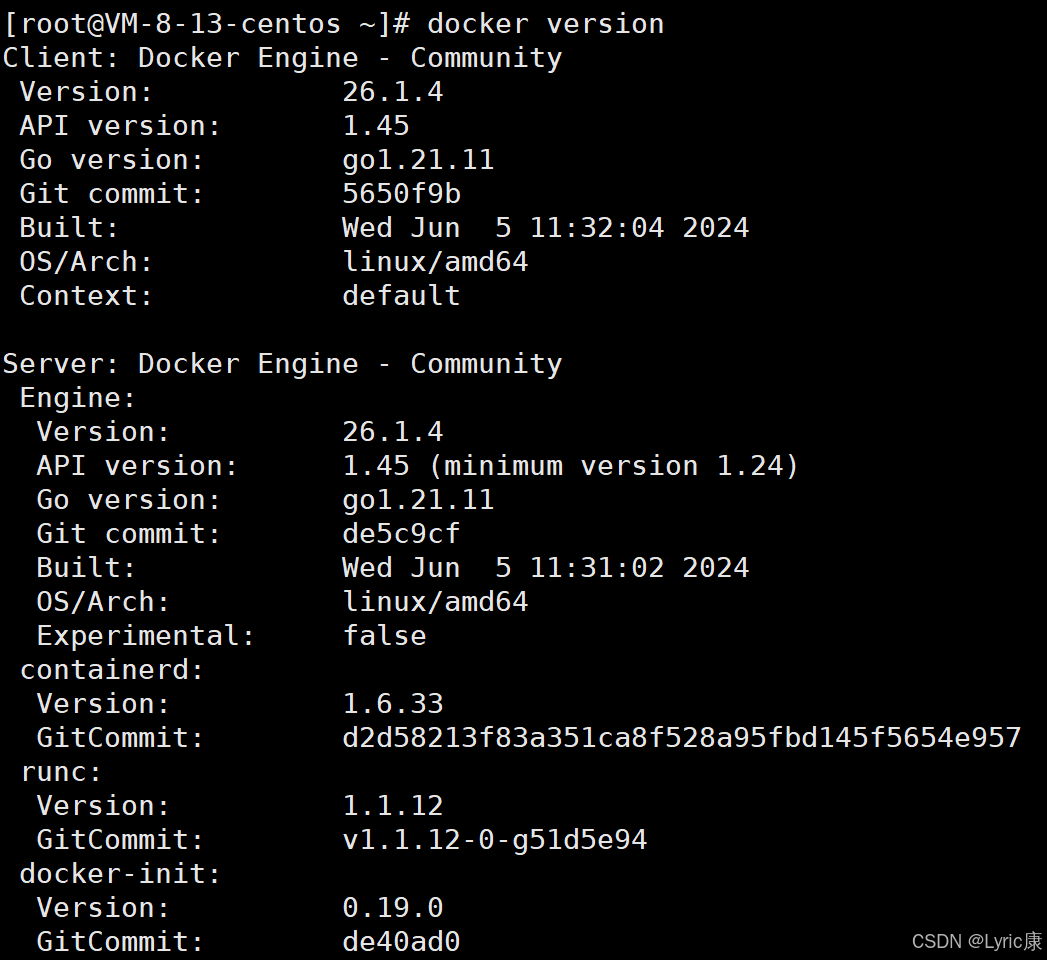
镜像加速器
由于我买的是腾讯云的轻量级服务器,所以直接用腾讯云的加速器会快一点
修改 daemon.json 配置
# 覆盖写入腾讯云内网加速器(这是腾讯云服务器的最优解)
sudo tee /etc/docker/daemon.json <<-'EOF'
{
  "registry-mirrors": ["https://mirror.ccs.tencentyun.com"]
}
EOF
重启 Docker 服务
sudo systemctl daemon-reload && sudo systemctl restart docker
测试拉取镜像(验证内网速度)
docker run hello-world
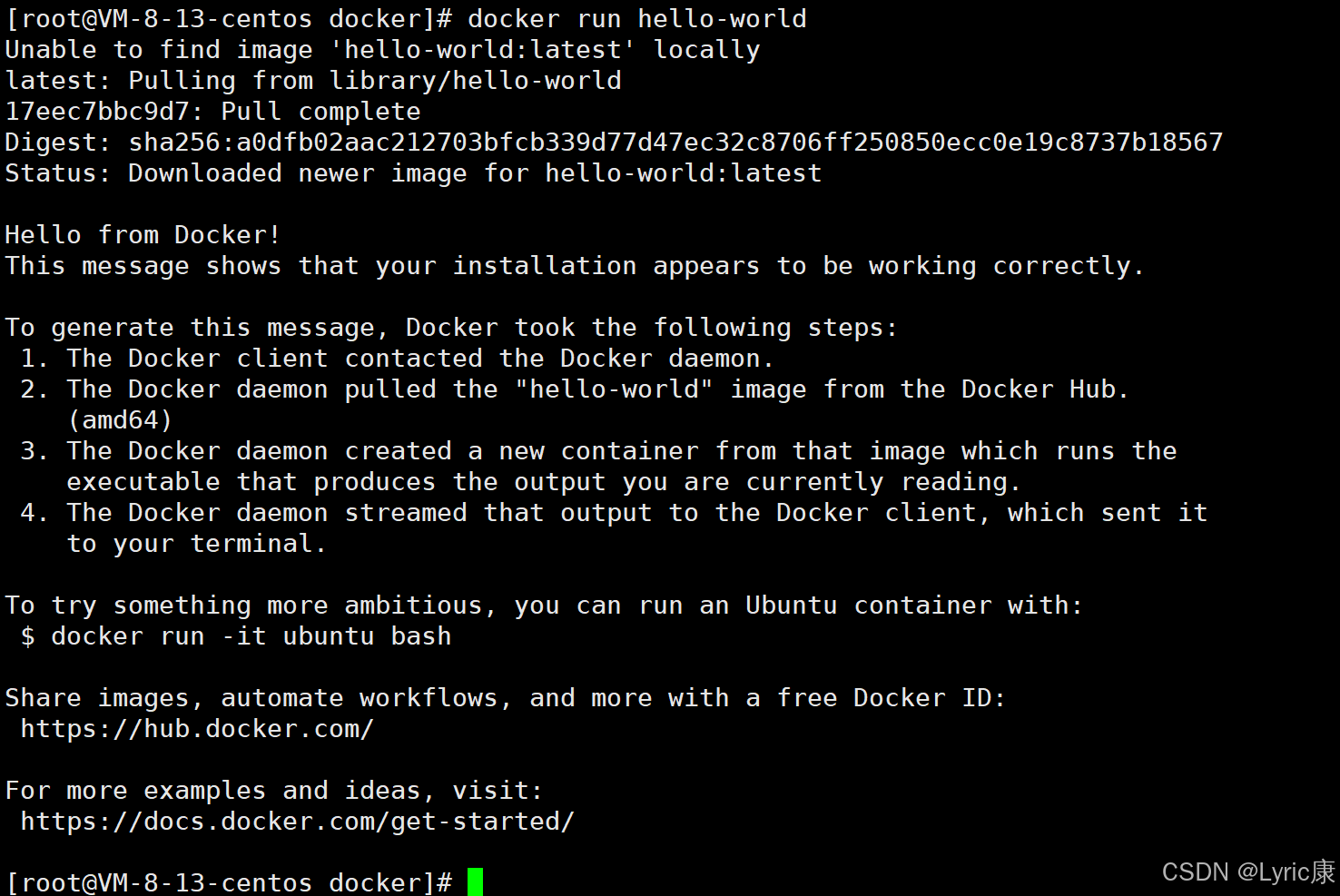
可以看到很快
安装过程中出现的错误
container-selinux >= 2:2.74错误
安装docker时报container-selinux >= 2:2.74错误
如果安装docker时出现了以下错误
Error: Package: containerd.io-1.2.13-3.2.el7.x86_64 (docker-ce-stable)
Requires: container-selinux >= 2:2.74
Error: Package: 3:docker-ce-19.03.12-3.el7.x86_64 (docker-ce-stable)
Requires: container-selinux >= 2:2.74
You could try using --skip-broken to work around the problem
You could try running: rpm -Va --nofiles --nodigest
这个报错是container-selinux版本低或者是没安装的原因
yum 安装container-selinux 一般的yum源又找不到这个包
需要安装epel源 才能yum安装container-selinux
然后在安装docker-ce就可以了。
wget -O /etc/yum.repos.d/CentOS-Base.repo http://mirrors.aliyun.com/repo/Centos-7.repo
yum install epel-release
yum makecache
yum install container-selinux
yum -y install docker-ce
原文链接:https://blog.csdn.net/weixin_44440231/article/details/125463441

腾讯云面向开发者汇聚海量精品云计算使用和开发经验,营造开放的云计算技术生态圈。
更多推荐
 23
23 0
0- 0


 已为社区贡献2条内容

所有评论(0)