react native开发Android 篇——添加阴影效果
·
react native开发Android 篇——添加阴影效果
elevation
(限Android)使用Android原生的 elevation API来设置视图的高度( elevation API)。这样可以为视图添加一个投影,并且会影响视图层叠的顺序。此属性仅支持Android5.0及以上版本。
react-native-shadow-cards
安装
yarn add react-native-shadow-cards/npm install react-native-shadow-cards --save
使用
import {Card} from 'react-native-shadow-cards';
import React, { Component } from 'react';
export default class DaysScreen extends React.Component {
	render() {
	    return (
	    	<View>
		    	<Card cornerRadius={0} opacity={0.3} elevation={5} style={styles.todayContainer}>
                    <View style={styles.todayDate} >
                        <View style={styles.topLeft}>
                            <Text style={styles.date}>{todayDate}</Text>
                            <Text style={styles.LunarDate}>{todayLunarDate}</Text>
                        </View>
                        <Text style={styles.topRight}>{todayWeek}</Text>
                    </View>
                </Card>
	    	</View>
	    )
	}
参数:
| Property | Type | Default |
|---|---|---|
| backgroundColor | string | ‘#ffffff’ |
| elevation(层级) | number | 3 |
| cornerRadius(圆角) | number | 5 |
| opacity | number | 0.5 |
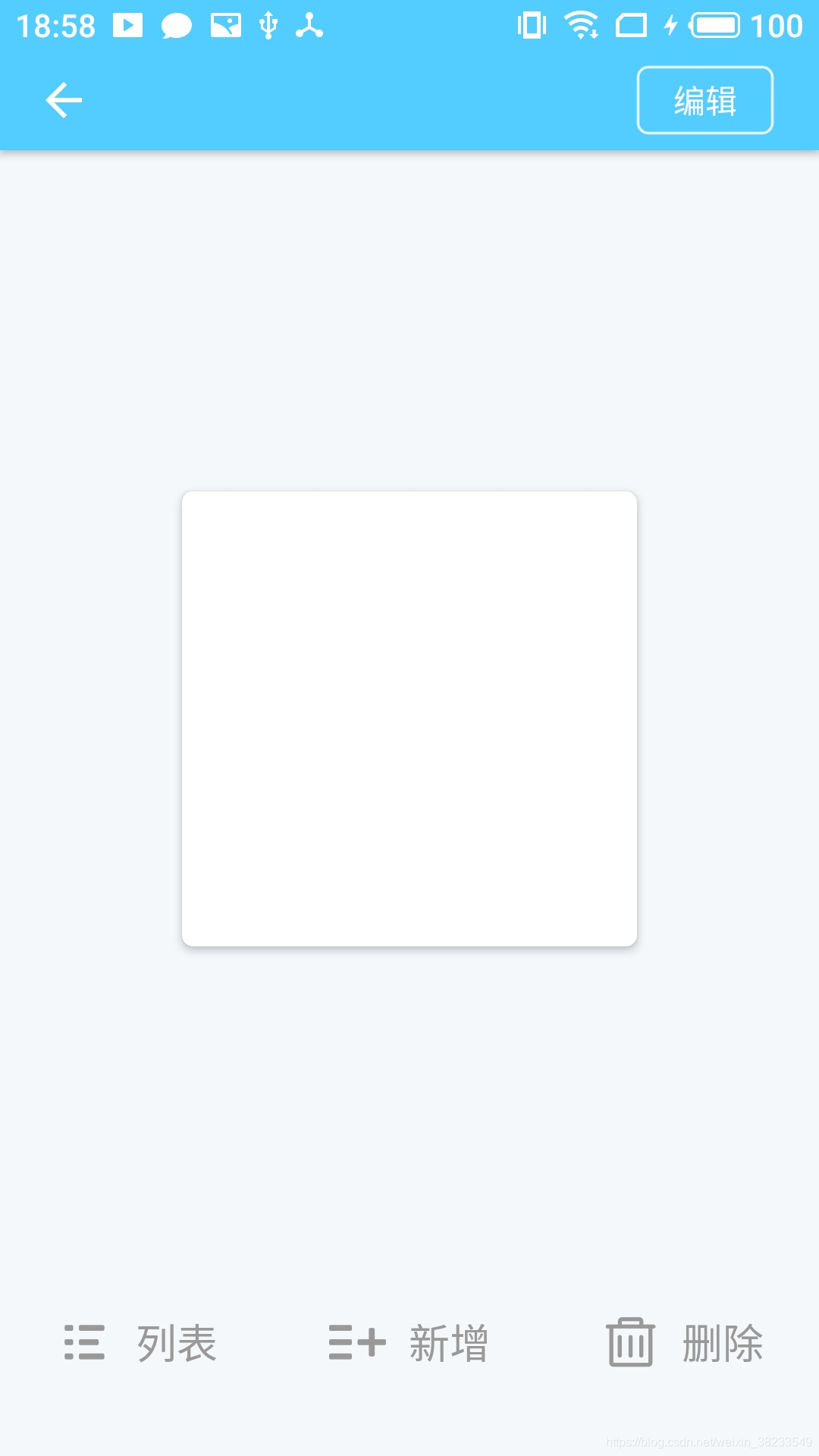
效果图:
react-native-shadow
安装
yarn add react-native-shadow/npm install react-native-shadow --save
yarn add react-native-svg@X.X.X
react-native link react-native-svg
注意:react-native-svg的版本要与与react-native的版本相对应,否则是没有效果的。
svg版本详情
| react-native-svg | react-native |
|---|---|
| 3.2.0 | 0.29 |
| 4.2.0 | 0.32 |
| 4.3.0 | 0.33 |
| 4.4.0 | 0.38 |
| 4.5.0 | 0.40 |
| 5.1.8 | 0.44 |
| 5.2.0 | 0.45 |
| 5.3.0 | 0.46 |
| 5.4.1 | 0.47 |
| 5.5.1 | >=0.50 |
| >=6 | >=0.50 |
| >=7 | >=0.57.4 |
| >=8 | >=0.57.4 |
| >=9 | >=0.57.4 |
使用
import React, { Component } from 'react';
import { Animated, Easing, StyleSheet, View, Text, Button, TouchableHighlight } from "react-native";
import {BoxShadow } from 'react-native-shadow'

export default class IndexScreen extends React.Component {

    constructor(props) {
        super(props);
        this.state = {
        }
    }

    render() {
        return (
            <View style={styles.container}>
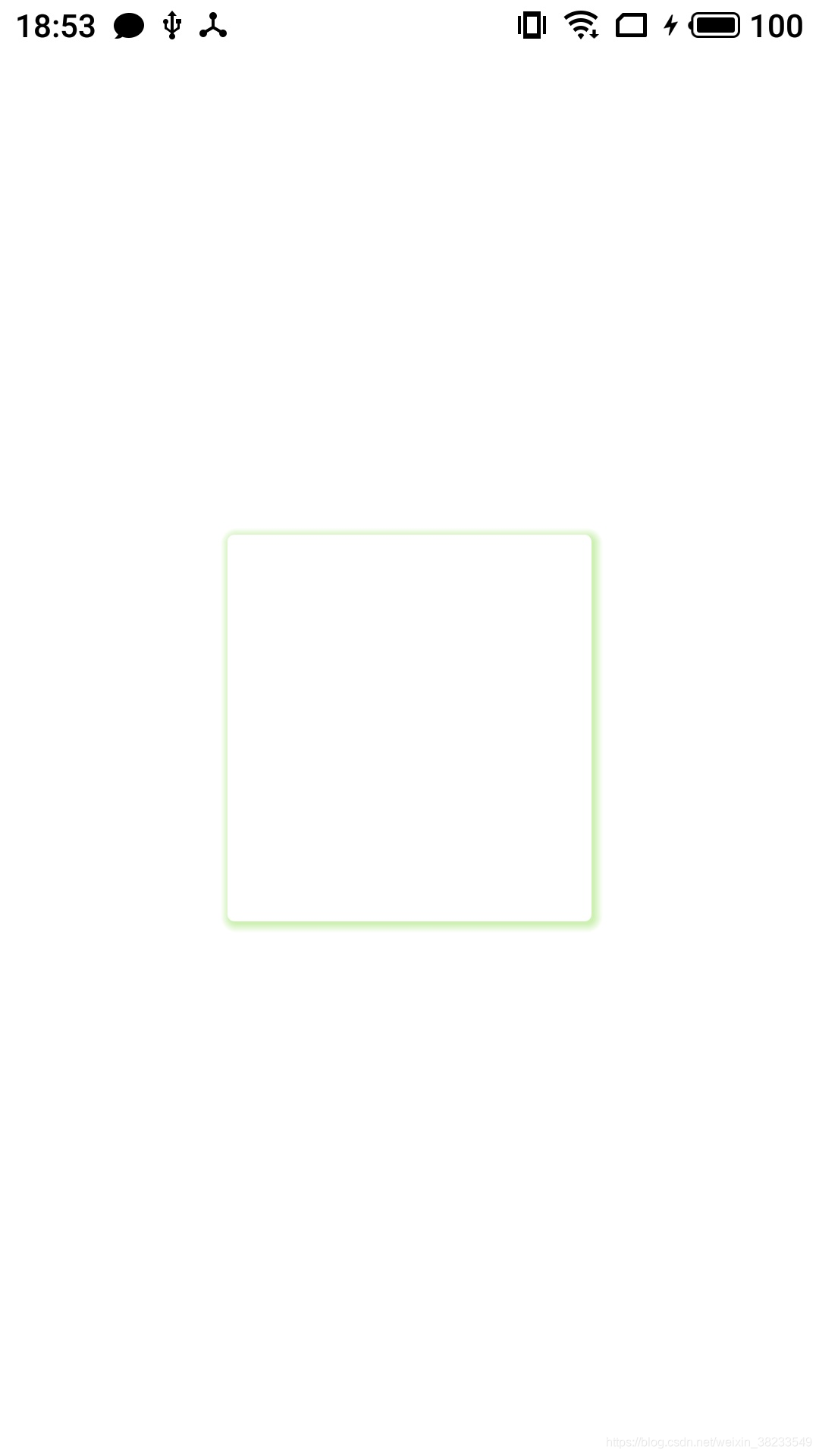
                <BoxShadow  setting={{
                    width: 160,
                    height: 170,
                    color: '#84D945',
                    border: 4,
                    radius: 3,
                    opacity: 0.4,
                    x: 1,
                    y: 1,
                    style:{marginVertical:5}
                }} >
                    <TouchableHighlight style={styles.box}>
                        <Text></Text>
                    </TouchableHighlight>
                </BoxShadow>
            </View>
        )
    }
}
var styles = StyleSheet.create({
    container: {
        flex: 1,
        alignItems: 'center',
        justifyContent: "center"
    },
    Shadow:{
        marginVertical:5
    },
    box: {
        position: 'relative',
        width: 160,
        height: 170,
        backgroundColor: '#fff',
        borderRadius: 3,
        overflow: 'hidden',
      },
})

腾讯云面向开发者汇聚海量精品云计算使用和开发经验,营造开放的云计算技术生态圈。
更多推荐
 2
2 0
0- 0


 已为社区贡献4条内容

所有评论(0)