webRtc 视频通信(没有信令服务器版)
·
1.上才艺!!!
<!DOCTYPE html>
<html lang="en">
  <head>
    <meta charset="UTF-8" />
    <meta name="viewport" content="width=device-width, initial-scale=1.0" />
    <title>WebRTC Demo</title>
    <style>
      video {
        width: 400px;
      }
    </style>
  </head>
  <body>
    <video id="localVideo" autoplay></video>
    <video id="remoteVideo" autoplay></video>

    <div>
      <button id="startBtn">打开摄像头</button>
      <button id="callBtn">建立远程连接</button>
      <button id="hangupBtn">断开远程连接</button>
      <button id="photoBtn" disabled>拍照</button>
    </div>

    <canvas id="photoContainer"></canvas>
  </body>
  <script>
    const startBtn = document.getElementById("startBtn");
    const callBtn = document.getElementById("callBtn");
    const hangupBtn = document.getElementById("hangupBtn");
    const photoBtn = document.getElementById("photoBtn");
    const photoContainer = document.getElementById("photoContainer");
    const photoCtx = photoContainer.getContext("2d");

    startBtn.addEventListener("click", startHandle);
    callBtn.addEventListener("click", callHandle);
    hangupBtn.addEventListener("click", hangupHandle);
    photoBtn.addEventListener("click", photoHandle);

    // 本地流
    let localStream;
    // 远端流
    let remoteStream;

    // 本地连接对象
    let localPeerConnection;
    // 远端连接对象
    let remotePeerConnection;

    // 本地视频
    const localVideo = document.getElementById("localVideo");
    // 远端视频
    const remoteVideo = document.getElementById("remoteVideo");

    // 设置约束
    const mediaStreamConstraints = {
      video: true,
    };

    // 仅交换视频
    const offerOptions = {
      offerToReceiveVideo: 1,
    };

    function startHandle() {
      console.log("开启本地摄像头");
      startBtn.disabled = true;
      navigator.mediaDevices
        .getUserMedia(mediaStreamConstraints)
        .then(setLocalMediaStream)
        .catch((err) => {
          console.error("getUserMedia", err);
        });
    }

    async function callHandle() {
      console.log("建立远端连接");
      callBtn.disabled = true;
      hangupBtn.disabled = false;
      photoBtn.disabled = false;

      // 本地直连,没有STUN服务器
      const rtcConfig = null;

      // 1. 创建 RTCPeerConnection
      createLocalPeerConnection(rtcConfig);
      createRemotePeerConnection(rtcConfig);

      // 2.添加本地音视频流
      addLocalStream();

      /** 媒体协商 */
      // 2.创建SDP offer
      const offer = await createOffer(offerOptions);
      // 3.设置本地SDP offer
      setLocalDescription(localPeerConnection, offer);
      // 4.远端设置远端SDP offer
      setRemoteDescription(remotePeerConnection, offer);
      // 5.远端创建SDP answer
      const answer = await createAnswer();
      // 6.远端设置本地SDP answer
      setLocalDescription(remotePeerConnection, answer);
      // 7.本地设置SDP answer
      setRemoteDescription(localPeerConnection, answer);
    }

    function hangupHandle() {
      console.log("断开远端连接");
      // 关闭连接并设置为空
      localPeerConnection.close();
      remotePeerConnection.close();
      localPeerConnection = null;
      remotePeerConnection = null;
      hangupBtn.disabled = true;
      callBtn.disabled = false;
      photoBtn.disabled = true;
    }

    function photoHandle() {
      photoContainer.setAttribute("width", localVideo.videoWidth);
      photoContainer.setAttribute("height", localVideo.videoHeight);
      photoCtx.drawImage(localVideo, 0, 0);
    }

    function createLocalPeerConnection(rtcConfig) {
      // 创建本地 RTCPeerConnection 对象
      localPeerConnection = new RTCPeerConnection(rtcConfig);
      // 监听本地返回的 Candidate
      localPeerConnection.addEventListener("icecandidate", handleICEConnection);
      // 监听本地 ICE 状态变化
      localPeerConnection.addEventListener(
        "iceconnectionstatechange",
        handleICEConnectionChange
      );
    }

    function createRemotePeerConnection(rtcConfig) {
      // 创建远端 RTCPeerConnection 对象
      remotePeerConnection = new RTCPeerConnection(rtcConfig);
      // 监听远端返回的 Candidate
      remotePeerConnection.addEventListener(
        "icecandidate",
        handleICEConnection
      );
      // 监听远端 ICE 状态变化
      remotePeerConnection.addEventListener(
        "iceconnectionstatechange",
        handleICEConnectionChange
      );
      // 监听远端轨道添加
      remotePeerConnection.addEventListener("track", setRemoteMediaStream);
    }

    function addLocalStream() {
      localStream.getTracks().forEach((track) => {
        localPeerConnection.addTrack(track, localStream);
      });
    }

    // 设置本地媒体流
    function setLocalMediaStream(mediaStream) {
      localVideo.srcObject = mediaStream;
      localStream = mediaStream;
      callBtn.disabled = false;
    }

    // 设置本地SDP
    function setLocalDescription(peerConnection, description) {
      return peerConnection.setLocalDescription(description);
    }

    // 生成SDP offer
    function createOffer(options) {
      return localPeerConnection.createOffer(options);
    }

    // 生成SDP answer
    function createAnswer() {
      return remotePeerConnection.createAnswer();
    }

    // 设置远端SDP
    function setRemoteDescription(peerConnection, description) {
      return peerConnection.setRemoteDescription(description);
    }

    // 端与端建立连接
    function handleICEConnection(event) {
      // 获取到触发 icecandidate 事件的 RTCPeerConnection 对象
      // 获取到具体的Candidate
      const peerConnection = event.target;
      const iceCandidate = event.candidate;

      if (iceCandidate) {
        // 创建 RTCIceCandidate 对象
        const newIceCandidate = new RTCIceCandidate(iceCandidate);
        // 得到对端的 RTCPeerConnection
        const otherPeer = getOtherPeer(peerConnection);

        // 将本地获得的 Candidate 添加到远端的 RTCPeerConnection 对象中
        otherPeer.addIceCandidate(newIceCandidate);
      }
    }

    // 显示远端媒体流
    function setRemoteMediaStream(event) {
      if (remoteVideo.srcObject !== event.streams[0]) {
        remoteVideo.srcObject = event.streams[0];
        remoteStream = event.streams[0];
        console.log("开始接收远端音视频流");
      }
    }

    function handleICEConnectionChange(event) {
      console.log("ICE连接状态改变: ", event);
    }

    function getOtherPeer(peerConnection) {
      return peerConnection === localPeerConnection
        ? remotePeerConnection
        : localPeerConnection;
    }
  </script>
</html>
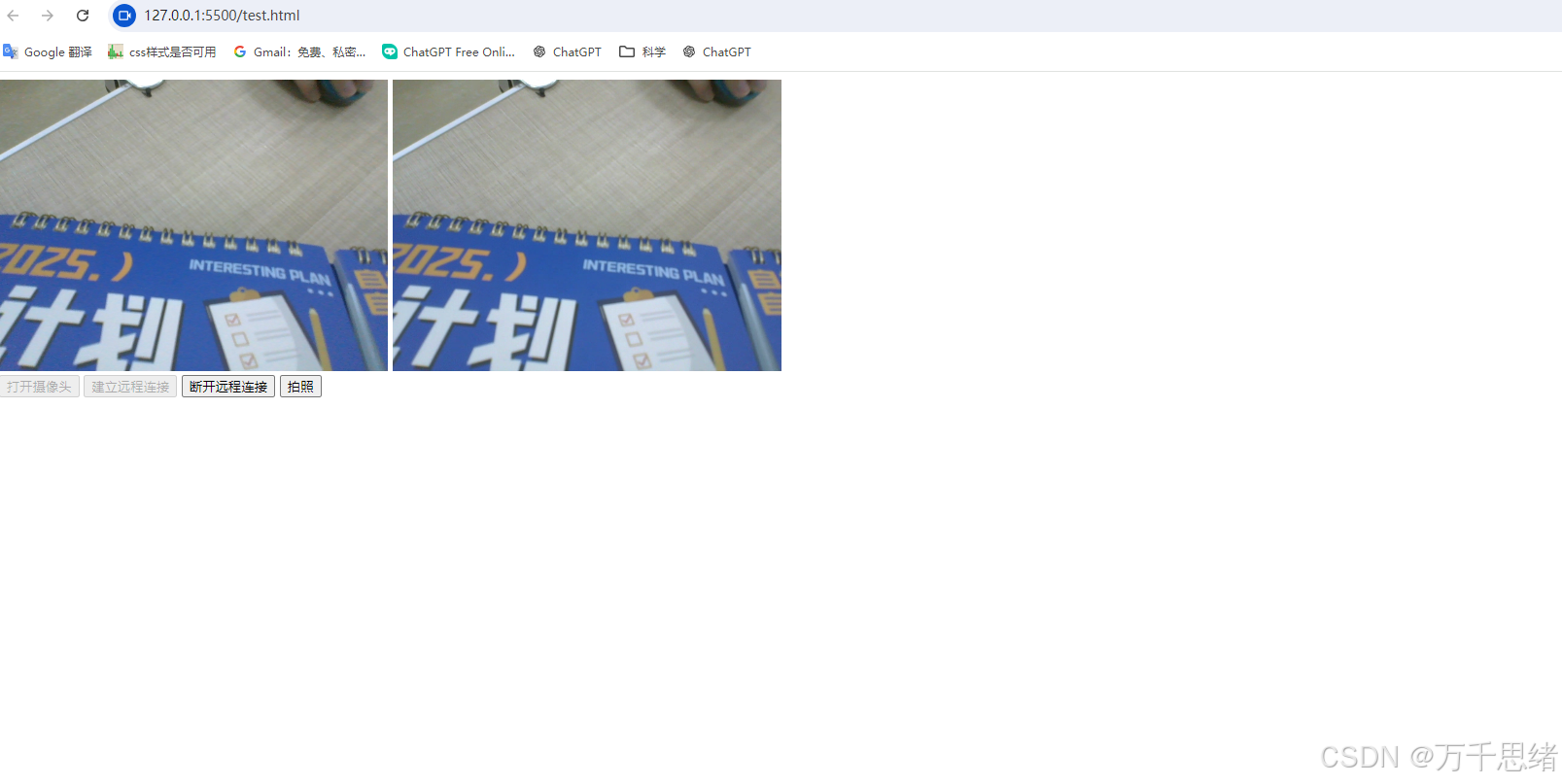
2.是否无法打开远端视频?
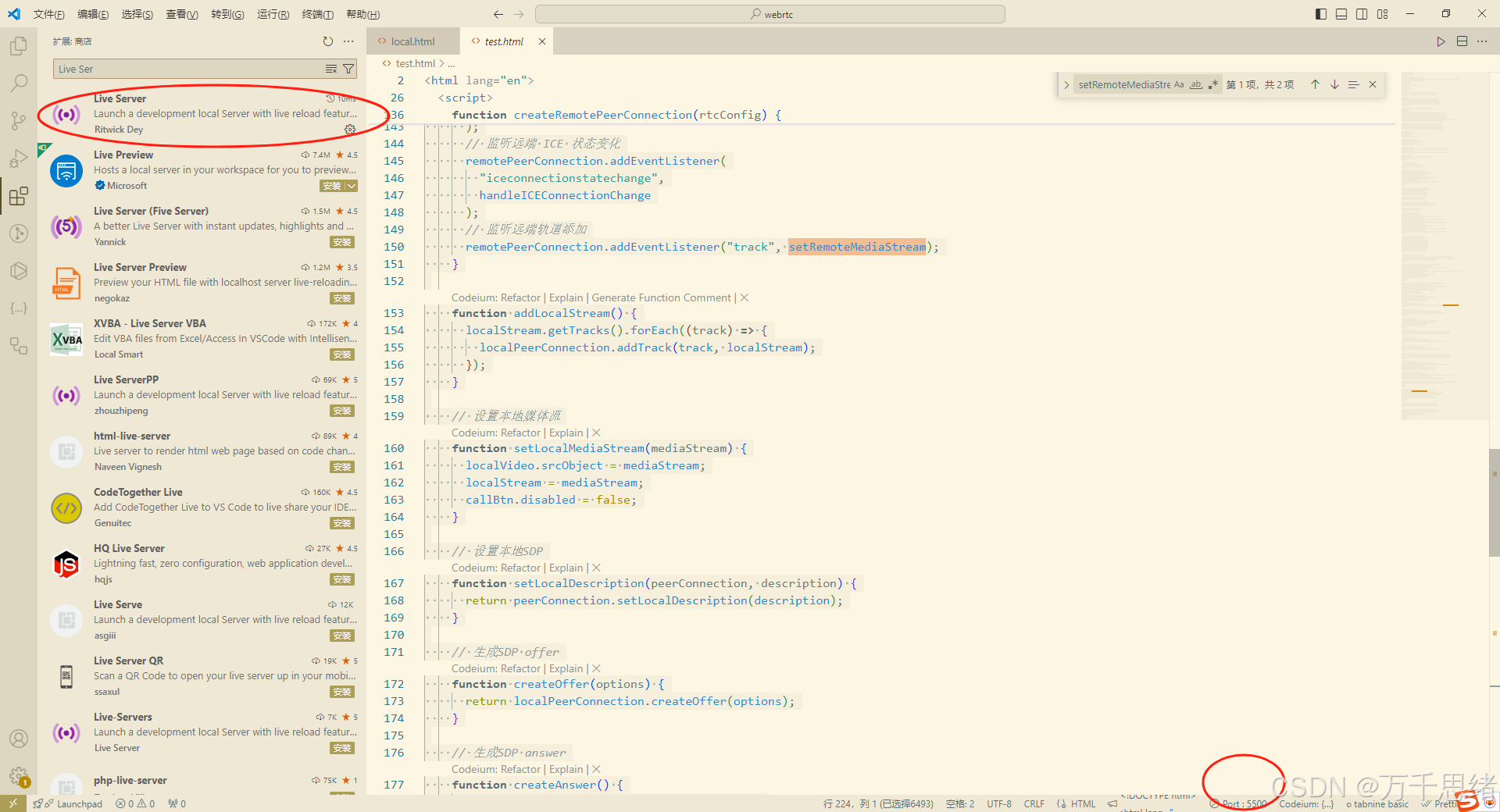
webrtc用的udp协议,即点对点,所以需要使用ip<==>ip,引入live server插件,使用ip打开。

腾讯云面向开发者汇聚海量精品云计算使用和开发经验,营造开放的云计算技术生态圈。
更多推荐
 1
1 0
0- 0


 已为社区贡献1条内容

所有评论(0)