Python - 深度学习系列26 - 使用cnocr进行汉字OCR5
说明上一回讲到当我们找到文本块之后,可以将文本块分割成行,利用cnocr就可以很好的识别了。所以现在的问题是如何从原始图中找到文字内容块。内容我分析了一下,最佳的选择应该是使用yolo进行目标识别,具体可以参考我的这篇文章,但是一来这需要标记一些样本图片,二来这个项目是很久之前搞的,当时并没有按PM进行归集,要重读代码比较费时间。顺带要吐槽一下苹果的m1,适配简直差极了,Labelmg也不能装,各
说明
上一回讲到当我们找到文本块之后,可以将文本块分割成行,利用cnocr就可以很好的识别了。所以现在的问题是如何从原始图中找到文字内容块。
内容
我分析了一下,最佳的选择应该是使用yolo进行目标识别,具体可以参考我的这篇文章,但是一来这需要标记一些样本图片,二来这个项目是很久之前搞的,当时并没有按PM进行归集,要重读代码比较费时间。顺带要吐槽一下苹果的m1,适配简直差极了,Labelmg也不能装,各种机器学习的包都不能搞,目前只能用conda应付一下。中间Rosseta也不好用,我同步的包文件都掉了,我也真服

希望华为快点做几个可以对标的产品,也不知道我以后会不会再用MBP,其实ubuntu也挺好的。
面对现实,不使用yolo怎么搞?
1 轮廓识别
搜了一下,找到了这篇文章的代码,来试试效果。
读取原始图片:
from PIL import Image
import numpy as np
import matplotlib.pyplot as plt
import pandas as pd
import copy
%matplotlib inline
with open('test1.png','rb') as f:
    pic = Image.open(f)
    pic_rgb = pic.convert("RGB")
pic_rgb
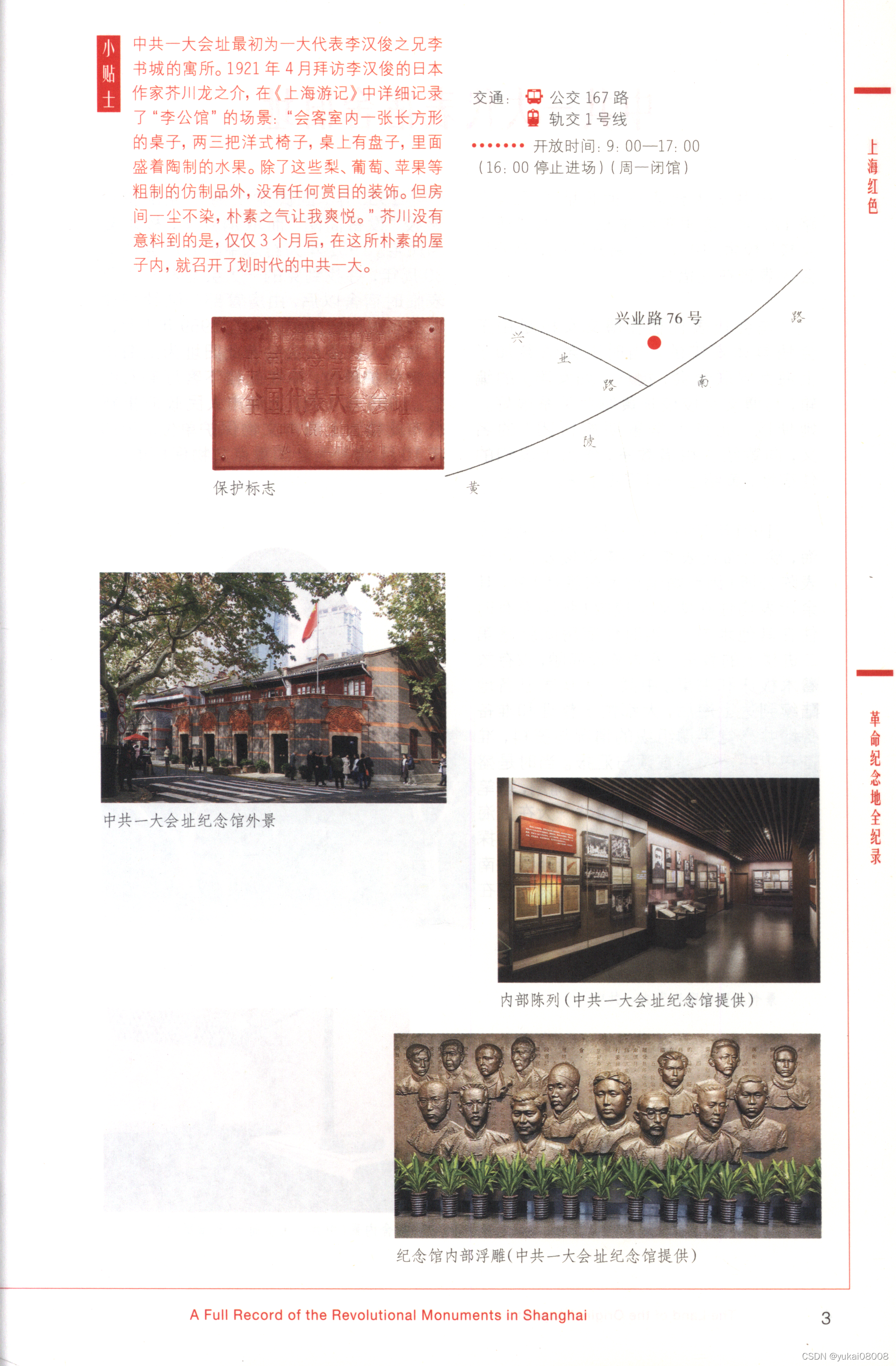
应该是读入为灰度图后处理
import cv2
from matplotlib import pyplot as plt
img = cv2.imread("test1.png", 0)
edges = cv2.Canny(img, 200, 300)
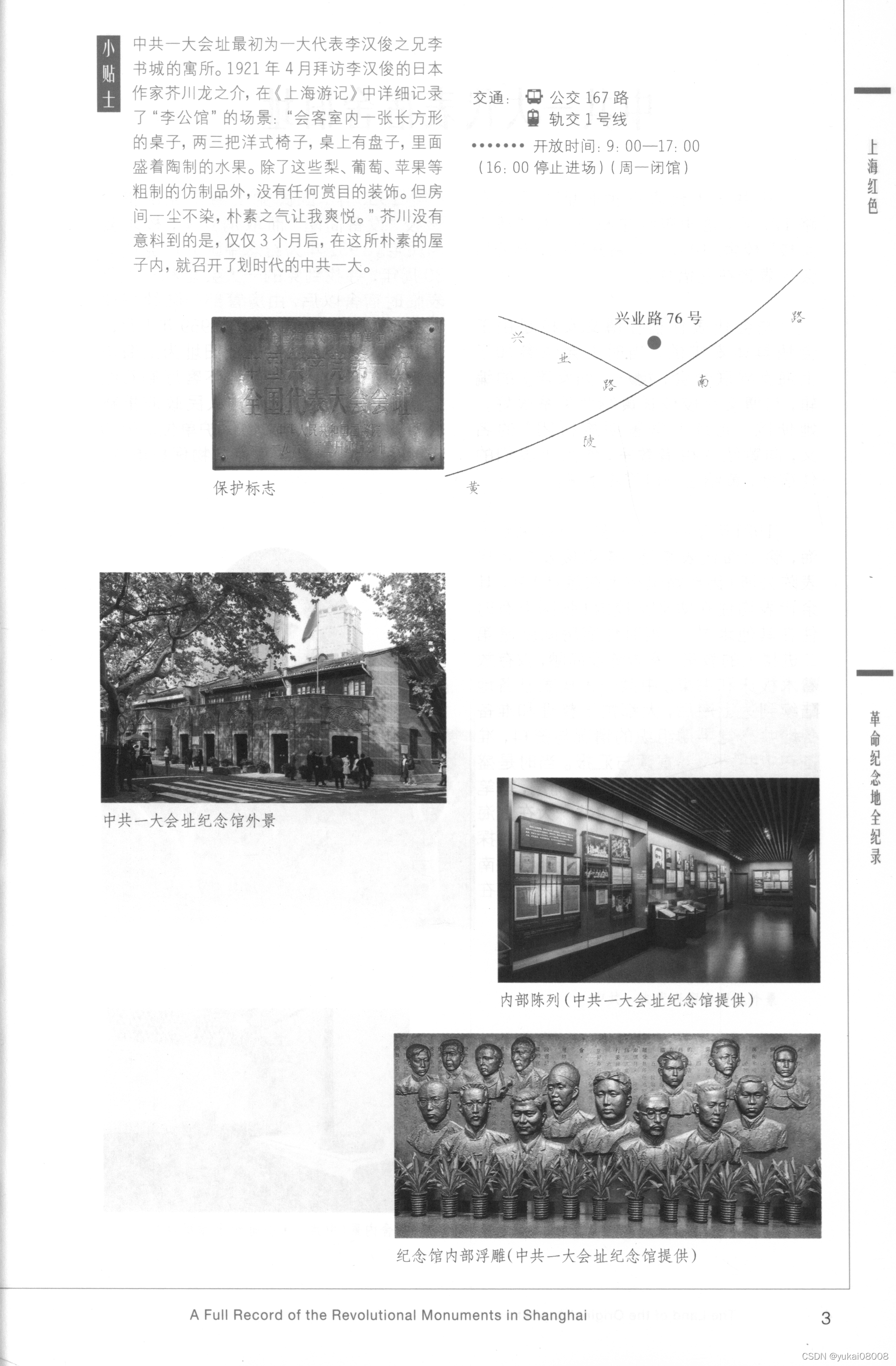
- 灰度图
ori_img = Image.fromarray(img)
ori_img

img.shape
(2787, 1829)
- 轮廓图
edges_img = Image.fromarray(edges)
edges_img
看起来还很文艺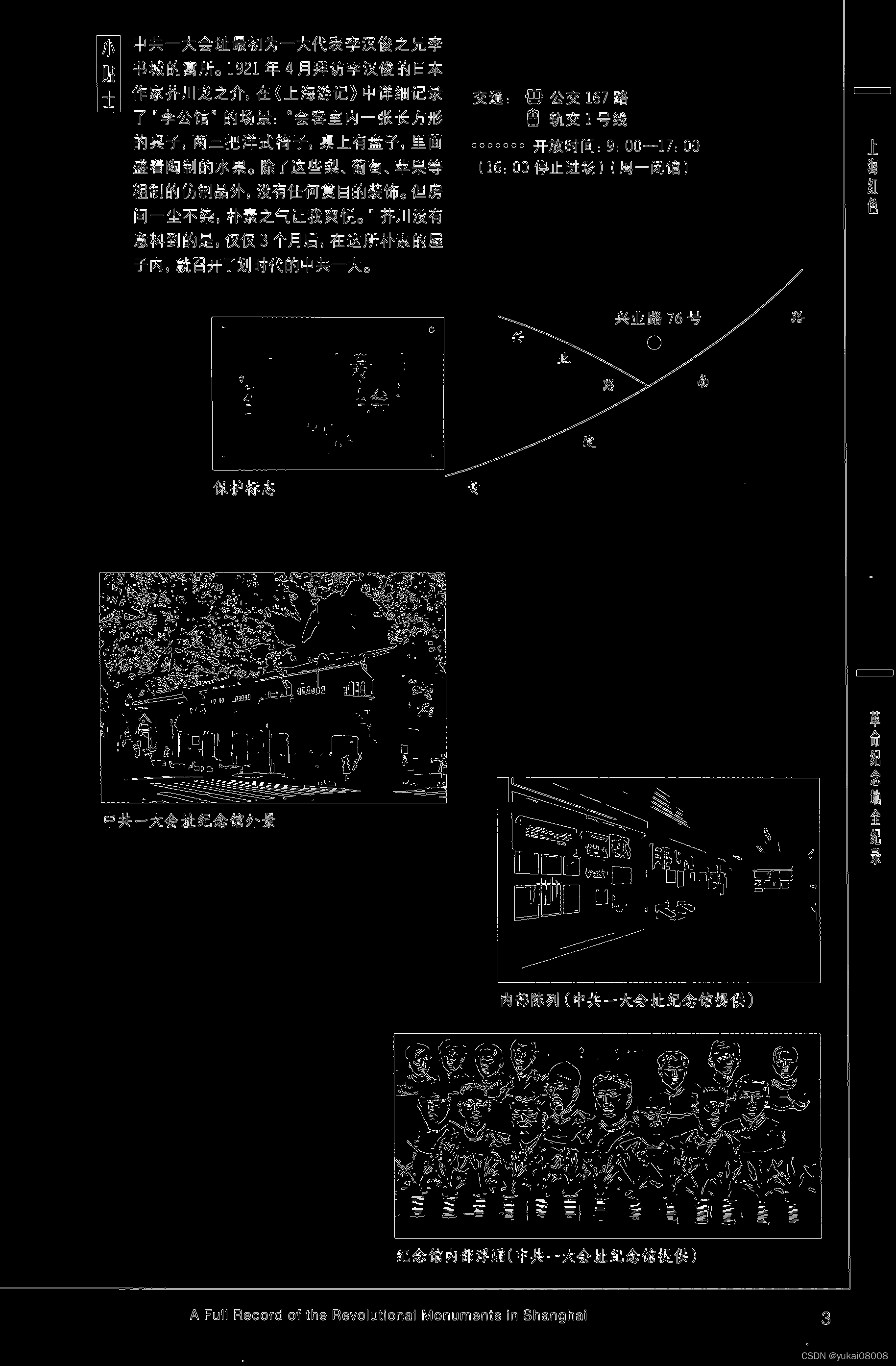
pic_gray_arr = np.asarray(edges_img)
pic_arr_val_list = pic_gray_arr.ravel()
s = pd.Series(pic_arr_val_list)
s.value_counts()

0      4942610
255     154813
dtype: int64
import cv2
import numpy as np
img = pic_gray_arr
# 二值化处理
ret, th = cv2.threshold(img, 127, 255, 0)

# 新版的结果是两个,老版是3个
# image, contours, hierarchy = cv2.findContours(th, cv2.RETR_TREE, cv2.CHAIN_APPROX_SIMPLE)
contours, hierarchy = cv2.findContours(pic_gray_arr, cv2.RETR_TREE, cv2.CHAIN_APPROX_SIMPLE)
# 色彩空间转换函数cv2.cvtColor()
color = cv2.cvtColor(img, cv2.COLOR_BAYER_BG2BGR)
# 画出轮廓,-1,表示所有轮廓,画笔颜色为(0, 255, 0),即Green,粗细为2
img = cv2.drawContours(color, contours, -1, (0, 255, 0), 2)
cv2.imwrite("contours.png", color)
用绿笔画出轮廓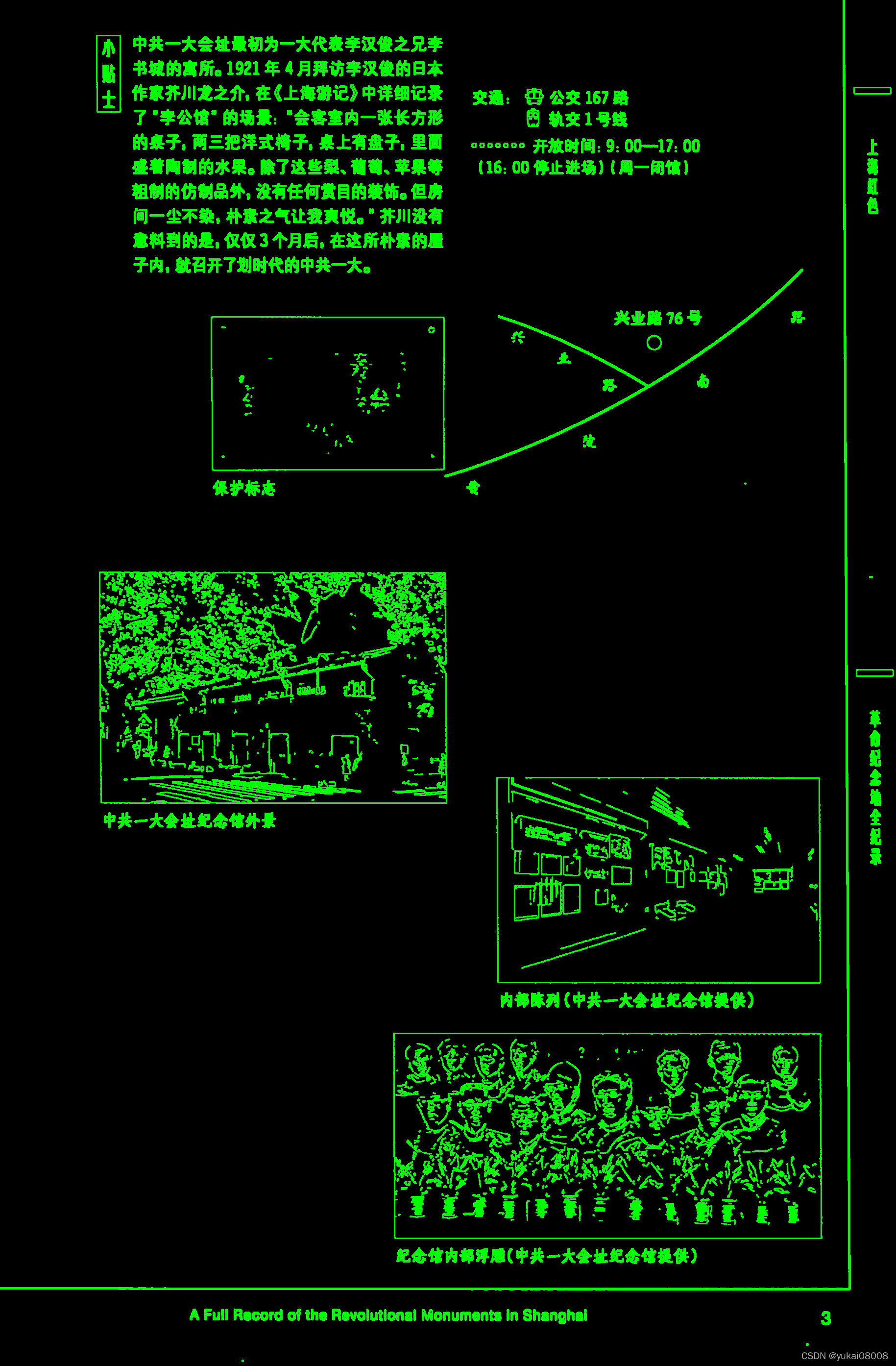
从某种程度上说,这样的轮廓识别效果挺好,可惜对我的目标没有帮助。
我希望获得的只是文字块,而通过这样的轮廓抠下来的都是细节了。接下来我计划
先对内容进行膨胀处理,再识别膨胀后的内容区块,把轮廓为矩形的区域留下。
我试了一下膨胀,结果失败了,大概是因为底色不是黑白
我的计划是把文字区域都膨胀为黑,这样就可以直接选取矩形区域,但是结果不理想。
好吧,丢掉幻想,还是用yolo进行目标识别。

腾讯云面向开发者汇聚海量精品云计算使用和开发经验,营造开放的云计算技术生态圈。
更多推荐
 0
0 0
0- 0


 已为社区贡献10条内容

所有评论(0)