python项目部署云服务器原理——小白必看git uwsgi nginx
以python项目为例子分享项目部署流程
一.项目部署的本质
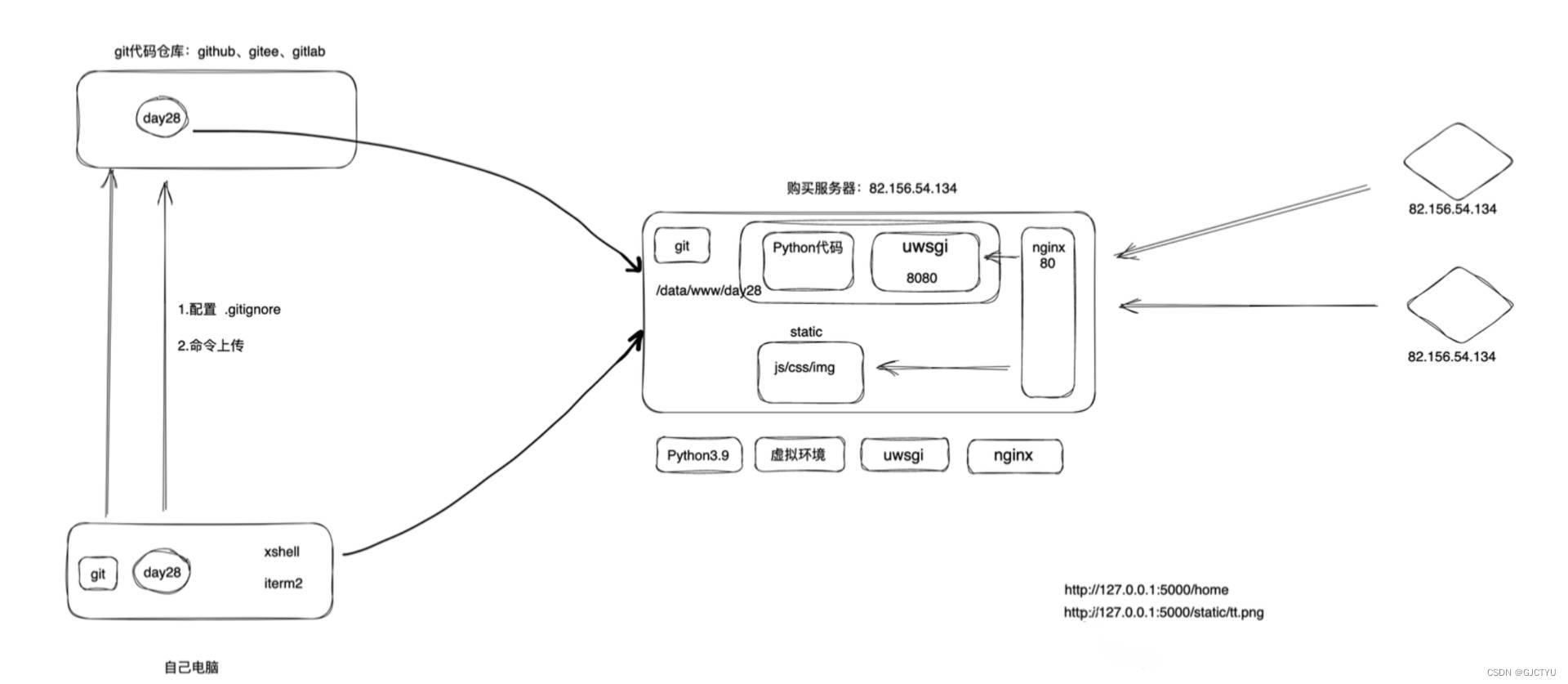
将自己的项目所要的所有配置放在服务器,在服务器上运行你的代码
1.1什么是服务器:
和你的个人电脑,属于计算机系统的一种,但服务器是一种专门用于提供数据、服或资源的计算机系统。与个人电脑相比,服务器通常具有更强大的硬件配置和性能,以应对更高的工作负载和请求量。可以看成是一种高配置版的不关机的电脑。
它们可以是物理机器,也可以是虚拟化的实体,运行在数据中心或云计算平台上。阿里云,腾讯云皆有云服务器服务。自行购买配置。
1.2服务器运维:
和电脑有windows操作系统一样,服务器的一般是linux操作系统。前者用常用图像化界面操作,后者利用命令行操作(适用对象不同操作方式不同)(高效免费开源安全稳定)
Ubuntu centos:都是Linux的一个发行版,它基于Linux内核,并附带了一系列的软件包和工具,来构建完整的操作系统。Linux本身只是一个内核,而各种Linux发行版则是在这个内核基础上构建的操作系统。
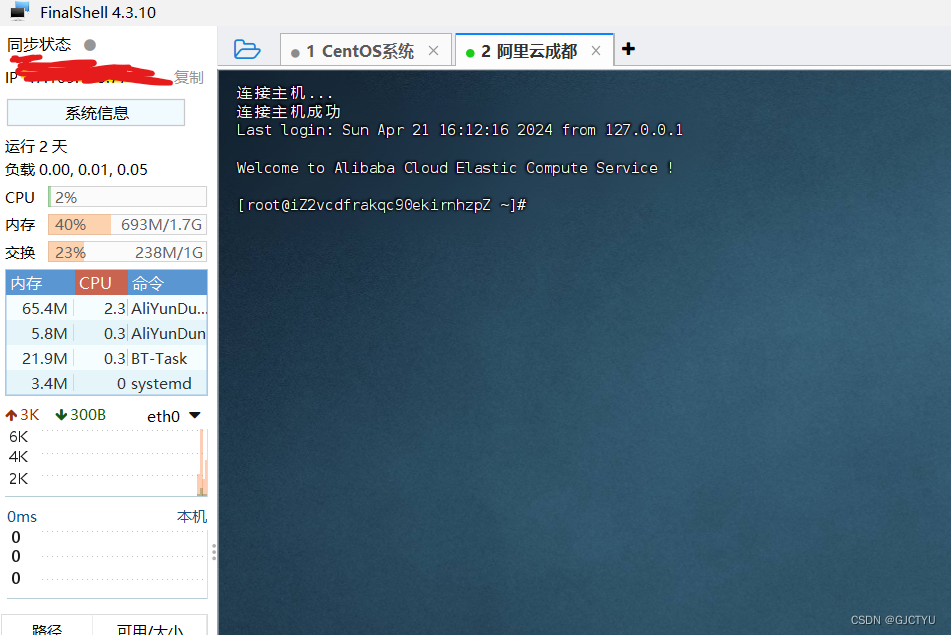
xshell,finallshell itrem2(mac操作系统):常用的远程连接一台或多台服务器的软件,相当于在另一台电脑上能操作服务器的命令控制器
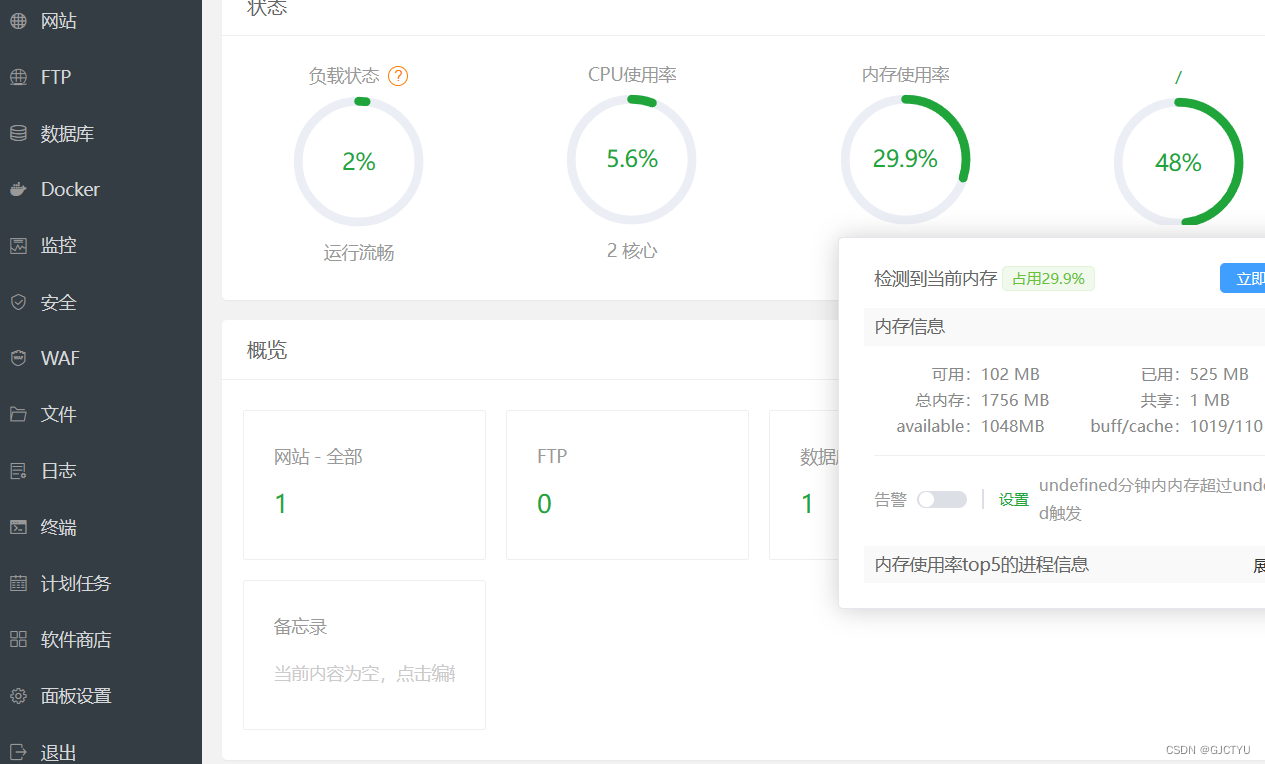
宝塔面板:常用的图像化管理服务器的软件,需要下载配置在自己的服务器里面
二环境配置
2.1文件上传:
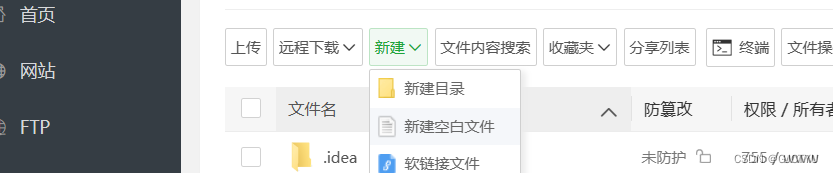
方式很多,1利用xshell等在命令行利用scp命令行上传文件 2利用宝塔等图像化面板上传
scp /path/to/local/file username@remote_host:/path/to/remote/directory

'''
/path/to/local/file 是本地文件的路径。
username 是远程服务器的用户名。
remote_host 是远程服务器的主机名或 IP 地址。
/path/to/remote/directory 是远程服务器上目标文件夹的路径
'''
git也是软件,需要在服务器/电脑上下载,下载完和python的python功能使用差不多,是帮你连接你的代码仓库的。git代码仓库(GitHub gitee),帮你存代码的。下面是git命令基本的功能(相信大家的英文水平哈哈)
usage: git [--version] [--help] [-c name=value]
           [--exec-path[=<path>]] [--html-path] [--man-path] [--info-path]
           [-p|--paginate|--no-pager] [--no-replace-objects] [--bare]
           [--git-dir=<path>] [--work-tree=<path>] [--namespace=<name>]
           <command> [<args>]

The most commonly used git commands are:
   add        Add file contents to the index
   bisect     Find by binary search the change that introduced a bug
   branch     List, create, or delete branches
   checkout   Checkout a branch or paths to the working tree
   clone      Clone a repository into a new directory
   commit     Record changes to the repository
   diff       Show changes between commits, commit and working tree, etc
   fetch      Download objects and refs from another repository
   grep       Print lines matching a pattern
   init       Create an empty Git repository or reinitialize an existing one
   log        Show commit logs
   merge      Join two or more development histories together
   mv         Move or rename a file, a directory, or a symlink
   pull       Fetch from and merge with another repository or a local branch
   push       Update remote refs along with associated objects
   rebase     Forward-port local commits to the updated upstream head
   reset      Reset current HEAD to the specified state
   rm         Remove files from the working tree and from the index
   show       Show various types of objects
   status     Show the working tree status
   tag        Create, list, delete or verify a tag object signed with GPG
流程:
git init //初始化本地仓库

git add <file1> <file2> ...

//提交文件到本地仓库: 提交暂存区中的文件到本地Git仓库,使用以下命令:
git commit -m "Your commit message"


//将本地仓库推送到远程仓库
git push origin master//origin是远程仓库的别名,master是要推送到的分支名

输入用户名和密码
服务器同样使用git从远程仓库下载
git clone <远程仓库地址> [<目标文件夹>]


git clone https://github.com/username/example_repo.git
2.2配置文件
一般项目中部分文件不需要上传(虚拟环境等)。同时项目所需要什么配置函数库需要上传
1.gitgonre(需要自己手动创建)
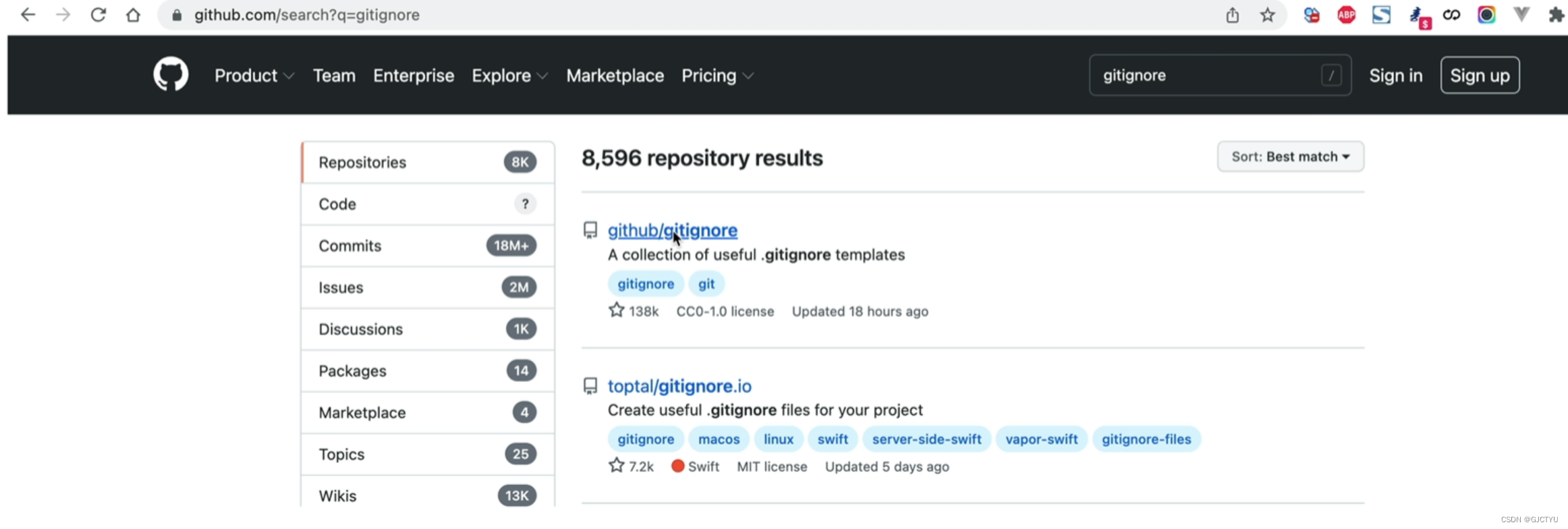
项目不需要的文件放里面(网上有整理好的每一种编程语言的.gitgonre文件直接copy)
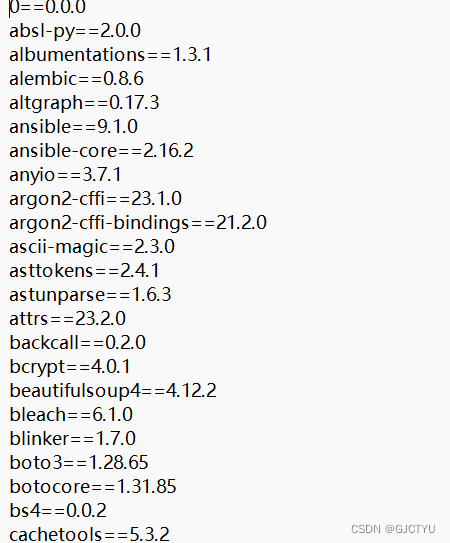
2requirement.txt项目所需要的依赖
pip freeze > requirements.txt
3环境配置
项目文件上传了,需要配置环境。python 项目虚拟环境(不同项目隔开,养成使用虚拟环境的好习惯)。

有没有注意到python控制台的warning:只是开发的服务器,只用于本地测试 ,不能用于生产环境。所以实际项目需要用到web服务器。Web服务器可以是一种软件或硬件设备,它在互联网上扮演着承载、处理和提供Web页面、负责接收来自客户端浏览器的HTTP请求,并将相应的Web页面或其他内容发送回客户端。
uwsgi:类似于python中scoket接受用户的请求,用于接受用户浏览的请求,如使得用户post,get请求传输到你的app.py文件的接口。缺点:静态文件(图片等等)访问效率不高
nginx:作为反向代理,接受用户浏览的请求并划分,如果是后端请求转发给uwsgi,静态文件请求自动处理。
当然看起来很多其实你下服务器的时候可以直接配置好,不用自己下

腾讯云面向开发者汇聚海量精品云计算使用和开发经验,营造开放的云计算技术生态圈。
更多推荐
 26
26 0
0- 0


 已为社区贡献1条内容

所有评论(0)