m1 mac vscode lldb 集成终端中调试
·
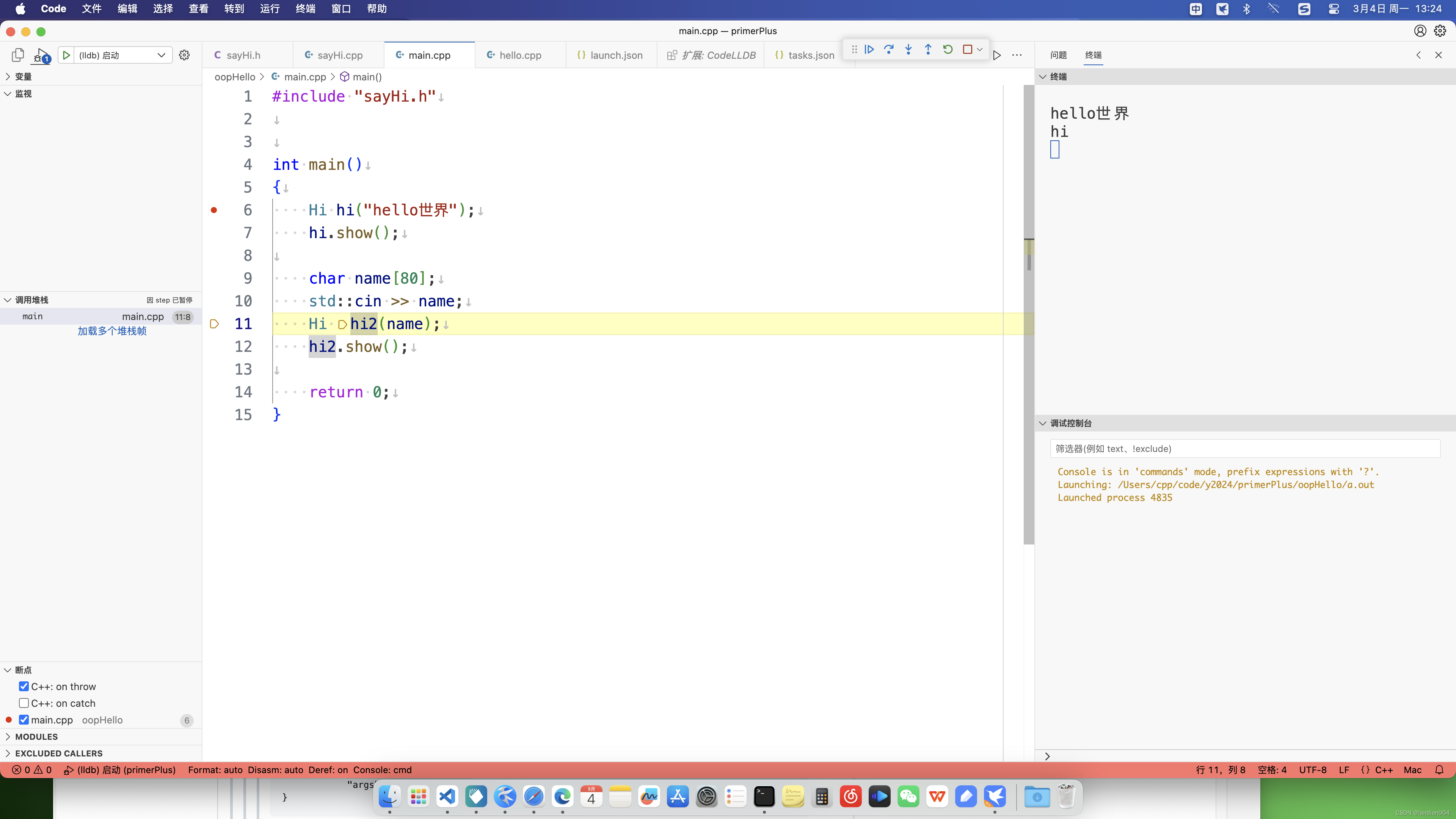
微软官方的c/cpp插件launch.json在mac上只能把终端设置为外部启动,这样调试时不方便看到终端的显示。解决办法是安装CodeLLDB插件,然后launch.json里像下面这样写:
{
    "configurations": [

    {
        "name": "(lldb) 启动",    //随意
        "type": "lldb",    //必须是lldb
        "request": "launch",
        "program": "${fileDirname}/a.out",  //写自己的程序
        "args": [],
        "cwd": "${fileDirname}",
        "terminal": "integrated",    //集成终端是我需要的
        "preLaunchTask": "C/C++: clang++ 004"    //和你自己的tasks.json里的label一样
    }
    ]
}
下面是我的tasks.json,
{
    "version": "2.0.0",
    "tasks": [
        {
            "type": "shell",        //必须是shell
            "label": "C/C++: clang++ 004",
            "command": "/usr/bin/clang++",
            "args": [
                "-fcolor-diagnostics",
                "-fansi-escape-codes",
                "-g",
                "${fileDirname}/*.cpp"
            ],
            "options": {
                "cwd": "${fileDirname}"
            },
            "problemMatcher": [
                "$gcc"
            ],
            "group": {
                "kind": "build",
                "isDefault": true
            },
            "detail": "编译器: /usr/bin/clang++",
            "presentation": {            //
                "reveal": "silent",
                "revealProblems": "onProblem",
                "close": true
            }
        }
    ]
}

腾讯云面向开发者汇聚海量精品云计算使用和开发经验,营造开放的云计算技术生态圈。
更多推荐
 1
1 0
0- 0


 已为社区贡献8条内容

所有评论(0)