Timeout waiting to lock file hash cache.It is currently in use by another Gradle instance.
Timeout waiting to lock file hash cache. It is currently in use by another Gradle instance.
·
idea 开发的时候报错:
Timeout waiting to lock file hash cache (E:\gradle-6.4.1\caches\6.4.1\fileHashes). It is currently in use by another Gradle instance.
按照目录看到:
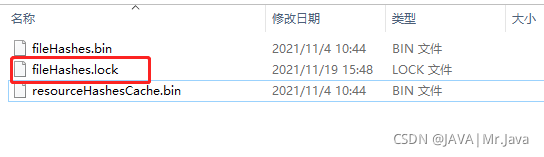
我们要删除这个lock,但是会提示上锁了。
Windows删除:
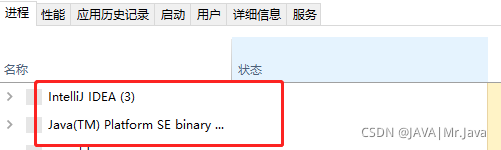
方法一: 先打开任务管理器,关闭相关进程。
然后以管理员身份运行CMD。
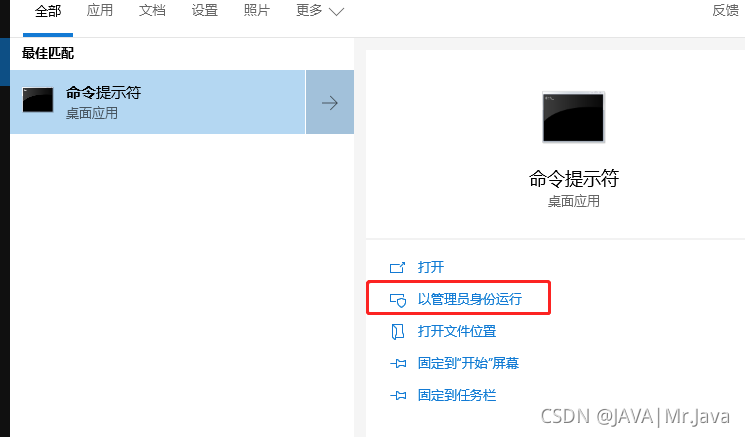
执行如下命令:
>gradle --stop>E:
>cd E:\gradle-6.4.1\caches\6.4.1\fileHashes
>del /f /s /q fileHashes.lock如果是Linux,删除文件命令是:
find ~/.gradle -type f -name "*.lock" -delete重启idea执行build和run.
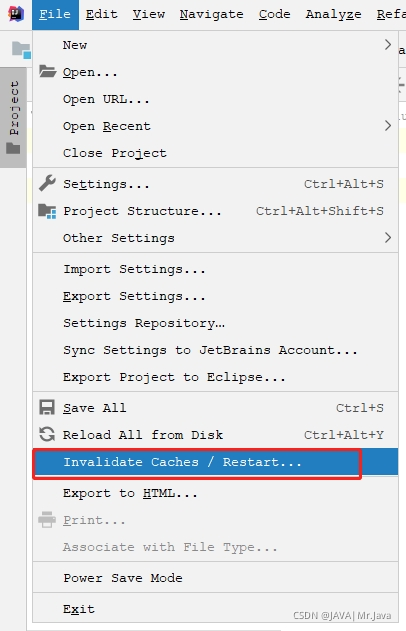
方法二:

腾讯云面向开发者汇聚海量精品云计算使用和开发经验,营造开放的云计算技术生态圈。
更多推荐
 0
0 0
0- 0


 已为社区贡献8条内容

所有评论(0)