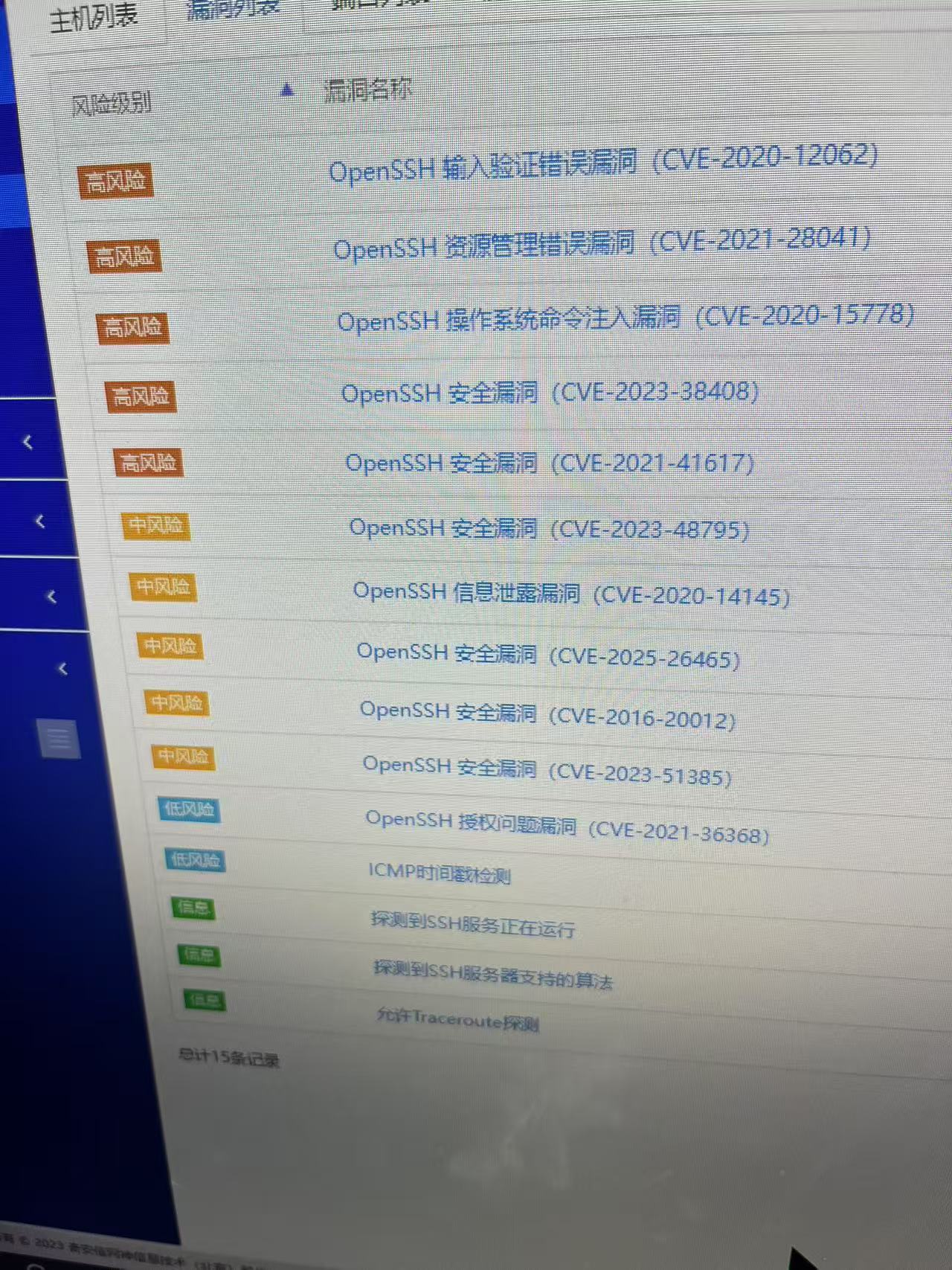
Diffie-Hellman Key Agreement Protocol 资源管理错误漏洞(CVE-2002-20001)
·
1 查看支持的算法
man sshd_config |grep -A 40 -w KexAlgorithms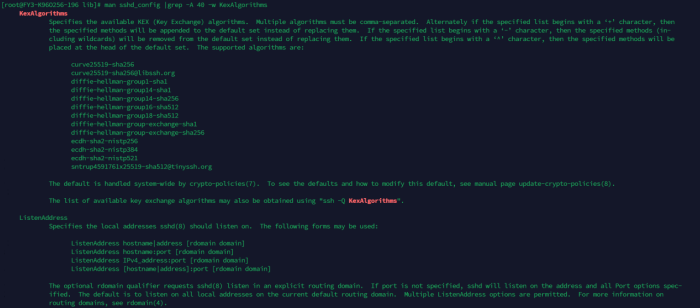
1.1 修复方法
1.修改sshd_config配置文件,注释不安全的算法
2.添加算法
echo "KexAlgorithms curve25519-sha256,curve25519-sha256@libssh.org,ecdh-sha2-nistp256,ecdh-sha2-nistp384,ecdh-sha2-nistp521" >> /etc/ssh/sshd_configsed -i '/^KexAlgorithms/s/^/#/' /etc/ssh/sshd_configvim /etc/ssh/sshd_config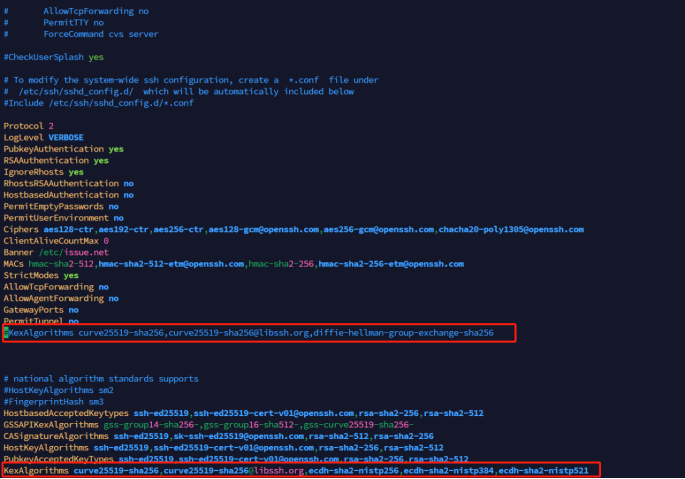
1.2 重启服务
systemctl restart sshd1.3 查看配置文件
sshd -T | grep -w kexalgorithms1.4亲测有效

腾讯云面向开发者汇聚海量精品云计算使用和开发经验,营造开放的云计算技术生态圈。
更多推荐
 7
7 0
0- 0


 已为社区贡献8条内容

所有评论(0)