在git中统计自己写的代码数量
·
自己想看看自己写了多少代码不想数
然后就有了下面的仔git中使用的的命令
git log --author="name" --pretty=tformat: --numstat | awk '{ add += $1; subs += $2; loc += $1 - $2 } END { printf "added lines: %s, removed lines: %s, total lines: %s\n", add, subs, loc }' -
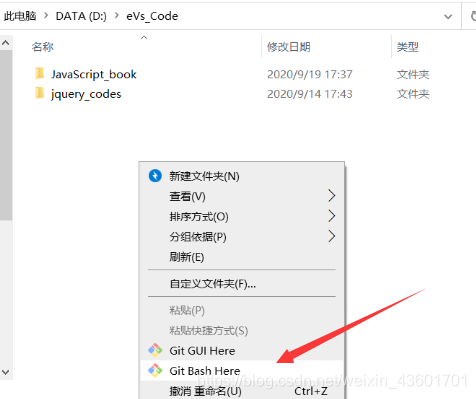
只需要在你的git push的代码的目录下运行git bash再运行上面的代码就可以了。
运行结果如下
added lines: 1312, removed lines: 100, total lines: 1212
这样子就可以看看自己写了多少代码了,十万行的时候应该庆祝一下。

腾讯云面向开发者汇聚海量精品云计算使用和开发经验,营造开放的云计算技术生态圈。
更多推荐
 1
1 0
0- 0


 已为社区贡献2条内容

所有评论(0)