react(56)——在项目中使用开发者工具redux-devtools-extension
·
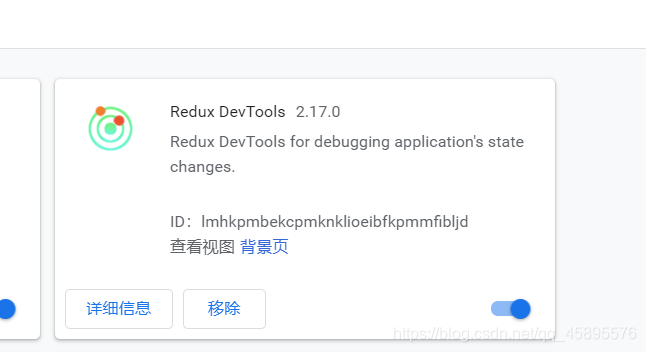
1.谷歌安装插件
- 需要访问外网,在谷歌商店中下载,也可以自己格外找资源
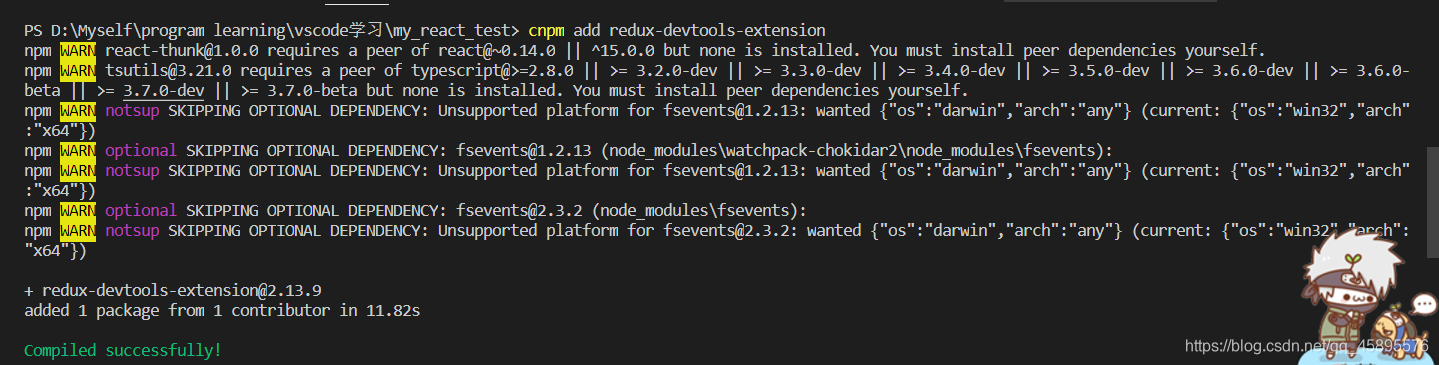
2.项目中添加redux-devtools-extension库
在终端运行cnpm add redux-devtools-extension即可
3.在store.js文件中添加redux-devtools-extension库中的内容
//该文件专门用于暴露一个store对象,整个应用只有一个store
//引入createStore
import { createStore,applyMiddleware,combineReducers    } from "redux";
//引入为组件服务的reducer
import countReducer from "./reducer/count";
import personReducer from "./reducer/person"
//引入redux-thunk,用于支持异步action
import thunk from 'redux-thunk'
//引入redux-devtools-extension
import {composeWithDevTools} from 'redux-devtools-extension'


//汇总所有的renducer变成一个总的reducer
const allReducer = combineReducers({
    count:countReducer,
    persons:personReducer
})

//暴露store
export default createStore(allReducer,composeWithDevTools(applyMiddleware(thunk)));
- 从redux-devtools-extension中引入composeWithDevTools
- 将composeWithDevTools是一个函数,将其作为createStore的第二个参数传进去即可。
- 如果需要用到
applyMiddleware(thunk),applyMiddleware(thunk)可作为composeWithDevTools的参数传给store。
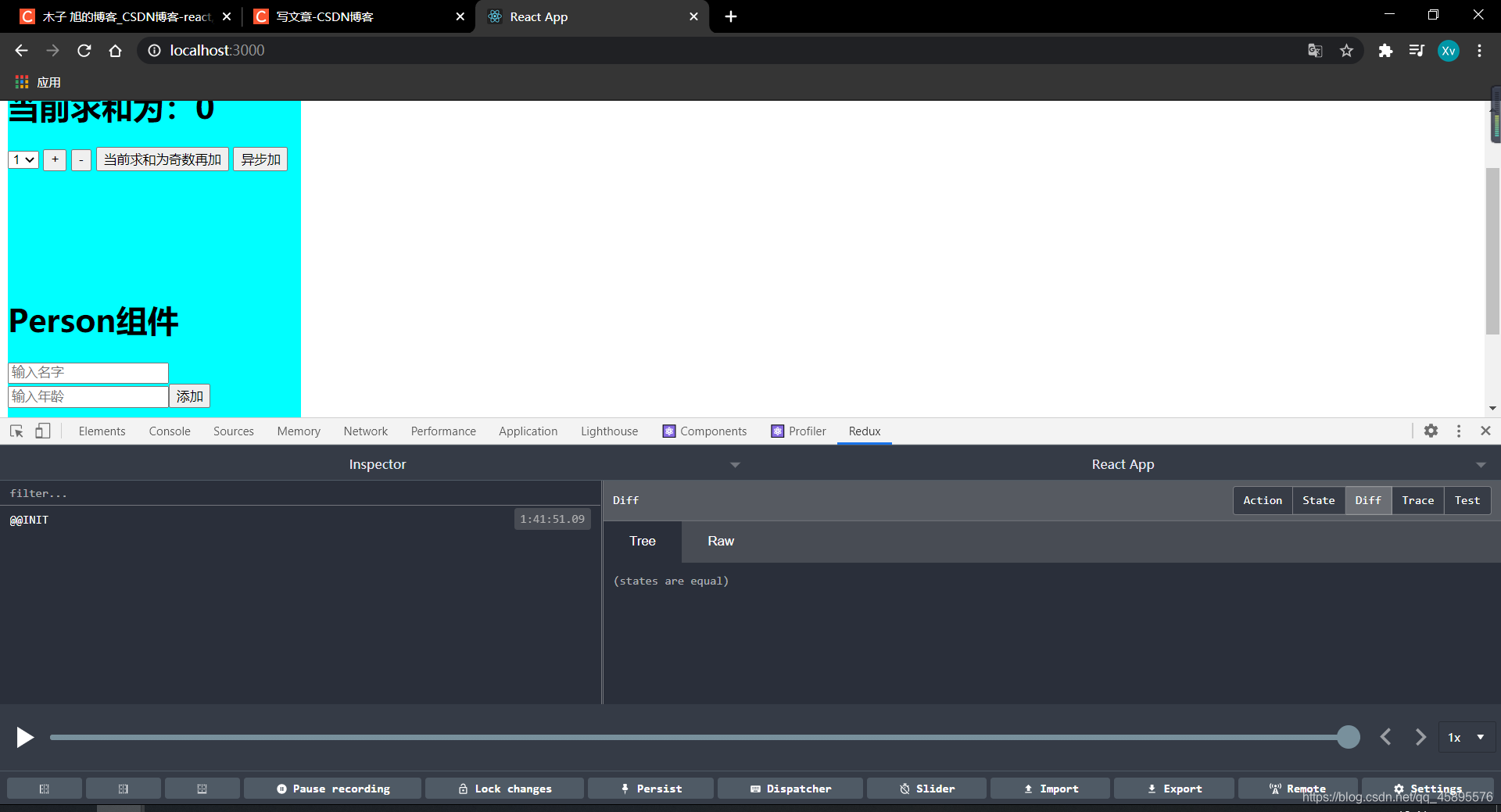
4.开发者工具作用
- 可以查看store中存储的状态。
- 可以操作reducer运行的action对象。
- 可以自己添加action进行dispatch,查看效果。

腾讯云面向开发者汇聚海量精品云计算使用和开发经验,营造开放的云计算技术生态圈。
更多推荐
 0
0 0
0- 0


 已为社区贡献3条内容

所有评论(0)