Visual Studio Code提交代码提示“Make sure you configure your ‘user.name‘ and ‘user.email‘ in git.”
·
使用VSCode编译器提交代码到gitlab,编译器提示“Make sure you configure your 'user.name'
使用编译器VSCode提交代码到GitLab,提示“Make sure you configure your ‘user.name‘ and ‘user.email‘ in git.” 。
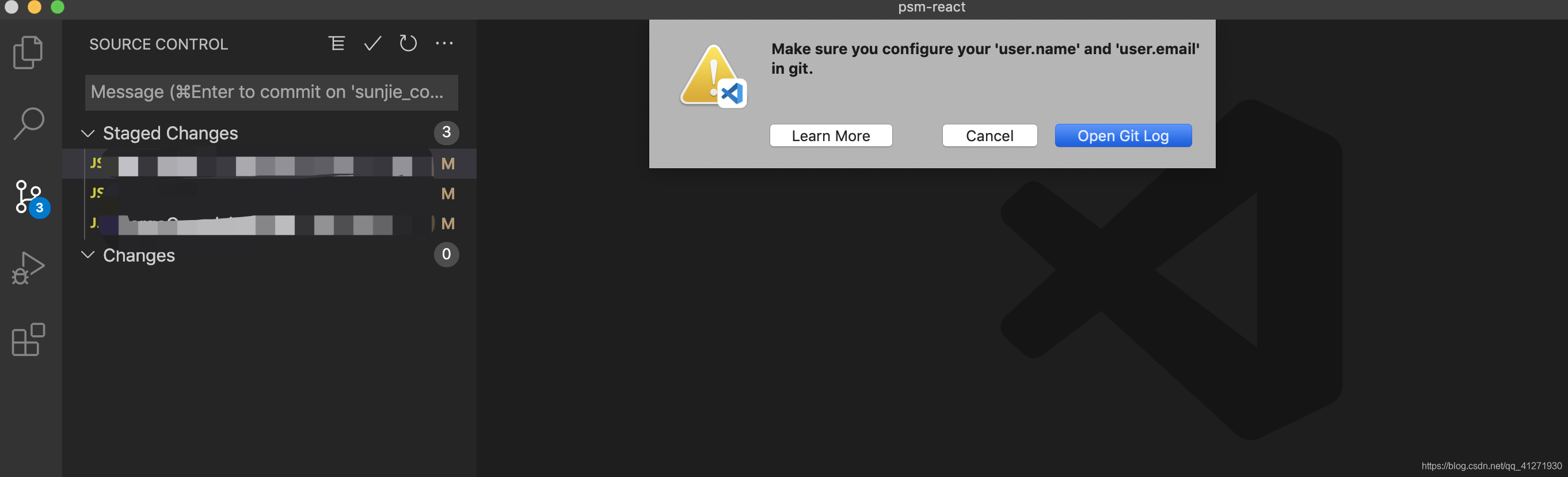 原因:VSCode提示在git中要配置你的“用户名”和“用户邮箱”。
解决:配置“用户名”和“用户邮箱”。
VSCode提示的解决方案:
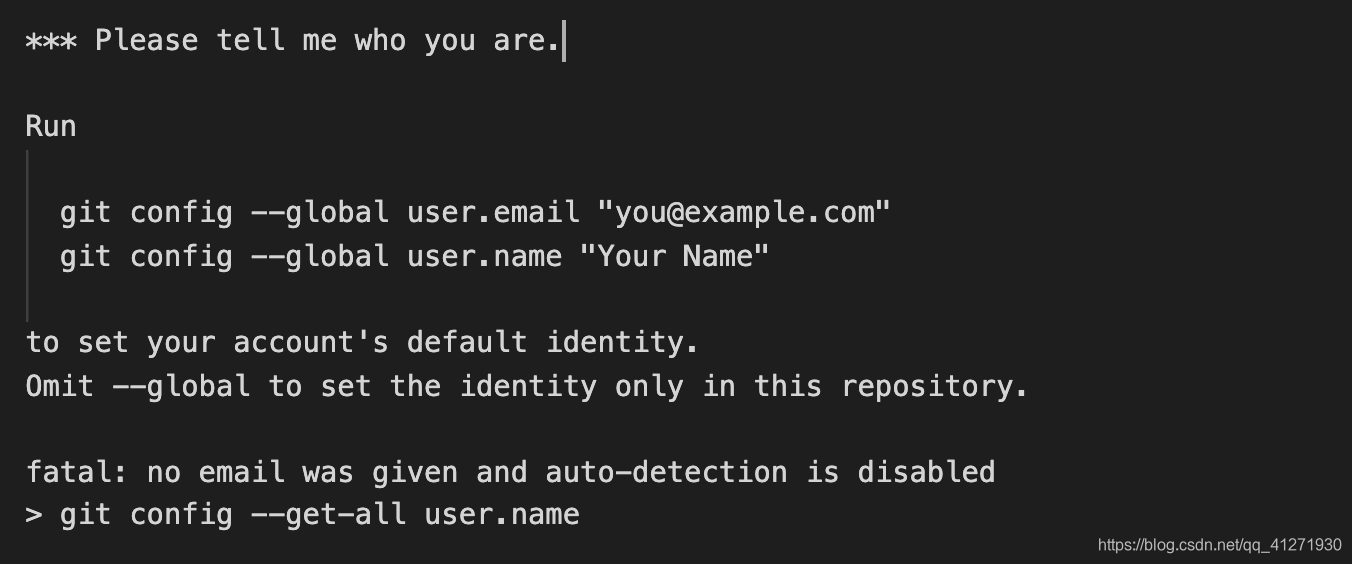
在TERMINAL执行命令设置设置用户名和邮箱即可。
// 配置邮箱
git config --global user.email "you@example.com"

// 配置用户名
git config --global user.name "Your Name"
设置完用户名和邮箱,就可以commit和push代码至远程仓库了。

腾讯云面向开发者汇聚海量精品云计算使用和开发经验,营造开放的云计算技术生态圈。
更多推荐
 9
9 0
0- 0


 已为社区贡献1条内容

所有评论(0)