github要token提交代码后, 提交不了的解决方法
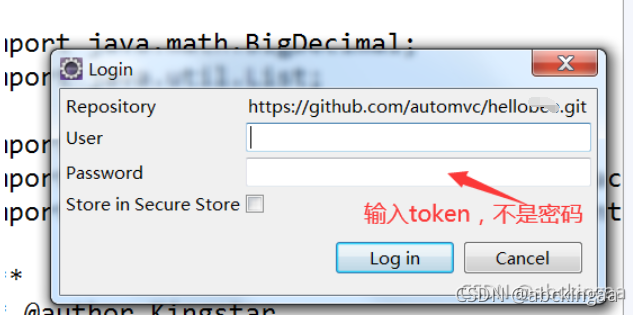
github要token提交代码后(原来是密码提交), 老是提交报错:
Can't connect to any repository: https://github.com/automvc/helloxxx.git
(https://github.com/automvc/helloxxx.git: cannot open git-receive-pack)
或者:
Can't connect to any repository: https://github.com/automvc/helloxxx.git
(https://github.com/automvc/helloxxx.git: authentication not supported)
2021年8月13日, github不再支持用密码提交代码, 要使用token.
网上找了好多资料都没有解决.
后来通过以下方式解决了.
旧的配置信息,多了:
symlinks = false
ignorecase = true
[http]
sslVerify = false
这个 sslVerify 配置也不能有.
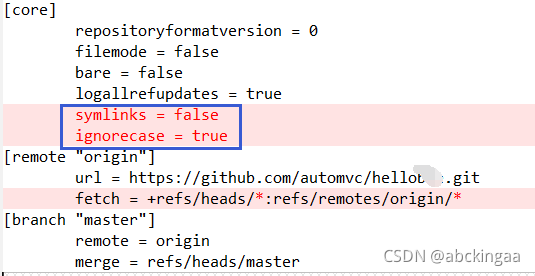
配置文件在 工程目录下\.git\config文件:
[core]
repositoryformatversion = 0
filemode = false
bare = false
logallrefupdates = true
[remote "origin"]
url = https://github.com/automvc/helloxxx.git
fetch = +refs/heads/master:refs/remotes/origin/master
[branch "master"]
remote = origin
merge = refs/heads/master
github要token提交代码后, 在Eclipse提交不了的解决方法
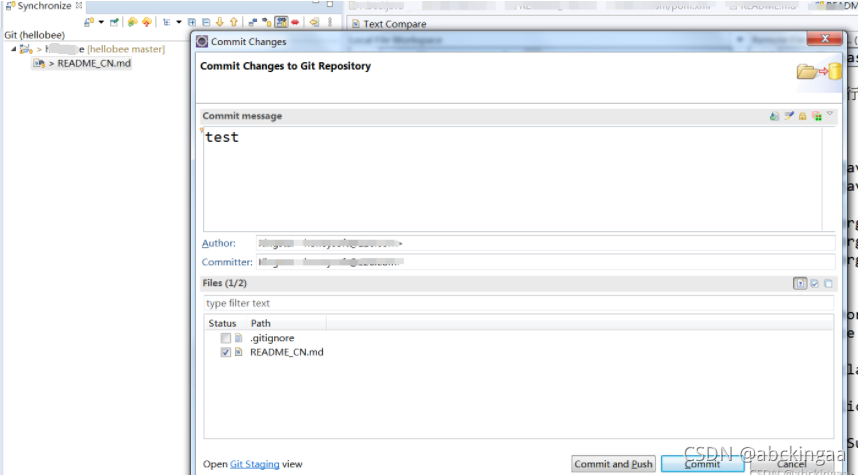
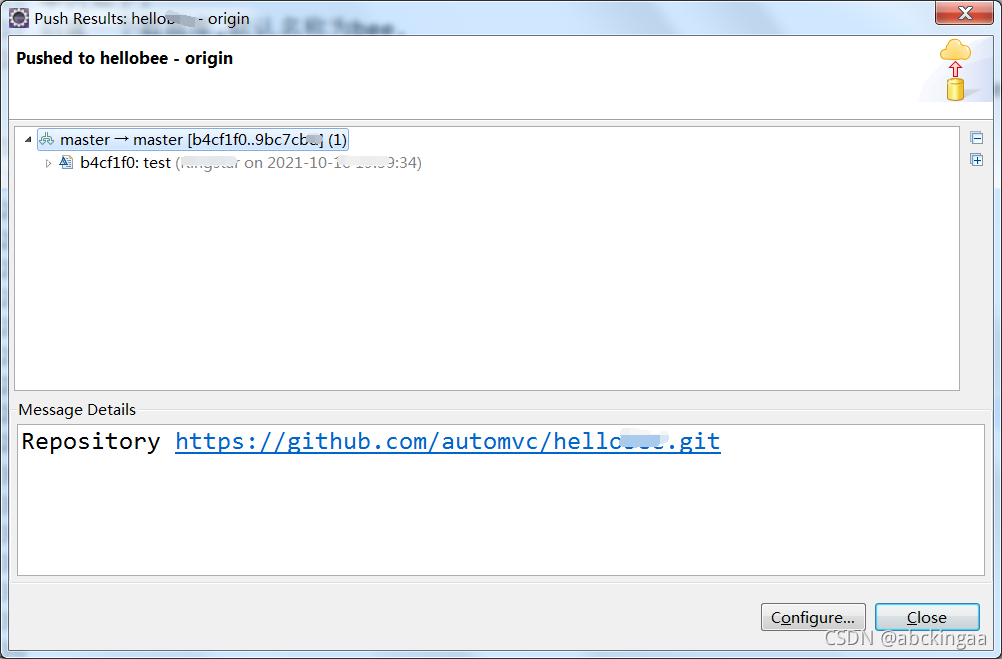
修改后,可在eclipse直接提交代码.

腾讯云面向开发者汇聚海量精品云计算使用和开发经验,营造开放的云计算技术生态圈。
更多推荐
 1
1 0
0- 0


 已为社区贡献6条内容

所有评论(0)