【Mac系统安装homebrew和wget「fatal: unable to access ‘https://github.com/Homebrew/brew」】
·
「Mac系统安装homebrew和wget「fatal: unable to access ‘https://github.com/Homebrew/brew」
homebrew安装问题
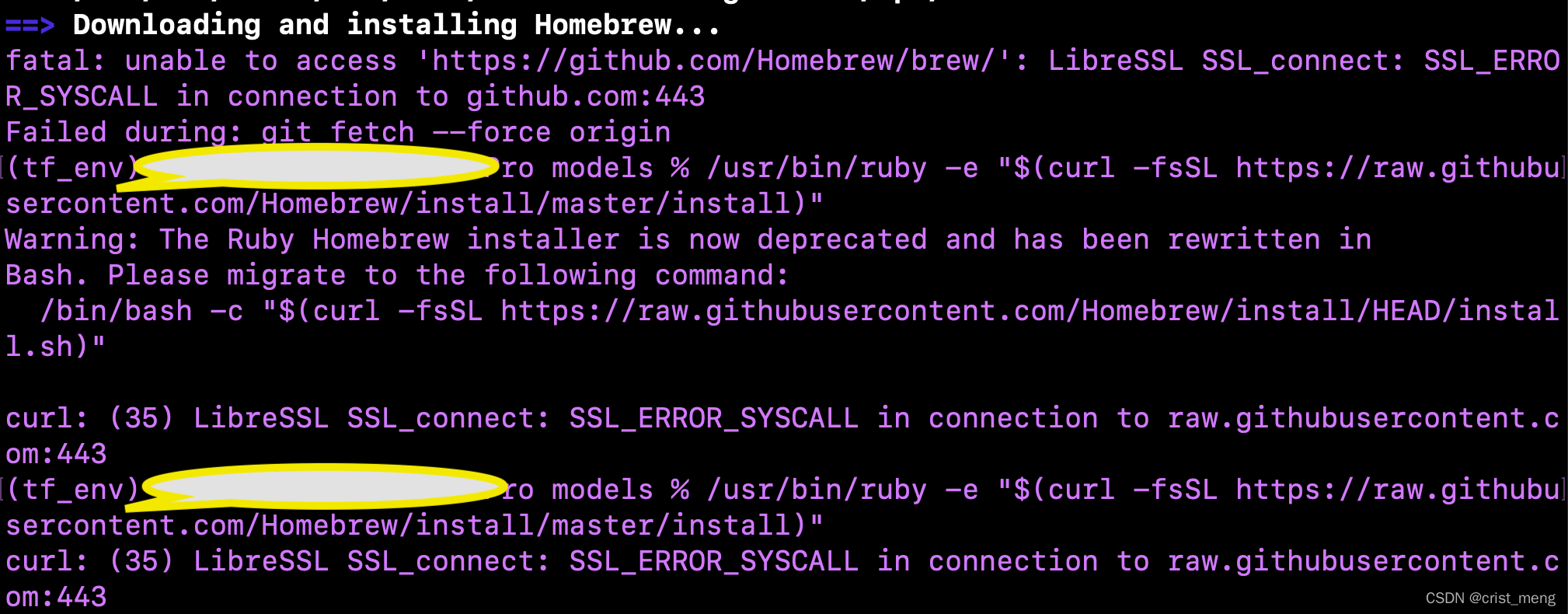
安装时输入下列语句,直接报错
/usr/bin/ruby -e "$(curl -fsSL https://raw.githubusercontent.com/Homebrew/install/master/install)"
出现如下所示的错误
1|fatal: unable to access 'https://github.com/Homebrew/brew/': LibreSSL SSL_connect: SSL_ERROR_SYSCALL in connection to github.com:443
2|Failed during: git fetch --force origin
3|curl: (35) LibreSSL SSL_connect: SSL_ERROR_SYSCALL in connection to raw.githubusercontent.com:443
解决方法
使用国内的其他源,终端中输入下列指令,可选择多个国内源
/bin/zsh -c "$(curl -fsSL https://gitee.com/cunkai/HomebrewCN/raw/master/Homebrew.sh)"
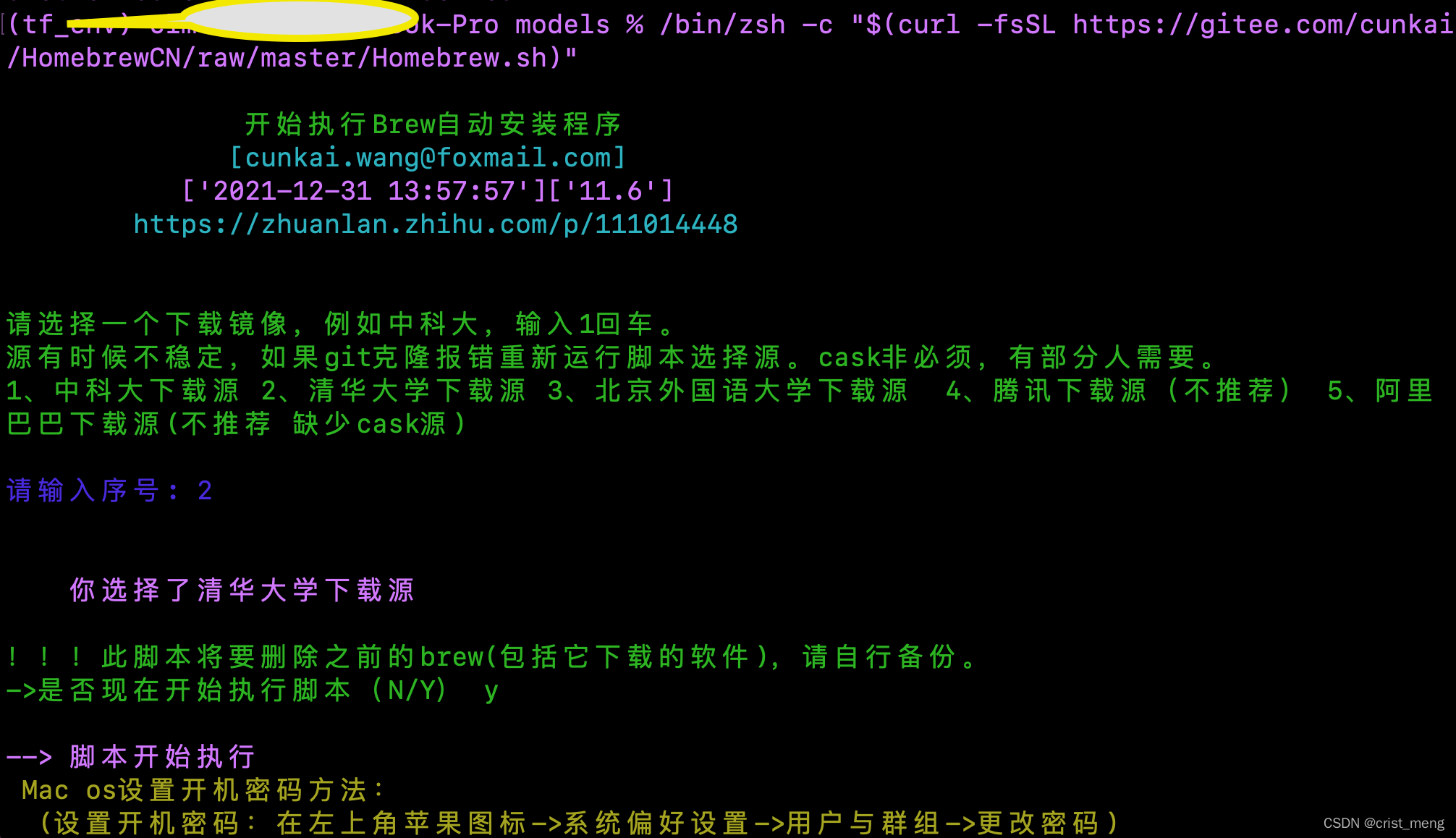
然后,依照指示即可完成homebrew的安装。

使用homebrew安装wget
终端中输入下列指令即可
brew install wget


腾讯云面向开发者汇聚海量精品云计算使用和开发经验,营造开放的云计算技术生态圈。
更多推荐
 4
4 0
0- 0


 已为社区贡献1条内容

所有评论(0)