git 自动添加右键 免注册表,免安装
git 自动添加右键 免注册表,免安装
·
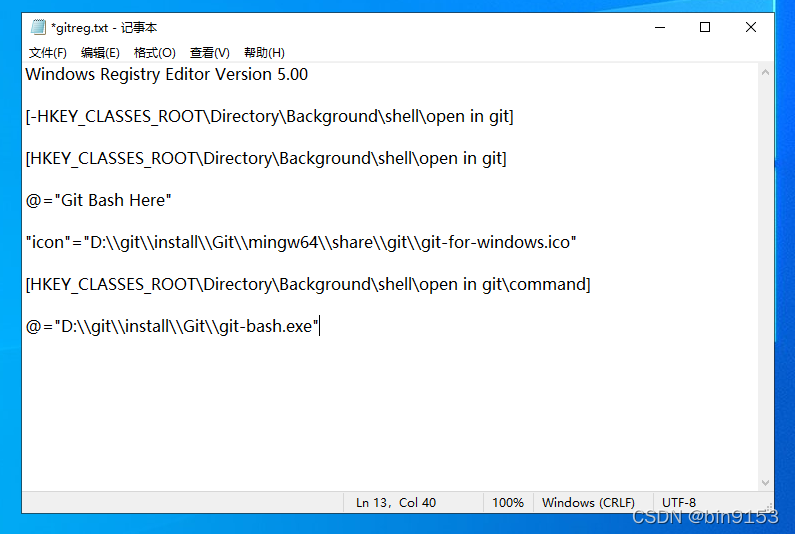
新建text文件,复制以下代码
替换我这边文件路径D:\\System为自己的路径,其他一般都不变
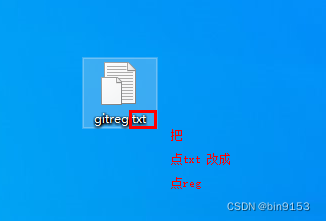
然后保存,更改后缀名为reg,双击打开即可
Windows Registry Editor Version 5.00

[-HKEY_CLASSES_ROOT\Directory\Background\shell\open in git]

[HKEY_CLASSES_ROOT\Directory\Background\shell\open in git]

@="Git Bash Here"

"icon"="D:\\git\\install\\Git\\mingw64\\share\\git\\git-for-windows.ico"

[HKEY_CLASSES_ROOT\Directory\Background\shell\open in git\command]

@="D:\\git\\install\\Git\\git-bash.exe"
1.新建gitreg.txt 并写入代码,注意替换自己git的路径
2. 保存文件,把 .txt 改成 .reg
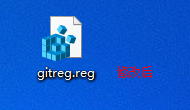
3.修改后
4. 双击这个文件
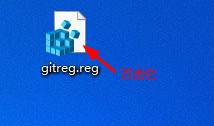
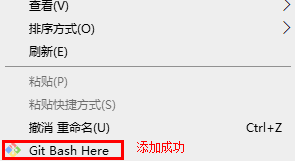
5.添加成功
添加成功

腾讯云面向开发者汇聚海量精品云计算使用和开发经验,营造开放的云计算技术生态圈。
更多推荐
 0
0 0
0- 0


 已为社区贡献7条内容

所有评论(0)