ReactNative 使用 react-native-webview 不显示的问题:解决
·
ReactNative 使用 react-native-webview 不显示的问题:解决
问题
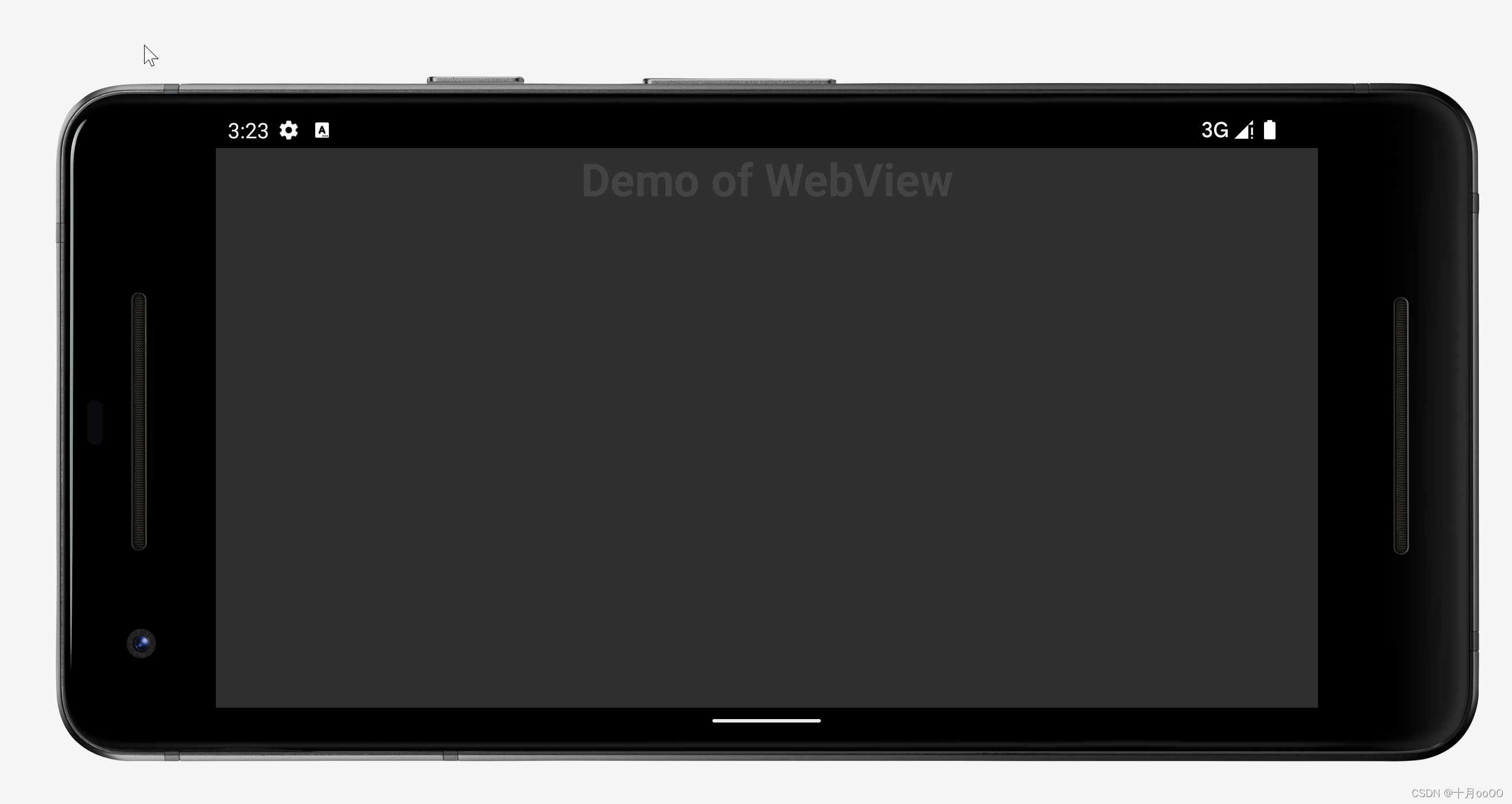
初用 ReactNative,在原有 demo 的基础上使用 `react-native-webview 的时候加载不出来,看国外的答案,意思是 webview 没有高度所以没有显示。
const App: () => Node = () => {
    const isDarkMode = useColorScheme() === "dark";
    return (
        <SafeAreaView>
            <StatusBar barStyle={isDarkMode ? "light-content" : "dark-content"} />
            <Text style={css.title}>Demo of WebView</Text>
            <WebView
                source={{ uri: 'https://kylebing.cn' }}/>
        </SafeAreaView>
    );
};
表示为:
解决办法
需要在其父组件上添加 高度信息即可。
const App: () => Node = () => {
    const isDarkMode = useColorScheme() === "dark";
    return (
        <SafeAreaView style={css.container}>
            <StatusBar barStyle={isDarkMode ? "light-content" : "dark-content"} />
            <Text style={css.title}>Demo of WebView</Text>
            <WebView
                source={{ uri: 'https://kylebing.cn' }}/>
        </SafeAreaView>
    );
};

const css = StyleSheet.create(
    {
        container: {
            padding: 20,
            backgroundColor: cssVariables.bg.container,
            height: "100%",
        },
        title: {
            color: cssVariables.text.title,
            fontSize: 30,
            textAlign: "center",
            fontWeight: "bold",
        },
        authorLink: {
            color: cssVariables.text.susTitle,
            textAlign: "center",
            fontSize: 12
        }
    },
);
结果


腾讯云面向开发者汇聚海量精品云计算使用和开发经验,营造开放的云计算技术生态圈。
更多推荐
 0
0 0
0- 0


 已为社区贡献7条内容

所有评论(0)