Zookeper报错:Will not attempt to authenticate using SASL (unknown error)|防火墙的问题
·
先放一张debug成功的图吧~
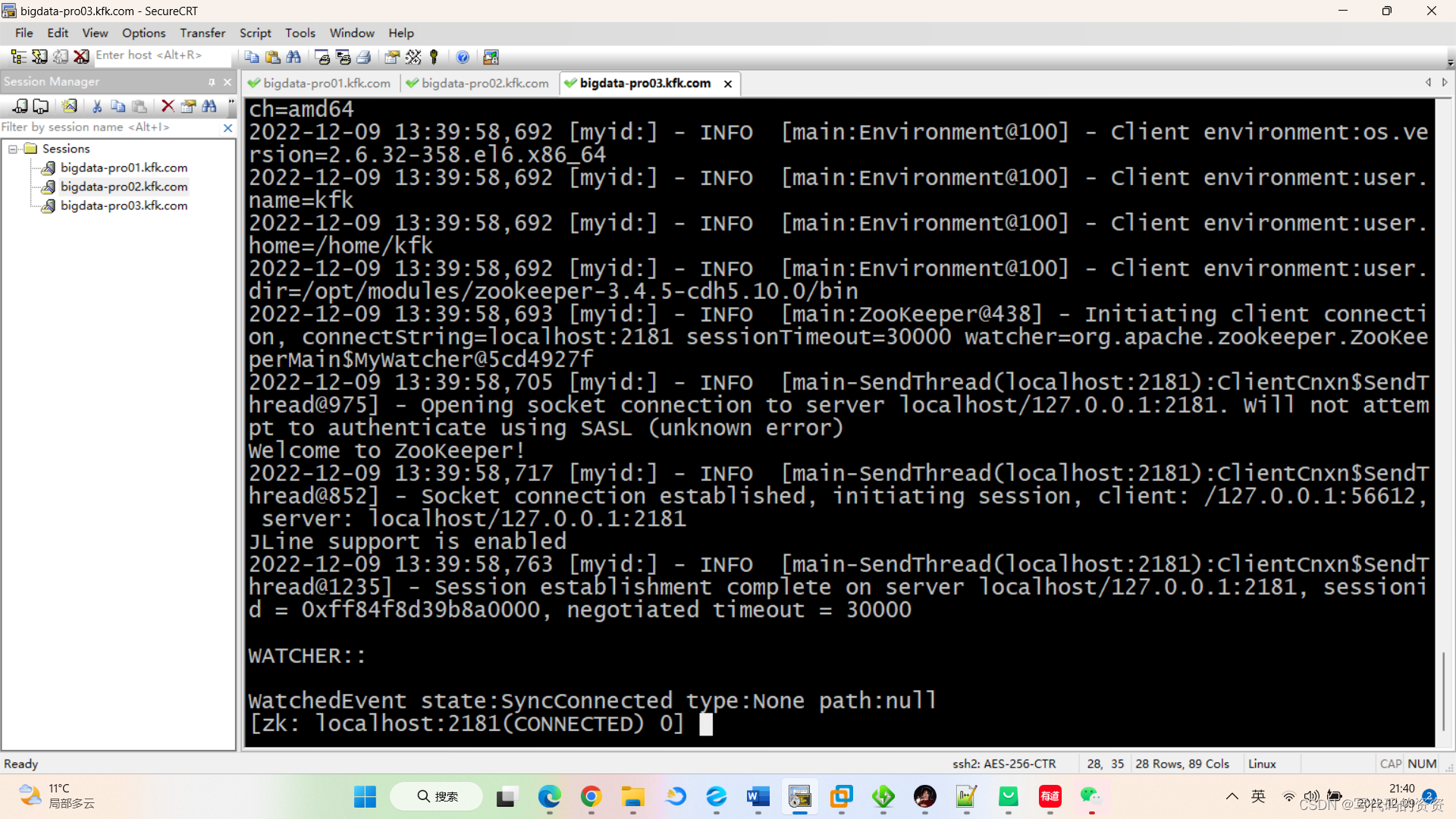
之前一直报这个错,不知道为什么,非常迷惑,然后试了多方法,就是防火墙的问题。我是Hadoop2.5和centos6,因此没法用systemtcl,就使用serive命令。
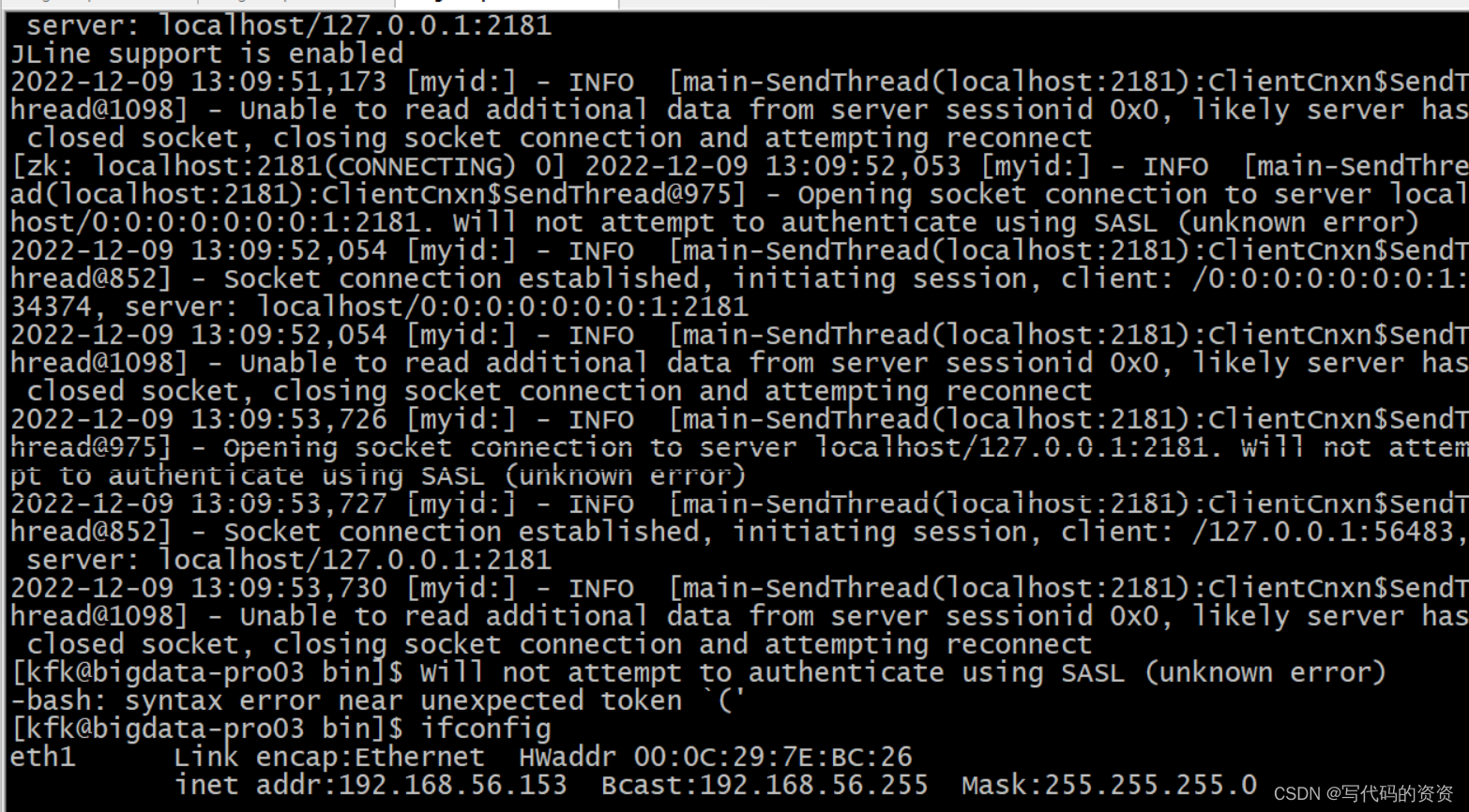
方式一:Linux命令来解决
Linux下停止/启动防火墙服务的命令(root用户使用):
service iptables status --查看防火墙的状态
service iptables stop --停止
service iptables start --启动
写在最后:
#永久性生效,重启后不会复原
chkconfig iptables on #开启
chkconfig iptables off #关闭
#即时生效,重启后复原
service iptables start #开启
service iptables stop #关闭
用setup来设置
在Linux中输入setup,就可以进入图形界面,然后设置防火墙的状态。

腾讯云面向开发者汇聚海量精品云计算使用和开发经验,营造开放的云计算技术生态圈。
更多推荐
 0
0 0
0- 0


 已为社区贡献2条内容

所有评论(0)