vscode自动生成vue模版配置
·
环境:Mac
1、安装插件
Vue VSCode Snippets
Vetur
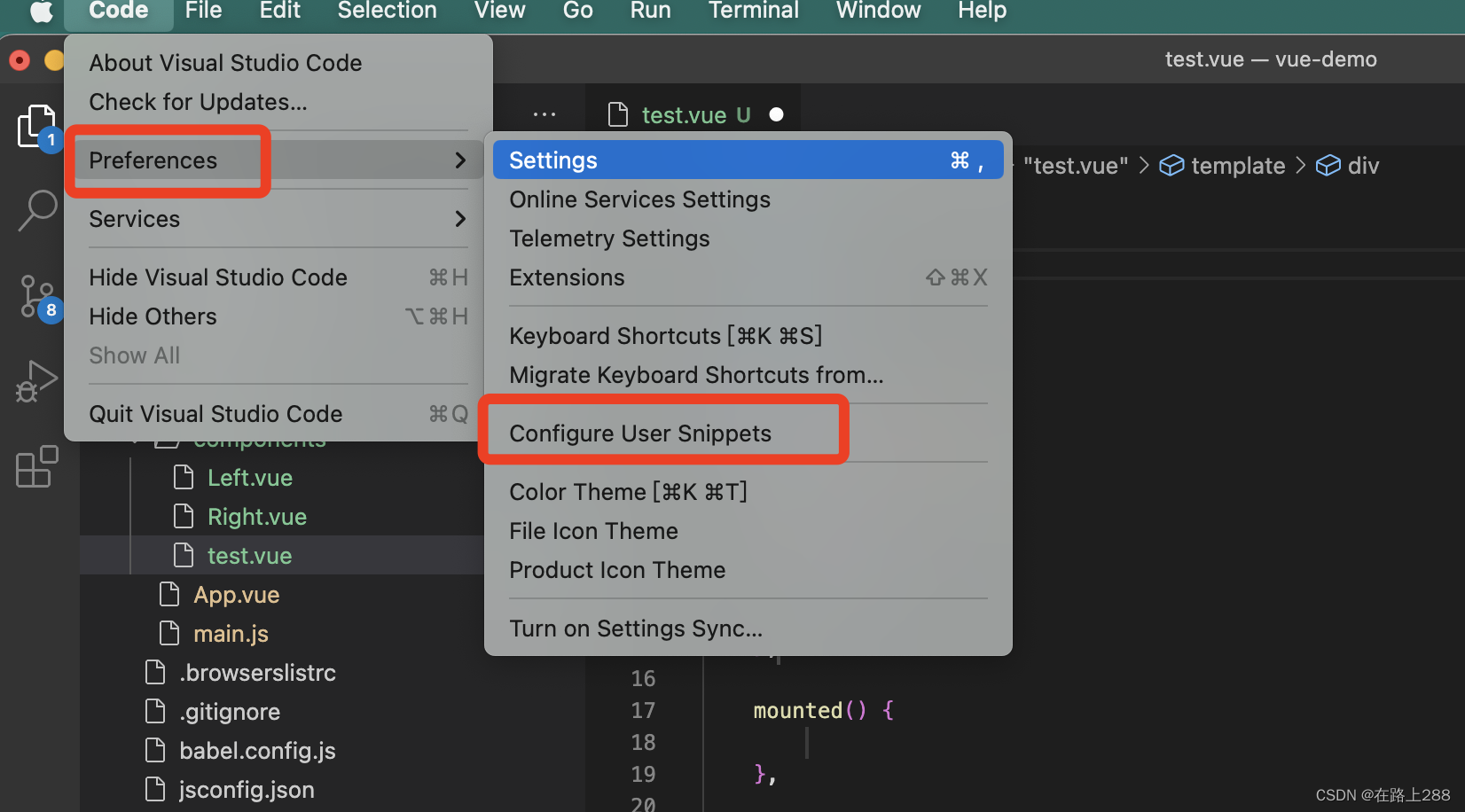
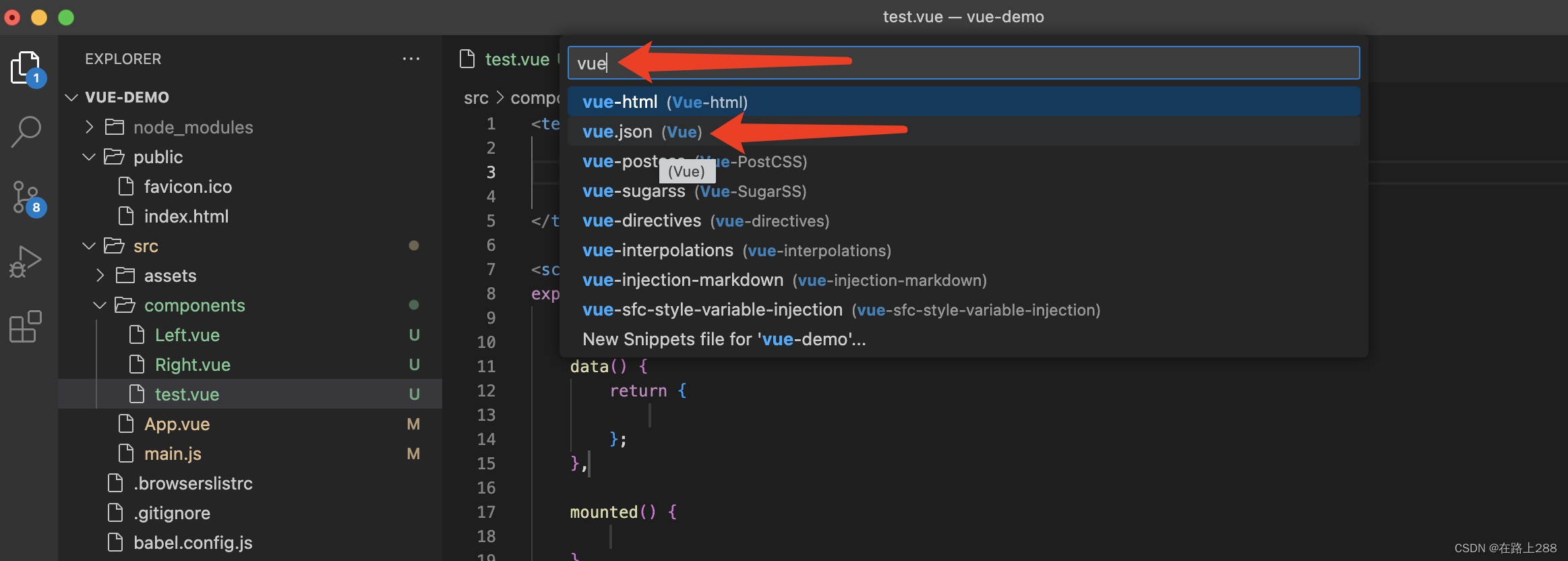
在vue.json中输入以下模板,保存
{
  // Place your snippets for vue here. Each snippet is defined under a snippet name and has a prefix, body and
  // description. The prefix is what is used to trigger the snippet and the body will be expanded and inserted. Possible variables are:
  // $1, $2 for tab stops, $0 for the final cursor position, and ${1:label}, ${2:another} for placeholders. Placeholders with the
  // same ids are connected.
  // Example:
  "Create VUE template": {
    "prefix": "vue",
    "body": [
      "<template>",
			"  <div>",
      "  </div>",
      "</template>",
      "",
      "<script>",
      "",
      "export default {",
      "  components: {",
      "  },",
      "  // 定义属性",
      "  data() {",
      "    return {",
      "      $2",
      "    }",
      "  },",
      "  computed: {},",
      "  watch: {},",
      "  methods: {",
      "    $3",
      "  },",
      "  created() {",
      "    $4",
      "  },",
      "  mounted() {",
      "    $5",
      "  },",
      "  beforeCreate() {}, ",
      "  beforeMount() {}, ",
      "  beforeUpdate() {},",
      "  updated() {},",
      "  beforeDestroy() {},",
      "  destroyed() {},",
      "  activated() {}, // 如果页面有keep-alive缓存功能,这个函数会触发",
      "}",
      "</script>",
      "",
      "<style lang='less' scoped>",
      "  $6",
      "</style>"
    ],
    "description": "创建一个vue模版"
  }
}
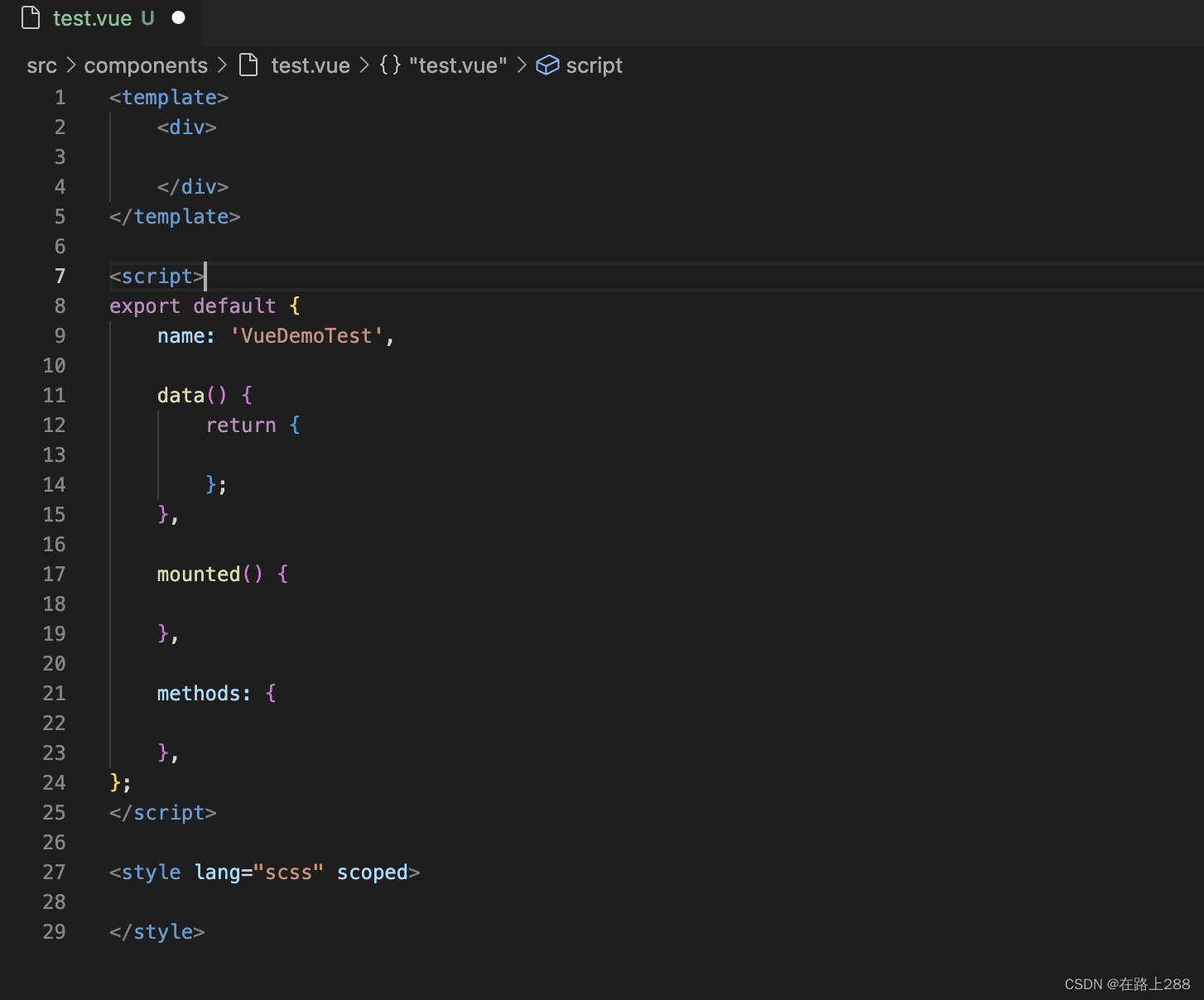
在新建的.vue文件中输入:vue,自动生成vue模板

腾讯云面向开发者汇聚海量精品云计算使用和开发经验,营造开放的云计算技术生态圈。
更多推荐
 0
0 0
0- 0


 已为社区贡献1条内容

所有评论(0)