

package org.example.controller.requestparam;

import org.springframework.stereotype.Controller;
import org.springframework.web.bind.annotation.RequestMapping;
import org.springframework.web.bind.annotation.ResponseBody;
import org.springframework.web.servlet.ModelAndView;

@Controller
public class RequestForwardingAndRedirectionController {


    //   http://localhost:8080/hello

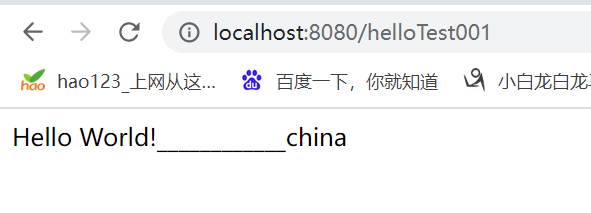
    @ResponseBody
    @RequestMapping("/helloTest001")
    public String helloTest001()
    {

        return "Hello World!____________china";
    }


    /**
     *
     * 在 Spring MVC 中,实现请求转发的最常用的方式两种,下面我们就来对它们进行介绍。
     * 1. 通过 String 类型的返回值实现转发
     *
     * @return
     */

    //   http://localhost:8080/testDispatcher

    @RequestMapping("/testDispatcher")
    public String testDispatcher() {
        return "forward:/helloTest001";
    }


    /**
     * 在 Spring MVC 中,实现请求转发的最常用的方式两种,下面我们就来对它们进行介绍。
     * 2. 通过 ModelAndView 实现转发
     *
     *
     * @return
     */


    //   http://localhost:8080/testDispatcher2

    @RequestMapping("/testDispatcher2")
    public ModelAndView testDispatcher2() {
        ModelAndView modelAndView = new ModelAndView();
        //设置逻辑视图名
        modelAndView.setViewName("forward:/helloTest001");
        return modelAndView;
    }


    /**
     *
     *
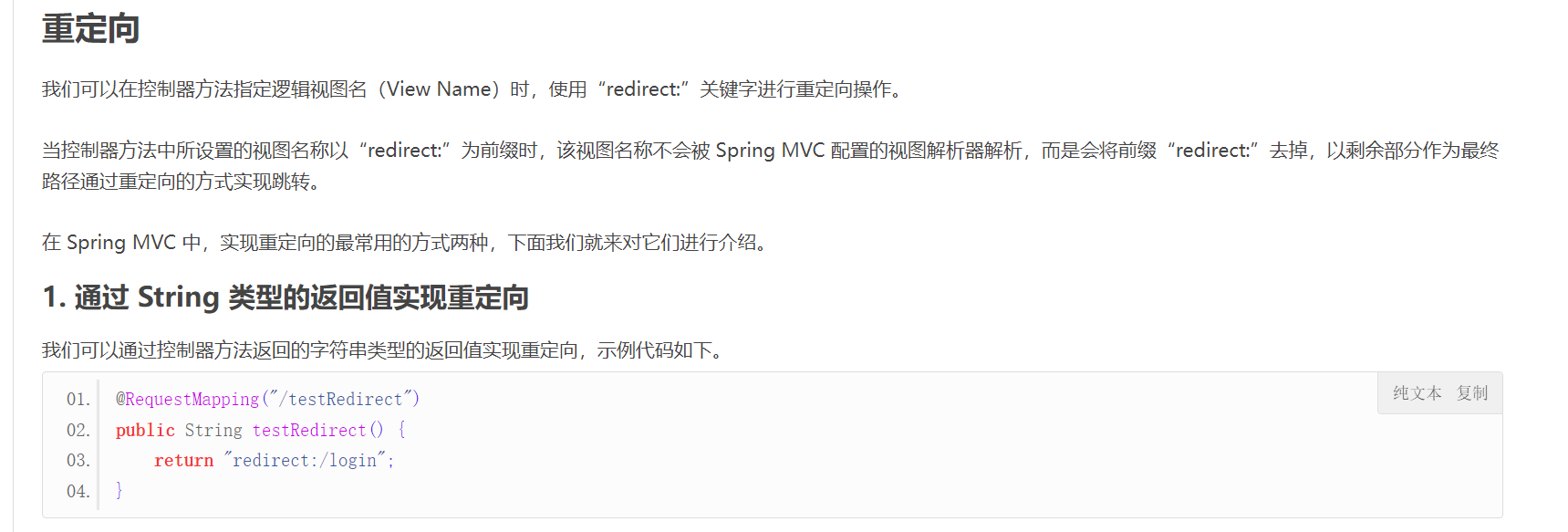
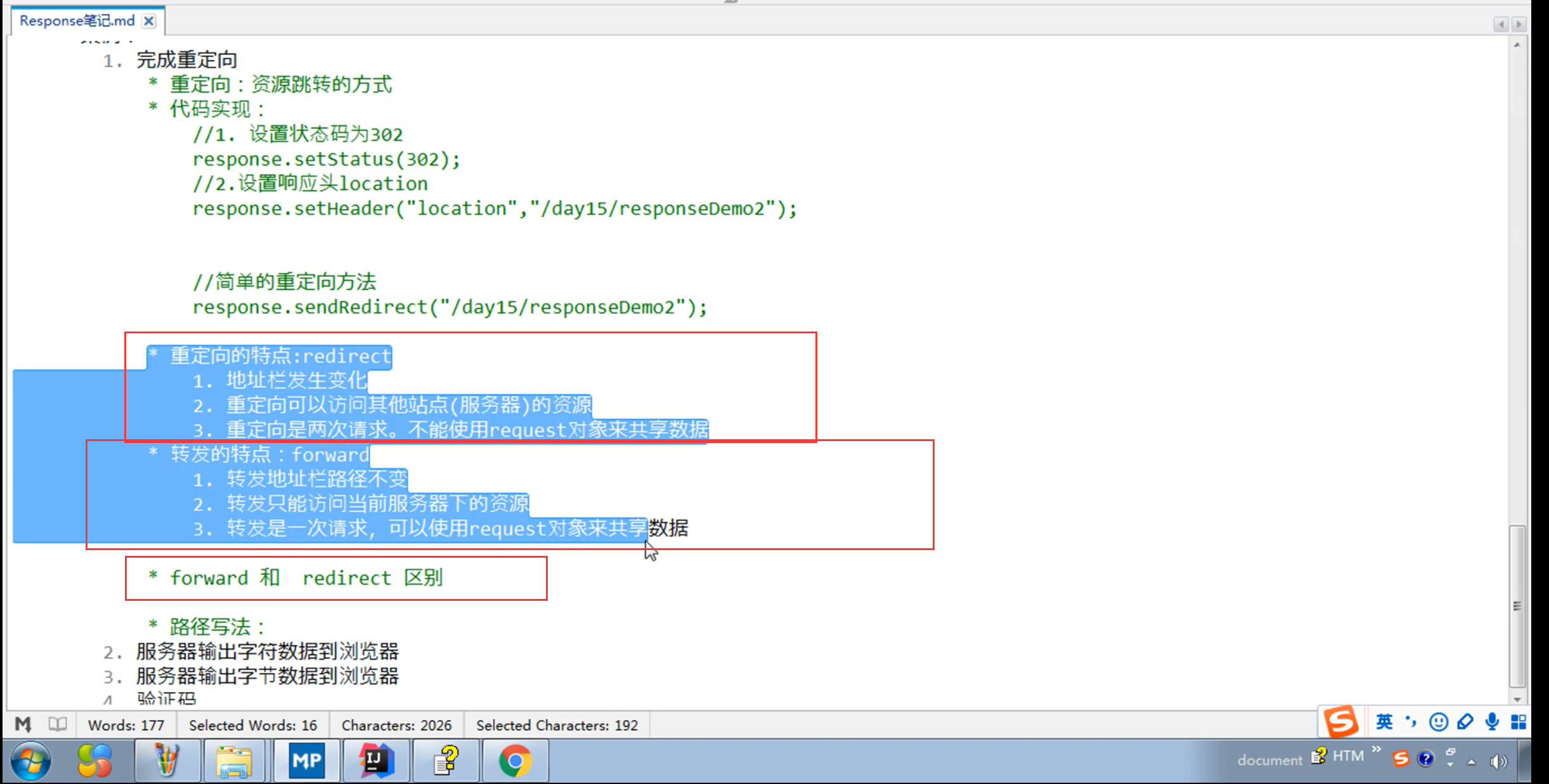
     *重定向
     * 我们可以在控制器方法指定逻辑视图名(View Name)时,使用“redirect:”关键字进行重定向操作。
     *
     * 当控制器方法中所设置的视图名称以“redirect:”为前缀时,该视图名称不会被 Spring MVC 配置的视图解析器解析,而是会将前缀“redirect:”去掉,以剩余部分作为最终路径通过重定向的方式实现跳转。
     *
     * 在 Spring MVC 中,实现重定向的最常用的方式两种,下面我们就来对它们进行介绍。
     * 1. 通过 String 类型的返回值实现重定向
     *
     */

    //   http://localhost:8080/testRedirect

    @RequestMapping("/testRedirect")
    public String testRedirect() {
        return "redirect:/helloTest001";
    }


    /**
     *
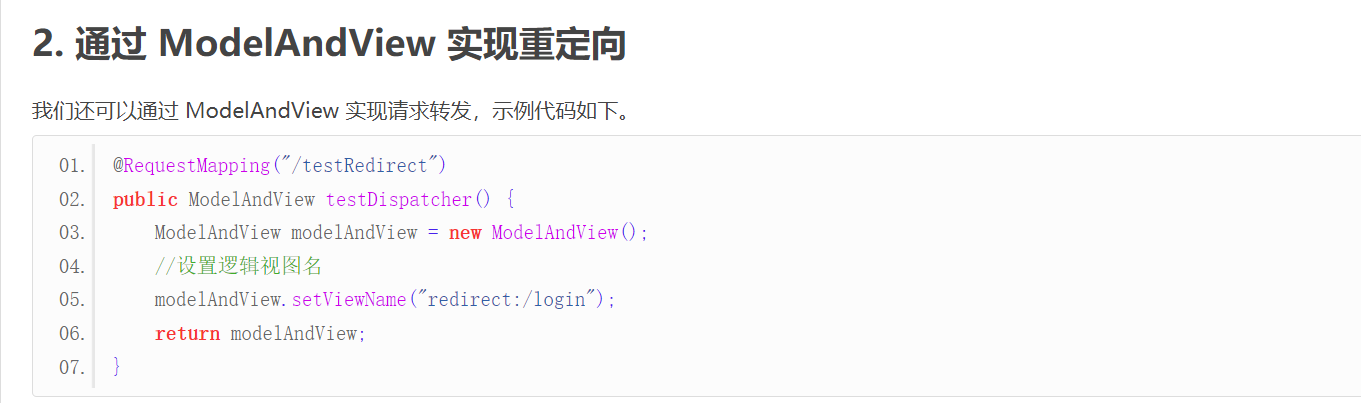
     *2. 通过 ModelAndView 实现重定向
     *
     */


    //   http://localhost:8080/testRedirect23

    @RequestMapping("/testRedirect23")
    public ModelAndView testDispatcher23() {
        ModelAndView modelAndView = new ModelAndView();
        //设置逻辑视图名
        modelAndView.setViewName("redirect:/helloTest001");
        return modelAndView;
    }

}


 已为社区贡献23条内容

所有评论(0)