在发布 npm 包的时候提示没有登录,解决办法 This command requires you to be logged in to https://npm.pkg.github.com
·
在发布 npm 包的时候提示没有登录,解决办法 This command requires you to be logged in to https://npm.pkg.github.com
问题描述
做了一个 npm 包,在想发布的时候,怎么都发布不了。一直提示:
npm ERR! code ENEEDAUTH
npm ERR! need auth This command requires you to be logged in to https://npm.pkg.github.com
npm ERR! need auth You need to authorize this machine using `npm adduser`
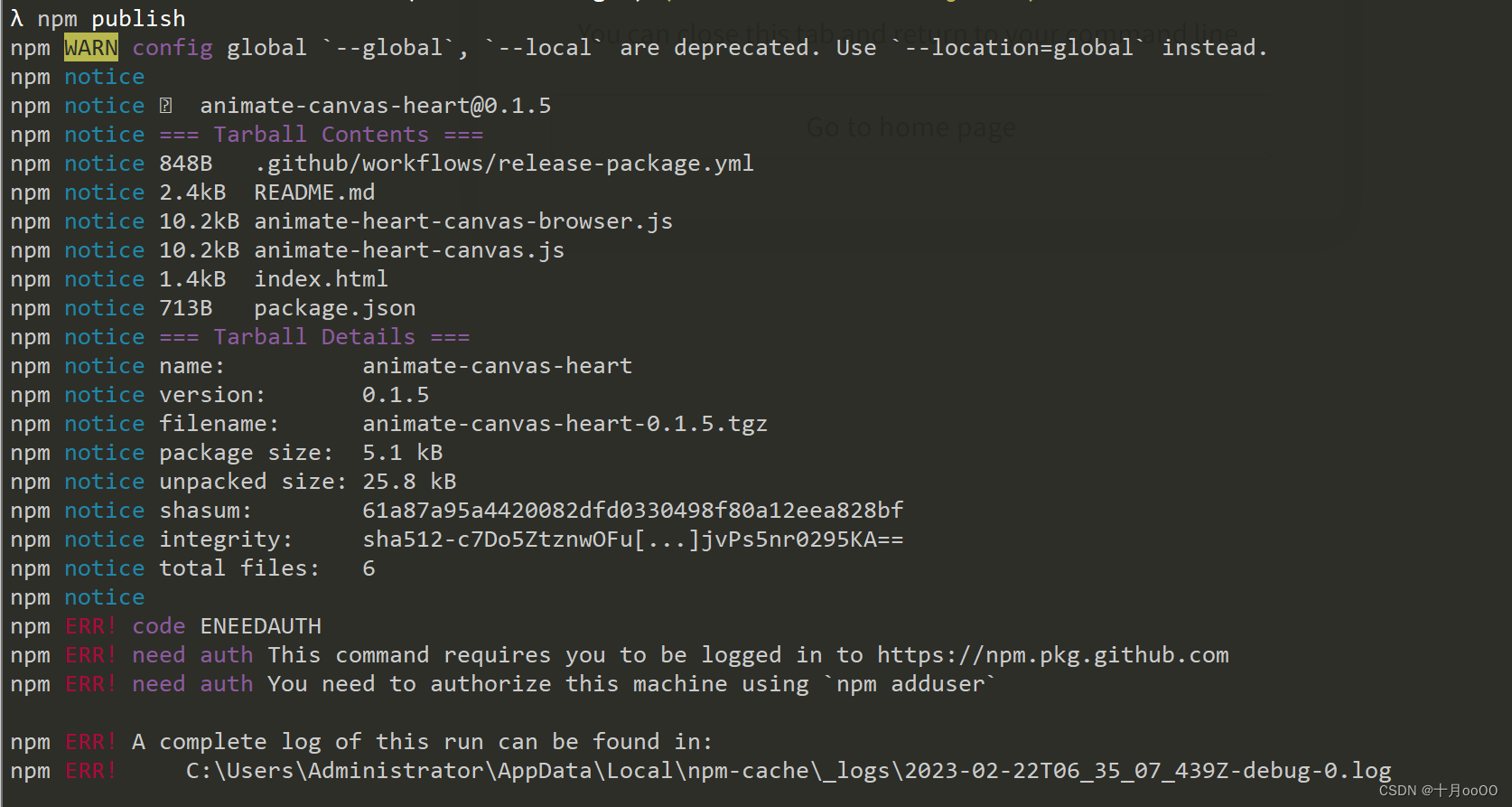
但是我明明已经登录了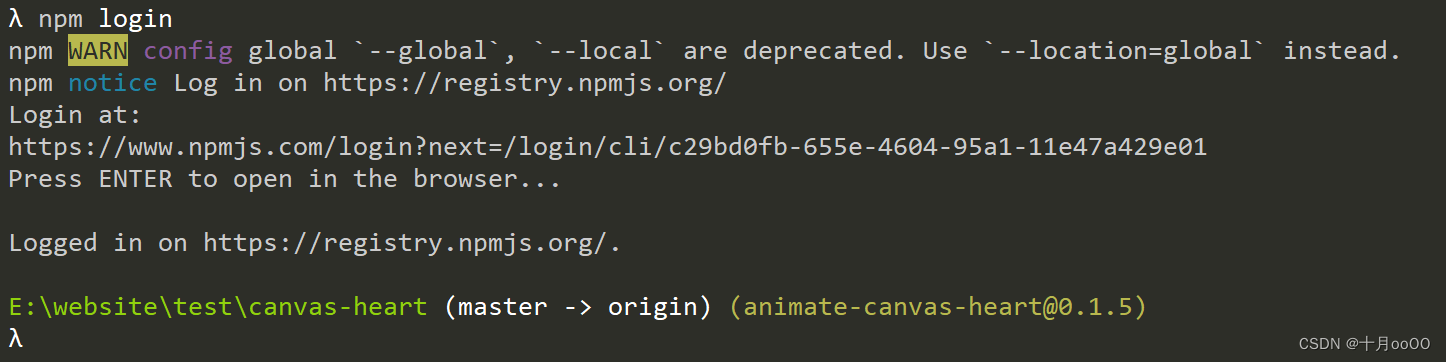
解决办法
google 到了答案: https://github.com/workshopper/how-to-npm/issues/25
在自己的 package.json 中的设置里,之前错误的配置是这样,应该改成下面那种
  "publishConfig": {
    "registry": "https://npm.pkg.github.com"
  }
这是正确的
  "publishConfig": {
    "registry": "https://registry.npmjs.org/"
  }
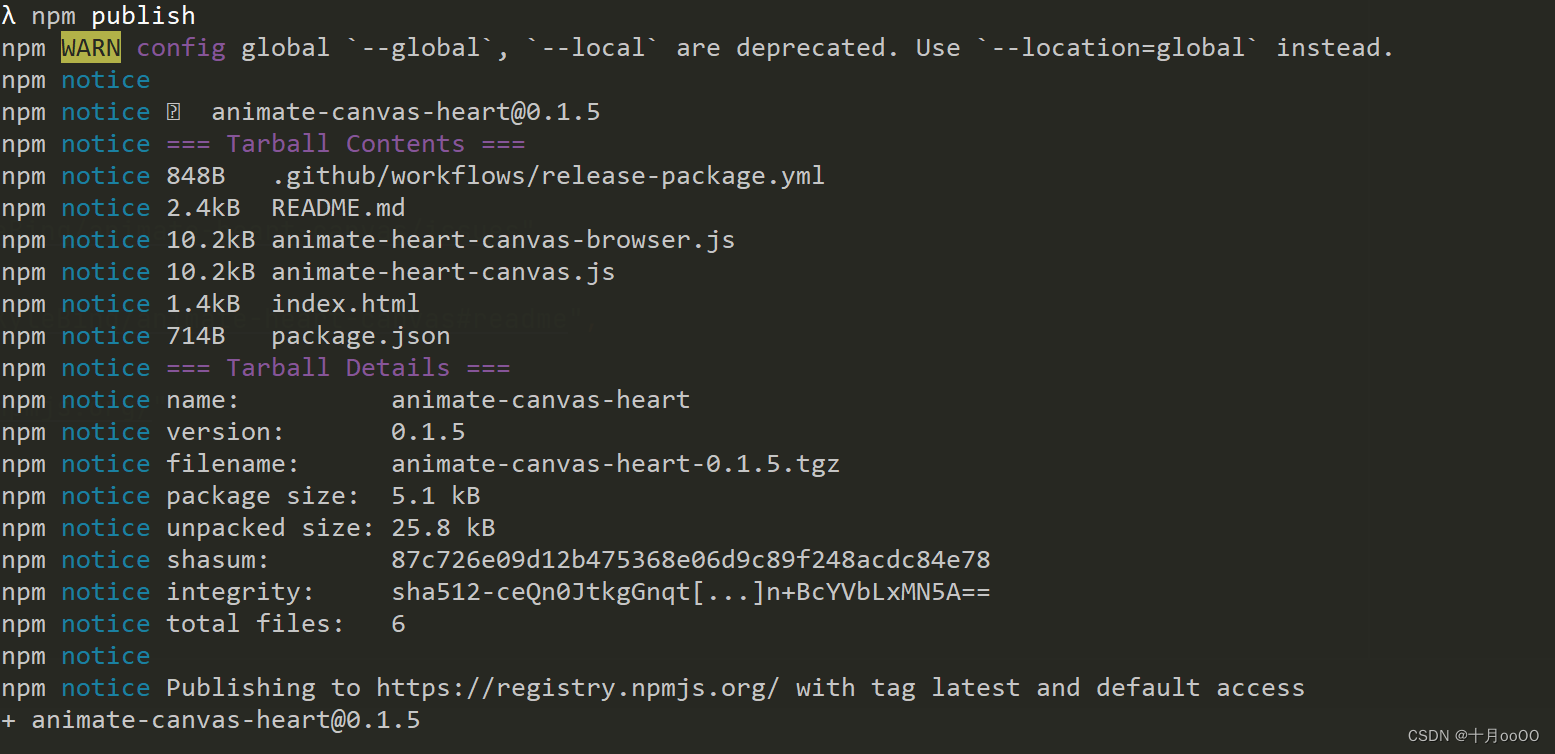
然后你就能正常发布了

腾讯云面向开发者汇聚海量精品云计算使用和开发经验,营造开放的云计算技术生态圈。
更多推荐
 5
5 0
0- 0


 已为社区贡献7条内容

所有评论(0)