克隆clone github上某个项目的子目录
·
1. 需求描述
有时会遇到只需要克隆github某个项目的子目录,如果全部clone,会占用很多时间和内存,此时就可以使用以下方法实现:
需求示例:
现需要克隆:https://github.com/SingleZombie/DL-Demos项目中的ddim项目
注:ddim项目的地址为:https://github.com/SingleZombie/DL-Demos/tree/master/dldemos/ddim
2. 解决方案
Step1: git clone --filter=blob:none --no-checkout https://github.com/SingleZombie/DL-Demos
Step2: cd DL-Demos, 即表示进入到该目录
Step3: git sparse-checkout init --cone
Step4: git sparse-checkout set dldemos/ddim, 其中dldemos/ddim表示https://github.com/SingleZombie/DL-Demos这个目录下的相对路径
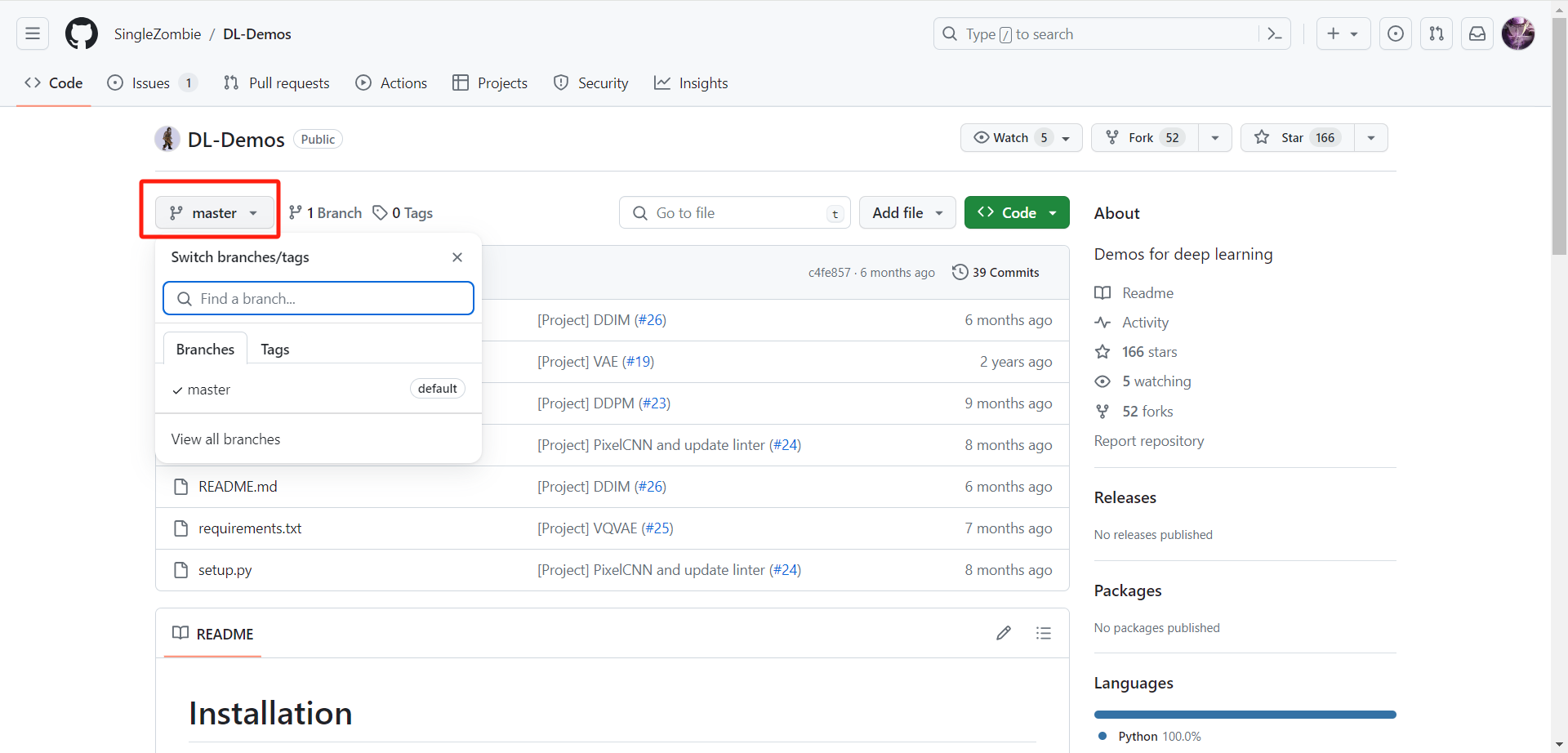
Step5: git checkout master, 其中master表示分支,可以在github项目中查看,如果有其他分支,如:main分支,则git checkout main即可,如下图所示:
详细的代码步骤如下:
git clone --filter=blob:none --no-checkout https://github.com/SingleZombie/DL-Demos
cd DL-Demos
git sparse-checkout init --cone
git sparse-checkout set dldemos/ddim
git checkout master

腾讯云面向开发者汇聚海量精品云计算使用和开发经验,营造开放的云计算技术生态圈。
更多推荐
 13
13 0
0- 0


 已为社区贡献7条内容

所有评论(0)