Mac 编译 Recastnavigation vscode cmake
·
编译Recastnavigation
首先下载GitHub - recastnavigation/recastnavigation: Industry-standard navigation-mesh toolset for gamesma
mkdir Build
cd Build
cmake .. -D CMAKE_BUILD_TYPE=True
make
-D CMAKE_BUILD_TYPE=True 为开启debug模式
会出现报错
recastnavigation/RecastDemo/Source/ConvexVolumeTool.cpp:23:10: fatal error: 'SDL.h' file not found
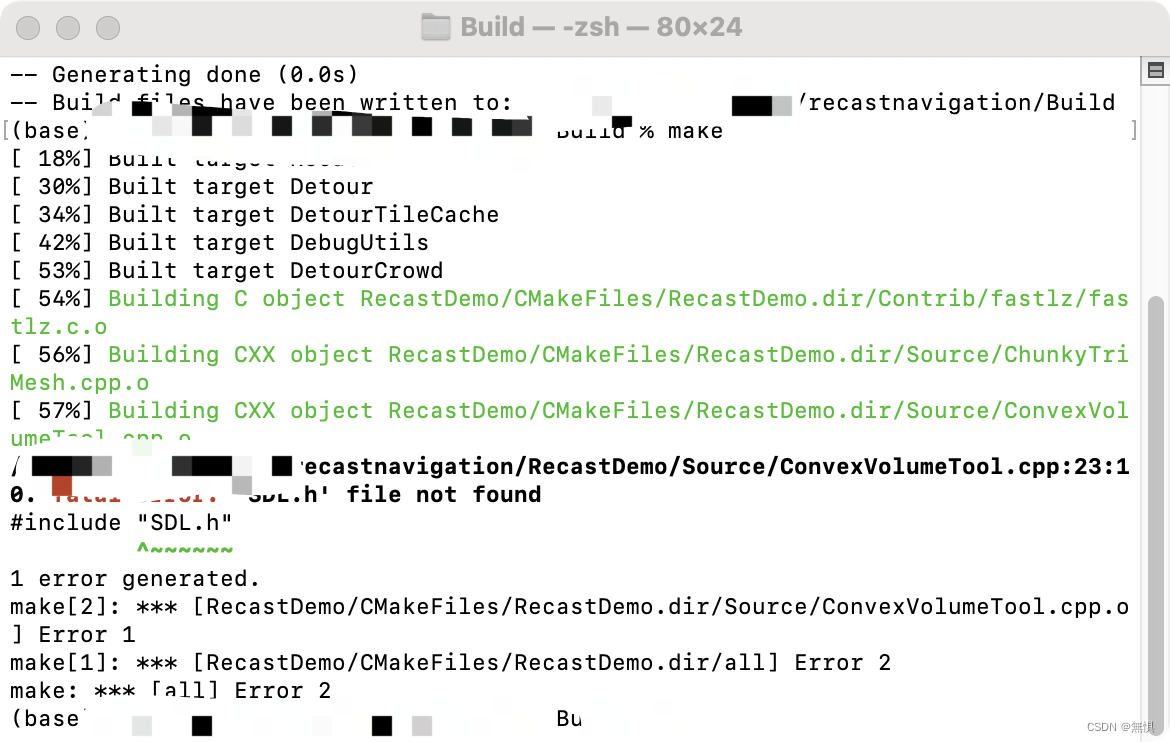 需要下载SDL2库
brew install SDL2查看安装位置
brew --prefix sdl2
输出
/opt/homebrew/opt/sdl2然后找到/recastnavigation/RecastDemo/CMakeLists.txt
在开头添加
set(SDL2_ROOT_DIR "/opt/homebrew/Cellar/sdl2/你的版本号")
//头文件
include_directories(${SDL2_ROOT_DIR}/include/SDL2)
顺利编译

配置vscode调试
项目文件夹位置:recastnavigation根目录
添加这些拓展
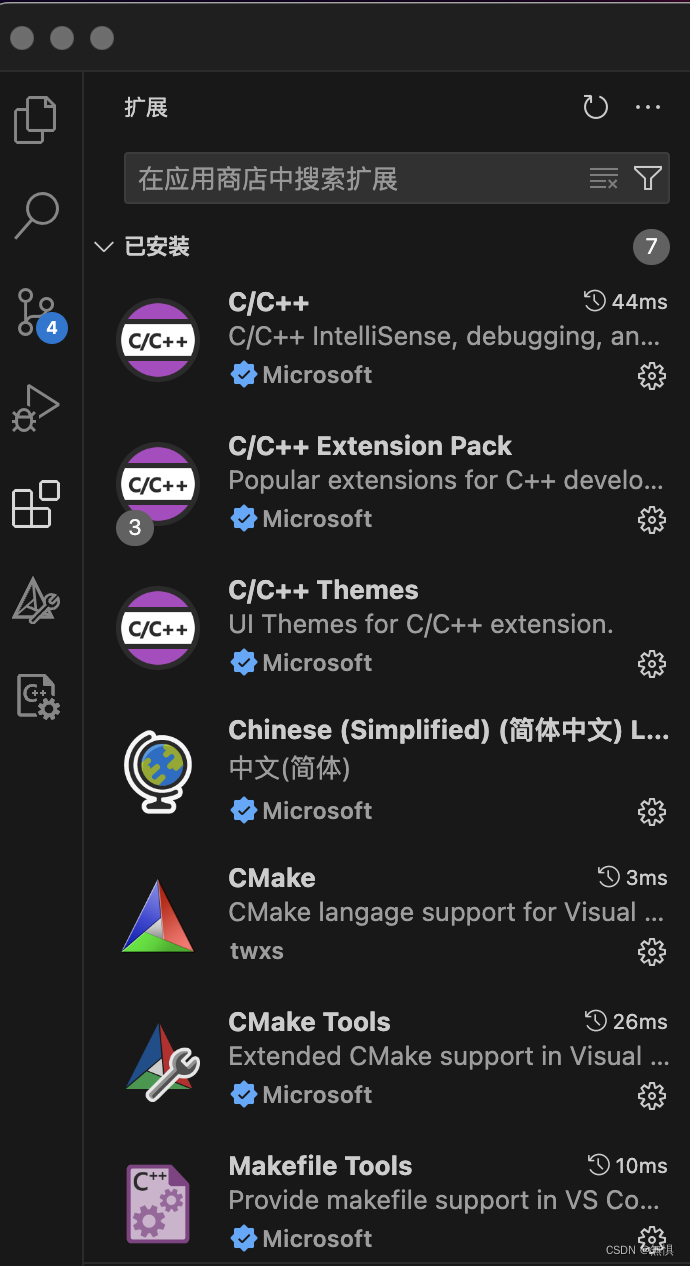
创建launch.json
{
    "version": "0.2.0",
    "configurations": [
        {
            "name": "Debug",
            "type": "cppdbg",
            "request": "launch",
            "program": "${workspaceFolder}/Build/RecastDemo/RecastDemo.app/Contents/MacOS/RecastDemo",
            "args": [],
            "stopAtEntry": false,
            "cwd": "${workspaceFolder}/Build/RecastDemo",
            "environment": [],
            "externalConsole": false,
            "MIMode": "lldb",
            "preLaunchTask": "build",
            "setupCommands": [
                {
                    "description": "Enable pretty-printing for gdb",
                    "text": "-enable-pretty-printing",
                    "ignoreFailures": true
                }
            ]
        },
    ]
}
tasks.json
{
    "version": "2.0.0",
    "tasks": [
        {
            "label": "build",
            "type": "shell",
            "command": "cmake",
            "args": [
                "--build",
                "${workspaceFolder}/Build",

            ],
            "group": "build"
        },
    ]
}
然后就可以愉快的调试了


腾讯云面向开发者汇聚海量精品云计算使用和开发经验,营造开放的云计算技术生态圈。
更多推荐
 14
14 0
0- 0


 已为社区贡献1条内容

所有评论(0)