Lilishop商城(windows)本地部署【docker版】
·
Lilishop商城(windows)本地部署【docker版】
部署官方文档:LILISHOP-开发者中心
https://gitee.com/beijing_hongye_huicheng/lilishop
本地安装docker
https://docs.pickmall.cn/deploy/win/deploy.html
命令端页面
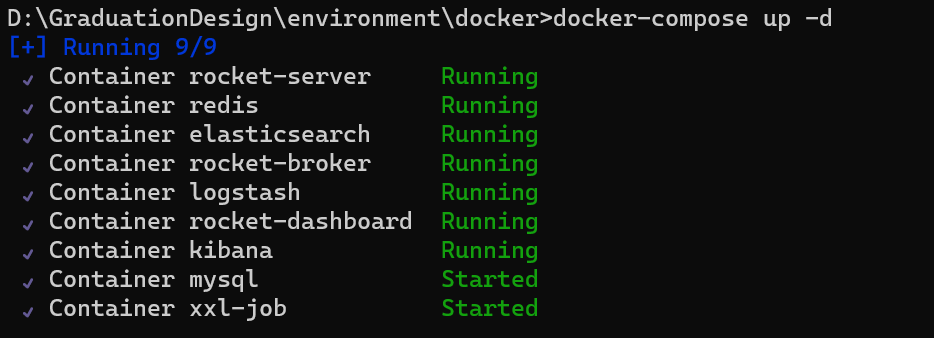
启动后docker界面
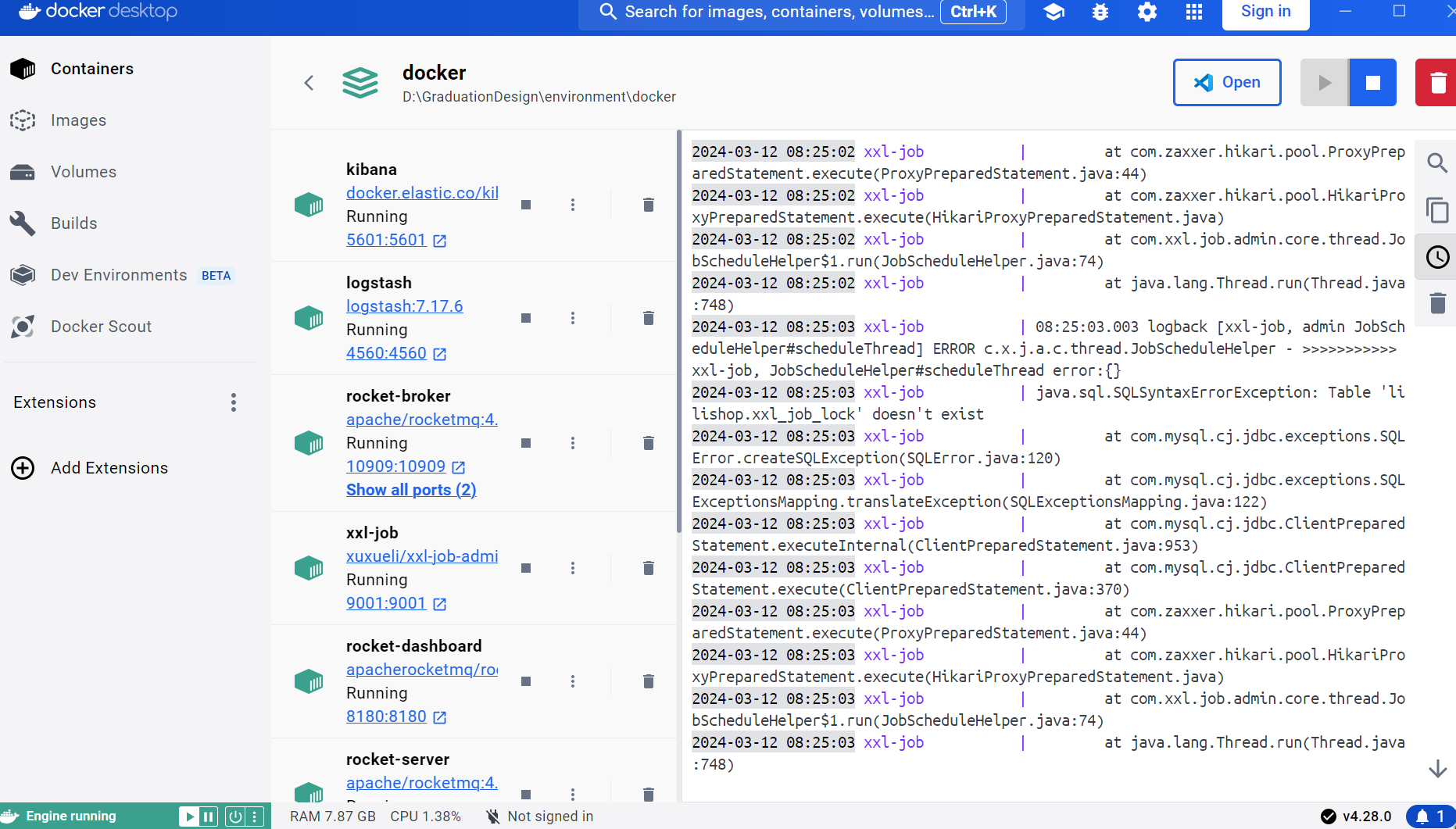
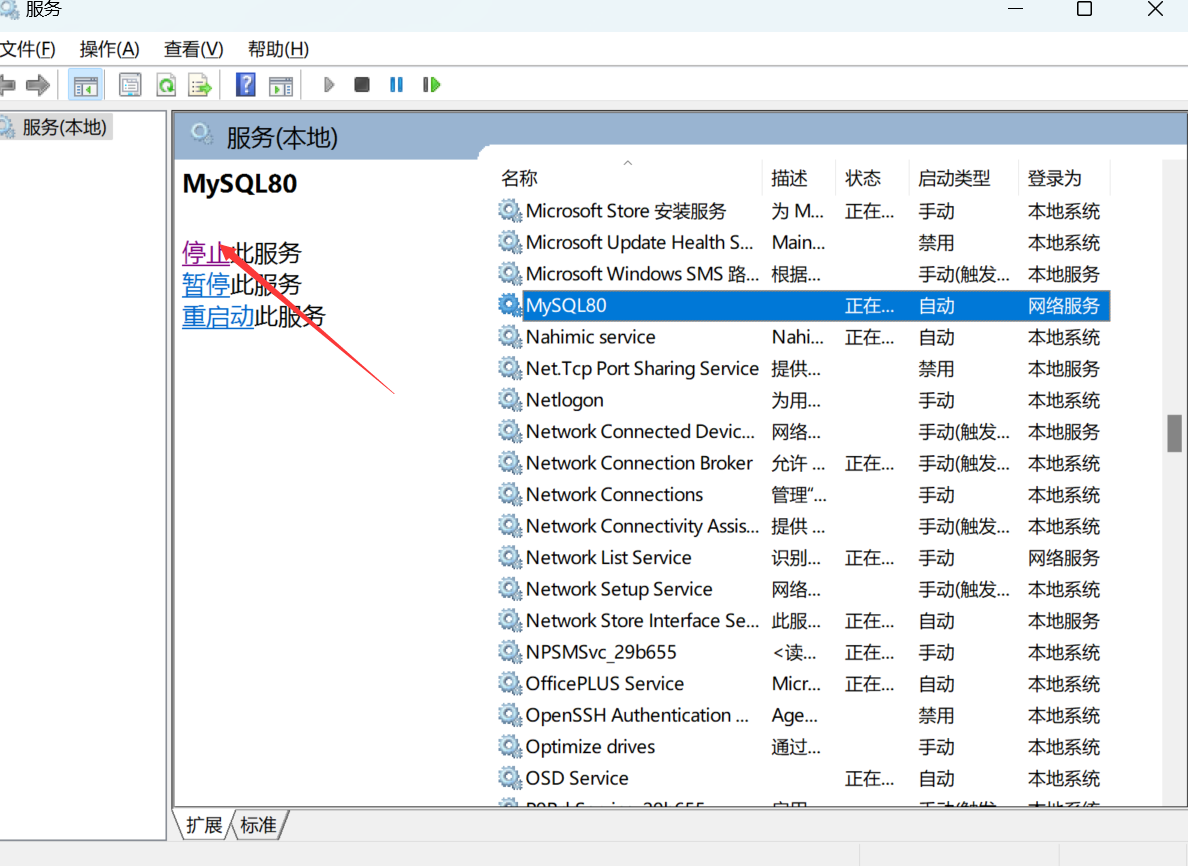
注:关闭本地的mysql80才能启动docker中的mysql
前端启动
gitee地址:https://gitee.com/dd2323/lilishop-uiiii.git
命令行执行一下命令
@echo off
echo Setting Yarn registry...
yarn config set registry https://registry.npm.taobao.org --global

echo Setting Yarn disturl...
yarn config set disturl https://npm.taobao.org/dist --global

echo Setting Yarn sass_binary_site...
yarn config set sass_binary_site http://cdn.npm.taobao.org/dist/node-sass --global
#清除npm缓存
npm cache clean --force
#取消ssl证书验证
yarn config set "strict-ssl" false -g

cd ./buyer
echo buyer...
yarn install

cd ../
cd ./manager
echo manager...
yarn install

cd ../
cd ./seller
echo seller...
yarn install

echo Script execution completed.
更改api端口
API_DEV: {
    common: "http://127.0.0.1:8890",
    buyer: "http://127.0.0.1:8888",
    seller: "http://127.0.0.1:8889",
    manager: "http://127.0.0.1:8887"
  },
  API_PROD: {
    common: "http://127.0.0.1:8890",
    buyer: "http://127.0.0.1:8888",
    seller: "http://127.0.0.1:8889",
    manager: "http://127.0.0.1:8887"
  },
继续更新后端启动的步骤和移动端启动的步骤

腾讯云面向开发者汇聚海量精品云计算使用和开发经验,营造开放的云计算技术生态圈。
更多推荐
 3
3 0
0- 0


 已为社区贡献1条内容

所有评论(0)