Django + Vue 部署服务器nginx + uwsgi_nginx部署django和vue项目
设置在平滑的重启(直到接收到的请求处理完才重启)一个工作子进程中,等待这个工作结束的最长秒数。指出JS的宿主对象和原生对象的区别,为什么扩展JS内置对象不是好的做法?指出JS的宿主对象和原生对象的区别,为什么扩展JS内置对象不是好的做法?跟C,Java中的this有什么区别?跟C,Java中的this有什么区别?
先自我介绍一下,小编浙江大学毕业,去过华为、字节跳动等大厂,目前阿里P7
深知大多数程序员,想要提升技能,往往是自己摸索成长,但自己不成体系的自学效果低效又漫长,而且极易碰到天花板技术停滞不前!
因此收集整理了一份《2024年最新Web前端全套学习资料》,初衷也很简单,就是希望能够帮助到想自学提升又不知道该从何学起的朋友。
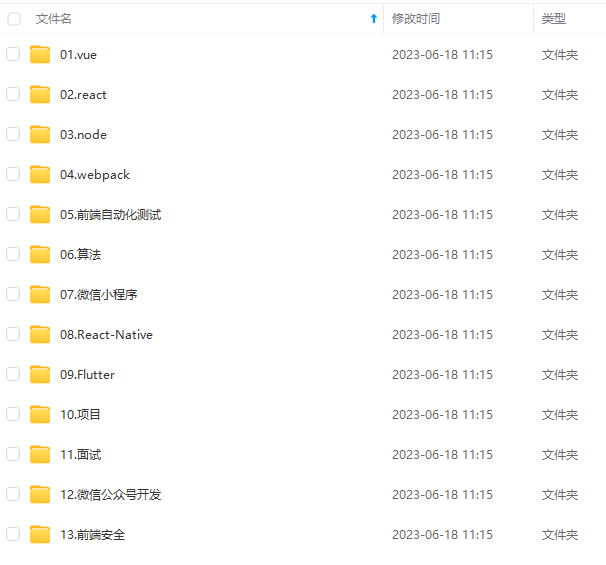
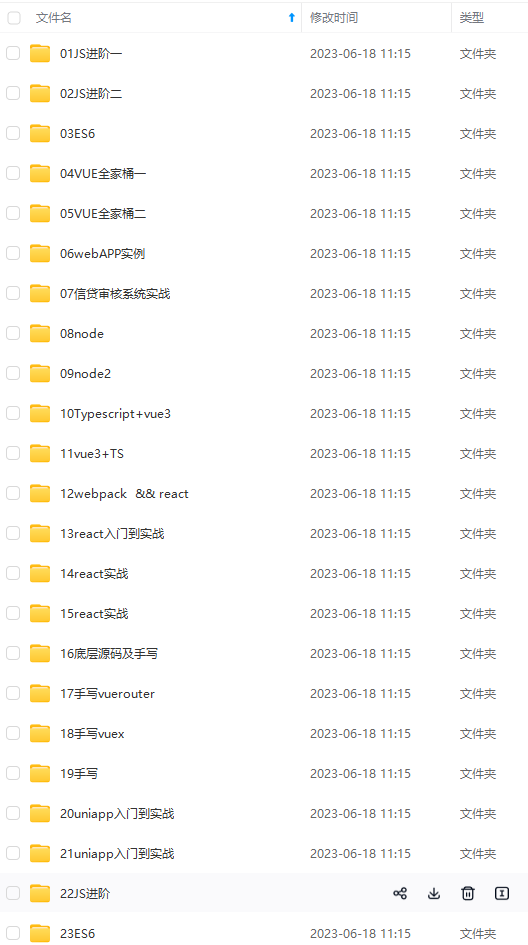
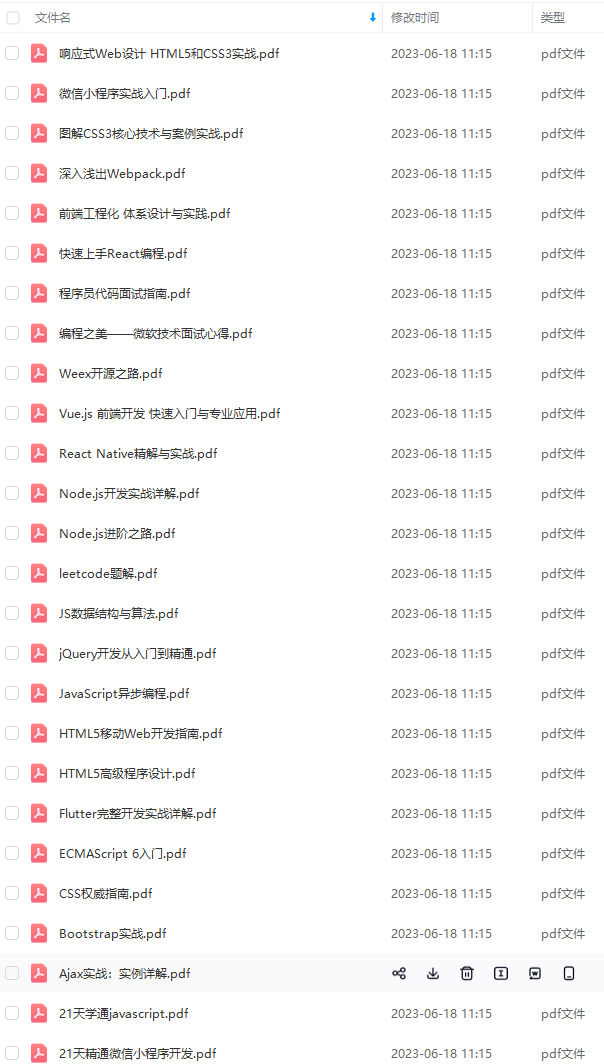
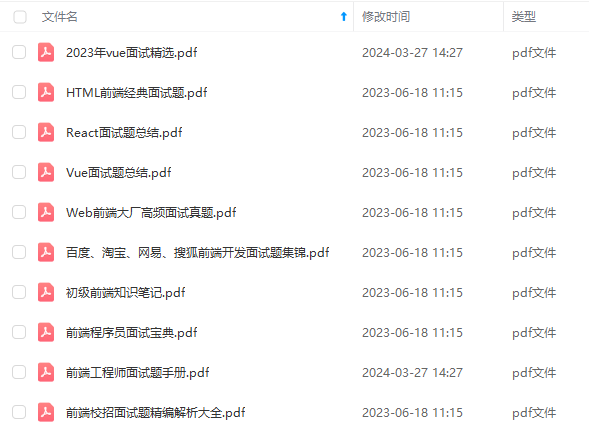
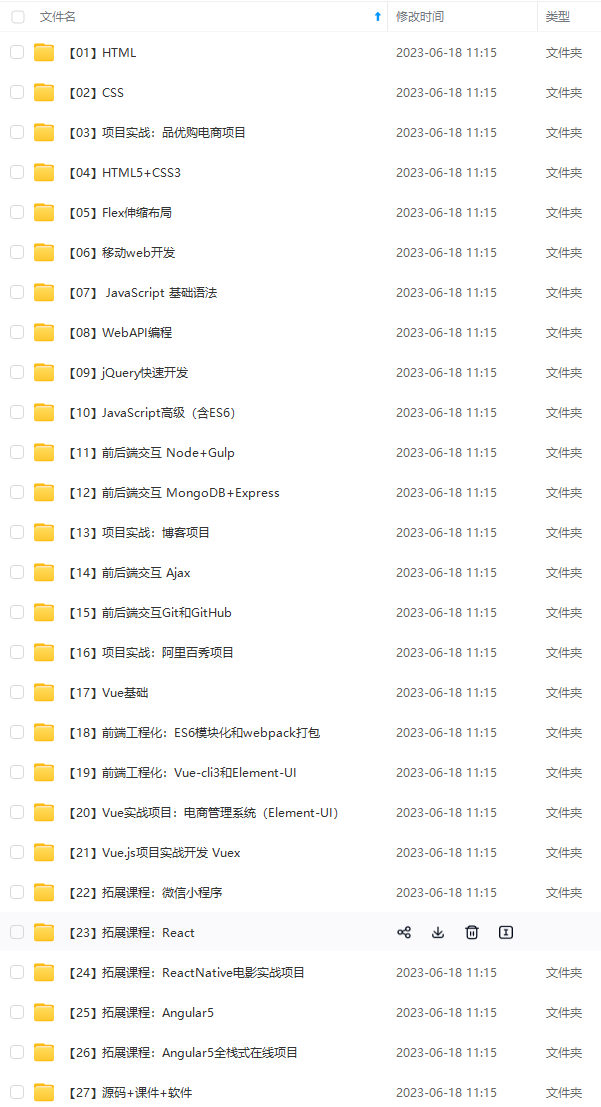
既有适合小白学习的零基础资料,也有适合3年以上经验的小伙伴深入学习提升的进阶课程,涵盖了95%以上前端开发知识点,真正体系化!
由于文件比较多,这里只是将部分目录截图出来,全套包含大厂面经、学习笔记、源码讲义、实战项目、大纲路线、讲解视频,并且后续会持续更新
如果你需要这些资料,可以添加V获取:vip1024c (备注前端)
正文
}
server{
listen 82; #监听端口
server_name 10.138.8.51; #域名地址
charset utf-8;
location /static { #请求的url
alias /data/zkos/comm/libzkos_comm/tools/performance_test/django_project/static/;
}
location ^~/django/{
proxy_pass https://127.0.0.1:80; #请求转向服务器
add_header Content-Type “text/plain;charset=utf-8”;
add_header ‘Access-Control-Allow-Origin’ ‘*’ always;
add_header ‘Access-Control-Allow-Credentials’ ‘true’;
add_header ‘Access-Control-Allow-Methods’ ‘GET, POST’;
}
location / {
root /data/zkos/comm/libzkos_comm/tools/performance_test/django_project/vue_template/dist/; #根目录
index index.html index.htm; #默认页面,入口文件
try_files $uri $uri/ /index.html;
client_max_body_size 75M;
}
location @router {
rewrite ^.$ /index.html last;
}
location /user/{
proxy_pass http://127.0.0.1:80; #请求转向服务器
add_header Content-Type “text/plain;charset=utf-8”;
add_header ‘Access-Control-Allow-Origin’ '’ always;
add_header ‘Access-Control-Allow-Credentials’ ‘true’;
add_header ‘Access-Control-Allow-Methods’ ‘GET, POST’;
}
}
server {
listen 81;
server_name 10.138.8.51;
charset utf-8;
access_log /var/log/nginx/Zkos_Comm_Vue_access.log;
error_log /var/log/nginx/Zkos_Comm_Vue_error.log;
client_max_body_size 75M;
location / {
uwsgi_pass VueTest;
include /etc/nginx/uwsgi_params;
}
}
}
2.Dango运行在83端口
vue访问Django后端数据接口ngnix监听81端口,Dango运行在83端口。
1. uWSGI 部署 Django 程序,运行在83端口
下载uwsgi
WSGI_APPLICATION = ‘django_project.wsgi.application’
创建,编译项目根目录下uwsg.ini文件.
注意:
module= django_project.wsgi
wsgi-file= /django_project/wsgi.py
module必须找到,module名字和项目名字一致
[uwsgi]
socket=:83 # 用于和 nginx 进行数据交互的端口
#http= 127.0.0.1:83
the base directory (full path) django 程序的主目录
chdir = /data/zkos/comm/libzkos_comm/tools/performance_test/django_project/
Django s wsgi file
module= django_project.wsgi
wsgi-file= /django_project/wsgi.py
static
static-map = /static=%(chdir)/vue_template/dist/static
master
master = true
maximum number of worker processes
processes = 1
clear environment on exit
vacuum = true
#监控python模块mtime来触发重载 (只在开发时使用)
py-autoreload=1
#在每个worker而不是master中加载应用
lazy-apps=true
#允许用内嵌的语言启动线程。这将允许你在app程序中产生一个子线程
enable-threads = true
#设置在平滑的重启(直到接收到的请求处理完才重启)一个工作子进程中,等待这个工作结束的最长秒数。这个配置会使在平滑地重启工作子进程中,如果工作进程结束时间超过了8秒就会被强行结束(忽略之前已经接收到的请求而直接结束)
reload-mercy = 8
#设置最大日志文件大小
log-maxsize = 5000000
daemonize = /data/uwsgi_ini/zkos_comm_test/uwsgi.log
pidfile = /data/uwsgi_ini/zkos_comm_test/uwsgi.pid
2 使用uwsg分发前端项目访问,指向后端运行端口
server {
listen 81;
server_name 10.138.8.51;
charset utf-8;access_log /var/log/nginx/Zkos_Comm_Vue_access.log;
error_log /var/log/nginx/Zkos_Comm_Vue_error.log;client_max_body_size 75M;
location / {
uwsgi_pass VueTest;
include /etc/nginx/uwsgi_params;
}
}
http://*****:82/protal web页面访问
:81 后端交互数据访问
3 遇到的问题
3.1 uwsgi.ini 怎么启动
uwsgi``-``-``ini uwsgi.ini
如果想查看启动是否成功:
ps aux | grep uwsgi
重新启动
uwsgi --reload uwsgi.pid
或
sudo systemctl reload nginx
测试
nginx -t
lsof -i :81; lsof -i :82; lsof -i :83
停止
uwsgi``-``-``stop uwsgi.pid
报错信息:
/usr/lib/python3/dist-packages/requests/__init__.py:89: RequestsDependencyWarning: urllib3 (1.26.14) or chardet (3.0.4) doesn’t match a supported version!
warnings.warn("urllib3 ({}) or chardet ({}) doesn’t match a supported "
ModuleNotFoundError: No module named ‘ZKOS_COMM_TEST’
unable to load app 0 (mountpoint=‘’) (callable not found or import error)
重启:
uwsgi --reload uwsgi.pid
启动uwsgi出现!!! no internal routing support, rebuild with pcre support !!!
pip uninstall uwsgi
sudo apt-get install libpcre3 libpcre3-dev
pip install uwsgi --no-cache-dir
3.2 查看日志
查看是否成功运行 ps aux | grep uwsgi
确保Django程序成功运行在83端口
:/data/uwsgi_ini/zkos_comm_test# touch uwsgi.log
root@zeekr-Precision-5820-Tower:/data/uwsgi_ini/zkos_comm_test# ls
uwsgi.log uwsgi.pid
root@zeekr-Precision-5820-Tower:/data/uwsgi_ini/zkos_comm_test# cat uwsgi.log
*** Starting uWSGI 2.0.22 (64bit) on [Mon Aug 14 16:58:38 2023] ***
compiled with version: 9.4.0 on 14 August 2023 08:45:07
os: Linux-5.15.0-78-generic #85~20.04.1-Ubuntu SMP Mon Jul 17 09:42:39 UTC 2023
nodename: zeekr-Precision-5820-Tower
machine: x86_64
clock source: unix
detected number of CPU cores: 20
current working directory: /data/zkos/comm/libzkos_comm/tools/performance_test/django_project
writing pidfile to /data/uwsgi_ini/zkos_comm_test/uwsgi.pid
detected binary path: /usr/local/bin/uwsgi
!!! no internal routing support, rebuild with pcre support !!!
uWSGI running as root, you can use --uid/–gid/–chroot options
*** WARNING: you are running uWSGI as root !!! (use the --uid flag) ***
chdir() to /data/zkos/comm/libzkos_comm/tools/performance_test/django_project/
your processes number limit is 255622
your memory page size is 4096 bytes
detected max file descriptor number: 1024
building mime-types dictionary from file /etc/mime.types…567 entry found
lock engine: pthread robust mutexes
thunder lock: disabled (you can enable it with --thunder-lock)
uwsgi socket 0 bound to TCP address :83 # 用于和 nginx 进行数据交互的端口 fd 6
uWSGI running as root, you can use --uid/–gid/–chroot options
*** WARNING: you are running uWSGI as root !!! (use the --uid flag) ***
Python version: 3.8.10 (default, May 26 2023, 14:05:08) [GCC 9.4.0]
Python main interpreter initialized at 0x5639e6a00b40
uWSGI running as root, you can use --uid/–gid/–chroot options
*** WARNING: you are running uWSGI as root !!! (use the --uid flag) ***
python threads support enabled
your server socket listen backlog is limited to 100 connections
your mercy for graceful operations on workers is 60 seconds
mapped 145840 bytes (142 KB) for 1 cores
*** Operational MODE: single process ***
uWSGI running as root, you can use --uid/–gid/–chroot options
*** WARNING: you are running uWSGI as root !!! (use the --uid flag) ***
*** uWSGI is running in multiple interpreter mode ***
spawned uWSGI master process (pid: 22538)
spawned uWSGI worker 1 (pid: 22539, cores: 1)
Python auto-reloader enabled
/usr/lib/python3/dist-packages/requests/init.py:89: RequestsDependencyWarning: urllib3 (1.26.14) or chardet (3.0.4) doesn’t match a supported version!
warnings.warn("urllib3 ({}) or chardet ({}) doesn’t match a supported "
ModuleNotFoundError: No module named ‘ZKOS_COMM_TEST’
unable to load app 0 (mountpoint=‘’) (callable not found or import error)
failed to open python file /ZKOS_COMM_TEST/wsgi.py
unable to load app 0 (mountpoint=‘’) (callable not found or import error)
*** no app loaded. going in full dynamic mode ***
3.3 报错信息:
root@zeekr-Precision-5820-Tower:/data/uwsgi_ini/zkos_comm_test# uwsgi --reload uwsgi.pid
signal_pidfile()/kill(): No such process [core/uwsgi.c line 1698]
报错信息:
/usr/lib/python3/dist-packages/requests/__init__.py:89: RequestsDependencyWarning: urllib3 (1.26.14) or chardet (3.0.4) doesn’t match a supported version!
warnings.warn("urllib3 ({}) or chardet ({}) doesn’t match a supported "
ModuleNotFoundError: No module named ‘ZKOS_COMM_TEST’
unable to load app 0 (mountpoint=‘’) (callable not found or import error)
重启:
uwsgi --reload uwsgi.pid
启动uwsgi出现!!! no internal routing support, rebuild with pcre support !!!
pip uninstall uwsgi
sudo apt-get install libpcre3 libpcre3-dev
pip install uwsgi --no-cache-dir
no python application found, check your startup logs for errors及ModuleNotFoundError: No module named ‘django’问题解决
Tower:/data/uwsgi_ini/zkos_comm_test# uwsgi --reload uwsgi.pid
signal_pidfile()/kill(): No such process [core/uwsgi.c line 1698]
1083 python --version
1084 $ uwsgi --reload uwsgi.pid
1085 uwsgi --reload uwsgi.pid
1086 ls -l
1087 cat uwsgi.pid
1088 kill -HUP 319464
1089 ps -ef | grep 319464
1090 ps -ef | grep uwsgi
1091 kill -HUP 103815
1092 kill -HUP 1672294
1093 ps -ef | grep uwsgi
1094 cat uwsgi.log
1095 ps -ef | grep uwsgi
1096 history
root@zeekr-Precision-5820-Tower:/data/uwsgi_ini/zkos_comm_test#
四.每一次部署
- 生成dist文件夹:
cd /vue_template
npm install
npm run build
- 收集静态资源,在settings.py中设置的静态文件夹
cd /django/
python3 manage.py collectstatic
3.重启
修改代码重启uwsgi服务 uwsgi --ini uwsgi.ini
root@zeekr-Precision-5820-Tower:/data/zkos/comm/libzkos_comm/tools/performance_test/django_project# uwsgi --ini uwsgi.ini
[uWSGI] getting INI configuration from uwsgi.ini
[uwsgi-static] added mapping for /static => /data/zkos/comm/libzkos_comm/tools/performance_test/django_project//vue_template/dist/static
测试启动成功 nginx -t
root@zeekr-Precision-5820-Tower:/data/zkos/comm/libzkos_comm/tools/performance_test/django_project# nginx -t
nginx: the configuration file /etc/nginx/nginx.conf syntax is ok
nginx: configuration file /etc/nginx/nginx.conf test is successful
关机重启nginx 服务 sudo systemctl reload nginx
root@zeekr-Precision-5820-Tower:/var/log/nginx# sudo systemctl reload nginx
五.开发环境生产环境分离
开发环境与生产环境的使用不同的配置
配置文件设置
import os
获取环境数值
ENV_PROFILE = os.getenv(“ENV”)
判断是否为生产环境
if ENV_PROFILE == “production”:
DEBUG = False #生产环境下关闭debug模式
else:
DEBUG = True #开发环境下开启debug模式
if DEBUG:
db_url = “mysql://127.0.0.1:3306/demo”
else:
db_url = “mysql://192.168.0.24:3306/demo”
在运行时,通过输入环境变量来区分
在生产环境下启动服务,终端输入命令:
$ ENV=production python manage.py runserver
在开发环境下启动服务,输入命令:
$ python manage.py runserver
六.发送邮件
setting设置信息
“”"
Django settings for django_project project.
Generated by ‘django-admin startproject’ using Django 4.2.1.
For more information on this file, see
https://docs.djangoproject.com/en/4.2/topics/settings/
For the full list of settings and their values, see
https://docs.djangoproject.com/en/4.2/ref/settings/
“”"
from pathlib import Path
import os
import sys
Build paths inside the project like this: BASE_DIR / ‘subdir’.
BASE_DIR = Path(file).resolve().parent.parent
sys.path.insert(0, os.path.join(BASE_DIR,“Apps”))
Quick-start development settings - unsuitable for production
See https://docs.djangoproject.com/en/4.2/howto/deployment/checklist/
SECURITY WARNING: keep the secret key used in production secret!
SECRET_KEY = ‘django-insecure-q%my-l@=a_ h g hg hg ( ( (uklbyse_pb)i5u+@hmwg6_2rh5v+&-%u@’
SECURITY WARNING: don’t run with debug turned on in production!
DEBUG = True
ALLOWED_HOSTS = [‘*’]
Application definition
INSTALLED_APPS = [
‘django.contrib.admin’,
‘django.contrib.auth’,
‘django.contrib.contenttypes’,
‘django.contrib.sessions’,
‘django.contrib.messages’,
‘django.contrib.staticfiles’,
‘corsheaders’, #跨域
‘django_crontab’, #定时任务
‘PerformanceTest’,
‘UserInfo’
]
MIDDLEWARE = [
‘django.middleware.security.SecurityMiddleware’,
‘django.contrib.sessions.middleware.SessionMiddleware’,
‘corsheaders.middleware.CorsMiddleware’,
‘django.middleware.common.CommonMiddleware’,
‘django.middleware.csrf.CsrfViewMiddleware’,
‘django.contrib.auth.middleware.AuthenticationMiddleware’,
‘django.contrib.messages.middleware.MessageMiddleware’,
‘django.middleware.clickjacking.XFrameOptionsMiddleware’,
]
CORS_ALLOW_CREDENTIALS = True
CORS_ORIGIN_ALLOW_ALL = True
CORS_ORIGIN_WHITELIST = (
‘http://127.0.0.1:8080’,
)
CORS_ALLOWED_ORIGINS = [
‘http://127.0.0.1:8080’, # 前端地址
‘http://127.0.0.1:8000’, # 后端地址
‘http://10.138.8.51:81’, # 后端地址
]
CORS_ALLOW_METHODS = (
‘DELETE’,
‘GET’,
‘OPTIONS’,
‘PATCH’,
‘POST’,
‘PUT’,
‘VIEW’,
)
CORS_ALLOW_HEADERS = (
‘accept’,
‘accept-encoding’,
‘authorization’,
‘content-type’,
‘dnt’,
‘origin’,
‘user-agent’,
‘x-csrftoken’,
‘x-requested-with’,
)
ROOT_URLCONF = ‘django_project.urls’
TEMPLATES = [
{
‘BACKEND’: ‘django.template.backends.django.DjangoTemplates’,
‘DIRS’: [‘vue_template/dist’],
‘APP_DIRS’: True,
‘OPTIONS’: {
‘context_processors’: [
‘django.template.context_processors.debug’,
‘django.template.context_processors.request’,
‘django.contrib.auth.context_processors.auth’,
‘django.contrib.messages.context_processors.messages’,
],
},
},
]
WSGI_APPLICATION = ‘django_project.wsgi.application’
Database
https://docs.djangoproject.com/en/4.2/ref/settings/#databases
DATABASES = {
‘default’: {
‘ENGINE’: ‘django.db.backends.sqlite3’,
‘NAME’: BASE_DIR / ‘db.sqlite3’
}
}
Password validation
https://docs.djangoproject.com/en/4.2/ref/settings/#auth-password-validators
AUTH_PASSWORD_VALIDATORS = [
{
‘NAME’: ‘django.contrib.auth.password_validation.UserAttributeSimilarityValidator’,
},
{
‘NAME’: ‘django.contrib.auth.password_validation.MinimumLengthValidator’,
},
{
‘NAME’: ‘django.contrib.auth.password_validation.CommonPasswordValidator’,
},
{
‘NAME’: ‘django.contrib.auth.password_validation.NumericPasswordValidator’,
},
]
Internationalization
https://docs.djangoproject.com/en/4.2/topics/i18n/
LANGUAGE_CODE = ‘zh-Hans’
TIME_ZONE = ‘Asia/Shanghai’
USE_I18N = True
USE_TZ = True
USE_TZ = False
Static files (CSS, JavaScript, Images)
https://docs.djangoproject.com/en/4.2/howto/static-files/
STATIC_URL = ‘static/’
STATIC_ROOT = os.path.join(BASE_DIR, ‘static’)
STATICFILES_DIRS = [
os.path.join(BASE_DIR, “vue_template/dist/static”),
]
数据库信息
DATABASE_IP=“127.0.0.1”
DATABASE_IP_APACHE=“10.138.8.51”
DATABASE_USER=“auto_test”
DATABASE_PASSWD=“1”
APACHE_IP=“10.138.8.51”
板子IP信息
IP_44 = “10.204.0.44”
IP_33 = “10.204.0.33”
管理员信息
ADMIN_LIST = [
“e-ruirui.zhu@geely.com”,
“ningyi.gu@geely.com”,
“Hailin.Zhu1@zeekrlife.com”,
“Weiye.Yuan@zeekrlife.com”,
“wenqiang.bao@geely.com”
]
#使用默认的认证后端
AUTHENTICATION_BACKENDS = (
“django.contrib.auth.backends.ModelBackend”,
)
EMAIL_USE_TLS = False
EMAIL_HOST = ‘outlook.geely.com’
EMAIL_PORT = 25
EMAIL_HOST_USER = ‘e-Ruirui.Zhu’
EMAIL_HOST_PASSWORD = ‘1303228Qwe1’
DEFAULT_FROM_EMAIL = ‘e-Ruirui.Zhu@geely.com’
CRONTAB_COMMAND_PREFIX = ‘LANG_ALL=zh_cn.UTF-8’
CRONJOBS_DIR = “/data/cronjobs_log/”
CRONJOBS_FILE_NAME = “zkso_comm_test.log”
CRONJOBS_FILE_NAME_EMAIL = “email.log”
CRONJOBS = [
(‘*/1 * * * ‘, ‘PerformanceTest.auto_task.auto_performance_test’, ‘>>’+CRONJOBS_DIR+CRONJOBS_FILE_NAME + ’ 2>&1’),
('/2 * * * *’, ‘PerformanceTest.auto_task.auto_send_test_email’, ‘>>’+CRONJOBS_DIR+CRONJOBS_FILE_NAME_EMAIL + ’ 2>&1’),
]
Default primary key field type
https://docs.djangoproject.com/en/4.2/ref/settings/#default-auto-field
DEFAULT_AUTO_FIELD = ‘django.db.models.BigAutoField’
DEFAULT_URL_DEV = “http://127.0.0.1:8000”
DEFAULT_URL_PRO = “http://10.138.8.51:81”
from django.shortcuts import render
from django.http import JsonResponse, QueryDict
from django.views.generic.base import View
from django.conf import settings
from django.core.mail import send_mail, send_mass_mail, get_connection , EmailMultiAlternatives
from pathlib import Path
import smtplib
from email.mime.text import MIMEText
from email.mime.image import MIMEImage
from email.mime.application import MIMEApplication
from email.mime.multipart import MIMEMultipart
import json
import os
import shutil
import subprocess
import datetime
import psycopg2
import psycopg2.extras
import traceback
log size
logPath = settings.CRONJOBS_DIR
fileName = settings.CRONJOBS_FILE_NAME
数据库信息
database_ip=settings.DATABASE_IP
database_ip_apache=settings.DATABASE_IP_APACHE
database_user=settings.DATABASE_USER
database_passwd=settings.DATABASE_PASSWD
apache_ip=settings.APACHE_IP
板子IP信息
ip_44=settings.IP_44
ip_33=settings.IP_33
管理员信息
admin_list = settings.ADMIN_LIST
JavaScript
-
js的基本类型有哪些?引用类型有哪些?null和undefined的区别。
-
如何判断一个变量是Array类型?如何判断一个变量是Number类型?(都不止一种)
-
Object是引用类型嘛?引用类型和基本类型有什么区别?哪个是存在堆哪一个是存在栈上面的?
-
JS常见的dom操作api
-
解释一下事件冒泡和事件捕获
-
事件委托(手写例子),事件冒泡和捕获,如何阻止冒泡?如何组织默认事件?
-
对闭包的理解?什么时候构成闭包?闭包的实现方法?闭包的优缺点?
-
this有哪些使用场景?跟C,Java中的this有什么区别?如何改变this的值?
-
call,apply,bind
-
显示原型和隐式原型,手绘原型链,原型链是什么?为什么要有原型链
-
创建对象的多种方式
-
实现继承的多种方式和优缺点
-
new 一个对象具体做了什么
-
手写Ajax,XMLHttpRequest
-
变量提升
-
举例说明一个匿名函数的典型用例
-
指出JS的宿主对象和原生对象的区别,为什么扩展JS内置对象不是好的做法?有哪些内置对象和内置函数?
-
attribute和property的区别
-
document load和document DOMContentLoaded两个事件的区别
-
JS代码调试

网上学习资料一大堆,但如果学到的知识不成体系,遇到问题时只是浅尝辄止,不再深入研究,那么很难做到真正的技术提升。
需要这份系统化的资料的朋友,可以添加V获取:vip1024c (备注前端)
一个人可以走的很快,但一群人才能走的更远!不论你是正从事IT行业的老鸟或是对IT行业感兴趣的新人,都欢迎加入我们的的圈子(技术交流、学习资源、职场吐槽、大厂内推、面试辅导),让我们一起学习成长!
Object是引用类型嘛?引用类型和基本类型有什么区别?哪个是存在堆哪一个是存在栈上面的?
-
JS常见的dom操作api
-
解释一下事件冒泡和事件捕获
-
事件委托(手写例子),事件冒泡和捕获,如何阻止冒泡?如何组织默认事件?
-
对闭包的理解?什么时候构成闭包?闭包的实现方法?闭包的优缺点?
-
this有哪些使用场景?跟C,Java中的this有什么区别?如何改变this的值?
-
call,apply,bind
-
显示原型和隐式原型,手绘原型链,原型链是什么?为什么要有原型链
-
创建对象的多种方式
-
实现继承的多种方式和优缺点
-
new 一个对象具体做了什么
-
手写Ajax,XMLHttpRequest
-
变量提升
-
举例说明一个匿名函数的典型用例
-
指出JS的宿主对象和原生对象的区别,为什么扩展JS内置对象不是好的做法?有哪些内置对象和内置函数?
-
attribute和property的区别
-
document load和document DOMContentLoaded两个事件的区别
-
JS代码调试
网上学习资料一大堆,但如果学到的知识不成体系,遇到问题时只是浅尝辄止,不再深入研究,那么很难做到真正的技术提升。
需要这份系统化的资料的朋友,可以添加V获取:vip1024c (备注前端)
[外链图片转存中…(img-DX2d22pV-1713659940092)]
一个人可以走的很快,但一群人才能走的更远!不论你是正从事IT行业的老鸟或是对IT行业感兴趣的新人,都欢迎加入我们的的圈子(技术交流、学习资源、职场吐槽、大厂内推、面试辅导),让我们一起学习成长!

腾讯云面向开发者汇聚海量精品云计算使用和开发经验,营造开放的云计算技术生态圈。
更多推荐
 14
14 0
0- 0


 已为社区贡献3条内容

所有评论(0)