python vscode windows环境opencv-python配制 opencv-contrib-python opencv-python版本查看
·
1.vscode下载
Download Visual Studio Code - Mac, Linux, Windows https://code.visualstudio.com/Download2.python下载
Python Releases for Windows | Python.orghttps://www.python.org/downloads/windows/3.vscode配制
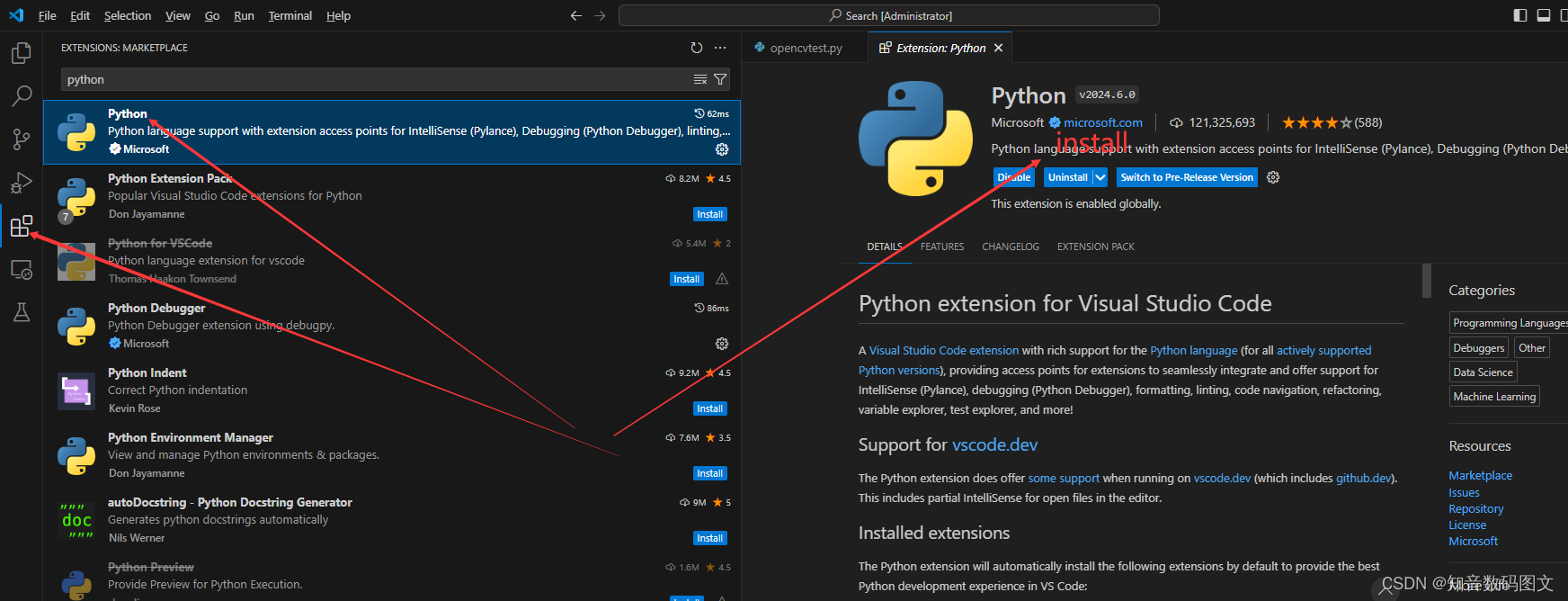
4.按装辅助检测Python代码是否规范工具flake8
pip install flake8
5.Python代码自动格式化工具 yapf
pip install yapf
{
    "python.linting.flake8Enabled": true,
    "python.formatting.provider": "yapf",
    "python.linting.flake8Args": ["--max-line-length=248"],
    "python.linting.pylintEnabled": false
    //"extensions.ignoreRecommendations": true,
    //"editor.fontSize": 18,
    //"workbench.settings.applyToAllProfiles": [
    //    "editor.fontSize"
    //]
}
6.opencv 按装
pip install opencv-python
pip install opencv-contrib-python

pip uninstall opencv-python==4.5.4.58
pip uninstall opencv-python
pip uninstall opencv-contrib-python
import cv2不报错则成功

地址一定要对,不能出错
我用的纯数字,怎么改都报错,后面改了英文成功了,又偿试再次改回数字未报错

切记地址用数字报错坑了我很长时间,尽量用英文名
# print('hello world')
import cv2
img = cv2.imread('D:\\823.jpg')
cv2.imshow('image',img)
cv2.waitKey(0)
opencv-contrib-python opencv-python版本查看
pip show opencv-contrib-python
pip show opencv-python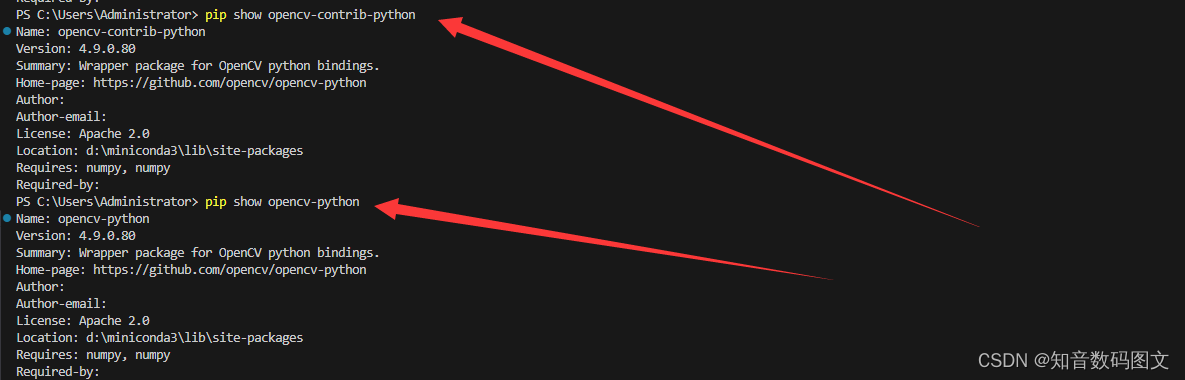


腾讯云面向开发者汇聚海量精品云计算使用和开发经验,营造开放的云计算技术生态圈。
更多推荐
 6
6 0
0- 0


 已为社区贡献7条内容

所有评论(0)