前端性能优化:Nuxt3、封装图片懒加载自定义指令
·
原来所需加载时间
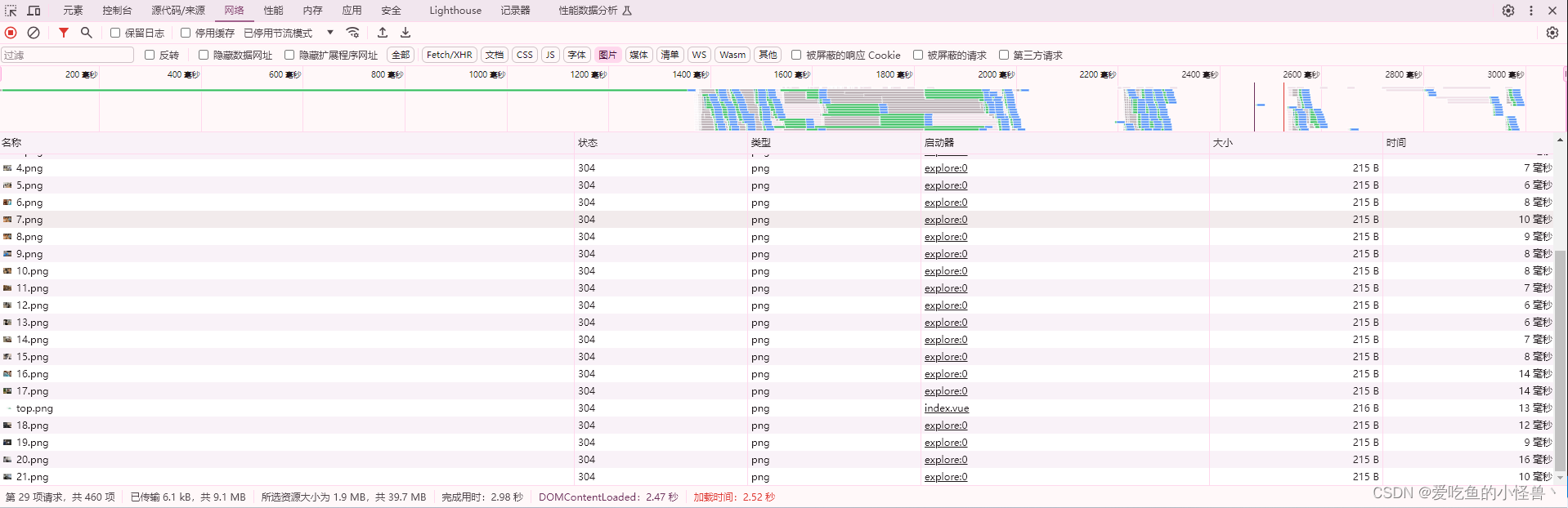
不采用懒加载的时候,商城项目的图片较多,需要加载的资源量较大,加载时间很长,需要2.52秒
安装VueUse
npm i -D @vueuse/nuxt @vueuse/core封装自定义指令
在plugins里面新建一个 directives.ts
import { useIntersectionObserver } from '@vueuse/core';

export default defineNuxtPlugin((nuxtApp: any) => {
  nuxtApp.vueApp.directive('lazy', {
    mounted(el: any, binding: any) {
      useIntersectionObserver(el, ([{ isIntersecting }]) => {
        //判断当前监听元素是否进入视口区域
        if (isIntersecting) {
          el.src = binding.value;
          stop()
        }
      });
    },
    getSSRProps() {
      return {};
    },
  });

});
页面中使用
<img class="h-full w-full" v-lazy="config.imageUrl" />使用后效果
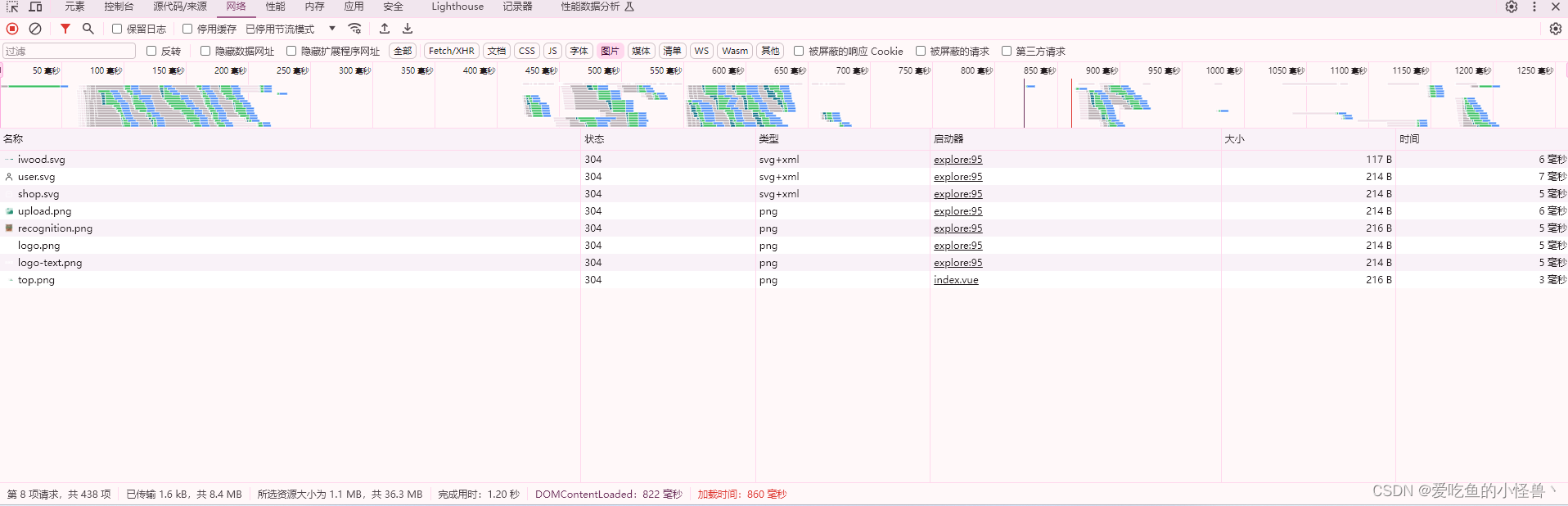
可以看到从2.52秒缩减到860毫秒,后续再优化其它资源的加载速度即可。

腾讯云面向开发者汇聚海量精品云计算使用和开发经验,营造开放的云计算技术生态圈。
更多推荐
 15
15 0
0- 0


 已为社区贡献1条内容

所有评论(0)