Git Bash中 git 项目出现Failed to connect to 127.0.0.1 port 7890 after 21090 ms 报错
·
Git Bash中 git 项目出现Failed to connect to 127.0.0.1 port 7890 after 21090 ms 报错
解决方案
- 首先查看能否ping github.com,出现以下报错代表无法成功ping github.com
解决方法参考:在Git 中ping github.com超时Request timed out.
以管理员方式打开记事本后打开C:\Windows\System32\drivers\etc目录下hosts文件,文件末尾加上github ip地址后保存。
192.30.253.112 github.com
151.101.88.249 github.global.ssl.fastly.net
有效地址每个人都可能不一样,最好用在IP查询网站查询到有效地址。
效果:
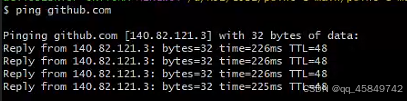
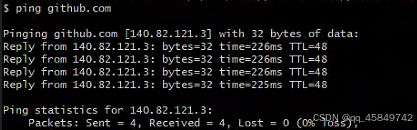
- 成功ping github.com 后还是无法git 文件
解决方法参考解决访问Github出现的Couldn‘t connect to server错误
在 git bash中输入代码:
git config --global --unset http.proxy
git config --global --unset https.proxy
然后clone 项目
- 问题解决
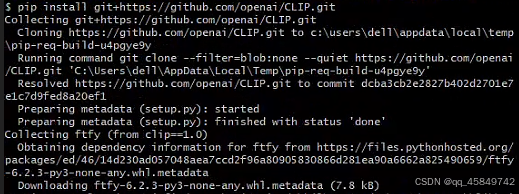
当上述方法试过之后仍然无法解决,意外发现的方法很有用:
]

`git config --global http.sslVerify “false”

腾讯云面向开发者汇聚海量精品云计算使用和开发经验,营造开放的云计算技术生态圈。
更多推荐
 5
5 0
0- 0


 已为社区贡献1条内容

所有评论(0)