github进不去?加载慢?不用急edge浏览器一招解决
出现“你使用的是不受支持的命令行标志-----”标志成功。接下来就可以在本标签页中畅游GitHub了。
·
首先打开windows的powershell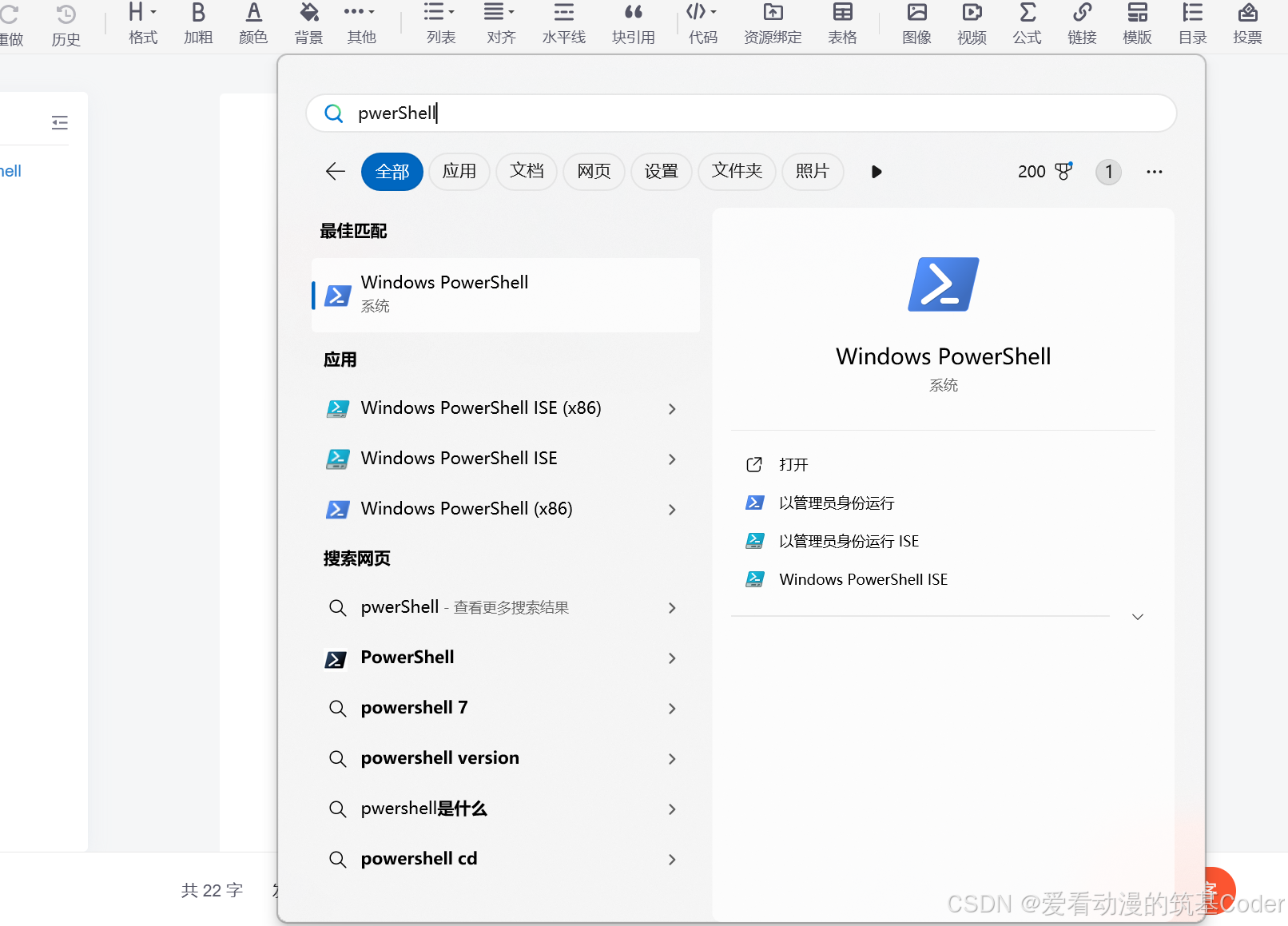
将下文命令复制进入窗口
&"C:\Program Files (x86)\Microsoft\Edge\Application\msedge.exe" --host-rules="MAP github.com octocaptcha.com, MAP github.githubassets.com yelp.com, MAP *.githubusercontent.com githubusercontent.com" --host-resolver-rules="MAP octocaptcha.com 20.27.177.113, MAP yelp.com 199.232.240.116, MAP githubusercontent.com 199.232.176.133"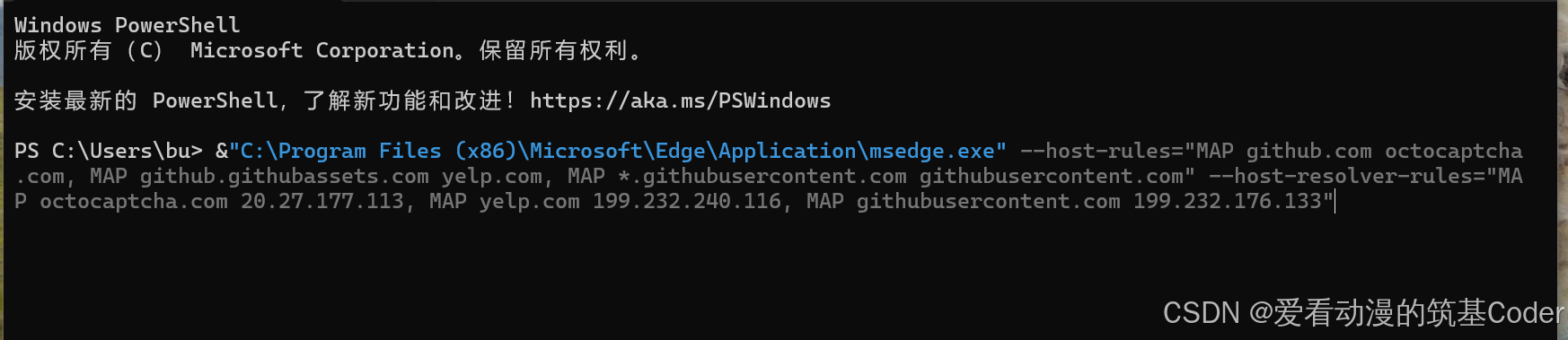
确保edge浏览器是被重新打开
出现“你使用的是不受支持的命令行标志-----”标志成功
接下来就可以在本标签页中畅游GitHub了

腾讯云面向开发者汇聚海量精品云计算使用和开发经验,营造开放的云计算技术生态圈。
更多推荐
 5
5 0
0- 0


 已为社区贡献1条内容

所有评论(0)