vscode运行npm run serve报错,怎么解决啊?(之前是能运行的,但是后面不知道为啥又报错,说什么权限不足,怎么搞啊大佬们)//已解决
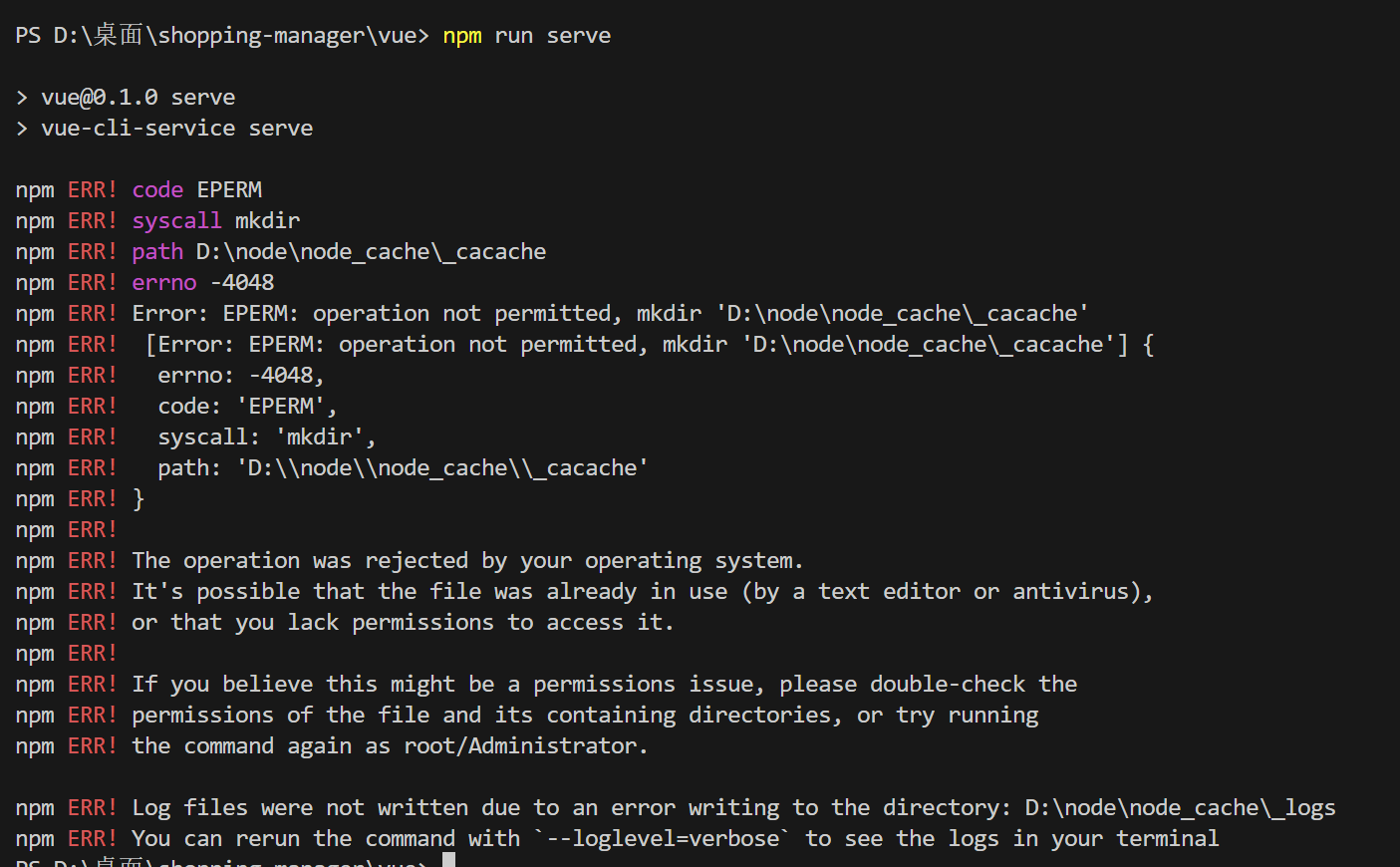
npm run serve
> vue@0.1.0 serve
> vue-cli-service serve
npm ERR! code EPERM
npm ERR! syscall mkdir
npm ERR! path D:\node\node_cache\_cacache
npm ERR! errno -4048
npm ERR! Error: EPERM: operation not permitted, mkdir 'D:\node\node_cache\_cacache'
npm ERR! [Error: EPERM: operation not permitted, mkdir 'D:\node\node_cache\_cacache'] {
npm ERR! errno: -4048,
npm ERR! code: 'EPERM',
npm ERR! syscall: 'mkdir',
npm ERR! path: 'D:\\node\\node_cache\\_cacache'
npm ERR! }
npm ERR!
npm ERR! The operation was rejected by your operating system.
npm ERR! It's possible that the file was already in use (by a text editor or antivirus),
npm ERR! or that you lack permissions to access it.
npm ERR!
npm ERR! If you believe this might be a permissions issue, please double-check the
npm ERR! permissions of the file and its containing directories, or try running
npm ERR! the command again as root/Administrator.
npm ERR! Log files were not written due to an error writing to the directory: D:\node\node_cache\_logs
npm ERR! You can rerun the command with `--loglevel=verbose` to see the logs in your terminal
————————————————————————————————————
解决了,vscode 右键以管理员身份运行就OK了,虽然不知道为啥,之前cmd以管理员身份运行npm run serve就报错

腾讯云面向开发者汇聚海量精品云计算使用和开发经验,营造开放的云计算技术生态圈。
更多推荐
 6
6 0
0- 0


 已为社区贡献1条内容

所有评论(0)