react-diff-viewer 如何实现语法高亮
·
前言
react-diff-viewer 是一个很好的 diff 展示库,但是也有一些坑点和不完善的地方,本文旨在描述如何在这个库中实现自定义语法高亮。
Syntax highlighting is a bit tricky when combined with diff. Here, React Diff Viewer provides a simple render prop API to handle syntax highlighting. Use renderContent(content: string) => JSX.Element and your favorite syntax highlighting library to achieve this.
仓库地址:https://github.com/praneshr/react-diff-viewer
问题
issue 地址:https://github.com/praneshr/react-diff-viewer/issues/182
如果只是直接引入这个库,你会发现没有代码的语法高亮,看起来会十分难受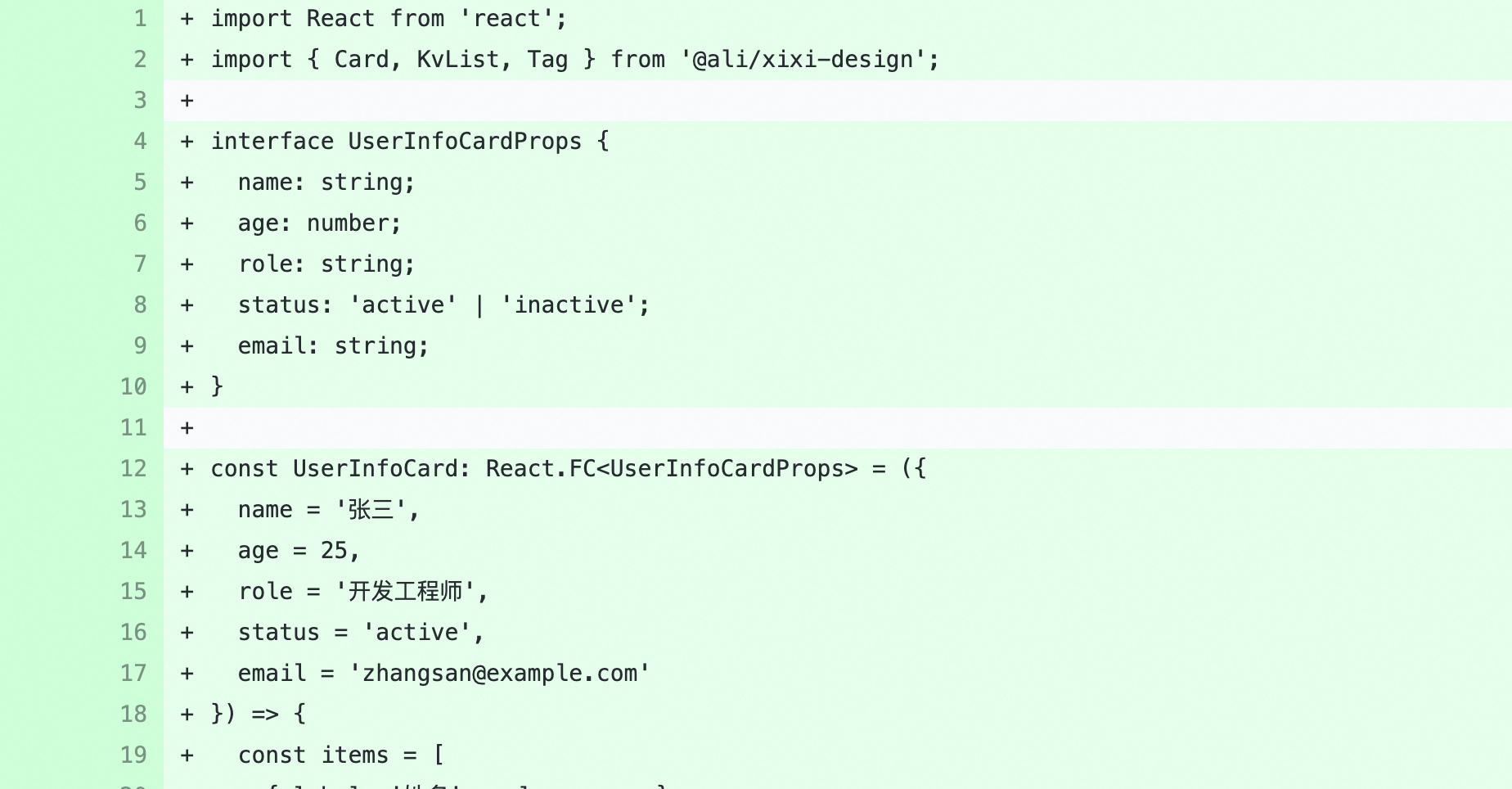
于是乎,你按照文档引入了,发现样式会被覆盖掉,两种样式共存会很难看,如下: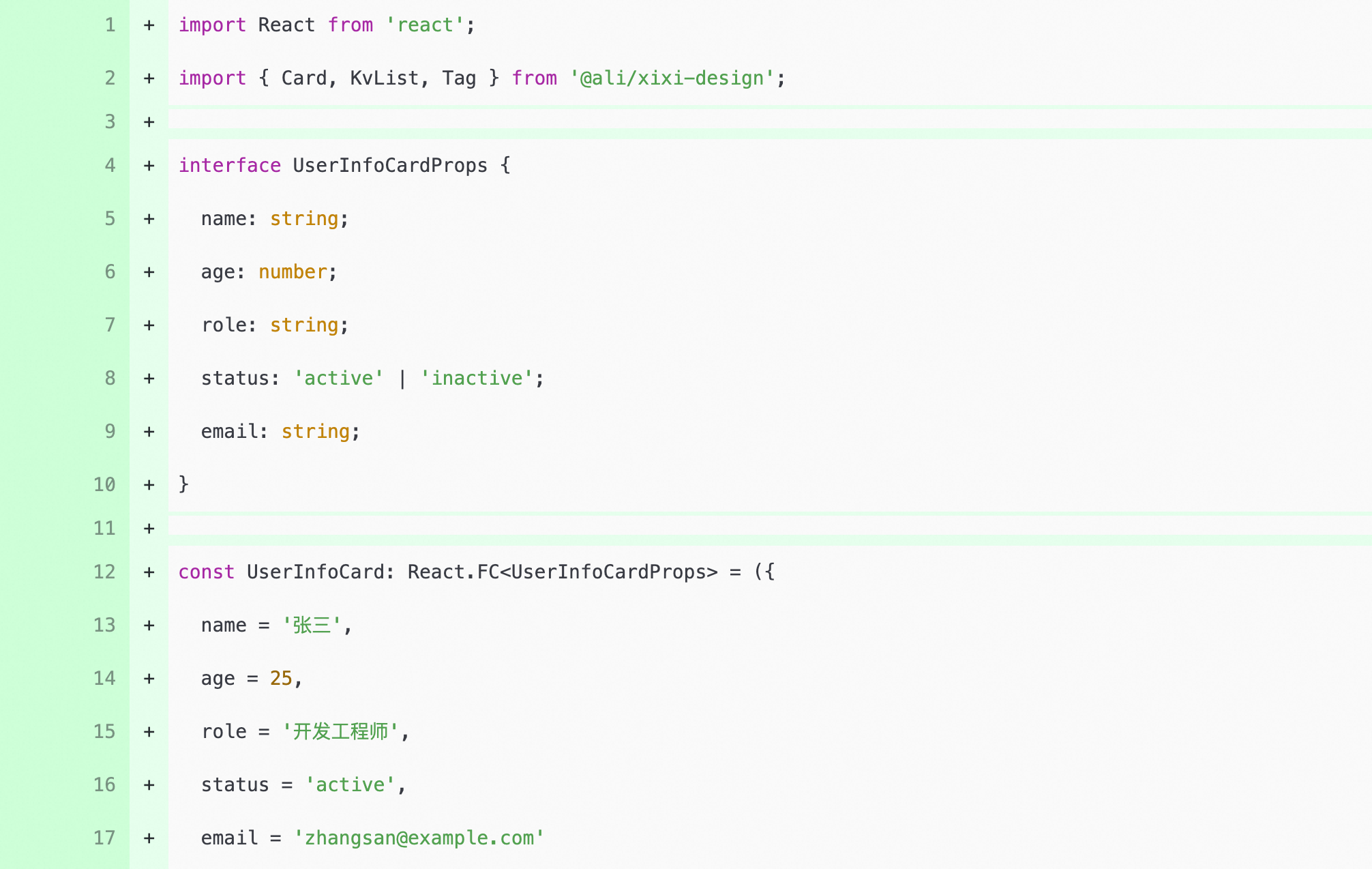
解决方案
这个问题发生的原因是因为你自定义的渲染器覆盖了原有样式,只需要把你自定义的渲染属性移除就行,比如 customStyle={{ display: ‘inline’, padding: 0, background: ‘none’ }}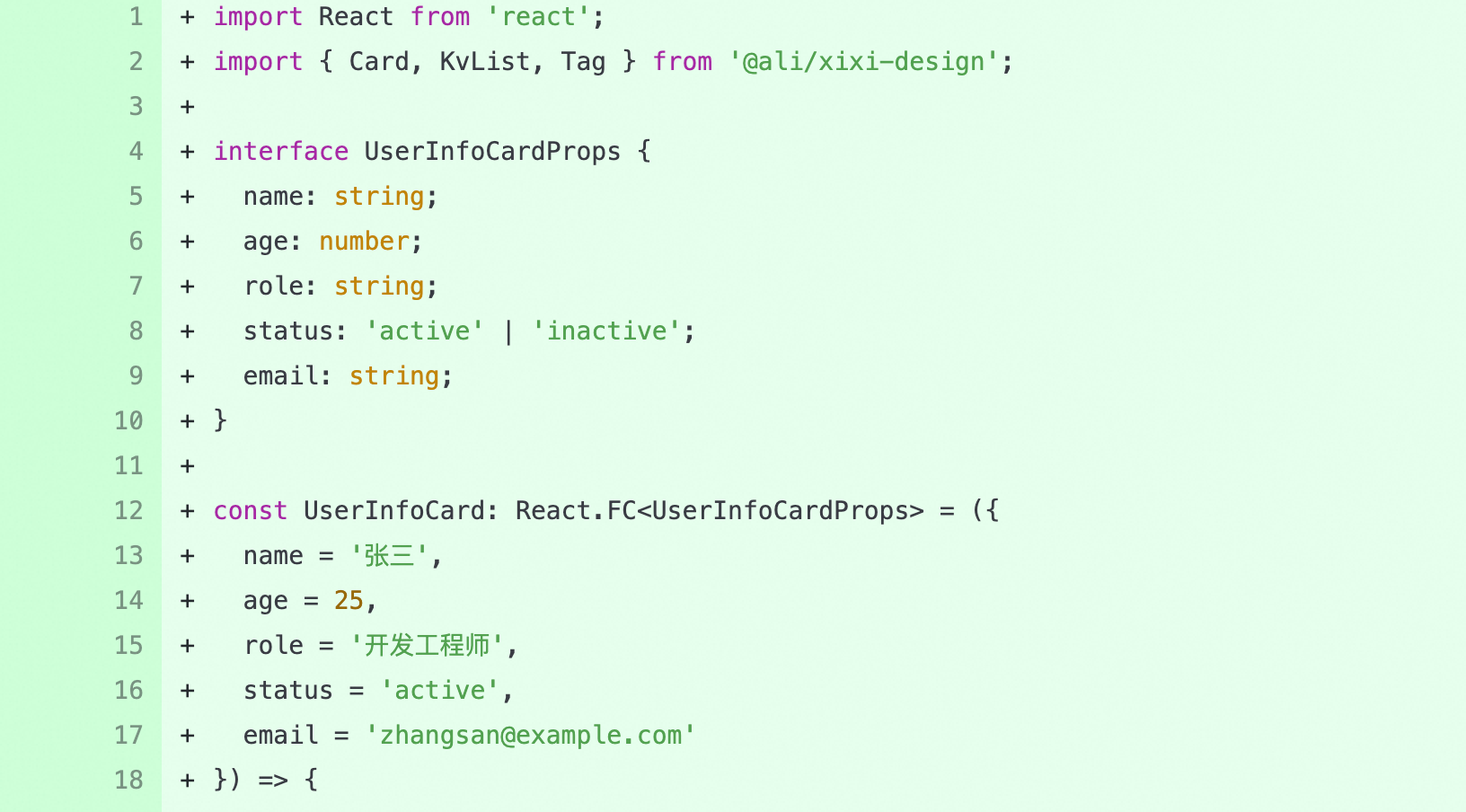
完美高效解决问题!

腾讯云面向开发者汇聚海量精品云计算使用和开发经验,营造开放的云计算技术生态圈。
更多推荐
 2
2 0
0- 0


 已为社区贡献1条内容

所有评论(0)