iptables 防火墙实验
实验一:搭建web服务,设置任何人能够通过80端口访问。
1、常规配置web服务
创建网站测试内容的默认首页:
mkdir /www
touch /www/index.html
并赋予index.html文件的权限 :
chmod 755 /www/index.html
vim /www/index.html
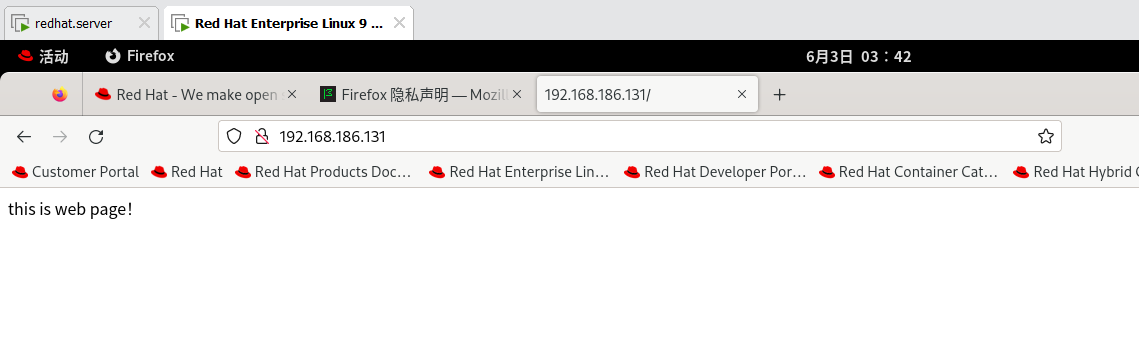
写入:this is web page!
备份:cp /etc/httpd/conf/httpd.conf /etc/httpd/conf/httpd.conf_bak
修改httpd.conf默认配置文件: vim /etc/httpd/conf/httpd.conf
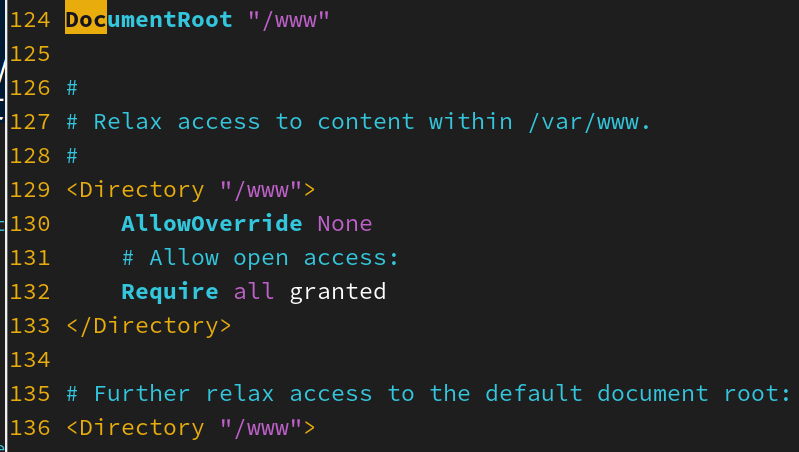
重启http服务
systemctl restart httpd.service
systemctl status httpd.service
在win客户端输入ip查看: 192.168.186.131
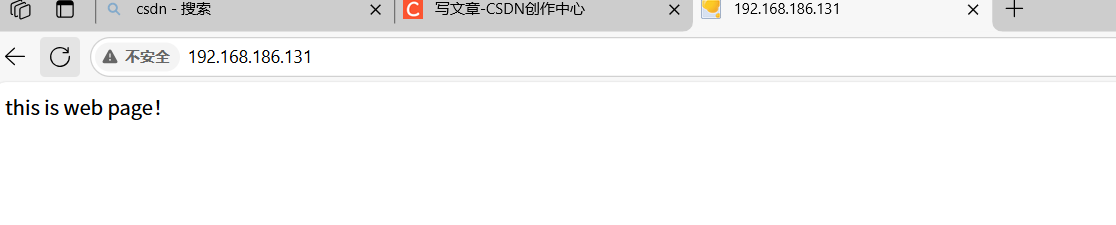
2、设置任何人能够通过80端口访问。
[root@localhost ~]# iptables -I INPUT -p tcp --dport 80 -j ACCEPT
[root@localhost ~]# iptables -L --line-numbers
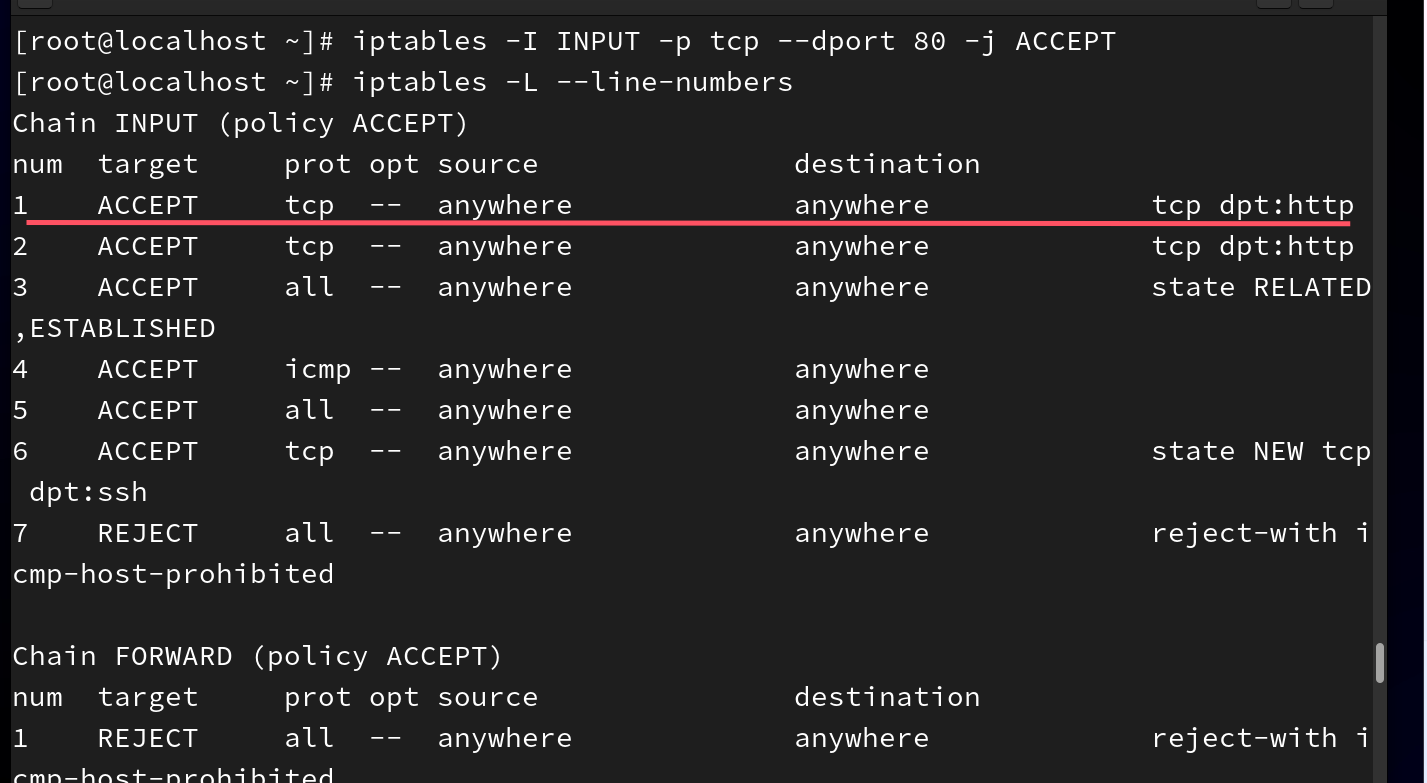
该网页仍能访问
[root@localhost ~]# iptables -D INPUT 1
若要拒绝访问
[root@localhost ~]# iptables -I INPUT -p tcp --dport 80 -j DROP
[root@localhost ~]# iptables -L --line-numbers
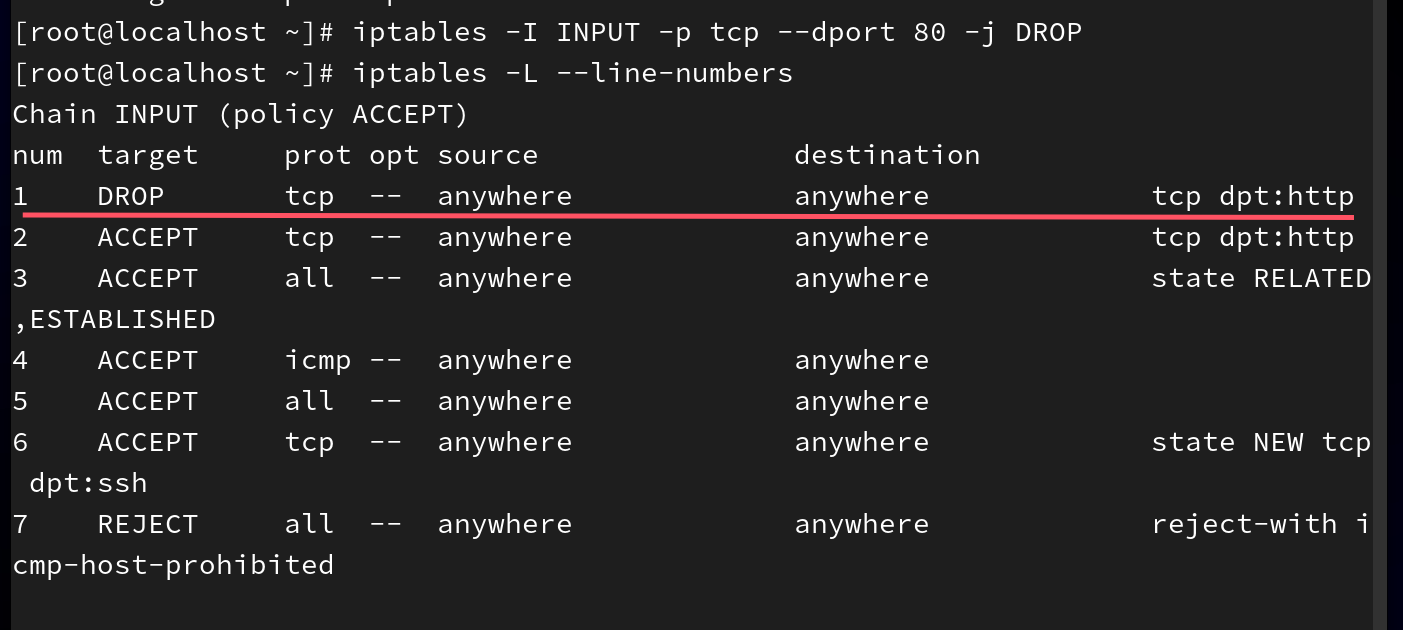
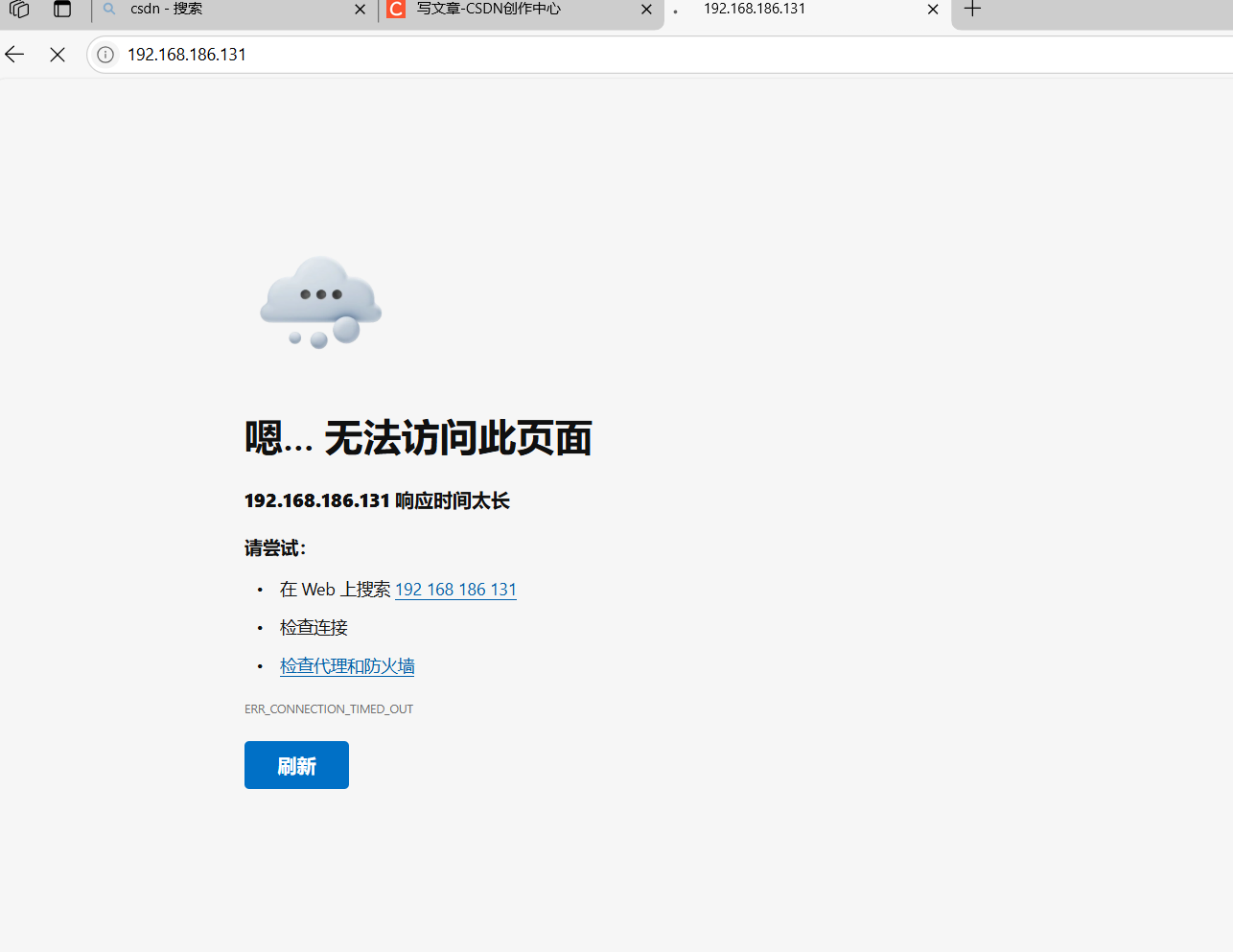
[root@localhost ~]# iptables -D INPUT 1

实验二:禁止所有人ssh远程登录该服务器
1、服务端安装ssh
[root@server ~]# yum install openssh-server
2、配置文件:
[root@server ~]# vim /etc/ssh/sshd_config
40 PermitRootLogin yes # 允许管理员root登录
3、重启服务
[root@server ~]# systemctl restart sshd
4、客户端操作,ssh登录服务端
[root@node1 ~]# ssh root@192.168.186.131
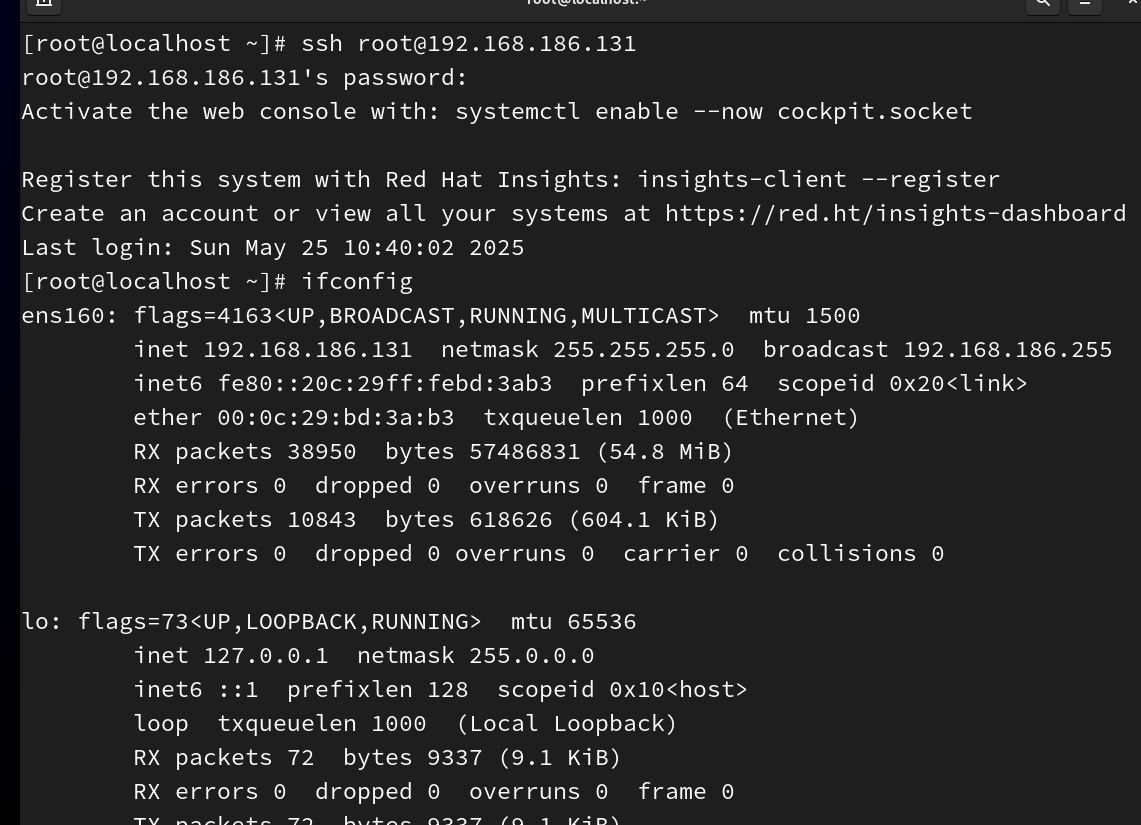
5、注销登录
[root@server ~]# exit

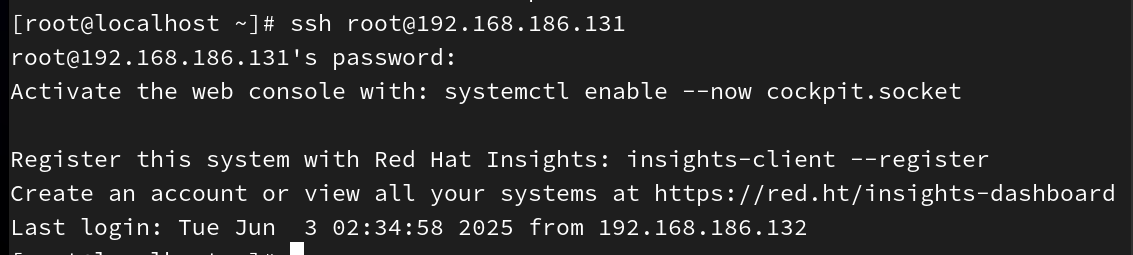
6、禁止所有人ssh远程登录该服务器
[root@localhost ~]# iptables -I INPUT -p tcp --dport 22 -j REJECT

7、#删除设置的拒绝ssh连接:
[root@localhost Desktop]# iptables -D INPUT 1
实验三:禁止某个主机地址ssh远程登录该服务器,允许该主机访问服务器的web服务。
服务器地址为192.168.186.131
拒绝192.168.186.132通过ssh远程连接服务器:
[root@localhost ~]# iptables -I INPUT -p tcp -s 192.168.186.132 --dport 22 -j REJECT
允许192.168.186.132访问服务器的web服务:
[root@localhost ~]# iptables -I INPUT -p tcp -s 192.168.186.132 --dport 80 -j ACCEPT
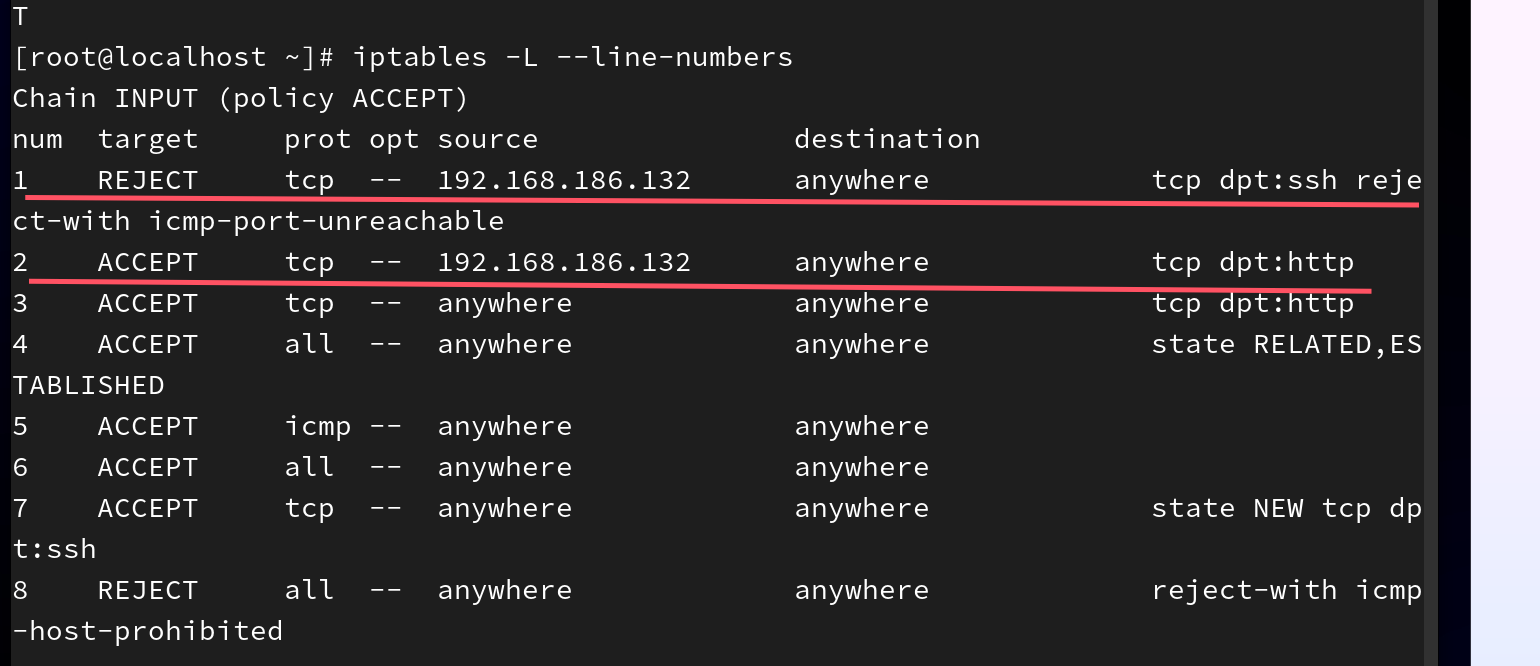
客户端


腾讯云面向开发者汇聚海量精品云计算使用和开发经验,营造开放的云计算技术生态圈。
更多推荐
 11
11 0
0- 0


 已为社区贡献1条内容

所有评论(0)