windows+vscode下的fft3库安装、配置方法
本文介绍了在MSYS2环境下安装和使用FFTW库的方法。首先下载并解压FFTW源码包,在MSYS2终端中执行配置、编译和安装命令。安装完成后通过检查文件验证安装结果。对于VSCode用户,提供了配置JSON文件的示例,包含路径和编译器设置。最后说明编译时需链接FFTW库(-lfftw3参数),并给出运行程序的命令。整个过程涵盖了从安装到实际使用的完整流程,适用于需要进行快速傅里叶变换计算的开发者。
·
首先安装mysy2官方的压缩包
(链接:MSYS2)
下载fft包:FFTW Download Page(要下载 fftw-3.3.10.tar.gz而不是fftw-3.3.5-dll32.zip)
下载完后找个位置解压,在菜单里面打开mysy2终端(mysy2mingw64,蓝色的图标),打开fft包的目录 输入指令:
输入指令:
./configure --prefix=/mingw64 --enable-shared --disable-static --enable-threads --with-combined-threads --enable-sse2 --enable-avx --enable-float --with-our-malloc等待一段时间,得到结果:
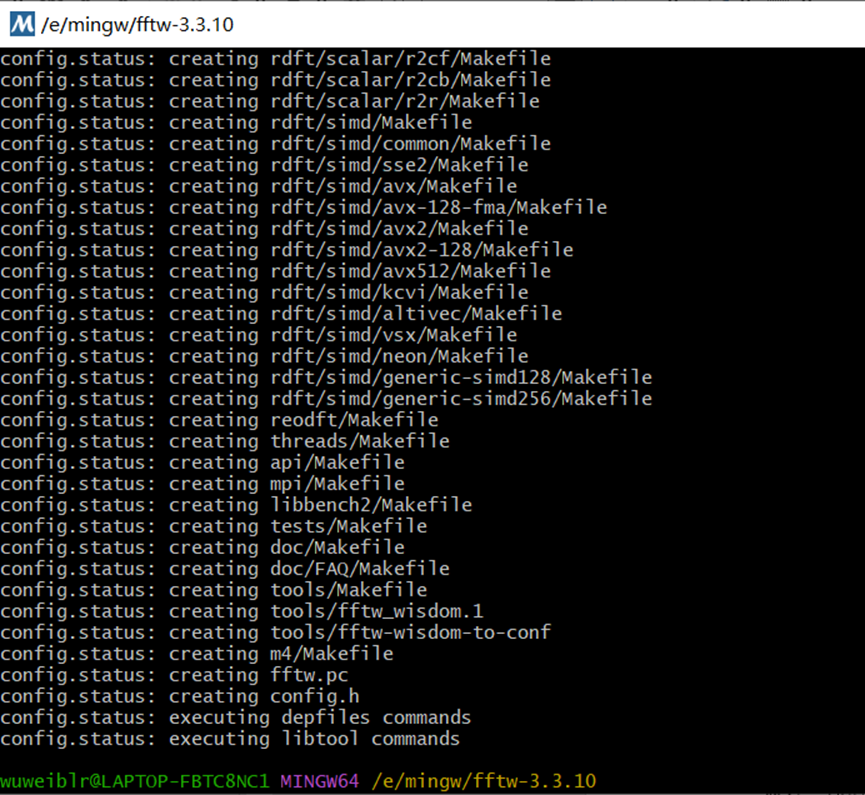 再执行:
再执行:
make -j4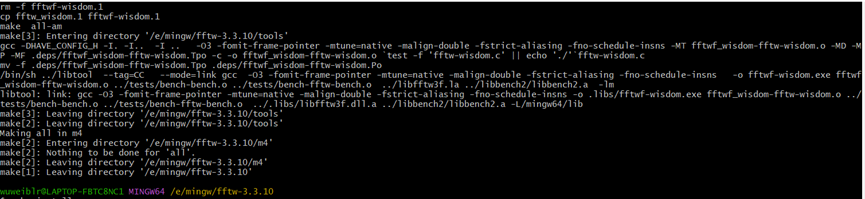 执行make install得到:
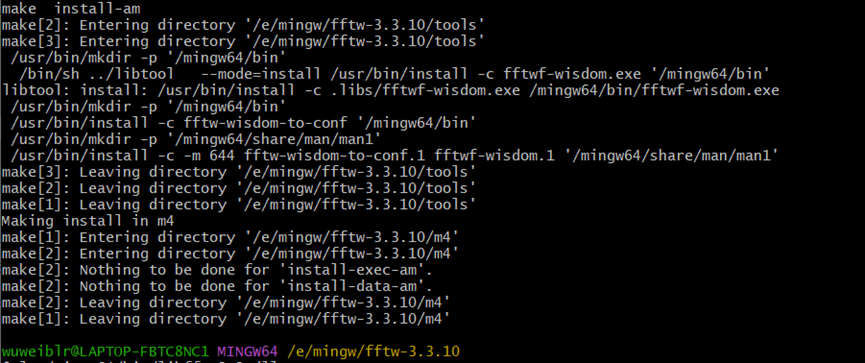
等待执行完成,输入以下指令验证是否安装完成:
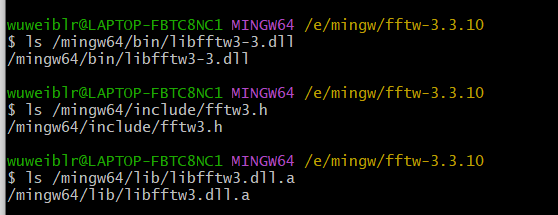
ls /mingw64/bin/libfftw3-3.dll
ls /mingw64/include/fftw3.h
ls /mingw64/lib/libfftw3.dll.a
博主是使用vscode,这边也贴一下vscode连接fftw3库的方法:
在vscode里配置json文件:
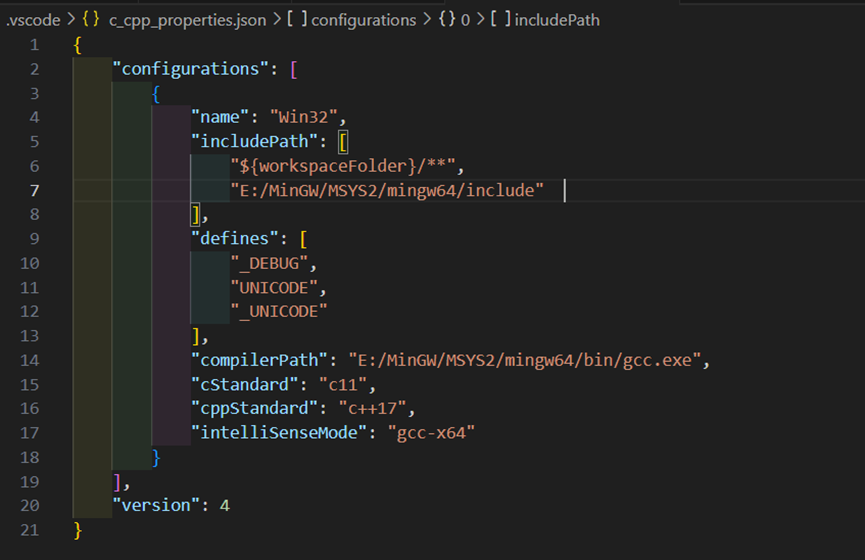
{
    "configurations": [
        {
            "name": "Win32",
            "includePath": [
                "${workspaceFolder}/**",
                "E:/MinGW/MSYS2/mingw64/include"
            ],
            "defines": [
                "_DEBUG",
                "UNICODE",
                "_UNICODE"
            ],
            "compilerPath": "E:/MinGW/MSYS2/mingw64/bin/gcc.exe",
            "cStandard": "c11",
            "cppStandard": "c++17",
            "intelliSenseMode": "gcc-x64"
        }
    ],
    "version": 4
}
如果运行时候报错:fft一些函数没有定义:在终端里面输入:
g++ 你想执行的代码.cpp -o 你想执行的代码 -lfftw3 -std=c++17最后在终端里运行:
./你想执行的代码便可得到结果。

腾讯云面向开发者汇聚海量精品云计算使用和开发经验,营造开放的云计算技术生态圈。
更多推荐
 12
12 0
0- 0


 已为社区贡献2条内容

所有评论(0)