IDEA/WebStorm 2025.1 changeList 设置在git 显示步骤
·
从网上找到的解决方法是取消勾选 Use non-model commit interface,但是现在2025版本根本没有这个选项了。
解决办法:取消勾选 Enable Commit tool window。
操作步骤:settings-Advanced Settings-Version Control 取消勾选Enable Commit tool window。
或者是在settings里面直接搜索Enable Commit tool window然后取消勾选。
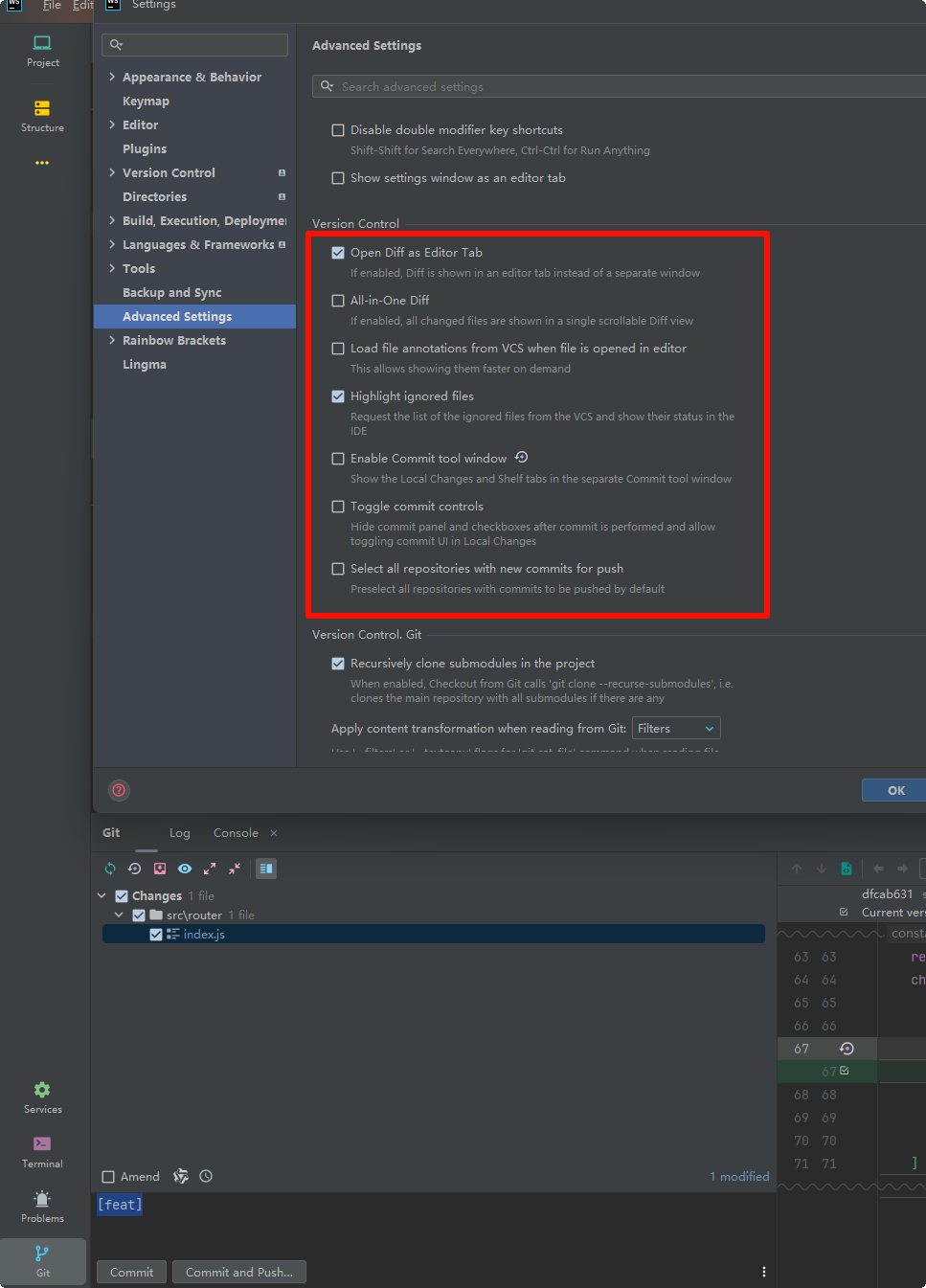
特别注意:切换了Log或者Console点击羡慕红框位置才能切换到changs。找了好久才发现。
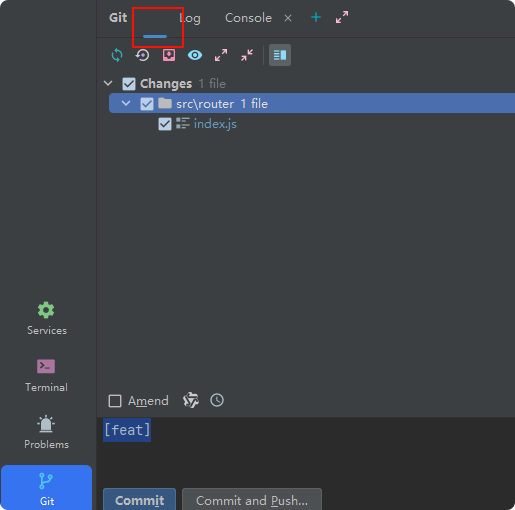
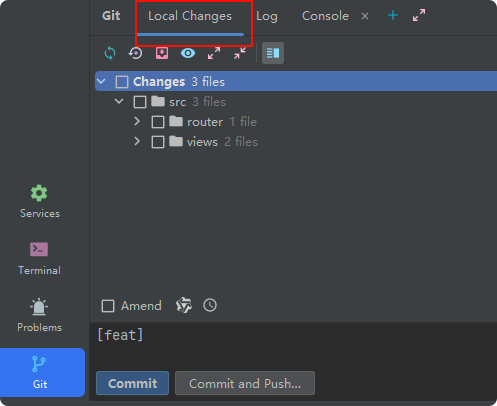
==================2025-08-18================
重启就好了。

腾讯云面向开发者汇聚海量精品云计算使用和开发经验,营造开放的云计算技术生态圈。
更多推荐
 5
5 0
0- 0


 已为社区贡献1条内容

所有评论(0)