腾讯定位导航到目的地,使用uni-app的map地图
该代码实现了一个基于uni-app的地图导航功能。在首页(index.vue)中,通过map组件展示目标位置地图,并设置了点击事件。当用户点击地图时,会调用uni.openLocation方法打开系统自带地图应用,显示指定经纬度的目的地导航信息。代码中定义了地图标记点(covers)的坐标、图标等属性,并通过mapEvent方法处理导航跳转逻辑。整个功能简洁地实现了从点击地图到启动导航的完整流程。
·
例如在首页点击地图到目的地,显示出导航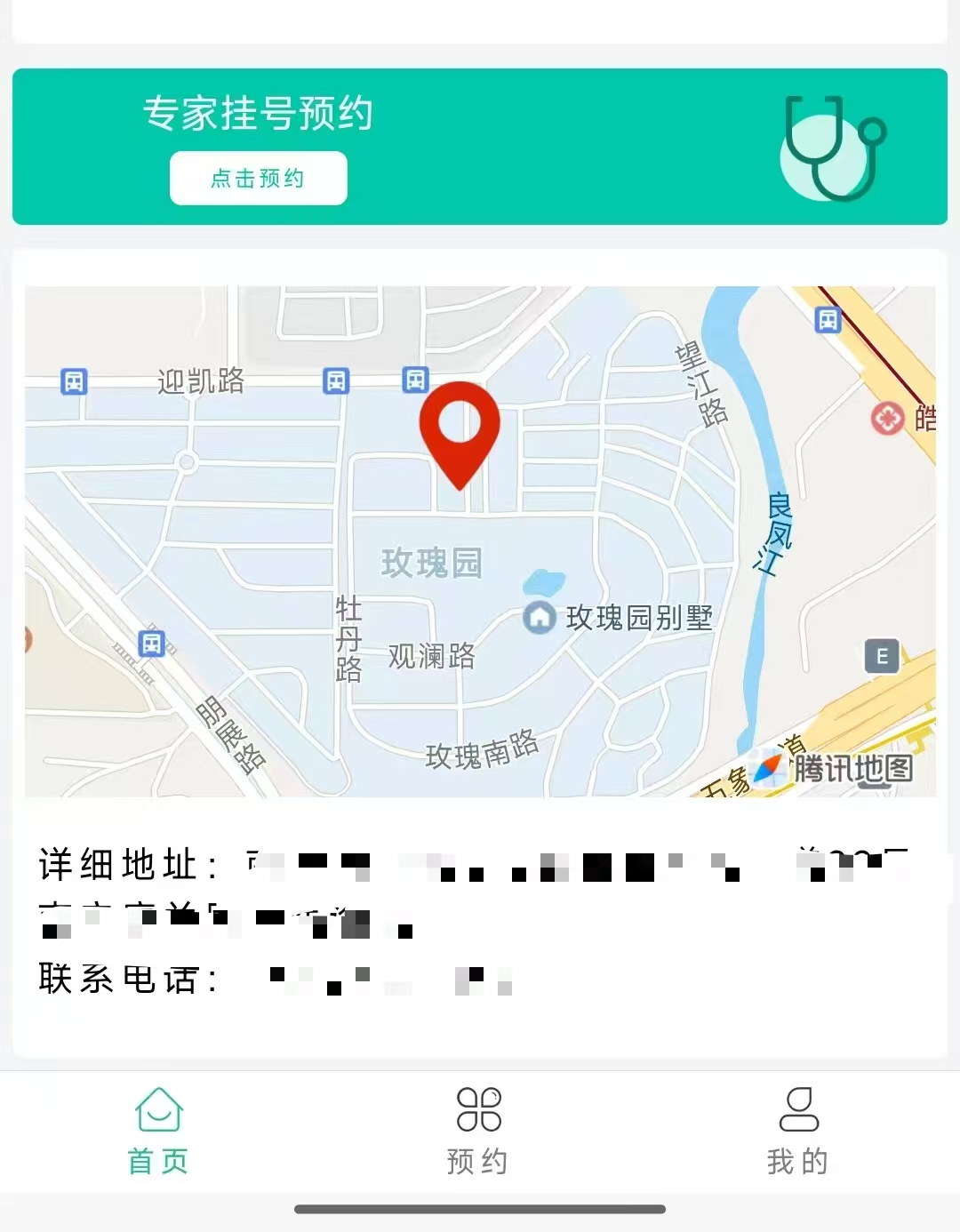 然后出现导航页面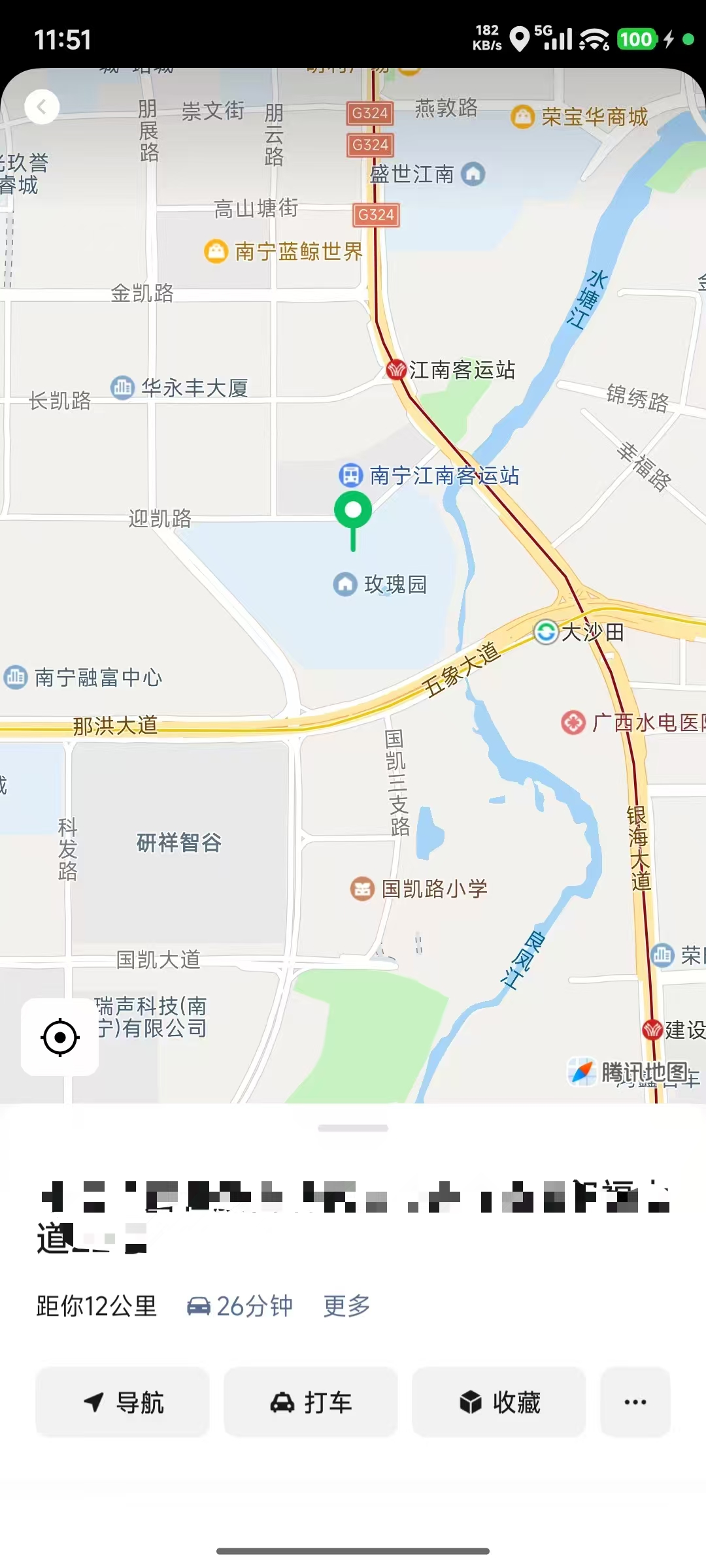
首页代码index.vue
<template>
<!-- 地图1 -->
        <view style="margin: 10rpx 0" @click="mapEvent">
          <map
            style="width: 100%; height: 400rpx"
            :latitude="hospitalInfo?.latitude"
            :longitude="hospitalInfo?.longitude"
            :markers="covers"
            @click="mapEvent"
            @markertap="mapEvent"
            catchtap="mapEvent"
          >
          </map>
</template>

<script setup>
import { ref } from 'vue'
// 地图经纬度
const covers = ref([
  {
    id: 1, // 添加唯一标识符
    latitude: '目的地的维度', // 中心纬度
    longitude: '目的地的经度', // 中心经度
    // iconPath: '../../../static/location.png',
    iconPath: '../../static/images/location.png', // 添加图标
    width: 45, // 必须:设置图标的显示宽度(单位:px)
    height: 45, // 必须:设置图标的显示高度(单位:px)
  },
])


// 跳转导航
const mapEvent = () => {
  uni.openLocation({
    latitude: '目的地的维度', // 中心纬度
    longitude: '目的地的经度', // 中心经度
    name: '目的地',
    address: '目的地的地址',
  })
}
</script>

腾讯云面向开发者汇聚海量精品云计算使用和开发经验,营造开放的云计算技术生态圈。
更多推荐
 0
0 0
0- 0


 已为社区贡献2条内容

所有评论(0)