Ascend 微调 InternVL/Intern-S1-Mini 实践
本文详细介绍了在NPU平台上微调InternVL3.5-1B和Intern-S1-mini模型的全流程。主要内容包括:1) 环境配置,包括创建算力实例、安装依赖包和处理数据集;2) 模型微调,详细说明了两种模型的配置文件编写、启动训练和权重合并方法;3) 结果提交,包含模型上传步骤和提示词优化建议。实验使用LoRA方法进行微调,提供了关键参数调整建议,并验证了NPU使用情况。整个过程涵盖了从环境搭
1.环境配置
1.1创建算力实例
平台地址:https://internstudio-ascend.intern-ai.org.cn/
-
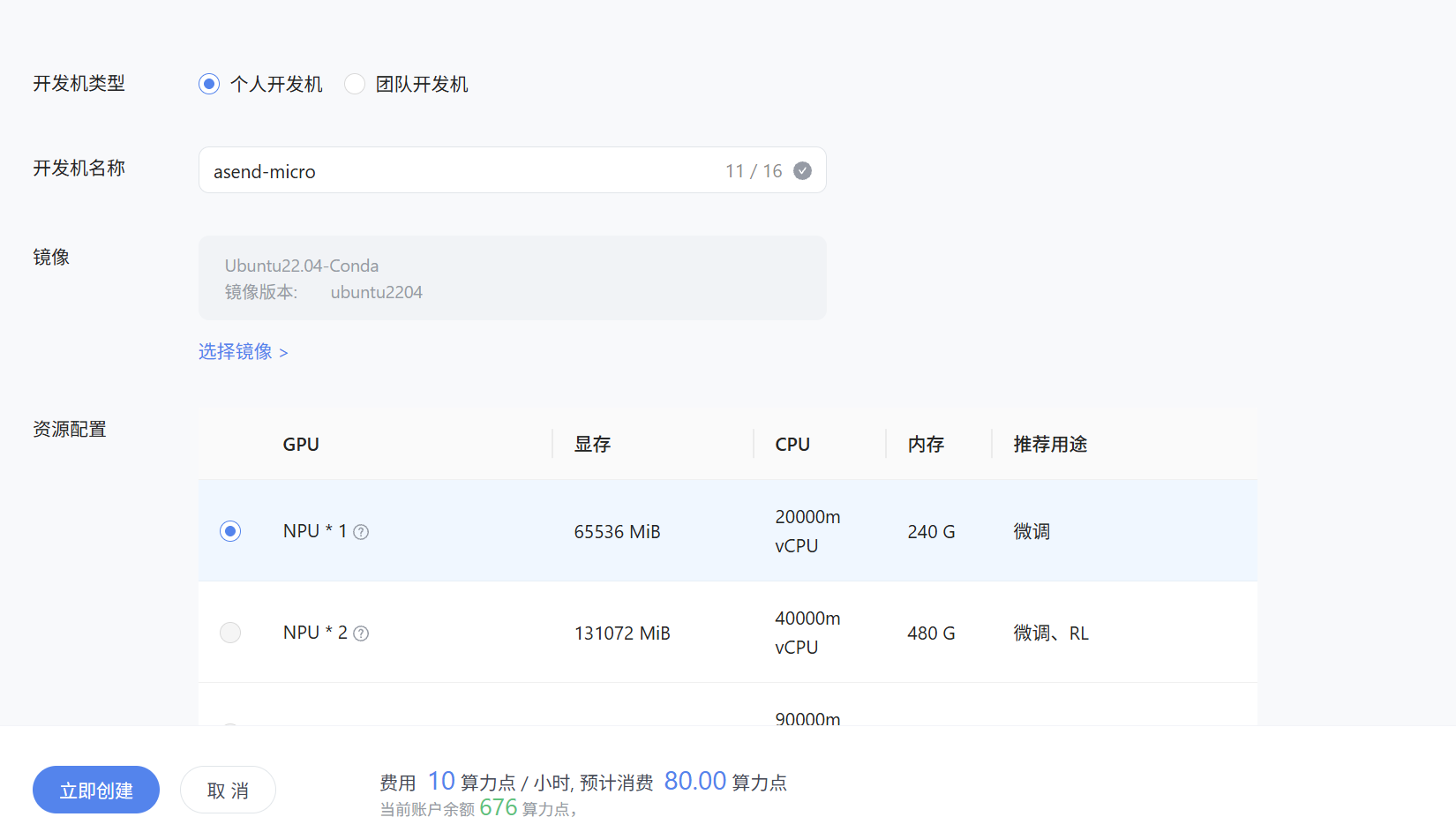
创建算力开发机
【开发机】-【创建开发机】-【个人开发机】
参数如下:
开发机名称:任意
镜像:Ubuntu22.04-Conda
资源配置:1*NPU
点击【立即创建】
1.2环境安装
安装必要的包:
cd /root/
conda create -n ms_swift python=3.10 -y
conda activate ms_swift
pip install torch==2.6.0 torch-npu==2.6.0 torchaudio==2.6.0 torchvision decorator \
  -i https://pypi.tuna.tsinghua.edu.cn/simple
pip install ms-swift==3.12 -i https://pypi.tuna.tsinghua.edu.cn/simple

pip install timm==1.0.9 msgspec==0.19.0 -i https://pypi.tuna.tsinghua.edu.cn/simple
pip install numpy==1.26.4 -i https://pypi.tuna.tsinghua.edu.cn/simple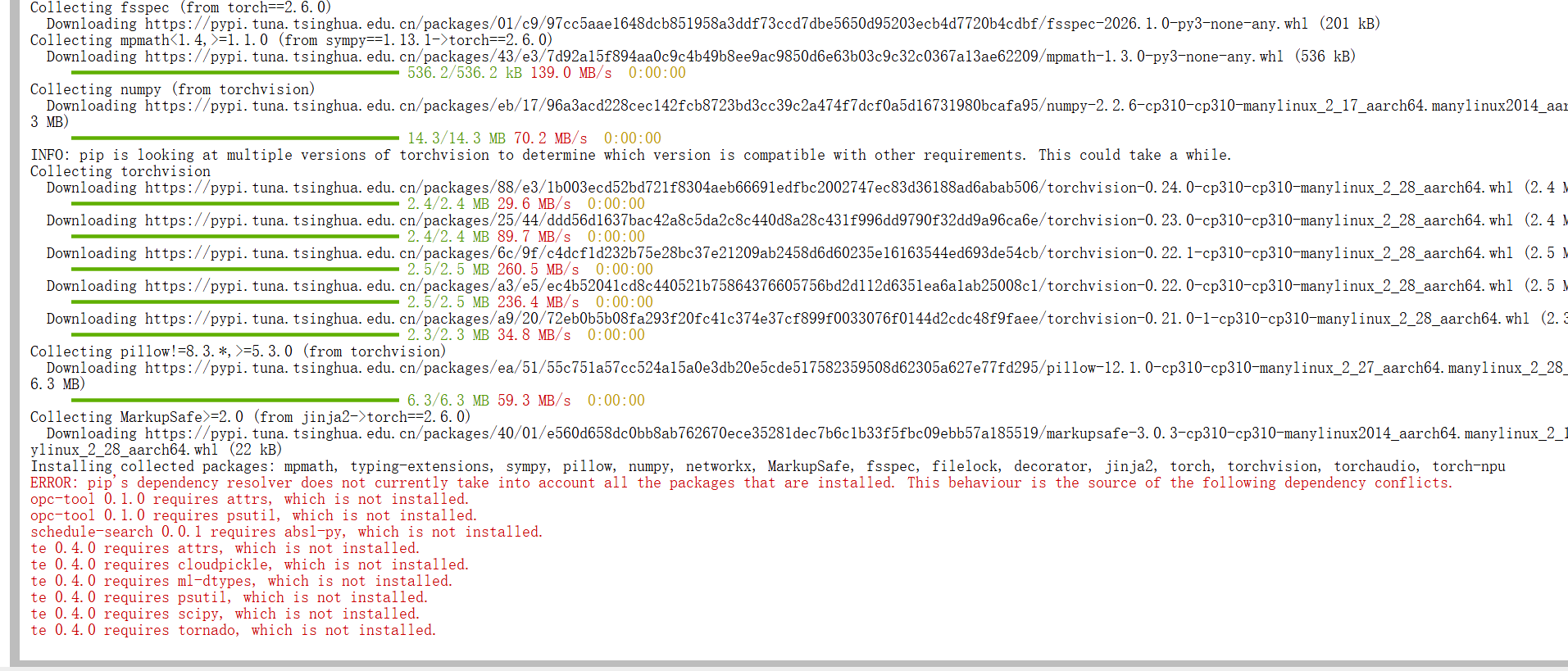
pip 下载速度慢可以试试换源,如清华、阿里、中科院、上交等等,哪个快用哪个。
1.3 数据集下载:
pip install modelscope
modelscope download --dataset JimmyMa99/VLM-formula-recognition-dataset_intern_camp --local_dir  /root/dataset/VLM-formula-recognition-dataset_intern_camp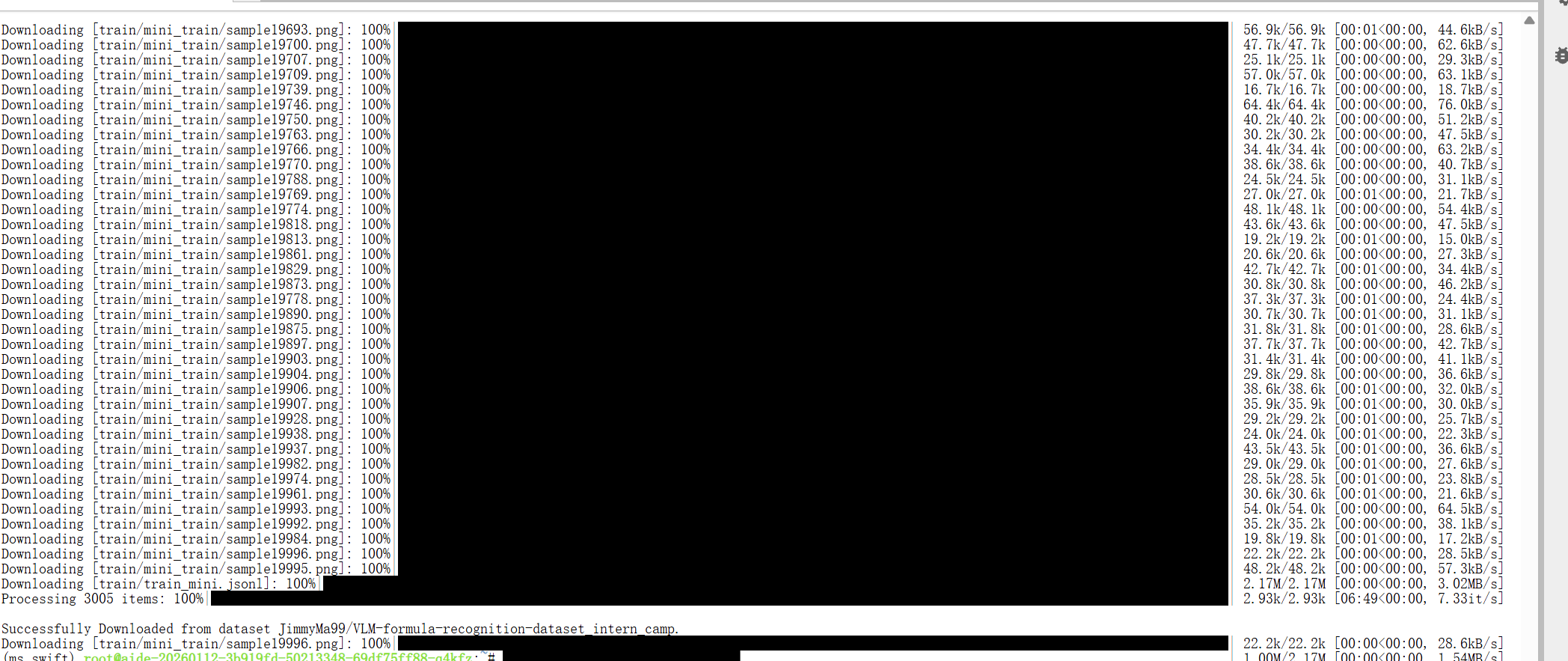
数据集 的json 文件需要转化处理下,将图片路径变成绝对路径,创建转换脚本convert.py
创建文件
mkdir /root/swift_workdir/
cd /root/swift_workdir/
vim convert.py
脚本内容
import json, os, sys

in_path  = "/root/dataset/VLM-formula-recognition-dataset_intern_camp/train/train_mini.jsonl"       # 你的现用 jsonl
out_path = "/root/dataset/VLM-formula-recognition-dataset_intern_camp/train/train_mini_abs.jsonl"   # 输出到新文件jsonl
base = "/root/dataset/VLM-formula-recognition-dataset_intern_camp/train/"  # train_swift.jsonl所在的文件夹

def to_abs(p):
    if not p: return p
    # 仅当是相对路径时拼接;已是绝对路径则保留
    return p if os.path.isabs(p) else os.path.join(base, p)

n=0;m=0
with open(in_path,'r',encoding='utf-8') as fin, open(out_path,'w',encoding='utf-8') as fout:
    for line in fin:
        if not line.strip(): continue
        obj = json.loads(line)
        changed = False
        # 兼容两种常见结构:images: [..] 或 messages[].content[].image
        if 'images' in obj and isinstance(obj['images'], list):
            obj['images'] = [to_abs(x) for x in obj['images']]
            changed = True
        if 'messages' in obj:
            for msg in obj['messages']:
                c = msg.get('content')
                if isinstance(c, list):
                    for part in c:
                        if part.get('type') == 'image' and 'image' in part:
                            part['image'] = to_abs(part['image'])
                            changed = True
        fout.write(json.dumps(obj,ensure_ascii=False)+'\n')
        n+=1
        m+=changed
print(f"processed lines={n}, patched={m}, saved -> {out_path}")
执行
python convert.py
2 InternVL3_5-1B 微调
2.1 创建微调配置文件
cd /root/swift_workdir
mkdir config
cd config
vim internvl3.5_1b_train_npu.sh
配置文件内容
#!/bin/bash

# 创建日志目录
LOG_DIR="logs"
mkdir -p $LOG_DIR

# 获取当前时间戳
TIMESTAMP=$(date +"%Y%m%d_%H%M%S")
LOG_FILE="$LOG_DIR/internvl3.5_1b_sft_${TIMESTAMP}.log"

# 设置环境变量
# export ENABLE_AUDIO_OUTPUT=False
export OMP_NUM_THREADS=1
export ASCEND_RT_VISIBLE_DEVICES=0
export NPROC_PER_NODE=1


# 设置随机端口号,避免端口冲突
export MASTER_PORT=$((10000 + RANDOM % 50000))

# 先打印启动信息
echo "Starting training..."
echo "Log file: $LOG_FILE"
echo "Using port: $MASTER_PORT"

# 没有指定 model_type
# 启动训练并获取PID
nohup swift sft \
    --model '/share/new_models/InternVL3.5/InternVL3_5-1B'\
    --dataset '/root/dataset/VLM-formula-recognition-dataset_intern_camp/train/train_mini_abs.jsonl' \
    --eval_steps 100 \
    --train_type lora \
    --lora_rank 16 \
    --lora_dropout 0.01 \
    --lora_alpha 32 \
    --torch_dtype bfloat16 \
    --num_train_epochs 1 \
    --per_device_train_batch_size 2 \
    --per_device_eval_batch_size 2 \
    --learning_rate 5e-5 \
    --warmup_ratio 0.05 \
    --gradient_accumulation_steps 4 \
    --save_steps 500 \
    --save_total_limit 3 \
    --gradient_checkpointing_kwargs '{"use_reentrant": false}' \
    --logging_steps 10 \
    --max_length 8000 \
    --output_dir ./swift_output/SFT-InternVL3_5-1B\
    --dataset_num_proc 8 \
    --dataloader_num_workers 8 \
    --metric acc \
    --freeze_vit true \
    > "$LOG_FILE" 2>&1 &

# 获取PID并等待一下确保进程启动
TRAIN_PID=$!
sleep 2

# 检查进程是否还在运行
if kill -0 $TRAIN_PID 2>/dev/null; then
    echo "Training started successfully with PID $TRAIN_PID"
    echo "To view logs in real-time, use:"
    echo "tail -f $LOG_FILE"
    echo ""
    echo "To stop training, use:"
    echo "kill -9 $TRAIN_PID"
else
    echo "Failed to start training process"
    echo "Check log file for errors: $LOG_FILE"
fi
其中选手可以自行调整 lr、lora 等参数.
2.2 启动微调
cd /root/swift_workdir
bash config/internvl3.5_1b_train_npu.sh使用npu-smi info命令可以查看NPU使用情况

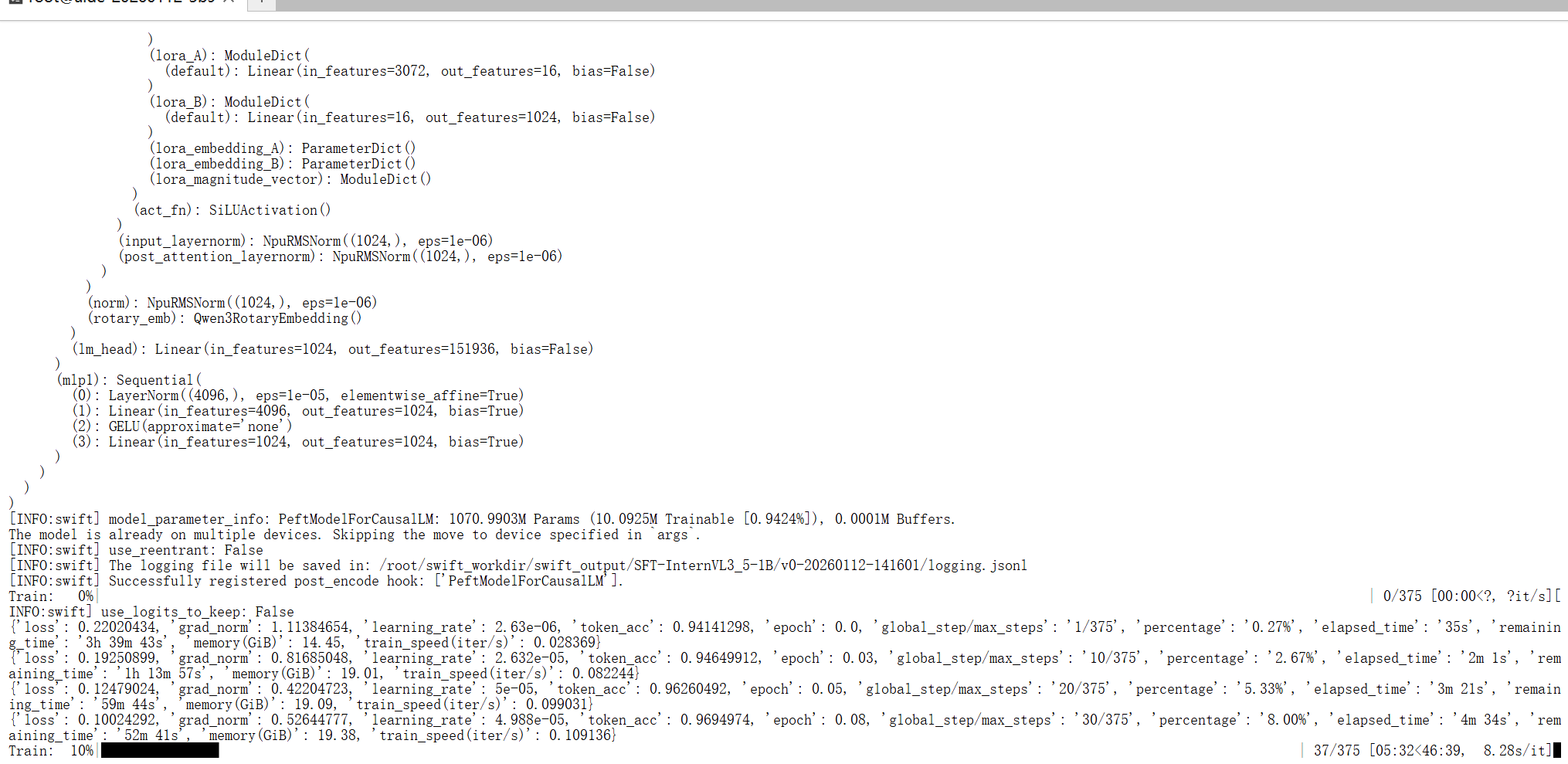
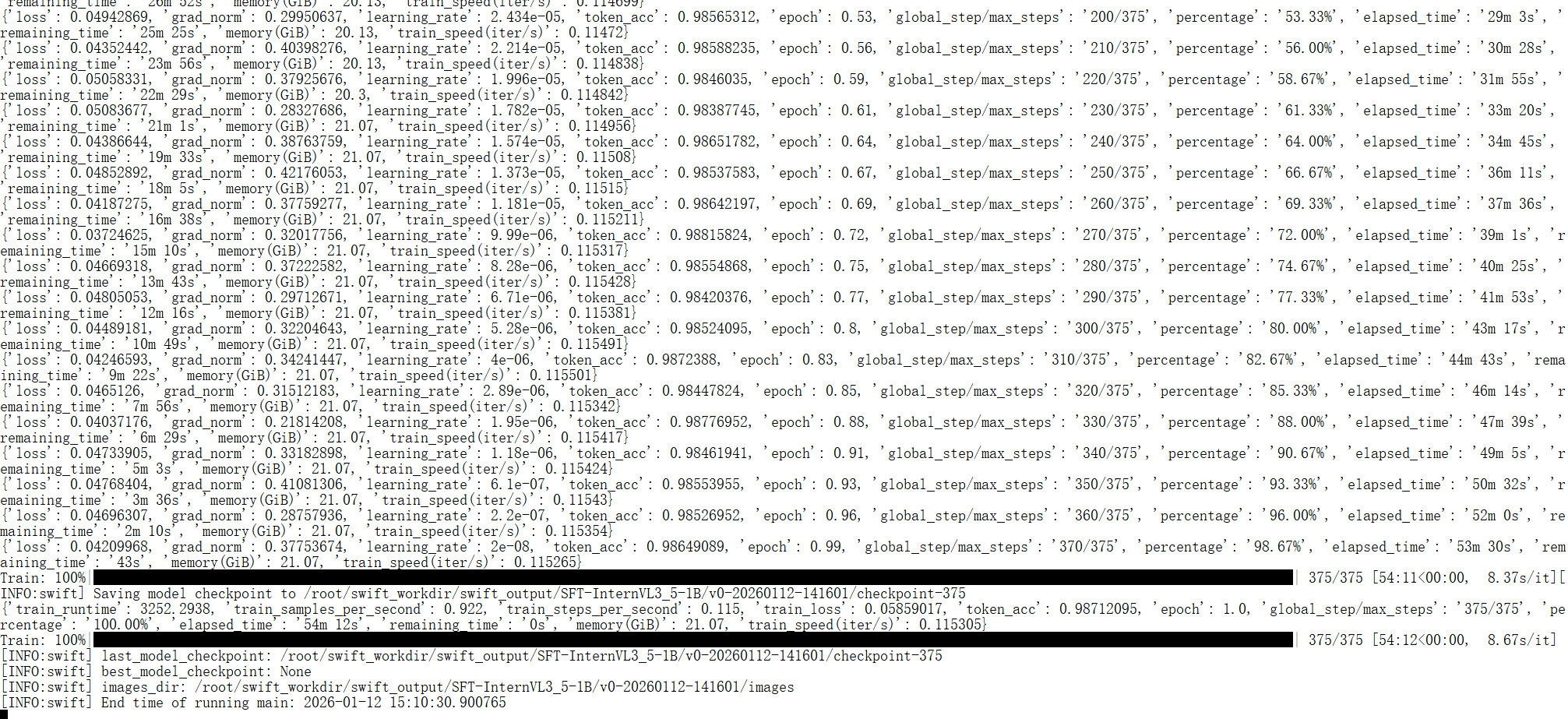
看到上述的情况,就表明训练成功了。
2.3 合并权重
运行以下命令:
swift export --adapters "微调生成的checkpoint文件目录" --merge_lora True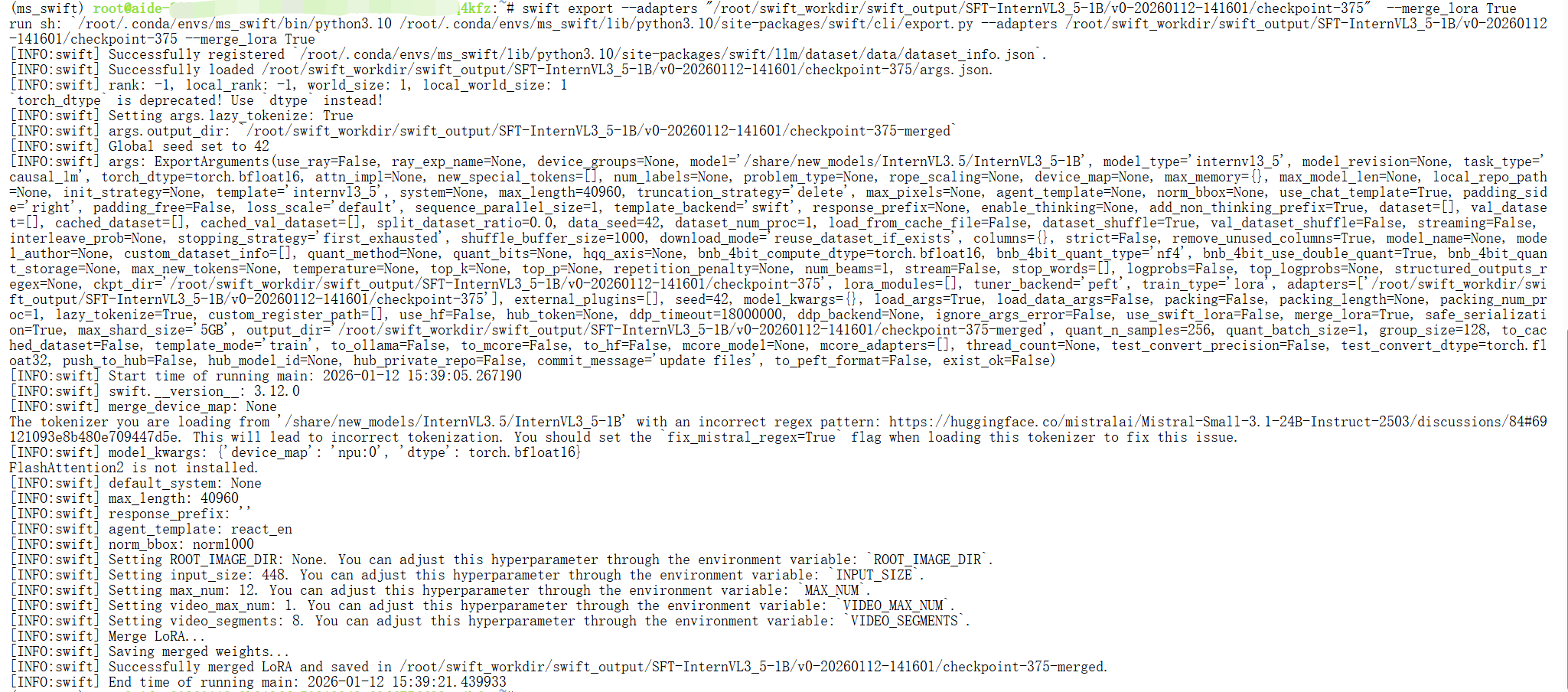
出现上述情况证明合并成功
3. Intern-S1-mini 微调
3.1创建微调配置文件
cd /root/swift_workdir
mkdir config
cd config
vim interns1-mini_train_npu.sh
配置文件内容
#!/bin/bash

# 创建日志目录
LOG_DIR="logs"
mkdir -p $LOG_DIR

# 获取当前时间戳
TIMESTAMP=$(date +"%Y%m%d_%H%M%S")
LOG_FILE="$LOG_DIR/interns1mini_sft_${TIMESTAMP}.log"

# 设置环境变量
# export ENABLE_AUDIO_OUTPUT=False
export NPROC_PER_NODE=1
export OMP_NUM_THREADS=1
export ASCEND_RT_VISIBLE_DEVICES=0


# 设置随机端口号,避免端口冲突
export MASTER_PORT=$((10000 + RANDOM % 50000))


# 先打印启动信息
echo "Starting training..."
echo "Log file: $LOG_FILE"
echo "Using port: $MASTER_PORT"

# 没有指定 model_type
# 启动训练并获取PID
nohup swift sft \
    --model '/share/new_models/Intern-S1-mini' \
    --dataset '/root/dataset/VLM-formula-recognition-dataset_intern_camp/train/train_mini_abs.jsonl' \
    --eval_steps 1000 \
    --train_type lora \
    --lora_rank 16 \
    --lora_dropout 0.01 \
    --lora_alpha 32 \
    --torch_dtype bfloat16 \
    --num_train_epochs 1 \
    --per_device_train_batch_size 1 \
    --per_device_eval_batch_size 1 \
    --learning_rate 1e-4 \
    --warmup_ratio 0.05 \
    --gradient_accumulation_steps 4 \
    --save_steps 500 \
    --save_total_limit 10 \
    --gradient_checkpointing_kwargs '{"use_reentrant": false}' \
    --logging_steps 1 \
    --max_length 8000 \
    --output_dir ./swift_output/SFT-Interns1mini \
    --dataset_num_proc 16 \
    --dataloader_num_workers 16 \
    --model_author JeffDing \
    --model_name SFT-camp6 \
    --metric acc \
    --freeze_vit true \
    > "$LOG_FILE" 2>&1 &

# 获取PID并等待一下确保进程启动
TRAIN_PID=$!
sleep 2

# 检查进程是否还在运行
if kill -0 $TRAIN_PID 2>/dev/null; then
    echo "Training started successfully with PID $TRAIN_PID"
    echo "To view logs in real-time, use:"
    echo "tail -f $LOG_FILE"
    echo ""
    echo "To stop training, use:"
    echo "kill $TRAIN_PID"
else
    echo "Failed to start training process"
    echo "Check log file for errors: $LOG_FILE"
fi
其中选手可以自行调整 lr、lora 等参数
3.2 启动微调
cd /root/swift_workdir
bash config/interns1-mini_train_npu.sh使用npu-smi info命令可以查看NPU使用情况
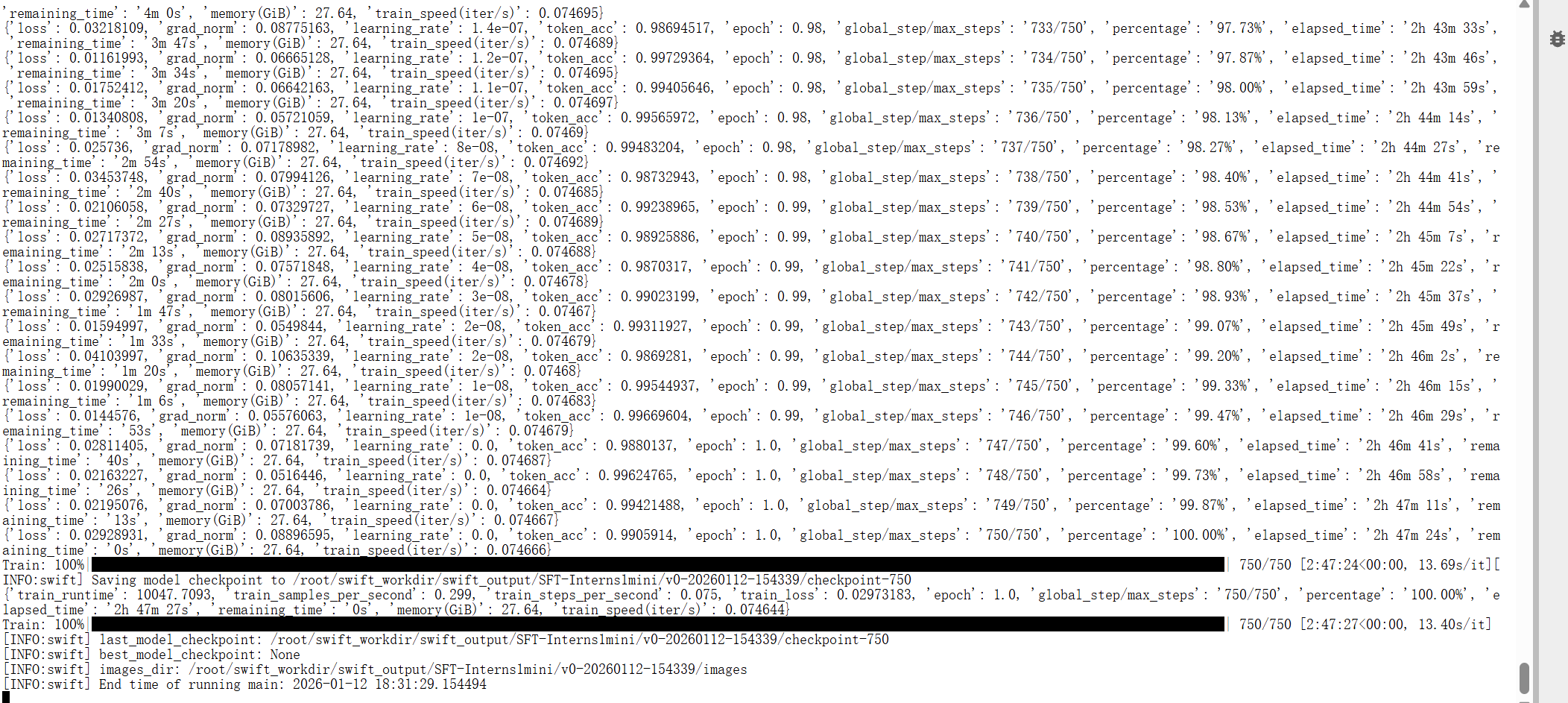
出现上述情况,则证明微调成功。
3.3 合并权重
swift export --adapters "微调生成的checkpoint文件目录" --merge_lora True
出现上述情况,则说明这个合并成功
3.4 补全模型文件
SRC="/share/new_models/InternVL3.5/InternVL3_5-1B-HF"    #源模型地址
DST="/root/llamafactory_workdir/saves/InternVL3_5-1B/lora/megred-model-path" #微调后模型地址
rsync -ah --ignore-existing --exclude='/proc' --exclude='proc' "$SRC"/ "$DST"/
rsync -ah --ignore-existing --exclude='/proc' --exclude='proc' "/share/new_models/Intern-S1-mini"/ "/root/swift_workdir/swift_output/SFT-Interns1mini/v0-20260112-154339/checkpoint-750-merged"/
rsync -ah --ignore-existing --exclude='/proc' --exclude='proc' "/share/new_models/InternVL3.5/InternVL3_5-1B"/ "/root/swift_workdir/swift_output/SFT-InternVL3_5-1B/v0-20260112-141601/checkpoint-375-merged"/4. 提交结果
4.1 上传
创建upload.py脚本
cd /root/swift_workdir
vim upload.py
脚本内容:
from modelscope.hub.api import HubApi
from modelscope.hub.constants import Licenses, ModelVisibility

# 配置基本信息
YOUR_ACCESS_TOKEN = "ms-9fxx7e"  # 填写自己的 api token ,获取方式点击:https://modelscope.cn/my/myaccesstoken
api = HubApi()
api.login(YOUR_ACCESS_TOKEN)

# 取名字
owner_name = "xx"  # ModelScope 的用户名
model_name = "xx"  # 为模型库取个响亮优雅又好听的名字,需根据自己情况修改
model_id = f"{owner_name}/{model_name}"

# 创建模型仓库
api.create_model(
    model_id,
    visibility=ModelVisibility.PUBLIC,
    license=Licenses.APACHE_V2,
    chinese_name=f"{owner_name}的书生大模型实战营-公式微调分类比赛",
)

# 上传模型到仓库
api.upload_folder(
    repo_id=f"{owner_name}/{model_name}",
    folder_path="xx",  # 微调后模型的文件夹名称
    commit_message="upload model folder to repo",  # 写上传信息
)
运行upload.py上传模型
python upload.py


提交表单的 prompt 参考如下,这里也有优化空间,可自行探索最优 prompt:
请根据图片中的公式生成对应的 latex 公式文本这个实验到此为止。

腾讯云面向开发者汇聚海量精品云计算使用和开发经验,营造开放的云计算技术生态圈。
更多推荐
 10
10 0
0- 0


 已为社区贡献1条内容

所有评论(0)