【论文复现】CRoSS:Diffusion Model Makes Controllable, Robust and Secure Image Steganography
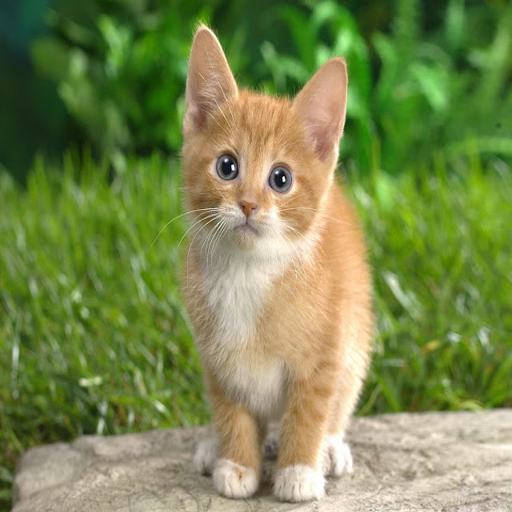
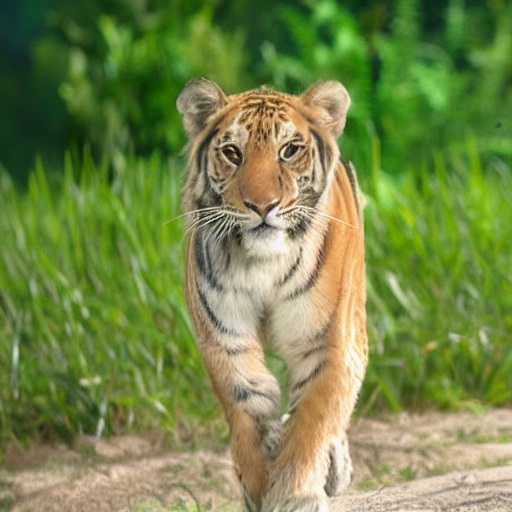
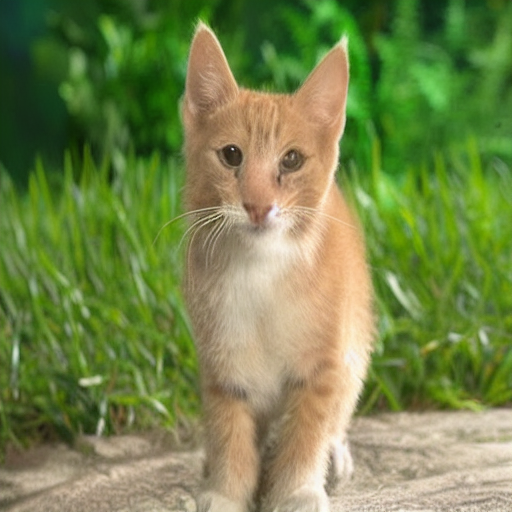
本文介绍了CRoSS模型的实现与测试结果。该模型通过双密钥机制(private_key和public_key)实现图像隐藏与恢复功能。环境配置需安装PyTorch 2.1.0、OpenCV等依赖库。测试结果显示,模型能有效隐藏原始图像(如埃菲尔铁塔),并通过密钥恢复出隐藏内容(如树木)。示例包括标准测试图像和网络图片,均成功实现了"ground truth→hide→reverse&qu
·
- 论文链接:CRoSS
- 开源代码:yujiwen/CRoSS
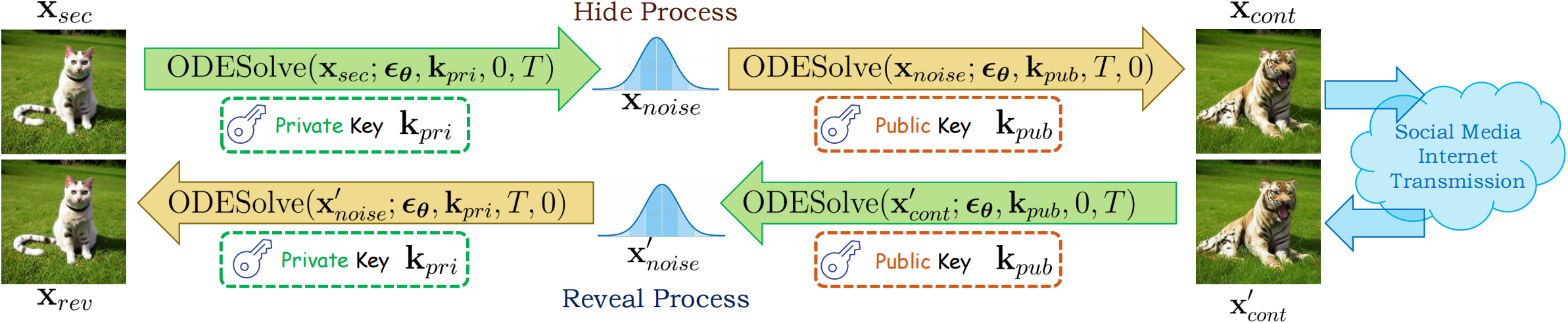
1. 环境配置
demo脚本中用到了cv2库,安装命令:
pip install opencv-python==4.5.5.64
pytoch安装命令:
# CUDA 12.1
conda install pytorch==2.1.0 torchvision==0.16.0 torchaudio==2.1.0 pytorch-cuda=12.1 -c pytorch -c nvidia
虚拟环境依赖:
pytho==3.9
torch==2.1.0
numpy==1.23.5
opencv-python==4.5.5.64
transformers==4.33.2
diffusers==0.21.2
huggingface-hub==0.17.2
safetensors==0.3.3
2. 运行结果
运行命令:
python demo.py --image_path ./asserts/1.png --private_key "Eiffel tower" --public_key "a tree" --save_path ./output --num_steps 50
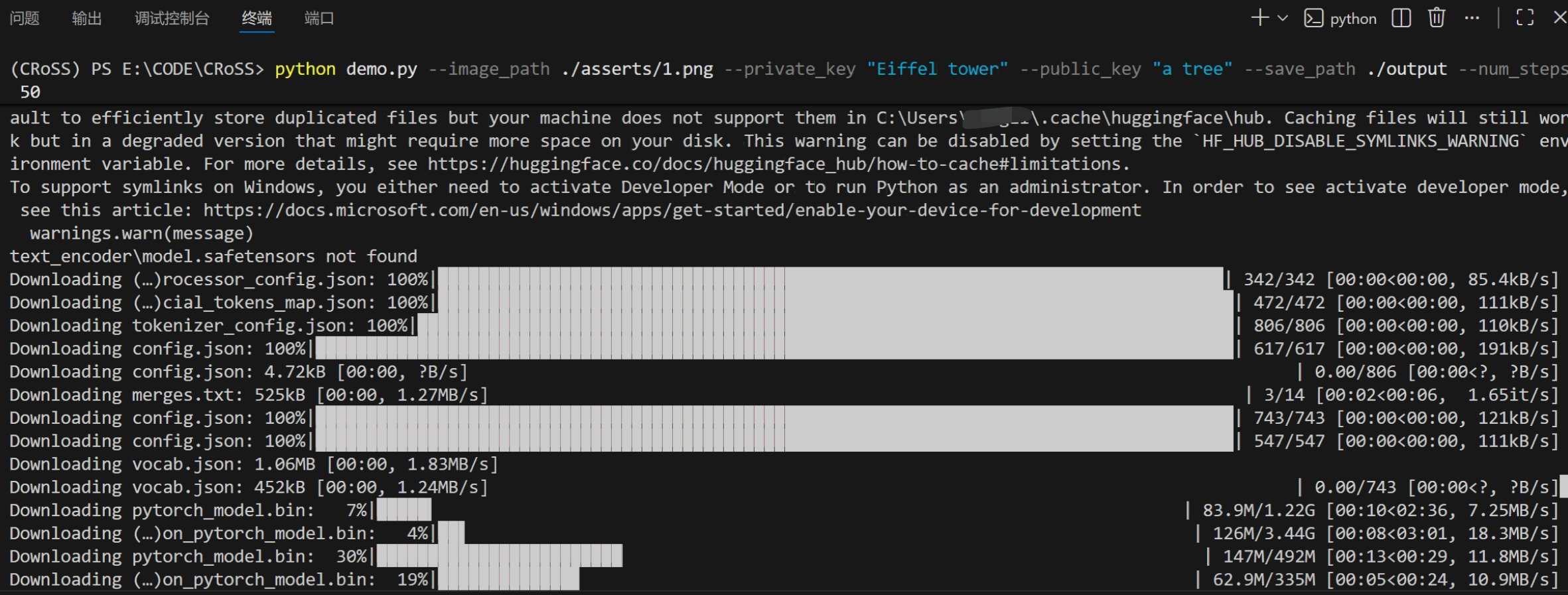
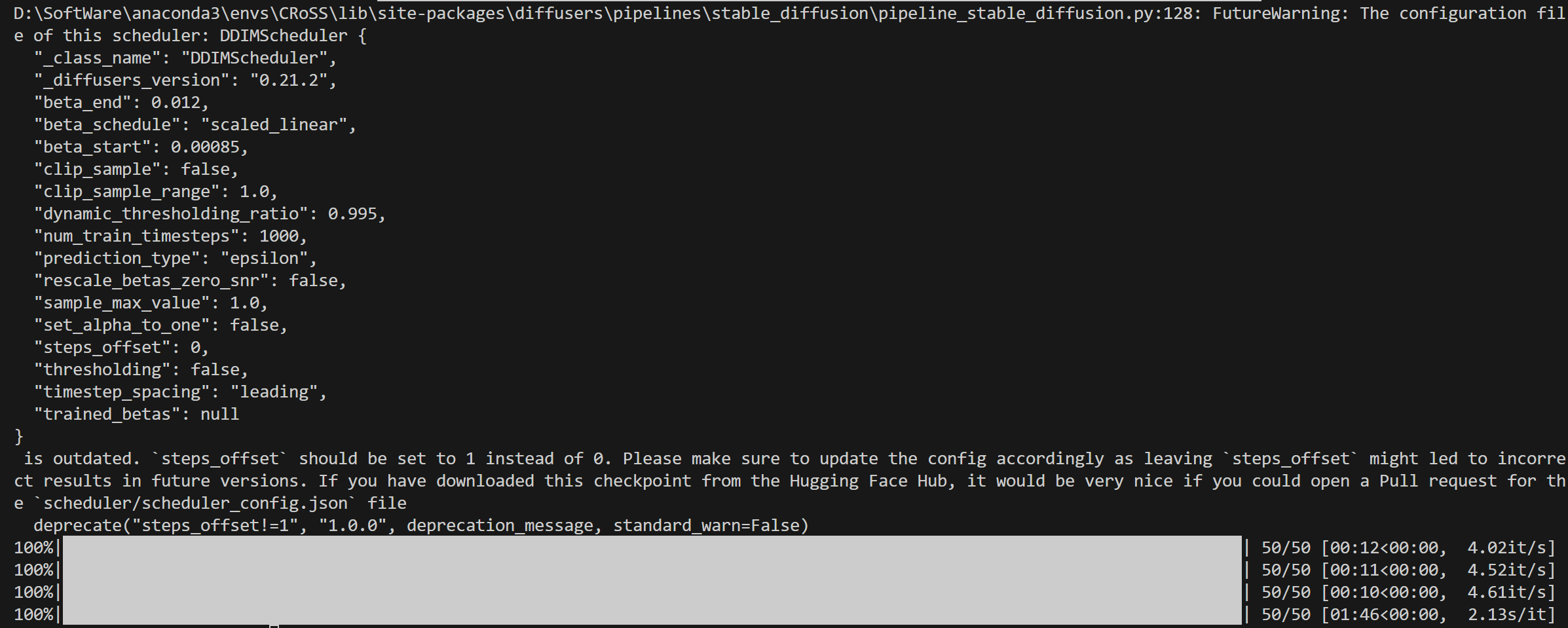
运行结果默认会保存到output文件夹下:


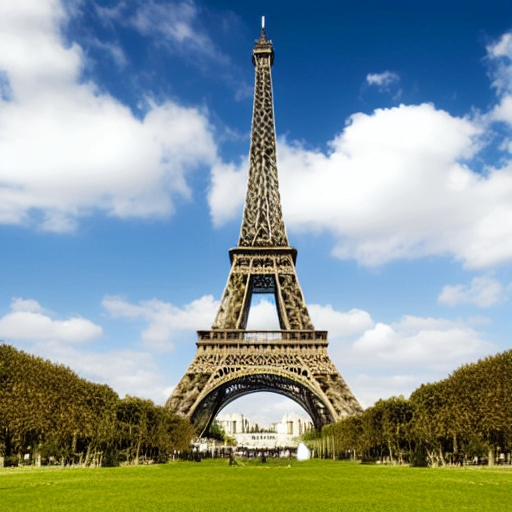
网上找了别的图片进行测试:

腾讯云面向开发者汇聚海量精品云计算使用和开发经验,营造开放的云计算技术生态圈。
更多推荐
 0
0 0
0- 0


 已为社区贡献1条内容

所有评论(0)