Flutter for OpenHarmony 家具购买记录App实战:保修管理实现
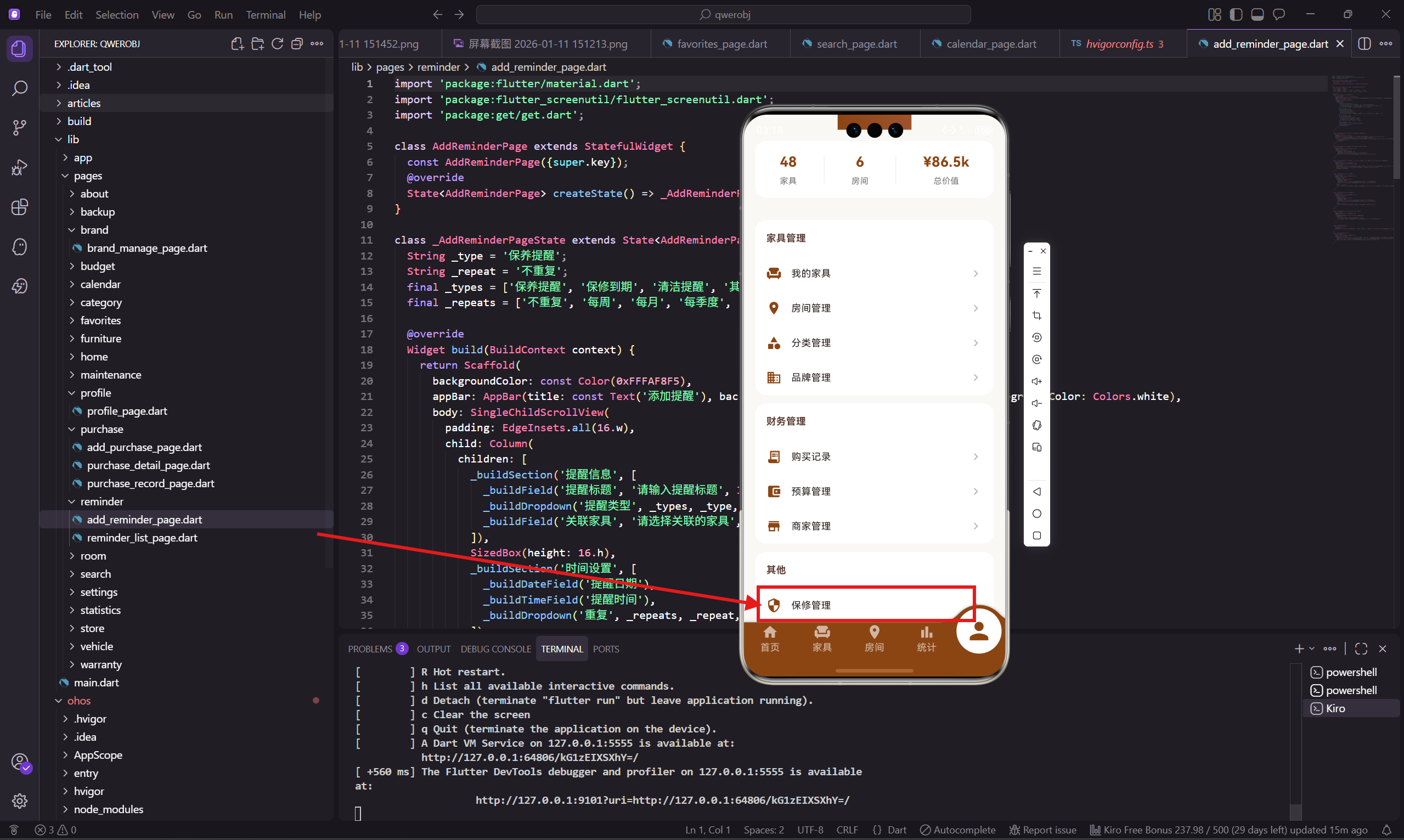
保修管理是这个 App 的实用功能之一。很多人买了家具之后就忘了保修这回事,等出问题了才发现保修已经过期。有了保修管理,用户可以清楚地看到每件家具的保修状态。
这个页面用到了 percent_indicator 库的圆形进度指示器,用来显示保修剩余时间的百分比,视觉效果很直观。
页面设计思路
保修管理页面的设计要点:
- 顶部是保修状态总览,显示保修中、即将到期、已过期的数量
- 下面是保修列表,每个保修显示圆形进度、名称、品牌、到期日期、状态标签
- 圆形进度显示保修剩余百分比,颜色根据状态变化
- 右下角有添加按钮
圆形进度指示器是这个页面的亮点,比纯文字更直观。
页面基础结构
保修管理页面用 StatelessWidget:
class WarrantyManagePage extends StatelessWidget {
  const WarrantyManagePage({super.key});
保修数据暂时写死:
  final _warranties = const [
    {'name': '北欧实木沙发', 'brand': '宜家', 'expire': '2027-01-15',
     'remain': 36, 'total': 36, 'status': '正常'},
    {'name': '智能冰箱', 'brand': '海尔', 'expire': '2024-02-20',
     'remain': 1, 'total': 24, 'status': '即将到期'},
    {'name': '真皮双人床', 'brand': '顾家', 'expire': '2028-12-20',
     'remain': 60, 'total': 60, 'status': '正常'},
    {'name': '智能升降书桌', 'brand': '乐歌', 'expire': '2026-01-10',
     'remain': 24, 'total': 24, 'status': '正常'},
    {'name': '洗衣机', 'brand': '小天鹅', 'expire': '2023-08-15',
     'remain': 0, 'total': 36, 'status': '已过期'},
  ];
每个保修有六个属性:家具名称、品牌、到期日期、剩余月数、总月数、状态。
build 方法实现
build 方法构建整个页面:
Widget build(BuildContext context) {
return Scaffold(
backgroundColor: const Color(0xFFFAF8F5),
appBar: AppBar(
title: const Text('保修管理'),
backgroundColor: const Color(0xFF8B4513),
foregroundColor: Colors.white
),
body: SingleChildScrollView(
padding: EdgeInsets.all(16.w),
child: Column(
children: [
_buildOverview(),
SizedBox(height: 16.h),
..._warranties.map((w) => _buildWarrantyCard(w)).toList(),
],
),
),
页面主体包括状态总览和保修列表。
添加按钮
右下角的悬浮添加按钮:
      floatingActionButton: FloatingActionButton(
        onPressed: () => Get.toNamed(AppRoutes.addWarranty),
        backgroundColor: const Color(0xFF8B4513),
        child: const Icon(Icons.add, color: Colors.white),
      ),
    );
  }
状态总览组件
状态总览显示三种状态的数量:
  Widget _buildOverview() {
    return Container(
      padding: EdgeInsets.all(20.w),
      decoration: BoxDecoration(
        color: Colors.white,
        borderRadius: BorderRadius.circular(16.r)
      ),
      child: Row(
        mainAxisAlignment: MainAxisAlignment.spaceAround,
        children: [
          _buildOverviewItem('保修中', '42', Colors.green),
          _buildOverviewItem('即将到期', '3', Colors.orange),
          _buildOverviewItem('已过期', '5', Colors.red),
        ],
      ),
    );
  }
三种状态用不同颜色区分:保修中用绿色,即将到期用橙色,已过期用红色。
总览项组件
单个总览项的实现:
  Widget _buildOverviewItem(String label, String value, Color color) {
    return Column(
      children: [
        Text(value, style: TextStyle(
          fontSize: 24.sp,
          fontWeight: FontWeight.bold,
          color: color
        )),
        SizedBox(height: 4.h),
        Text(label, style: TextStyle(color: Colors.grey[600], fontSize: 12.sp)),
      ]
    );
  }
数值用对应的颜色显示,标签用灰色。
保修卡片组件
每个保修是一个卡片,左边是圆形进度,右边是详细信息:
  Widget _buildWarrantyCard(Map<String, dynamic> warranty) {
    final percent = (warranty['remain'] as int) / (warranty['total'] as int);
    final color = warranty['status'] == '已过期'
      ? Colors.red
      : (warranty['status'] == '即将到期' ? Colors.orange : Colors.green);
先计算保修剩余百分比,然后根据状态确定颜色。
卡片内容
卡片的具体内容:
    return Container(
      margin: EdgeInsets.only(bottom: 12.h),
      padding: EdgeInsets.all(16.w),
      decoration: BoxDecoration(
        color: Colors.white,
        borderRadius: BorderRadius.circular(16.r)
      ),
      child: Row(
        children: [
          CircularPercentIndicator(
            radius: 35.r,
            lineWidth: 6.w,
            percent: percent.clamp(0.0, 1.0),
            center: Text('${(percent * 100).toInt()}%',
              style: TextStyle(fontWeight: FontWeight.bold, fontSize: 12.sp)),
            progressColor: color,
            backgroundColor: Colors.grey[200]!,
          ),
          SizedBox(width: 16.w),
CircularPercentIndicator 是 percent_indicator 库提供的圆形进度指示器。radius 是半径,lineWidth 是进度条宽度,center 是中间显示的内容。
保修信息
右边显示家具名称、品牌、到期日期:
          Expanded(
            child: Column(
              crossAxisAlignment: CrossAxisAlignment.start,
              children: [
                Text(warranty['name'] as String, style: TextStyle(
                  fontWeight: FontWeight.w600,
                  fontSize: 15.sp
                )),
                SizedBox(height: 4.h),
                Text(warranty['brand'] as String, style: TextStyle(
                  color: Colors.grey[600],
                  fontSize: 12.sp
                )),
                SizedBox(height: 4.h),
                Text('到期: ${warranty['expire']}', style: TextStyle(
                  color: Colors.grey[500],
                  fontSize: 11.sp
                )),
              ]
            )
          ),
状态标签
右边是状态标签:
          Container(
            padding: EdgeInsets.symmetric(horizontal: 10.w, vertical: 4.h),
            decoration: BoxDecoration(
              color: color.withOpacity(0.1),
              borderRadius: BorderRadius.circular(12.r)
            ),
            child: Text(warranty['status'] as String, style: TextStyle(
              color: color,
              fontSize: 11.sp,
              fontWeight: FontWeight.w500
            )),
          ),
        ],
      ),
    );
  }
状态标签用对应颜色的浅色背景,文字用深色,形成柔和的视觉效果。
保修状态的计算
实际项目中,保修状态应该根据到期日期动态计算:
String _getWarrantyStatus(String expireDate) {
  final expire = DateTime.parse(expireDate);
  final now = DateTime.now();
  final diff = expire.difference(now).inDays;

  if (diff < 0) return '已过期';
  if (diff < 30) return '即将到期';
  return '正常';
}

int _getRemainingMonths(String expireDate) {
  final expire = DateTime.parse(expireDate);
  final now = DateTime.now();
  final diff = expire.difference(now).inDays;
  return (diff / 30).ceil().clamp(0, 999);
}
根据到期日期和当前日期的差值判断状态,小于 0 天是已过期,小于 30 天是即将到期。
保修提醒
当保修即将到期时,可以发送提醒:
void _checkWarrantyAlerts() {
  for (final warranty in _warranties) {
    if (warranty['status'] == '即将到期') {
      _sendNotification('${warranty['name']}保修即将到期');
    }
  }
}
提醒可以在用户打开 App 时检查,或者用后台任务定期检查。
保修详情
点击保修卡片可以查看详情:
GestureDetector(
  onTap: () => Get.toNamed(AppRoutes.warrantyDetail, arguments: warranty),
  child: Container(
    // 卡片内容
  ),
)
详情页可以显示更多信息,比如保修电话、服务网点、保修凭证等。
小结
保修管理页面帮助用户追踪家具的保修状态。圆形进度指示器直观显示保修剩余时间,状态标签用颜色区分不同状态。
percent_indicator 库提供了丰富的进度指示器组件,圆形和线性都有,配置灵活。
下一篇会讲添加保修页面的实现,包括关联家具和保修信息的录入。
欢迎加入开源鸿蒙跨平台社区:https://openharmonycrossplatform.csdn.net

腾讯云面向开发者汇聚海量精品云计算使用和开发经验,营造开放的云计算技术生态圈。
更多推荐
 23
23 0
0- 0


 已为社区贡献21条内容

所有评论(0)