Flutter for OpenHarmony二手物品置换App实战 - 商品详情实现
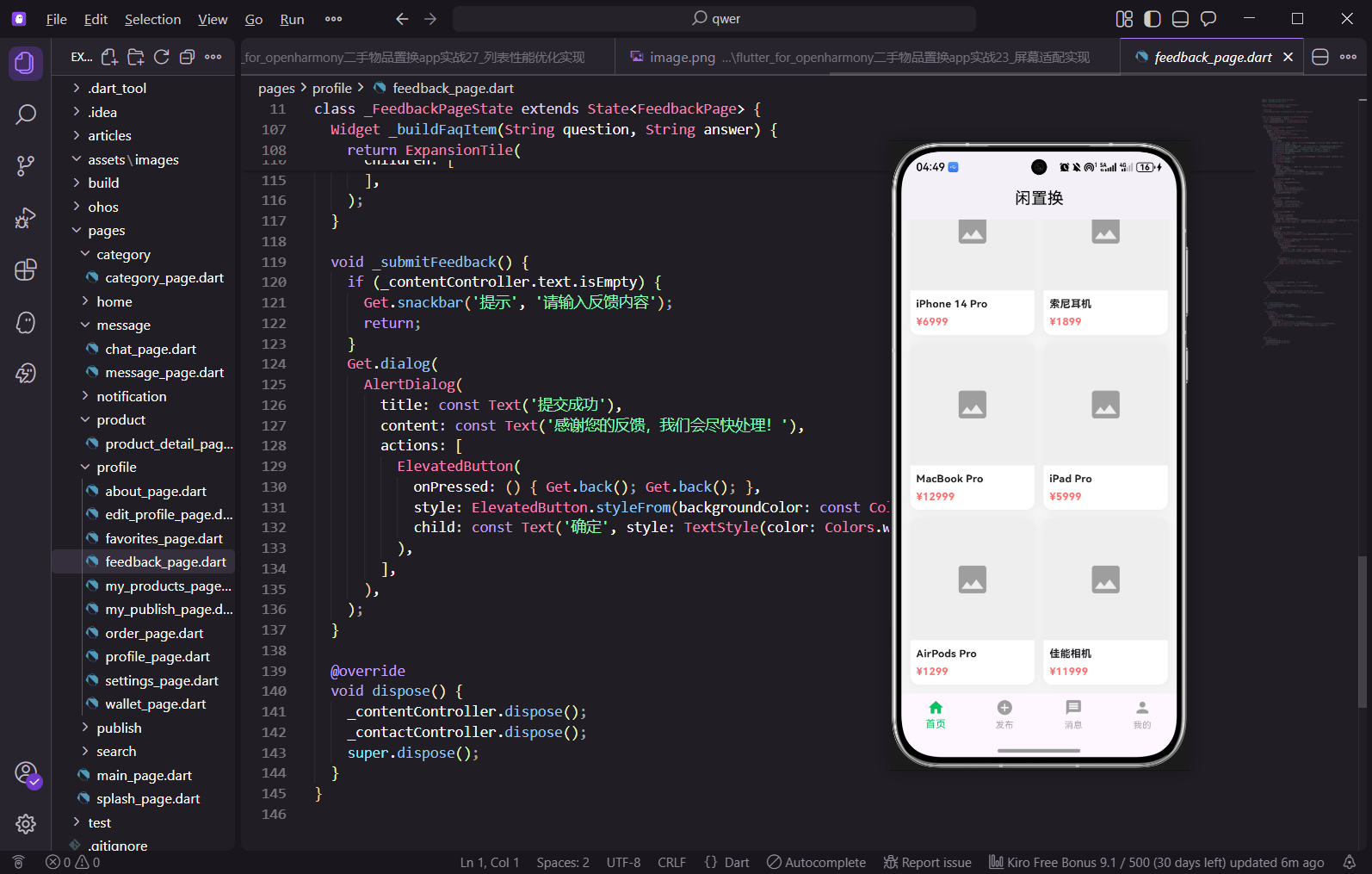
商品详情页是用户了解商品信息、做出购买决策的关键页面。用户从首页、搜索结果、分类列表点击商品后都会进入这个页面。今天我们来实现"闲置换"的商品详情页,包括商品图片、价格信息、卖家信息、商品描述和底部操作栏。
商品详情的设计思路
详情页采用上下结构:上面是可滚动的内容区域,展示商品图片、价格、卖家信息、商品描述等;下面是固定的底部操作栏,包含收藏、客服、购买按钮。这种布局让用户随时能看到操作按钮,不需要滚动到底部才能购买。
完整代码实现
import 'package:flutter/material.dart';
import 'package:get/get.dart';
import '../message/chat_page.dart';
class ProductDetailPage extends StatefulWidget {
final int productId;
const ProductDetailPage({super.key, required this.productId});
State<ProductDetailPage> createState() => _ProductDetailPageState();
}
页面接收productId参数,用于从后端获取对应商品的详细信息。实际项目中会在initState里根据这个id调用API获取数据。用StatefulWidget是因为要管理收藏状态、加载状态等,这些状态会随着用户操作而变化。导入聊天页面用于点击客服按钮后跳转,让买家能和卖家直接沟通。GetX用于页面跳转和显示提示信息。
class _ProductDetailPageState extends State<ProductDetailPage> {
bool _isFavorite = false;
Widget build(BuildContext context) {
return Scaffold(
appBar: AppBar(
title: const Text('商品详情'),
actions: [
IconButton(icon: const Icon(Icons.share), onPressed: () {}),
],
),
body: SingleChildScrollView(
child: Column(
crossAxisAlignment: CrossAxisAlignment.start,
children: [
_buildImageGallery(),
_buildPriceSection(),
_buildSellerSection(),
_buildDescriptionSection(),
],
),
),
bottomNavigationBar: _buildBottomBar(),
);
}
_isFavorite记录用户是否收藏了这个商品,点击收藏按钮时切换状态。AppBar右边放分享按钮,用户可以把商品分享给朋友。body用SingleChildScrollView包裹让内容可以滚动,里面用Column垂直排列各个区块:图片画廊、价格区域、卖家信息、商品描述。bottomNavigationBar放固定的底部操作栏,不会随内容滚动,用户随时能看到操作按钮。这种结构是电商详情页的标准布局。
  Widget _buildImageGallery() {
    return Container(
      height: 300,
      color: Colors.grey[200],
      child: PageView.builder(
        itemCount: 3,
        itemBuilder: (context, index) => Container(
          color: Colors.grey[300],
          child: Center(
            child: Column(
              mainAxisAlignment: MainAxisAlignment.center,
              children: [
                Icon(Icons.image, size: 80, color: Colors.grey[400]),
                const SizedBox(height: 8),
                Text('图片 ${index + 1}/3', style: TextStyle(color: Colors.grey[500])),
              ],
            ),
          ),
        ),
      ),
    );
  }
图片画廊用PageView.builder实现左右滑动切换图片的效果,这是商品详情页的标准交互方式,用户可以滑动查看商品的多张图片。高度固定300像素,足够展示商品图片的细节。itemCount: 3表示有3张图片,实际项目中这个数量应该根据商品数据动态设置。每张图片下面显示当前是第几张,帮助用户知道还有多少张图片可以看。这里用占位图标,实际项目要用CachedNetworkImage加载网络图片并做缓存。
  Widget _buildPriceSection() {
    return Container(
      padding: const EdgeInsets.all(16),
      color: Colors.white,
      child: Column(
        crossAxisAlignment: CrossAxisAlignment.start,
        children: [
          Row(
            crossAxisAlignment: CrossAxisAlignment.end,
            children: [
              const Text(
                '¥',
                style: TextStyle(color: Color(0xFFFF4D4F), fontSize: 16, fontWeight: FontWeight.bold),
              ),
              const Text(
                '299',
                style: TextStyle(color: Color(0xFFFF4D4F), fontSize: 28, fontWeight: FontWeight.bold),
              ),
              const SizedBox(width: 8),
              Text(
                '¥599',
                style: TextStyle(
                  color: Colors.grey[400],
                  fontSize: 14,
                  decoration: TextDecoration.lineThrough,
                ),
              ),
            ],
          ),
价格区域是详情页最重要的信息之一,用红色大字突出显示售价,让用户一眼就能看到。人民币符号和数字分开写是为了让符号小一点、数字大一点,视觉效果更好。原价用灰色小字加删除线显示在售价右边,让用户直观感受到折扣力度,"原价599现价299"这种对比能促进用户购买决策。crossAxisAlignment: CrossAxisAlignment.end让价格底部对齐,看起来更整齐。
          const SizedBox(height: 12),
          const Text(
            '【95新】iPhone 14 Pro 256G 暗紫色 国行正品',
            style: TextStyle(fontSize: 18, fontWeight: FontWeight.w500),
          ),
          const SizedBox(height: 8),
          Row(
            children: [
              const Icon(Icons.location_on, size: 14, color: Colors.grey),
              const SizedBox(width: 4),
              Text('北京市朝阳区', style: TextStyle(color: Colors.grey[600], fontSize: 12)),
              const Spacer(),
              Text('发布于3小时前', style: TextStyle(color: Colors.grey[600], fontSize: 12)),
            ],
          ),
        ],
      ),
    );
  }
商品标题用18号字体加粗显示,标题里包含成色、型号、颜色等关键信息,帮助用户快速了解商品。下面一行显示位置和发布时间,位置前面加定位图标更直观。Spacer把位置和时间撑到两端,充分利用水平空间。这些辅助信息用灰色小字,不会抢主要信息的风头。位置信息对二手交易很重要,同城交易可以面交更安全。
  Widget _buildSellerSection() {
    return Container(
      margin: const EdgeInsets.only(top: 10),
      padding: const EdgeInsets.all(16),
      color: Colors.white,
      child: Row(
        children: [
          const CircleAvatar(
            radius: 24,
            backgroundColor: Color(0xFF07C160),
            child: Text('卖', style: TextStyle(color: Colors.white, fontWeight: FontWeight.bold)),
          ),
          const SizedBox(width: 12),
          Expanded(
            child: Column(
              crossAxisAlignment: CrossAxisAlignment.start,
              children: [
                const Text('闲置达人', style: TextStyle(fontSize: 16, fontWeight: FontWeight.w500)),
                const SizedBox(height: 4),
                Text('已发布12件 · 信用良好', style: TextStyle(color: Colors.grey[600], fontSize: 12)),
              ],
            ),
          ),
          const Icon(Icons.chevron_right, color: Colors.grey),
        ],
      ),
    );
  }
卖家信息区域和价格区域之间有10像素的灰色间隔,视觉上分成两个卡片。头像用CircleAvatar做成圆形,绿色背景加"卖"字,实际项目应该显示卖家的真实头像。卖家昵称用16号字体,下面显示发布数量和信用评级,帮助买家判断卖家是否可靠。右边的箭头图标提示用户可以点击查看卖家主页。Expanded让昵称区域自适应宽度,不会被头像和箭头挤压。
  Widget _buildDescriptionSection() {
    return Container(
      margin: const EdgeInsets.only(top: 10),
      padding: const EdgeInsets.all(16),
      color: Colors.white,
      child: Column(
        crossAxisAlignment: CrossAxisAlignment.start,
        children: [
          const Text('商品描述', style: TextStyle(fontSize: 16, fontWeight: FontWeight.bold)),
          const SizedBox(height: 12),
          Text(
            '自用iPhone 14 Pro,256G暗紫色,国行正品。\n\n'
            '购买于2023年1月,使用一年,95新成色。\n\n'
            '电池健康度92%,无磕碰无划痕,功能全部正常。\n\n'
            '配件齐全,有原装充电器和数据线。\n\n'
            '同城可面交验货,外地顺丰包邮。',
            style: TextStyle(color: Colors.grey[700], fontSize: 14, height: 1.6),
          ),
        ],
      ),
    );
  }
商品描述区域展示卖家填写的详细信息,包括购买时间、使用情况、成色、配件、交易方式等。height: 1.6设置行高让文字不会太挤,阅读更舒适。用\n\n分段让内容更清晰,每段说明一个方面的信息。好的商品描述能帮助买家了解商品真实情况,减少交易纠纷。这里用硬编码的文字,实际项目应该从商品数据中获取。
  Widget _buildBottomBar() {
    return Container(
      padding: const EdgeInsets.symmetric(horizontal: 16, vertical: 8),
      decoration: BoxDecoration(
        color: Colors.white,
        boxShadow: [
          BoxShadow(
            color: Colors.black.withOpacity(0.05),
            blurRadius: 10,
            offset: const Offset(0, -2),
          ),
        ],
      ),
      child: SafeArea(
        child: Row(
          children: [
            _buildBottomButton(
              icon: _isFavorite ? Icons.favorite : Icons.favorite_border,
              label: '收藏',
              color: _isFavorite ? Colors.red : Colors.grey,
              onTap: () => setState(() => _isFavorite = !_isFavorite),
            ),
底部操作栏用Container包裹,加上向上的阴影让它看起来悬浮在内容上方,有层次感。SafeArea确保在有底部安全区域的设备上按钮不会被遮挡,比如iPhone的Home Indicator区域。收藏按钮根据_isFavorite状态显示不同的图标和颜色:未收藏时是空心灰色爱心,收藏后是实心红色爱心。点击时切换状态,setState触发UI更新。
            _buildBottomButton(
              icon: Icons.chat_bubble_outline,
              label: '客服',
              onTap: () => Get.to(() => const ChatPage(userId: 1, userName: '闲置达人')),
            ),
            const SizedBox(width: 16),
            Expanded(
              child: ElevatedButton(
                onPressed: () => Get.snackbar('提示', '功能开发中', snackPosition: SnackPosition.BOTTOM),
                style: ElevatedButton.styleFrom(
                  backgroundColor: const Color(0xFF07C160),
                  padding: const EdgeInsets.symmetric(vertical: 12),
                  shape: RoundedRectangleBorder(borderRadius: BorderRadius.circular(8)),
                ),
                child: const Text('立即购买', style: TextStyle(color: Colors.white, fontSize: 16)),
              ),
            ),
          ],
        ),
      ),
    );
  }
客服按钮点击后跳转到聊天页面,传入卖家的id和昵称,让买家能直接和卖家沟通询问商品细节或者协商价格。购买按钮用Expanded占据剩余空间,绿色背景白色文字非常醒目,是整个底部栏最重要的操作入口。按钮用圆角矩形,和整体风格统一。点击后显示提示,实际项目中应该跳转到订单确认页面。
  Widget _buildBottomButton({
    required IconData icon,
    required String label,
    Color? color,
    required VoidCallback onTap,
  }) {
    return GestureDetector(
      onTap: onTap,
      child: Padding(
        padding: const EdgeInsets.symmetric(horizontal: 12),
        child: Column(
          mainAxisSize: MainAxisSize.min,
          children: [
            Icon(icon, color: color ?? Colors.grey),
            const SizedBox(height: 2),
            Text(label, style: TextStyle(color: color ?? Colors.grey, fontSize: 10)),
          ],
        ),
      ),
    );
  }
}
底部小按钮封装成独立方法方便复用,收藏和客服按钮都用这个方法生成。按钮是图标加文字的垂直组合,mainAxisSize: MainAxisSize.min让按钮高度自适应内容。Padding给按钮加水平内边距,增大点击区域方便用户操作。颜色参数可选,默认是灰色,收藏按钮收藏后传入红色。这种封装方式让代码更简洁,如果要加更多按钮只需要调用这个方法。
小结
这篇实现了"闲置换"App的商品详情页,包括图片画廊、价格展示、卖家信息、商品描述和底部操作栏。详情页是用户做出购买决策的关键页面,信息展示要清晰完整,操作按钮要方便触达。
欢迎加入开源鸿蒙跨平台社区:https://openharmonycrossplatform.csdn.net

腾讯云面向开发者汇聚海量精品云计算使用和开发经验,营造开放的云计算技术生态圈。
更多推荐
 16
16 0
0- 0


 已为社区贡献35条内容

所有评论(0)