Flutter for OpenHarmony 家具购买记录App实战:商家管理实现
·
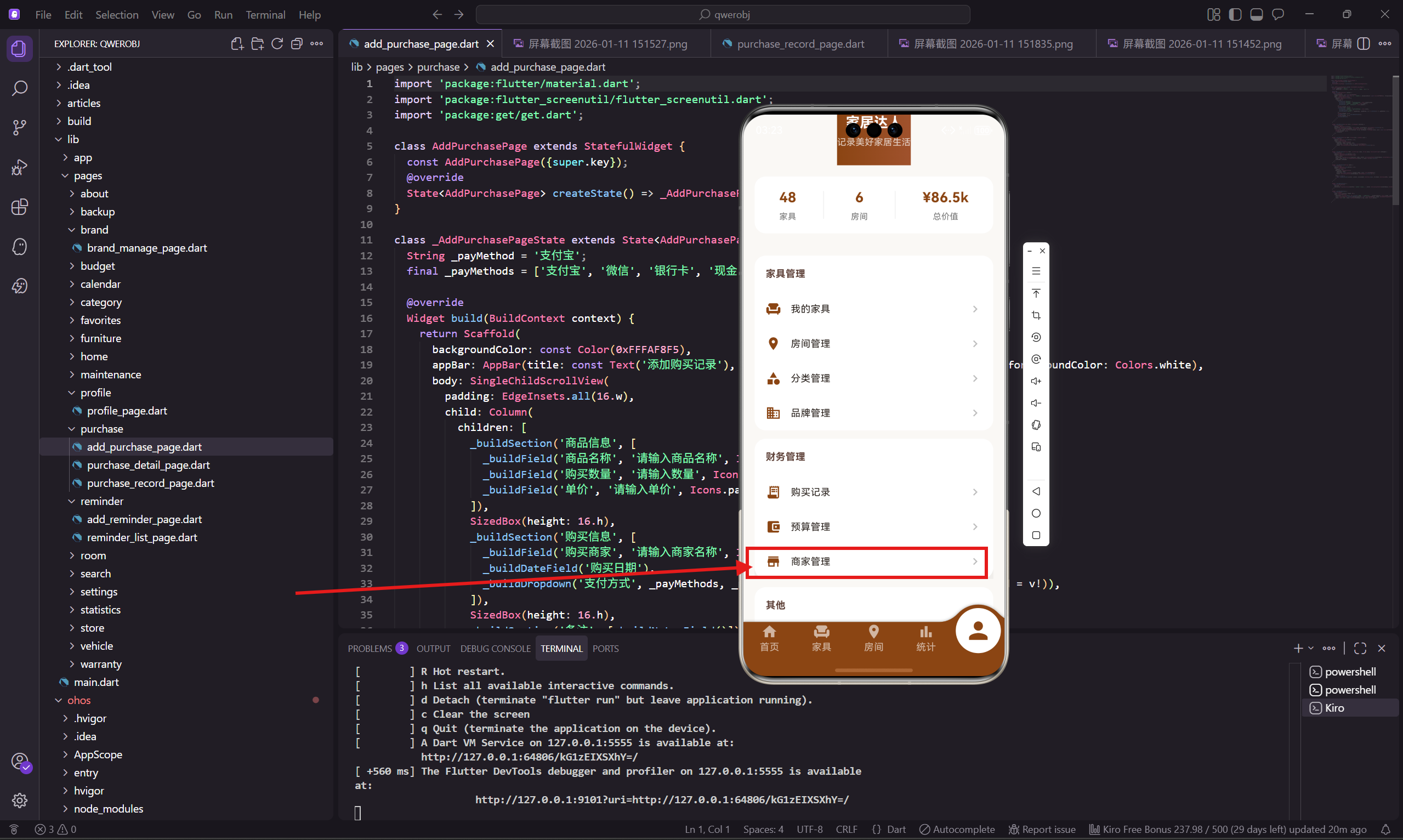
商家管理页面展示用户购买家具的商家信息。记录商家信息的好处是,以后需要售后服务或者再次购买时,可以快速找到商家的联系方式。
这个页面的卡片设计比较丰富,包含商家名称、地址、电话、购买统计等信息。
页面设计思路
商家管理页面的设计要点:
- 列表展示所有商家
- 每个商家显示名称、地址、电话、购买数量、总花费
- 卡片分为上下两部分,上面是基本信息,下面是统计信息
- 右下角有添加按钮
卡片用分隔线分成两部分,信息层次更清晰。
页面基础结构
商家管理页面用 StatelessWidget:
class StoreManagePage extends StatelessWidget {
  const StoreManagePage({super.key});
商家数据暂时写死:
  final _stores = const [
    {'name': '宜家家居', 'address': '北京市朝阳区四元桥',
     'phone': '400-800-2345', 'count': 15, 'total': 28600.0},
    {'name': '顾家家居旗舰店', 'address': '北京市海淀区中关村',
     'phone': '010-82345678', 'count': 8, 'total': 35200.0},
    {'name': '京东自营', 'address': '线上商城',
     'phone': '400-606-5500', 'count': 12, 'total': 22500.0},
    {'name': '苏宁易购', 'address': '北京市西城区西单',
     'phone': '400-836-5365', 'count': 5, 'total': 15800.0},
  ];
每个商家有五个属性:名称、地址、电话、购买数量、总花费。
build 方法实现
build 方法构建整个页面:
Widget build(BuildContext context) {
return Scaffold(
backgroundColor: const Color(0xFFFAF8F5),
appBar: AppBar(
title: const Text('商家管理'),
backgroundColor: const Color(0xFF8B4513),
foregroundColor: Colors.white
),
body: ListView.builder(
padding: EdgeInsets.all(16.w),
itemCount: _stores.length,
itemBuilder: (context, index) => _buildStoreCard(_stores[index]),
),
页面主体用 ListView.builder 构建列表。
添加按钮
右下角的悬浮添加按钮:
      floatingActionButton: FloatingActionButton(
        onPressed: () => Get.toNamed(AppRoutes.addStore),
        backgroundColor: const Color(0xFF8B4513),
        child: const Icon(Icons.add, color: Colors.white),
      ),
    );
  }
商家卡片组件
每个商家是一个卡片,分为上下两部分:
  Widget _buildStoreCard(Map<String, dynamic> store) {
    return Container(
      margin: EdgeInsets.only(bottom: 12.h),
      padding: EdgeInsets.all(16.w),
      decoration: BoxDecoration(
        color: Colors.white,
        borderRadius: BorderRadius.circular(16.r)
      ),
      child: Column(
        crossAxisAlignment: CrossAxisAlignment.start,
        children: [
          Row(
            children: [
              Container(
                padding: EdgeInsets.all(10.w),
                decoration: BoxDecoration(
                  color: const Color(0xFF8B4513).withOpacity(0.1),
                  borderRadius: BorderRadius.circular(10.r)
                ),
                child: Icon(Icons.store, color: const Color(0xFF8B4513), size: 24.sp),
              ),
              SizedBox(width: 12.w),
              Expanded(
                child: Column(
                  crossAxisAlignment: CrossAxisAlignment.start,
                  children: [
                    Text(store['name'] as String, style: TextStyle(
                      fontWeight: FontWeight.bold,
                      fontSize: 16.sp
                    )),
                    SizedBox(height: 4.h),
                    Text(store['address'] as String, style: TextStyle(
                      color: Colors.grey[600],
                      fontSize: 12.sp
                    )),
                  ]
                )
              ),
            ],
          ),
上半部分显示商家图标、名称、地址。
分隔线和统计信息
下半部分显示电话和统计信息:
          SizedBox(height: 12.h),
          Divider(height: 1, color: Colors.grey[200]),
          SizedBox(height: 12.h),
          Row(
            mainAxisAlignment: MainAxisAlignment.spaceBetween,
            children: [
              Row(
                children: [
                  Icon(Icons.phone, size: 16.sp, color: Colors.grey[500]),
                  SizedBox(width: 4.w),
                  Text(store['phone'] as String, style: TextStyle(
                    color: Colors.grey[600],
                    fontSize: 12.sp
                  )),
                ]
              ),
              Text(
                '${store['count']}件 · ¥${(store['total'] as double).toStringAsFixed(0)}',
                style: TextStyle(
                  color: const Color(0xFF8B4513),
                  fontWeight: FontWeight.w600,
                  fontSize: 13.sp
                )
              ),
            ],
          ),
        ],
      ),
    );
  }
用 Divider 分隔上下两部分。下半部分左边是电话,右边是购买统计。
点击拨打电话
可以点击电话号码直接拨打:
GestureDetector(
  onTap: () async {
    final url = 'tel:${store['phone']}';
    if (await canLaunchUrl(Uri.parse(url))) {
      await launchUrl(Uri.parse(url));
    }
  },
  child: Row(
    children: [
      Icon(Icons.phone, size: 16.sp, color: Colors.grey[500]),
      SizedBox(width: 4.w),
      Text(store['phone'] as String, style: TextStyle(
        color: Colors.blue,
        fontSize: 12.sp,
        decoration: TextDecoration.underline,
      )),
    ],
  ),
)
用 url_launcher 插件打开电话应用。电话号码用蓝色下划线样式,暗示可以点击。
商家详情
点击卡片可以查看商家详情:
GestureDetector(
  onTap: () => Get.toNamed(AppRoutes.storeDetail, arguments: store),
  child: Container(
    // 卡片内容
  ),
)
详情页可以显示更多信息,比如该商家购买的所有家具列表、评价等。
商家搜索
如果商家数量很多,可以加搜索功能:
TextField(
  decoration: InputDecoration(
    hintText: '搜索商家',
    prefixIcon: Icon(Icons.search),
  ),
  onChanged: (value) {
    setState(() {
      _filteredStores = _stores.where((s) =>
        (s['name'] as String).contains(value)
      ).toList();
    });
  },
)
商家分类
商家可以按类型分类:
final _storeTypes = ['全部', '实体店', '线上商城', '品牌直营'];

Widget _buildTypeFilter() {
  return Container(
    height: 40.h,
    child: ListView(
      scrollDirection: Axis.horizontal,
      children: _storeTypes.map((type) => Padding(
        padding: EdgeInsets.only(right: 8.w),
        child: ChoiceChip(
          label: Text(type),
          selected: _selectedType == type,
          onSelected: (selected) {
            setState(() => _selectedType = type);
          },
        ),
      )).toList(),
    ),
  );
}
用 ChoiceChip 实现类型筛选。
小结
商家管理页面展示购买家具的商家信息,卡片分为上下两部分,上面是基本信息,下面是统计信息。点击电话可以直接拨打。
商家信息对于售后服务和再次购买很有用,是家具管理的重要补充。
下一篇会讲添加商家页面的实现,包括商家基本信息和联系方式。
欢迎加入开源鸿蒙跨平台社区:https://openharmonycrossplatform.csdn.net

腾讯云面向开发者汇聚海量精品云计算使用和开发经验,营造开放的云计算技术生态圈。
更多推荐
 4
4 0
0- 0


 已为社区贡献21条内容

所有评论(0)