如何优雅地编辑微信公众号
前言
10 年前注册的微信公众号终于想起来经营一下. 然而, 这都 6202 年了, 微信公众号的后台居然还不支持 Markdown 语法! 简直是对普通用户太友好了 (不是). 相信我肯定不是第一个吐槽的, 于是乎就从 Github 上找了个第三方的编辑器, 还挺好用, 记录一下本地部署的过程.
项目地址:
https://github.com/doocs/md
Docker 部署一把梭
docker run -d -p 8080:80 doocs/md:latest
访问效果
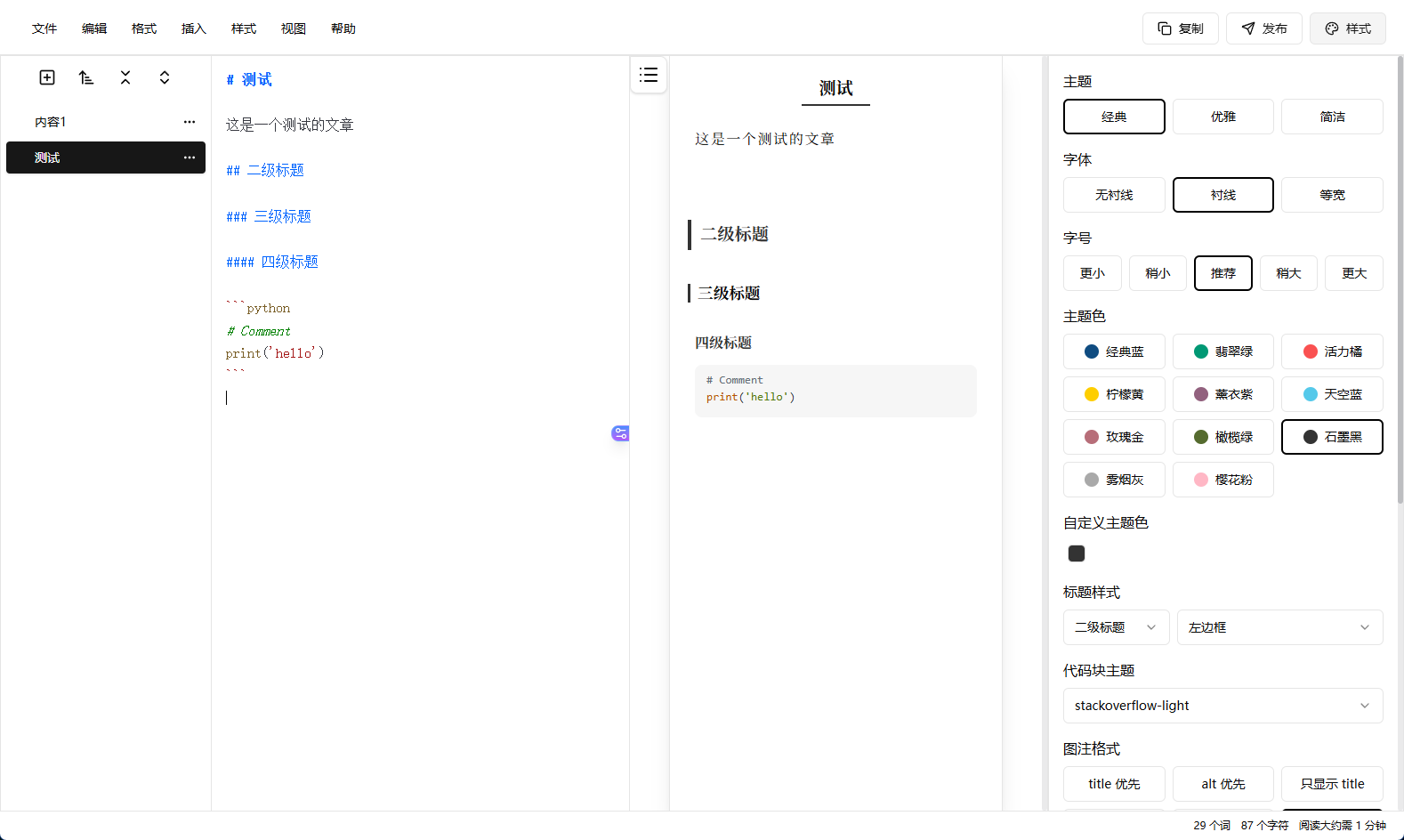
微信公众号图床配置
由于是本地 Docker 部署, 调用微信公众号图床的时候会遇到 CORS 跨域的问题, 项目作者给的解决方案是用 nodejs 在本地跑了一个反向代理的服务, 不想再配置 nodejs 运行环境了, 代码也很简单, 直接扔给 AI 用 Python 重构了一版出来, 基于 FastAPI 轻松实现. 直接放源码了:
# main.py
import httpx
from fastapi import FastAPI, Request, Response
from fastapi.middleware.cors import CORSMiddleware

app = FastAPI()

# 1. Add CORS Middleware (This replaces your setCorsHeaders function)
app.add_middleware(
    CORSMiddleware,
    allow_origins=["*"],
    allow_credentials=True,
    allow_methods=["*"],  # This will now include OPTIONS automatically
    allow_headers=["*"],
)

TARGET_URL = "https://api.weixin.qq.com"

# 2. Added "OPTIONS" to the supported methods here as well
@app.api_route("/{path:path}", methods=["GET", "POST", "PUT", "DELETE", "OPTIONS"])
async def proxy(request: Request, path: str):
    # Handle OPTIONS locally so it doesn't try to proxy to WeChat
    if request.method == "OPTIONS":
        return Response(status_code=200)

    url = f"{TARGET_URL}/{path}"
    if request.query_params:
        url += f"?{request.query_params}"

    headers = dict(request.headers)
    headers.pop("host", None)

    # Optional: WeChat API often requires a specific Content-Type
    # Ensure we don't break the encoding
    body = await request.body()

    async with httpx.AsyncClient() as client:
        proxy_res = await client.request(
            method=request.method,
            url=url,
            headers=headers,
            content=body,
            follow_redirects=True,
            timeout=60.0 # WeChat APIs can sometimes be slow
        )

        return Response(
            content=proxy_res.content,
            status_code=proxy_res.status_code,
            headers=dict(proxy_res.headers)
        )

if __name__ == "__main__":
    import uvicorn
    uvicorn.run(app, host="0.0.0.0", port=8000)
用 uv 安装依赖跑起来就行了, 监听本地的 8000 端口
uv add httpx fastapi uvicorn
uv run main.py
接下来需要下载安装 Chrome 浏览器插件 (同一个作者开发):
https://github.com/doocs/cose/releases
回到编辑器, 插入 > 插入图片
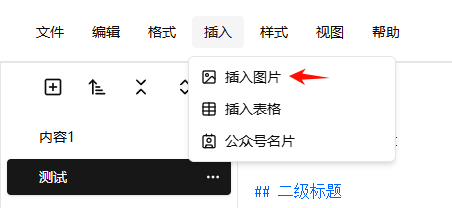
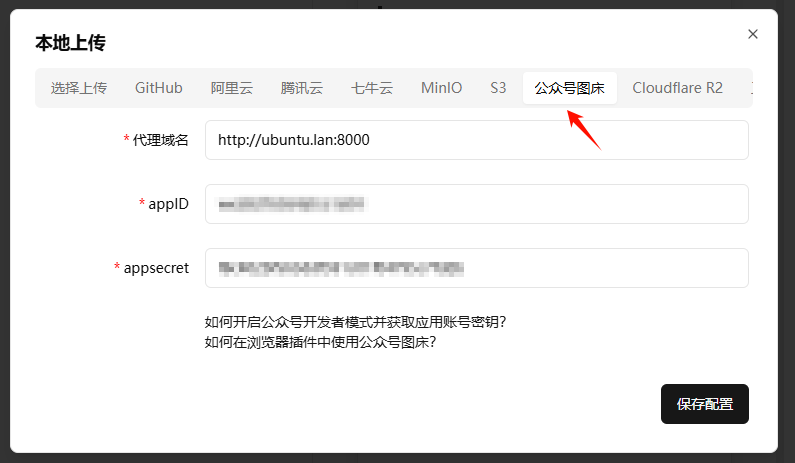
切换到"公众号图床"标签, 这里的代理域名就填 Docker 服务器自己的地址+8000端口.
因为请求会从 Docker 里面发出来, 所以注意不要写 localhost
appID 和 appsecret 从微信开发者平台获取, 保存配置
再返回 “选择上传” 标签页, 切换到 “公众号图床”
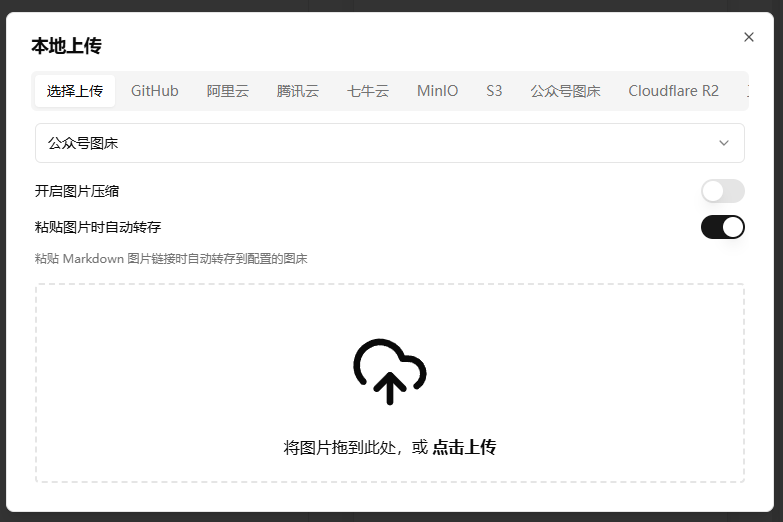
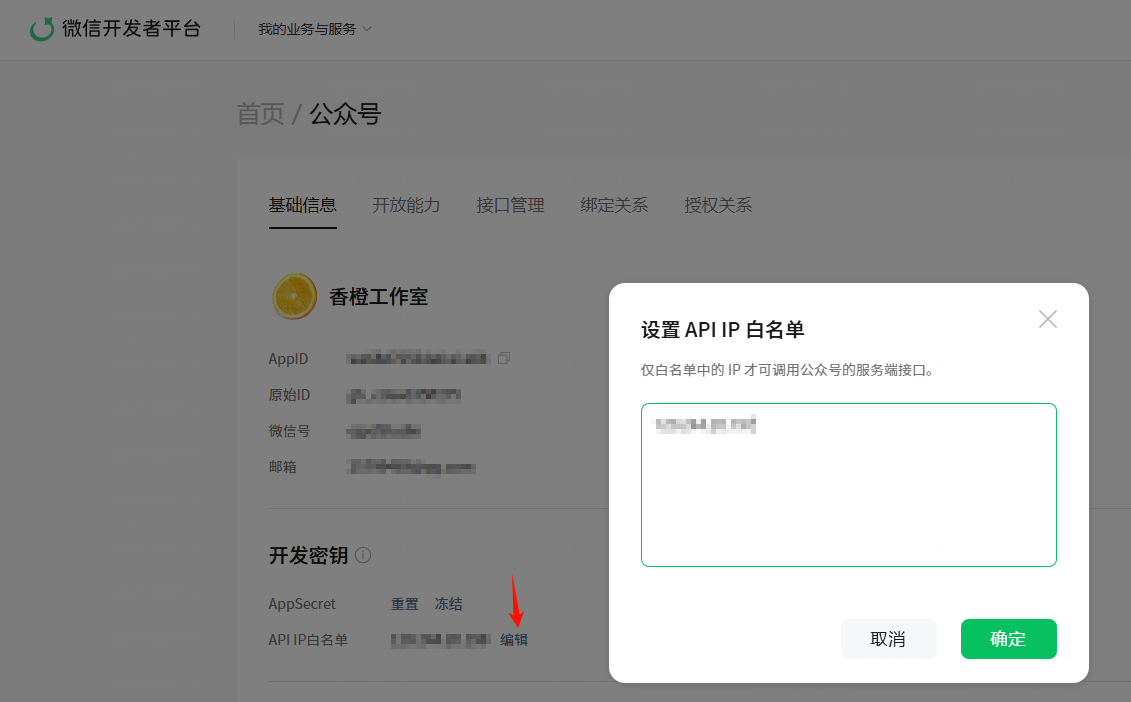
上传个图片试试, 如果失败了, 检查浏览器请求的结果, 大概率是 Docker 服务器的公网 IP 没有在微信开发者平台的 API IP 白名单里面, 加上就好了:
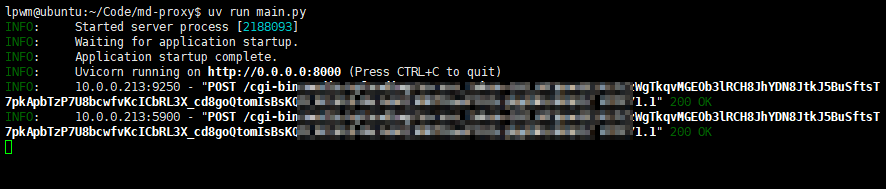
同时也可以在 Python 运行的反向代理日志中确认:
结尾
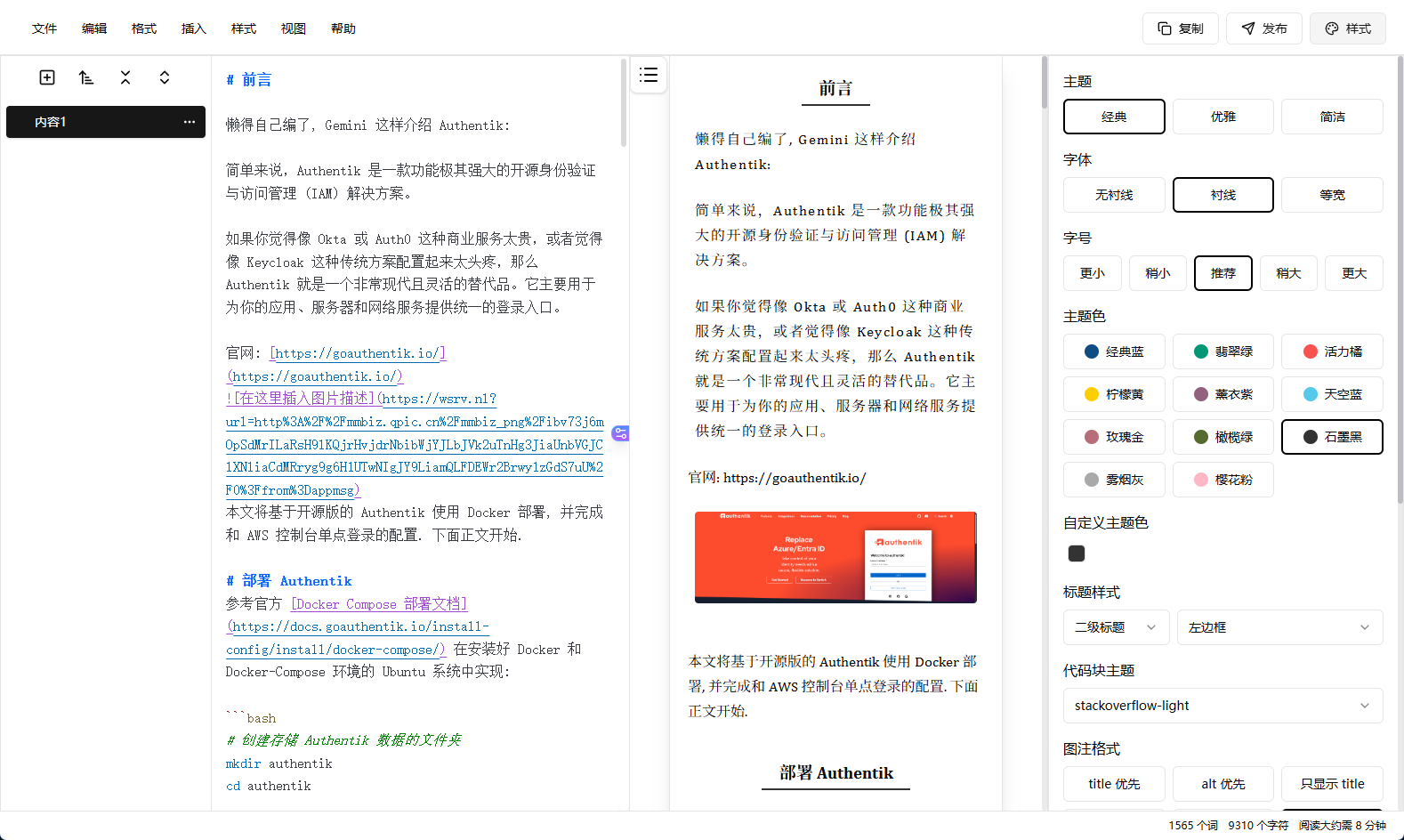
这编辑起来确实爽多了, 图片还支持剪切板直接上传, 不过发现点击发布按钮后提交到微信公众号后台的草稿格式不太正确, 还是手动复制再粘贴比较靠谱.
都看到这了, 就不妨关注一下俺的公众号 香橙工作室, 以后会不定期分享 AWS 和各种技术干货 😎

腾讯云面向开发者汇聚海量精品云计算使用和开发经验,营造开放的云计算技术生态圈。
更多推荐
 5
5 0
0- 0


 已为社区贡献5条内容

所有评论(0)