Nessus无法查看本地扫描结果(漏洞扫描工具Nessus常见问题)kali版本
·
注释:Scans originating from this scanner can not be viewed locally. To review, export the current results and import them into Tenable.io or Nessus Manager.
问题如图:

步骤:
- 打开终端,输入
vim /opt/nessus/lib/nessus/plugins/plugin_feed_info.inc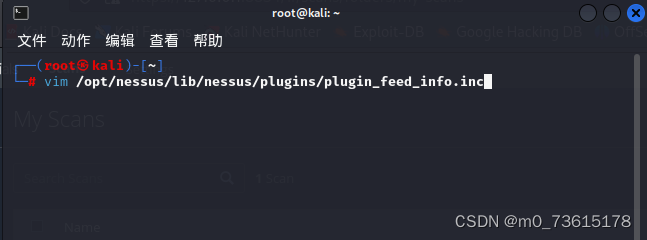
- 按 i 进行修改插入
- 首行“PLUGIN_SET = ”按各自电脑默认;
- 将后两行修改插入;
PLUGIN_SET = “202309161115”;
PLUGIN_FEED = “ProfessionalFeed (Direct)”;
PLUGIN_FEED_TRANSPORT = “Tenable Network Security Lightning”;
-
启动nessus(或重启)
service nessusd start
service nessusd restart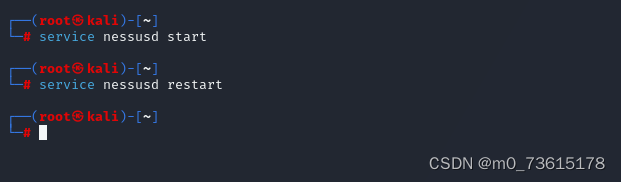
-
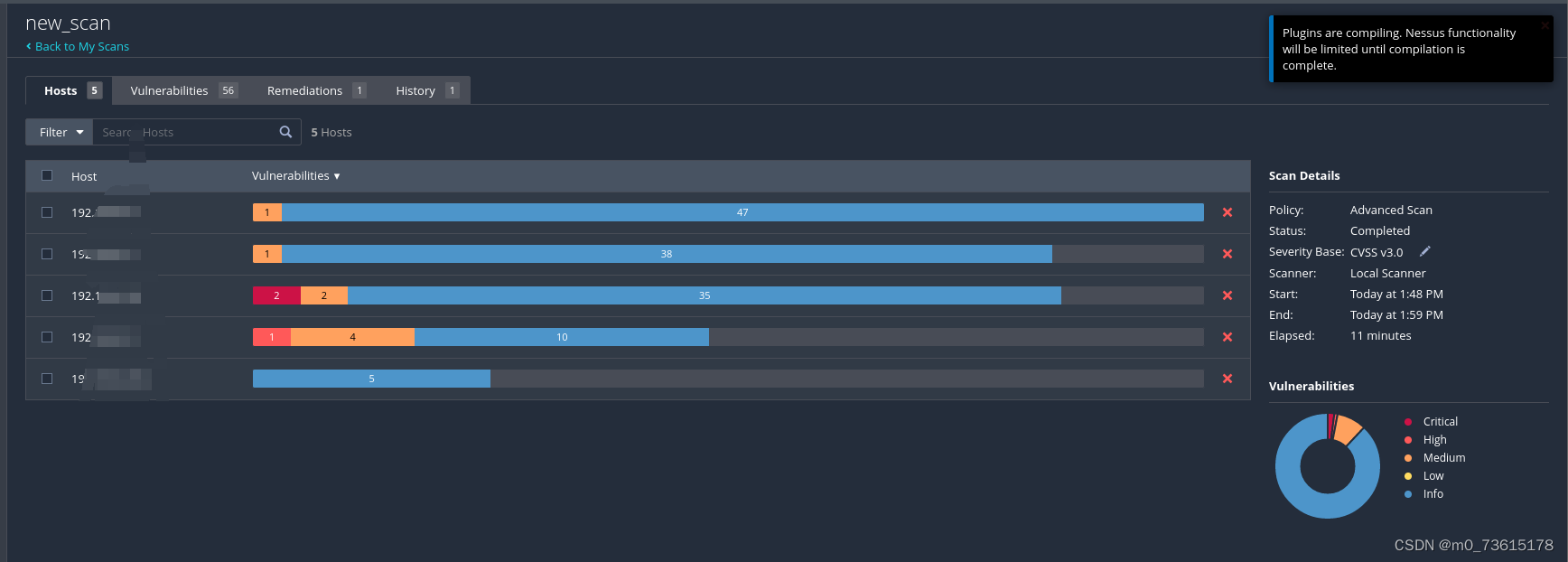
访问网站https://127.0.0.1:8834即可成功查看了

腾讯云面向开发者汇聚海量精品云计算使用和开发经验,营造开放的云计算技术生态圈。
更多推荐
 8
8 0
0- 0


 已为社区贡献2条内容

所有评论(0)